
AI & ML for Architects and Interior Designers
Let the machine draft. You design.
A practitioner's deep dive into the tools, workflows and judgement that AI brings to design — generative imagery, rendering, space planning, language AI, BIM, business and ethics — taught for architects and interior designers in India.
Course byAmogh N P· Architect & interior designerTools named & dated · last verified 2026-06-29
- Understand what AI and ML really are — and aim them where they pay, never where they bite.
- Generate concept imagery, mood boards and renders that hold up in front of a client.
- Use AI floor-plan, space-planning and feasibility tools without trusting them blindly.
- Put language AI to work on specs, BOQs, reports and a studio knowledge assistant.
- Navigate BIM/performance ML, the business of an AI-augmented studio, and the ethics and IP — in India.
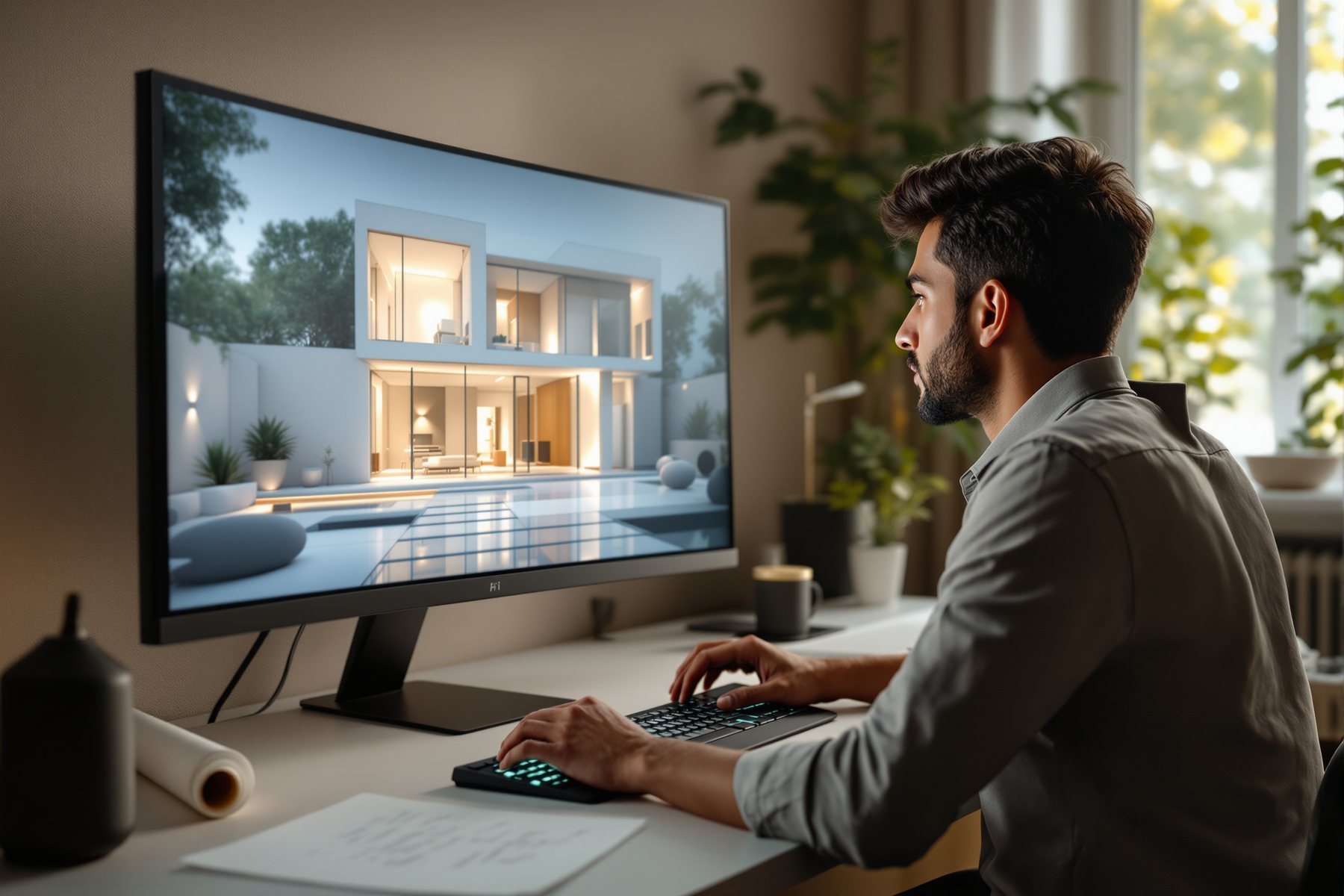
What AI & ML actually are — for a designer
Strip away the hype and the jargon, and there's one simple idea underneath. Once you see it, every tool in this course makes sense.
Begin the lessonThe course, module by module
10 modules · 40 lessonsModule 0 · Ground Rules
3 liveBefore the tools: what AI and ML actually are in plain language, what they genuinely can and can't do for a designer, and where they belong in a real practice.
- What AI & ML actually are — for a designer
- What AI can and can't do in design
- Where AI fits in a real practice
Module 1 · AI & ML Foundations
4 liveA designer-friendly look under the hood: how generative models actually work, why training data and bias matter, prompting as a craft, and the 2026 toolkit.
- How AI models actually work
- Training, data & bias
- Prompting as a design skill
- The 2026 AI toolkit landscape
Module 2 · Generative Imagery I — Concept & Mood
4 liveText-to-image for architecture and interiors: the engines, prompt craft, mood boards, and exploring materials and finishes at the speed of thought.
- Text-to-image, the basics
- Prompt craft for architecture & interiors
- Mood boards & style exploration
- Material & finish exploration
Module 3 · Generative Imagery II — Control & Refinement
4 liveFrom lucky pictures to controllable ones: keeping your own geometry with img2img and ControlNet, sketch-to-render, recolour and staging, and clean upscales.
- img2img & ControlNet: keep your geometry
- Sketch to render
- Inpainting, recolour & virtual staging
- Upscaling, consistency & post
Module 4 · AI in the Rendering Pipeline
4 livePlugging AI into how you already work: real-time AI rendering, the SketchUp/Rhino/Revit plugins, fast iteration loops, and turning an AI image into a deliverable.
- Real-time AI rendering
- Plugins for SketchUp, Rhino & Revit
- Iteration workflows that save days
- From AI image to client deliverable
Module 5 · Generative Design & Space Planning
4 liveAI that proposes layouts, not just pictures: floor-plan generators, optioneering and optimization, parametric design with ML, and site/massing/feasibility.
- AI floor-plan & layout generation
- Optioneering & optimization
- Parametric design meets ML
- Site, massing & feasibility AI
Module 6 · Language AI in Practice
4 liveThe least flashy, highest-ROI AI in a studio: drafting specs, reports and client comms, checking BOQs and codes, and building an assistant over your own knowledge.
- ChatGPT & Claude for specs, reports & comms
- BOQs, code-checking & research
- Build a studio knowledge assistant (RAG)
- Agents & workflow automation
Module 7 · Data, BIM & Performance ML
4 liveWhere ML meets the building itself: predicting energy, daylight and cost; computer vision on site; point clouds and scan-to-BIM; and automated quantities and QA.
- ML for energy, daylight & cost
- Computer vision for site progress
- Point clouds & scan-to-BIM
- Automated takeoffs & QA
Module 8 · The AI-Augmented Studio
4 liveRunning a practice that uses AI well: integrating it into the workflow, pricing the work, upskilling the team and the new roles, and keeping client trust.
- Integrating AI into your workflow
- Pricing AI-augmented work
- Team upskilling & new roles
- Client trust & communication
Module 9 · Ethics, IP, Risk & the Future
5 liveThe grown-up questions: who owns an AI image in India, what you can and can't feed a model, professional liability and authorship, and where this all goes — ending in a capstone.
- Copyright of AI images (India & global)
- Client data, privacy & security
- Professional liability & authenticity
- Where this is heading (2026 and beyond)
- Capstone: your AI-augmented project
The author
Amogh N P
Architect, interior designer, and creative polymath. Studio Matrx began in his notebooks — his vision of design made honest, useful, and open to everyone. Its Academy is written and taught in his memory, and free, forever.
More about Amogh →