
Iteration workflows that save days
The loop that turns a week of CGI back-and-forth into an afternoon — model, AI pass, select, refine, deliver.
Lesson byAmogh N P· Architect & interior designer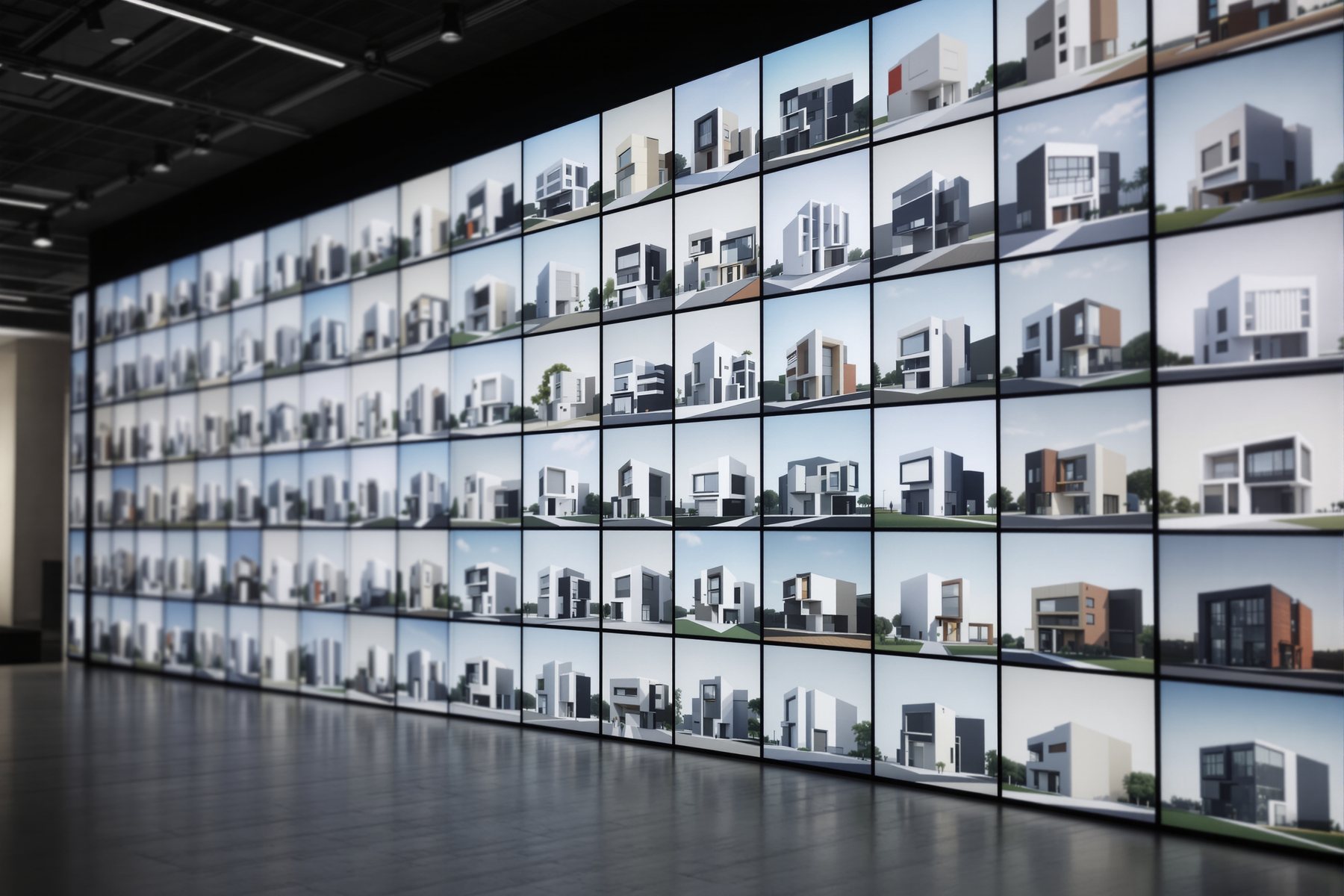
Traditional CGI is a relay race. The AI loop is a spin cycle.
The old viz pipeline was linear and expensive: brief the visualiser, wait three days, get one camera, request changes, wait two more days, get the revision, discover the client wanted warmer wood, wait again. A facade study could burn two weeks and most of a fee. The AI render loop is a different shape entirely — a tight cycle you run yourself: model once, fire an AI pass that returns ten variations, select the two that work, refine those, deliver. What took a fortnight of relay now takes an afternoon of spinning the same loop. This lesson is that loop, drawn out, with the places it saves the most time marked in bold.
Model -> AI pass -> select -> refine -> deliver, on repeat
Five stations you cycle, not a line you walk once
Here is the loop every fast studio runs in 2026, whichever engine they use: Model (your geometry, done once and reused) -> AI pass (render with a prompt, ideally a batch of variations) -> Select (you, the human, pick the keepers — this is the converge step) -> Refine (tweak prompt, material, light on the winners) -> Deliver (post, label, present).
The magic is that you re-enter at AI pass or Refine without re-modelling. The geometry is fixed and cheap to reuse; the surface is free and cheap to re-roll. Contrast traditional CGI, where each iteration meant a paid round-trip to a visualiser. Here the marginal cost of one more option is seconds, so you explore widely (diverge) and then choose hard (converge) — the whole course spine, made into a daily rhythm.
Lock a view, batch the options, hold one variable at a time
Three concrete habits separate a fast loop from a flailing one.
Lock the view. Decide the camera once and don't move it while you explore finishes. If the camera drifts every render, you are comparing different pictures, not different materials, and you can't judge anything. A locked view makes a batch comparable.
Batch the options. Render plugins and engines (Veras, RenderAI and similar) let you generate a set in one go. Ask for eight palettes of the same locked view, lay them in a grid, and choose. One pass, many options, side by side — this is where the fortnight collapses.
Hold one variable. When you refine, change one thing per round — only the light, or only the floor. Change three and you can't tell which one helped. This is basic experimental discipline borrowed into the viz pass, and it is the difference between converging in three rounds and thrashing for thirty.
Lock the camera. Batch the options. Change one variable. Three habits, and the loop stops being a guessing game.
Early exploration and material studies — not the final hero frame
Be honest about where the days are saved, because it is not everywhere. The AI loop wins hugest at the front: concept exploration, facade options, material and palette studies, the 'show the client three directions' moment. Here the old way cost real money per option and the new way costs seconds, so a 20-option study that was unthinkable is now routine. Early Indian adopters report timelines and costs down by up to roughly 20% — and this loop is a big part of why.
Where the AI loop wins least is the single, final, money hero shot for an award entry or a marketing campaign — the frame that needs pixel-perfect control, real product accuracy and a colourist's eye. That is still often a traditional-CGI or heavy-post job. So place the loop where it pays: run it hard through exploration and client alignment, then, if one frame must be flawless, finish that one by hand. Diverge with the loop; converge, and polish, with judgement.
AI loop for the twenty exploratory frames. Hand-craft for the one hero frame that must be perfect. Don't swap them.
Run the loop as a facade or massing study, not a one-off render. Lock a key elevation view, batch eight material and fenestration directions, present three to the client, refine the chosen one. Because a model-based plugin keeps your geometry fixed, every variation is the same building — comparable and trustworthy. Where this saves your days is the early design-development conversation that used to need a paid CGI round per option. Keep the final sanction-stage imagery faithful and labelled; the loop is for deciding, your documentation is for building.
This loop is built for the way interiors get sold: same room, many moods. Lock the living-room camera, batch ten palettes, and walk the client through a grid in one sitting instead of ten separate renders over two weeks. Refine by holding one variable — change only the upholstery, then only the lighting — so the client can actually attribute what they like. The time saved here is enormous because finish indecision is where interior projects stall. Just carry the honesty: the loop aligns taste, the FF&E schedule sources the reality.
The loop is your competitive weapon because it removes the cost that priced solos out of fast iteration. You can't afford a CGI house per option; you _can_ run a batch yourself in minutes. Build one reusable loop — locked view, saved prompt set, one-variable refinement — and you'll match a mid-size firm's turnaround on concepts single-handed. The discipline matters more for you than anyone: with no team to catch thrash, lock the view and change one thing at a time religiously, or the time you saved evaporates into aimless re-rolling.
Veras (Chaos)
Model-based render with batched variations
Renders your geometry and lets you re-roll materials/mood on a locked view fast, so each loop reuses the model. Keep the influence slider low so batched options stay the same building; push it high and your 'options' become different buildings you can't compare.
RenderAI
Batch + upscale render pipeline
Sketch/floor-plan to photoreal with batch generation, 8K upscale and a commercial licence — good for producing a set of options then upscaling the chosen frames. Like all generative tools, the finishes are plausible, not specifiable products.
D5 Render / Enscape
Real-time engines for fast view locking
Real-time ray tracing makes locking a camera and re-lighting trivial, and their AI passes feed material variations into the loop. Standalone (D5) means an export step; plugin (Enscape) means it lives in your CAD.
Studio Matrx Moodboards (Style Explorer)
Zero-setup divergence step
A free, fast front-of-loop for style and material directions before you open a heavy engine — ten styles across six rooms. Use it to narrow before you batch-render, not as the deliverable itself.
“AI rendering means I just keep generating until one looks great — more renders is always better.”
Volume without discipline is thrash, not iteration. Endless re-rolling with a drifting camera and three variables changing at once gives you a pile of incomparable images and no decision. The loop saves days precisely because it is structured: lock the view so options are comparable, batch deliberately, and change one variable per refinement so you can attribute what worked. The human selecting and converging is the part that turns volume into a deliverable; without it you've just automated indecision.
Workshop — run one full loop and time it against the old way
You will run the complete model -> AI pass -> select -> refine -> deliver loop once on a real view, with the view locked and one variable per refinement, and clock how long it took versus a traditional CGI round.
A model + any render engine with AI/batch (Veras, RenderAI, D5 or Enscape). A timer. A grid layout (slides or a sheet).
THE LOOP CHECKLIST (run top to bottom, once):

[ ] MODEL    geometry ready, reused (do NOT re-model)
[ ] LOCK     camera fixed for the whole loop
[ ] AI PASS  batch 8 variations, change MATERIAL only
[ ] SELECT   you pick the best 2 (the converge step)
[ ] REFINE   on the 2, change ONE variable (light only)
[ ] DELIVER  label as CONCEPT, lay out as a grid

START TIMER at AI PASS. STOP at DELIVER.
- 1Lock your camera on one strong view and confirm it will not move for the rest of the loop.
- 2Batch an AI pass of eight variations changing only the material/palette, keeping light and geometry fixed. Start the timer here.
- 3Select the best two yourself — say out loud why each works. This is the human converge step the loop depends on.
- 4Refine those two by changing one variable (the light), so you can attribute the improvement.
- 5Lay the chosen frame into a grid with its alternatives and label it CONCEPT, NOT CONTRACT. Stop the timer.
- 6Compare your elapsed time against what one traditional-CGI revision round would have cost in days and rupees on this project.
- 7Write one line naming the single stage of your real projects where this loop would save the most time, and commit to using it there next.
You’ll walk away with
One completed render loop laid out as a labelled option grid, a measured time-and-cost saving versus a traditional CGI round, and a named project stage where you'll deploy the loop next.
Two quick tests if you have five minutes.
- 01Deliberately move the camera between two renders and try to compare the materials — feel why locking the view matters.
- 02Change three variables at once in one refinement, then try to say which one helped. You can't — that's the lesson.
AI rendering saves days because it replaces a linear, paid CGI relay with a cheap loop you run yourself: model once, batch an AI pass, select, refine one variable, deliver. The discipline is everything — lock the view, batch deliberately, hold one variable — and it pays most in early exploration and material studies, least on the single flawless hero frame. Diverge with the loop, converge with your eye.
The loop is model -> AI pass -> select -> refine -> deliver, re-entered without re-modelling. Lock the view so options compare, batch your options, change one variable per refinement. It saves the most time on concept exploration and material studies (timelines down up to ~20%), least on the final award-grade hero frame — finish that one by hand.
How much time does an AI rendering workflow actually save versus traditional CGI?
The biggest savings are at the front — concept exploration and material studies — where each traditional-CGI option meant a paid, multi-day round-trip and an AI batch costs seconds. Early Indian adopters report timelines and costs down by up to roughly 20%. It saves the least on a single award-grade hero frame that needs pixel-perfect control; that one is often still a hand-crafted CGI or heavy-post job.
Why should I lock the camera view when iterating renders?
Because if the camera moves between renders you are comparing different pictures, not different design options, and you can't judge a material or palette fairly. Locking the view makes a batch comparable, so the client and you are deciding on one variable at a time. It is the single habit that turns a pile of renders into an actual decision.
Can the AI render loop replace my visualiser entirely?
For exploration, options and material studies, largely yes — the loop does in an afternoon what used to need days of CGI round-trips. For the single final hero frame that must be pixel-perfect for an award entry or campaign, often no; that still benefits from a colourist's eye and heavy post. Use the loop to decide and align, and reserve hand-crafting for the one frame that has to be flawless.
The author
Amogh N P
Architect, interior designer, and creative polymath. Studio Matrx began in his notebooks — his vision of design made honest, useful, and open to everyone. Its Academy is written and taught in his memory, and free, forever.
More about Amogh →_You can now turn out options fast and cheap — but speed makes the next question urgent: how do you turn a fast AI image into something you can present and stand behind?_