
Computer vision for site progress
A camera walks the site, the software compares it to your model, and 'roughly 60% done' becomes a number you can defend - with photos.
Lesson byAmogh N P· Architect & interior designer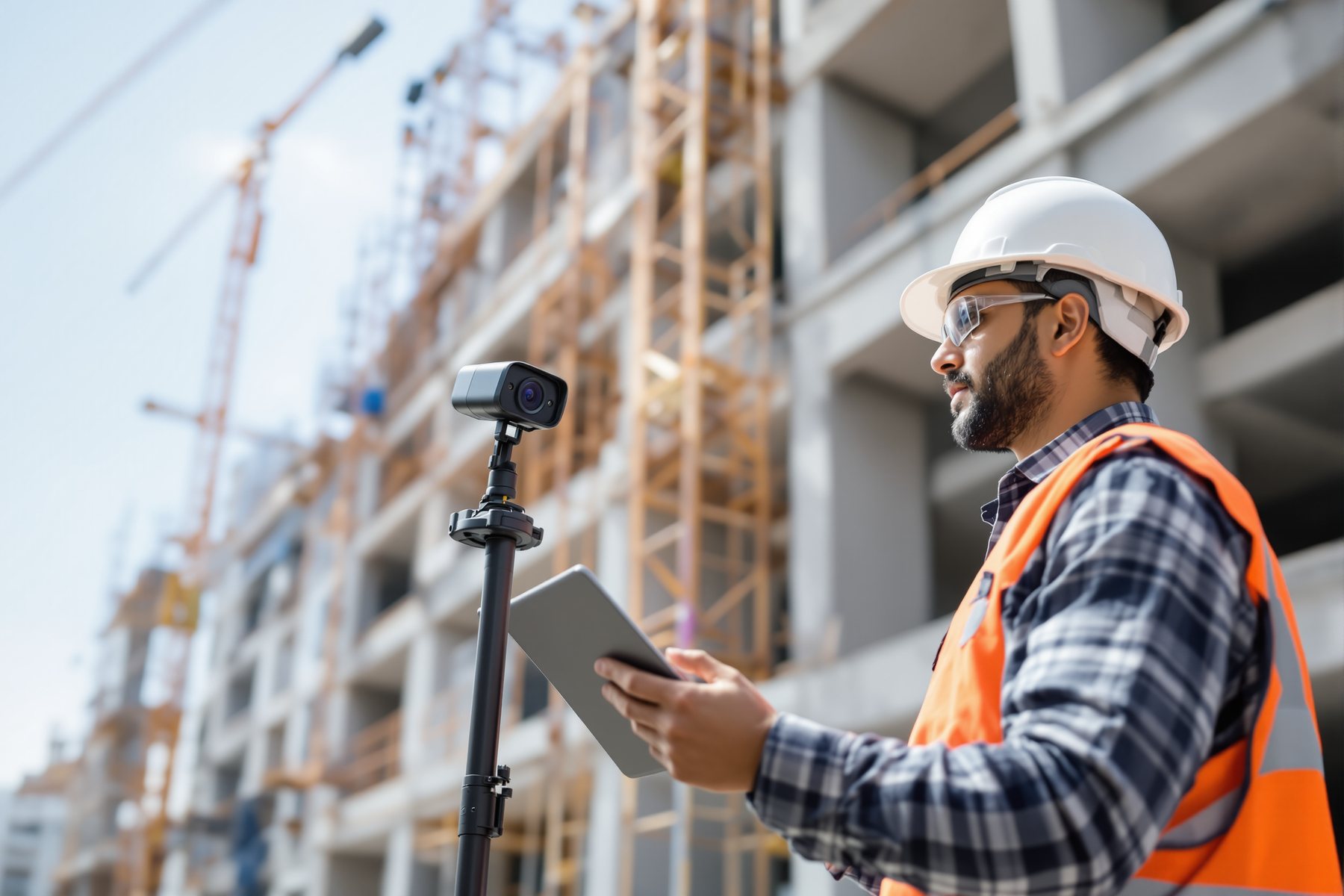
The contractor said the second floor was 70% done. The 360 walk said 48% - and it had the photos to prove it.
On a residential tower in Hyderabad, the weekly progress meeting used to be an argument. The contractor claimed a percentage, the PMC pushed back, and everyone trusted a different photo. Then the site team started clipping a 360 camera to a hard hat and walking the floors once a week. Software lined those frames up against the BIM model and reported, room by room, what was installed and what wasn't. Suddenly 'about 70%' became '48%, here are the rooms where the blockwork hasn't started'. The camera didn't take sides. It just measured - and the meeting got a lot shorter.
Capture the real site, compare it to the model, flag the gap
A 360 walk plus your BIM model equals an automatic progress read
The whole category is one tight loop. Someone walks the site with a 360-degree camera - often just clipped to a helmet - capturing every space in a few minutes per floor. The software stitches and locates those frames against the floor plan, then compares the captured reality to the BIM model: this wall is up, that ceiling is open, these MEP runs are in, that room hasn't started.
Out comes a percent-complete read by element and by area, plus deviation flags where the as-built doesn't match the design. The leaders here as of 2026 - Buildots, OpenSpace, Disperse, Reconstruct - all run versions of this loop, differing mostly in how much they automate the capture and how deep the BIM comparison goes.
Notice what's happening: the model is your source of truth, the camera is the evidence, and the AI is the tireless clerk matching one against the other - week after week, without getting tired or taking the contractor's word for it.
The model says what should be there. The camera says what is. The AI just measures the gap - relentlessly.
Brilliant at 'is it there and how much', blind to 'is it right inside'
Be precise about the line, because this is where it pays and where it bites.
It catches what is visibly installed: blockwork up, plaster done, ceilings closed, fixtures hung, a floor's overall completion versus plan. It is superb at the boring, high-value question - are we on schedule, and exactly where are we behind? - with a photo-dated audit trail you can put in front of a client, a lender or a RERA filing.
It can't see what's behind a finished surface, or judge whether work is correct. Once a wall is plastered the camera can't tell you the conduit inside is wrong; it reads 'wall: done', not 'wall: done correctly'. It doesn't certify quality, structural adequacy or compliance. And it depends on someone actually walking the site each week and on a usable BIM model to compare against - no model, no comparison.
This is the spine again. The tool is a brilliant observer of quantity and position; the human still owns quality, correctness and the decision about what a deviation means.
Multi-site, labour-heavy, dispute-prone - exactly where automatic evidence helps
Indian construction has features that make this genuinely useful. Sites are labour-intensive and fast-moving, a senior often runs several projects across cities, and progress disputes between owner, contractor and PMC are routine. A weekly 360 walk gives a PM in Mumbai an honest read on a site in Pune without flying there, and replaces 'he said, she said' with timestamped photographic fact.
It also feeds the paperwork the market increasingly demands: RERA progress reporting, lender disbursement milestones, and client updates all get easier when 'percent complete' is measured, not estimated. Early adopters report fewer onsite surprises and tighter timelines - of a piece with the broader 20% time-and-cost gains the sector is seeing from AI.
The honest caveats stay Indian too: it needs a BIM model (still not universal on smaller jobs), reliable site connectivity, and someone disciplined enough to do the walk every week. Where those exist, it turns the weekly progress meeting from a negotiation into a review.
It replaces 'he said, she said' with a timestamp and a photo. On a multi-site practice, that alone earns it.
On site administration this is your remote eyes. A weekly capture across your projects gives a defensible, photo-dated progress read without living in a car between sites, and the deviation flags surface problems while they're still cheap. Use it to run tighter site meetings and to back RERA and lender reporting with measured numbers. But hold the line on its limits: it confirms what's installed, not whether it's installed correctly or to code. Structural sign-off, quality certification and the call on what a deviation means stay your professional responsibility - the camera gathers evidence, you make the judgement.
For a fit-out, the same capture loop is your snag-and-progress companion. Walk the site, compare against your drawings, and you get a dated record of what's done - joinery hung, false ceiling closed, finishes applied - room by room. It's gold for managing a client who isn't on site and for settling 'but the carpenter said it was finished' conversations with a photo. Remember it reads surfaces: it sees the panelling is up, not whether the veneer matches the approved sample or the drawer runs are right. Your eye on the finish still decides.
You can't be on three sites at once, and this is the closest thing to cloning yourself. Even a basic 360 capture habit - many of these tools have lighter or trial tiers - gives you a timestamped progress trail that makes a one-person practice look organised and trustworthy to clients and lenders. Start with the documentation value before the fancy BIM comparison: a dated visual record alone settles most disputes. Just don't let it lull you into skipping a real site visit when something looks off - the tool flags the gap, you still walk the floor.
Buildots
Helmet-cam progress vs BIM
Hard-hat 360 capture compared automatically against the BIM model for percent-complete and deviation, with strong analytics for big programmes. Reads visible installation only - it confirms what's there, not whether it's correct, and it needs a maintained BIM model to compare against.
OpenSpace
360 capture + reality map
Clip a 360 camera and walk; it ties frames to the plan into a navigable visual record, with AI progress tracking on top. Excellent dated documentation; the automatic comparison is only as good as your model and the discipline of weekly walks.
Disperse / Reconstruct
Progress + deviation analytics
Capture-and-compare platforms that flag schedule risk and as-built deviation against design; Reconstruct also cross-references point clouds. Powerful on dimensional gaps, but the call on what a flagged deviation means - and whether it's a real problem - stays human.
“If the computer-vision tool reads a room as 100% complete, the work there is finished and correct.”
It read the visible surfaces as installed - not that the work behind them is correct, compliant or to spec. The camera can't see conduit inside a plastered wall or judge whether the slab was poured right; it measures quantity and position, not quality. 'Done' on the dashboard means 'present and visible', and a human still has to verify that present also means correct.
Workshop — run one defensible progress read on a real floor
You'll capture one floor of a live or studio site, compare it against your drawing or model, and produce a one-page progress note that would survive a meeting with a contractor - measured, dated and photo-backed.
A 360 camera or even a phone panorama; a trial of OpenSpace/Buildots/Reconstruct if available; your floor plan or BIM model. Bring one real or studio site.
WEEKLY PROGRESS CAPTURE CHECKLIST

Project: ________  Floor/zone: ________  Date: ________
Captured by: ________  Model/drawing version: ________

[ ] Walked every room/zone on the floor
[ ] Capture located against plan
[ ] Compared as-built vs model element by element

Element        | Should be (model) | Is (capture) | % | Flag?
---------------|-------------------|--------------|---|------
 blockwork     |                   |              |   |
 plaster       |                   |              |   |
 ceilings      |                   |              |   |
 MEP runs      |                   |              |   |
 finishes      |                   |              |   |

Deviation flagged: ________  My read on it: ________
Needs a real site visit? Y / N
- 1Capture one floor: walk every room with a 360 camera or careful phone panoramas, in order, so nothing is missed.
- 2Locate the capture against your floor plan or BIM model - drop it into the tool, or align it manually if you're going lo-fi.
- 3Compare element by element using the checklist: for blockwork, plaster, ceilings, MEP and finishes, record what the model says should be there versus what the capture shows.
- 4Score a percent-complete for the floor and flag every spot where as-built doesn't match design.
- 5Interrogate each flag: is it a real problem, a sequencing quirk, or a capture artefact? Mark which ones need you to physically walk the floor.
- 6Separate quantity from quality explicitly: note one thing the capture confirmed is present that you still need to verify is correct (e.g. 'ceiling closed - but is the conduit above it right?').
- 7Write a one-page progress note: measured percent complete, dated, with the flagged deviations and your recommended actions - the document you'd table at the next site meeting.
You’ll walk away with
A dated, photo-backed one-page progress note for a real floor - measured percent complete plus flagged deviations and your read on each - the kind of defensible record that ends arguments and feeds a RERA or lender update.
Two quick reality checks, if you have five minutes.
- 01Ask a site team for their claimed percent-complete on a floor, then do your own capture-and-compare. Note the gap between the estimate and the measurement - that gap is the value of the tool.
- 02Find one element the capture marks 'done' and ask: what could be wrong behind that finished surface that the camera will never see? Write it down - that's the human's job.
Computer vision turns a weekly 360 walk plus your BIM model into a measured, photo-dated progress read: percent complete by area and deviation flags where as-built parts from design. It is brilliant at quantity and position - on schedule, where behind - and blind to what's behind a surface or whether work is correct. The camera measures; the human verifies quality, reads the deviation and owns the call.
Capture the site with a 360 camera, align it to BIM, and tools like Buildots, OpenSpace, Disperse and Reconstruct report percent-complete and deviation. It catches visible installation and gives a defensible audit trail - ideal for multi-site, dispute-prone, RERA-reporting Indian practice. It can't judge correctness, see behind finishes, or work without a model and a weekly walk.
How accurate is AI construction progress tracking?
It's reliably good at the visible question - what's installed and roughly how complete a floor is - and that's usually far more accurate than a contractor's eyeballed estimate, with photos to prove it. It's not a quality or compliance check: it can't see inside finished surfaces or judge whether work is correct. Accuracy also depends on weekly capture discipline and a usable BIM model to compare against.
What's the difference between Buildots and OpenSpace?
Both clip a 360 camera, walk the site and compare against the model. Buildots leans into automated helmet-cam capture and deep BIM-comparison analytics for large programmes; OpenSpace is known for fast capture and a navigable visual reality map with progress tracking layered on. The right one depends on programme size, how disciplined your capture routine is, and how complete your model is.
Do I need a BIM model to use site-progress computer vision?
For the automatic comparison and percent-complete, yes - the model is the source of truth the capture is matched against. Without one you still get huge value from the dated visual record itself (navigable 360 documentation that settles most disputes), but the AI can't tell you 'this is 48% versus plan' if there's no plan to compare to.
The author
Amogh N P
Architect, interior designer, and creative polymath. Studio Matrx began in his notebooks — his vision of design made honest, useful, and open to everyone. Its Academy is written and taught in his memory, and free, forever.
More about Amogh →Capture-and-compare measures what's installed against a model you already have. But what if there is no model - an old building, a renovation, an as-built that was never drawn? Next: turning a scan into a model from scratch.