
Point clouds & scan-to-BIM
Millions of measured dots become walls, floors and ceilings - with AI doing the first 85% and you cleaning up the rest before anyone trusts it.
Lesson byAmogh N P· Architect & interior designer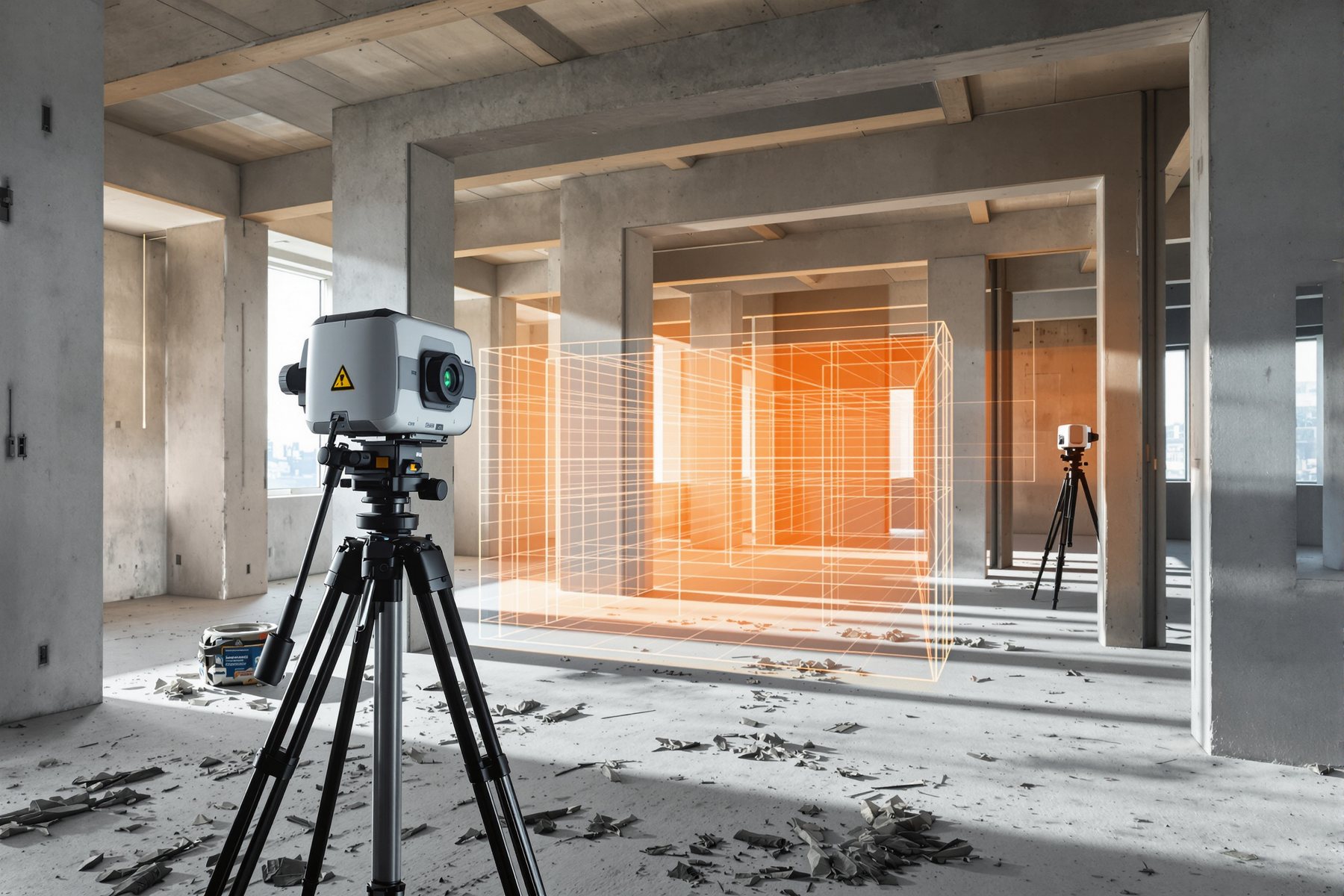
Three days of tape measures and a wonky drawing - or a morning's scan and twenty million exact points.
A firm took on a heritage bungalow retrofit in Bengaluru with no usable drawings. The old way meant a week of measuring by hand, a sketch full of guessed dimensions, and the inevitable surprise on site when a wall turned out 90mm thicker than drawn. Instead they brought a laser scanner. One morning, a few setups, and the building was captured as a cloud of twenty million measured points - every wall, every sag, every out-of-square corner, exactly as it really is. Then AI took a first pass at turning that cloud into walls and floors. It got most of it. It also confidently called a bookshelf a wall - which is precisely why the next step was a human with a mouse.
From dots to a model: scan, cloud, AI surfaces, human cleanup
Lasers or photos turn a real space into millions of measured dots
It starts with reality capture. A laser scanner (LiDAR) or photogrammetry - many overlapping photos, sometimes from a phone or drone - measures a space and produces a point cloud: literally millions of 3D points, each a real coordinate on a real surface. This is the as-built truth, accurate to millimetres, including every irregularity hand-measuring misses.
A point cloud, though, is just dots. It is not yet a model - you can't schedule a 'wall' or pull a section from a swarm of points. Revit and other BIM tools import the common cloud formats (e57, RCS, RCP) directly, so the cloud can sit underneath your model as a tracing reference. But to get usable BIM geometry, something has to read structure into the dots.
That 'something' is increasingly ML, and it changes the economics - because the slow, expensive part was never the scan. It was the days of a modeller manually drawing walls over the cloud.
The scan is fast and cheap. The modelling is slow and costly. AI is aimed squarely at the slow part.
ML finds the planes - floors, walls, ceilings - then hands you the mess
Here's the genuinely useful bit, stated honestly. ML can detect planar surfaces - floors, walls, ceilings - in a point cloud and fit geometry to them automatically. On standard, clean buildings it does this at roughly 85 to 95% accuracy. That is a huge head start: the machine drafts most of the model in a fraction of the manual time.
The missing 5 to 15% is not noise - it's exactly where judgement lives. The model mistakes furniture for walls, struggles with curves, clutter, occlusions and odd geometry, and merrily fits a plane to a bookshelf. PointCab Origins does AI-assisted extraction; Leica CloudWorx brings the cloud and tools into CAD/Revit; Reconstruct spans capture and comparison. None of them deliver a finished, trustworthy model on their own.
So the workflow is always AI-first-pass, human-cleanup. The plausibility machine drafts the planes; a person fixes the misreads, adds what it missed, and decides what's actually a wall versus a wardrobe. The 85-95% is a gift - but it is a draft, not a deliverable.
Any project where the building already exists and you don't have the drawings
Scan-to-BIM pays hardest exactly where Indian practice is full of work: renovation, retrofit, heritage, additions and as-built documentation. Most existing buildings have no reliable drawings, or drawings that lie. Scanning captures what is actually there - the 90mm-thick wall, the floor that slopes, the column that isn't where the old plan says - so you design against reality instead of a fiction.
The payoff is fewer site surprises and tighter coordination: when your model matches the real building to the millimetre, the clashes show up on screen, not on site. It also pairs with the last lesson - tools like Deviation nSpector cross-reference an as-built point cloud against the design BIM to flag dimensional deviations, closing the loop between 'what we drew' and 'what got built'.
The judgement stays human throughout. The scan is truth, but the interpretation - what's a wall, what's structural, what to keep, what the deviation means for the design - is yours. AI accelerates the capture-to-model grind; it does not replace the architect reading the building.
Existing building, no drawings, full of surprises - that's the sweet spot. Scan the truth, then design against it.
For any retrofit, heritage or as-built job, scanning plus AI extraction is becoming the sane default - you design against the building that exists, not a drawing that lies. Budget for the cleanup, not just the scan: the 85-95% is a draft your team finishes, and the model is only as trustworthy as that human pass. Use the cloud as your dimensional source of truth, let it feed clash detection and deviation checks against design, and keep the interpretation - what's structural, what stays, what a deviation means - firmly in professional hands. The scanner measures; you still read the building.
Fit-outs live and die on existing-condition accuracy, and a quick scan beats a tape measure for capturing a wonky old shell - real wall thicknesses, out-of-square corners, the beam that's lower than the floor plan claims. Even phone-based photogrammetry can give you a usable as-built to design joinery and built-ins against, killing the classic 'it didn't fit on site' disaster. Just remember the AI first-pass needs cleaning before you trust a dimension, and that a point cloud captures geometry, not services or what's inside the walls. Verify the critical clearances against the real space before the carpenter cuts.
You don't need to own a Leica scanner to benefit - photogrammetry from a good phone, plus an AI scan-to-BIM trial, can get a small studio a credible as-built for a renovation pitch. It's a genuine leveller for the heritage and retrofit work that's plentiful in Indian cities. Start lo-fi: capture, let the AI draft the planes, then do the cleanup yourself and learn where it lies (furniture, curves, clutter). Don't oversell the output - a cleaned, verified as-built is a real deliverable; a raw, uncleaned AI extraction is a draft that will embarrass you if a dimension is wrong.
PointCab Origins
AI-assisted point-cloud extraction
Processes laser-scan clouds and AI-extracts surfaces and sections to speed scan-to-BIM. A strong first-pass accelerator - the extracted geometry still needs a human cleanup before it's a trustworthy model.
Leica CloudWorx
Point cloud inside CAD / Revit
Brings large laser-scan clouds and modelling tools straight into Revit and CAD so you can model against the cloud. Excellent for serious as-built work; it's a professional modelling environment, not a one-click auto-model.
Reconstruct / Deviation nSpector
Capture + as-built vs design check
Reconstruct spans reality capture and progress comparison; Deviation nSpector cross-references an as-built point cloud against the design BIM to flag dimensional deviations. Great for closing the as-built-vs-design loop - the call on what a deviation means stays human.
“Scan-to-BIM AI is automatic - point the scanner, run the software, and out comes a finished, trustworthy Revit model.”
The scan is automatic; the model isn't. AI detects planar surfaces at about 85 to 95 percent accuracy on standard buildings, which is a strong first draft - but it mistakes furniture for walls, fumbles curves and clutter, and misses the awkward bits. Every scan-to-BIM workflow includes a human cleanup pass, and the model isn't trustworthy until a person has fixed the misreads and verified the geometry.
Workshop — scan a room and audit the AI's first pass
You'll capture one real room, run an AI scan-to-BIM extraction, and then hunt for exactly where it got the planes wrong - turning the '85-95% accurate' headline into a felt understanding of which 5-15% you always have to fix.
Free: phone photogrammetry (or a borrowed laser scanner); a scan-to-BIM tool trial (PointCab, Reconstruct) or Revit's point-cloud import. One real room.
SCAN-TO-BIM CLEANUP AUDIT

Space: ________  Capture method: laser / photogrammetry
Points captured (approx): ________  Tool used: ________

AI got RIGHT (planes correctly found):
  - floors    [ ]
  - walls     [ ]
  - ceilings  [ ]

AI got WRONG (list each misread):
  1. ____________ (e.g. shelf read as wall)
  2. ____________ (e.g. curved wall faceted)
  3. ____________ (e.g. clutter / occlusion gap)

My estimated AI accuracy: ____%
Cleanup time vs from-scratch estimate: ____ vs ____
One dimension I VERIFIED against the real room: ________
- 1Capture one room - walk it with a laser scanner, or take many overlapping phone photos for photogrammetry. Aim for full coverage; gaps become the AI's blind spots.
- 2Generate the point cloud and import it (e57/RCS/RCP) into your scan-to-BIM tool or Revit.
- 3Run the AI surface detection so it drafts floors, walls and ceilings automatically.
- 4Audit the result against the starter: list every plane it got right, and every misread - furniture called a wall, a curve faceted into segments, a gap where clutter occluded the scan.
- 5Estimate the accuracy you actually saw and compare your cleanup time against what modelling from scratch would have taken - feel the real head start, and the real cleanup cost.
- 6Verify one critical dimension from the model against the real room with a tape - confirm the cloud is truth and find any spot the cleanup introduced an error.
- 7Write a one-line rule for your studio: 'AI drafts the planes; a human cleans furniture, curves and occlusions and verifies dimensions before the model is trusted.'
You’ll walk away with
A cleanup audit of a real AI scan-to-BIM pass - what it nailed, what it misread, your measured accuracy and cleanup cost, plus a one-line studio rule that bakes the human verification step into every scan-to-BIM job.
Two quick probes, if you have five minutes.
- 01Point your phone's photogrammetry at a cluttered corner versus a clean blank wall, and compare how cleanly the AI extracts each. The difference shows you exactly what trips it up.
- 02Take one dimension the AI model gives and one the old drawing claims (if any exist), then tape-measure the real wall. Note which was right - usually the scan, sometimes neither without cleanup.
Scan-to-BIM captures a real building as a point cloud of millions of measured points, then AI detects floors, walls and ceilings at roughly 85 to 95 percent accuracy - a powerful first draft that always needs human cleanup for furniture, curves and clutter. It earns its money on renovation, heritage and as-builts, where you design against reality instead of a drawing that lies. The scan is truth; the interpretation stays yours.
A laser or photogrammetry scan becomes a point cloud (e57/RCS/RCP, imports straight into Revit); AI fits planes at 85-95% accuracy; a human cleans the misreads. PointCab, Leica CloudWorx and Reconstruct lead the category. Best for renovation, heritage and as-builts - and it pairs with deviation checks against design BIM. The model isn't trustworthy until a person has verified it.
How accurate is AI scan-to-BIM?
The point cloud itself is accurate to millimetres - that's measured laser or photogrammetry data. The AI step that turns the cloud into BIM geometry detects planar surfaces (floors, walls, ceilings) at roughly 85 to 95 percent accuracy on standard buildings. That's a strong first draft, but the remaining 5 to 15 percent - furniture mistaken for walls, curves, clutter - needs a human cleanup before the model is trustworthy.
Can I do scan-to-BIM with just a phone?
Yes, to a degree - phone photogrammetry can produce a usable point cloud for a room or a small building, and AI scan-to-BIM tools can take a first pass at it. It won't match a professional laser scanner for range and precision, but for a renovation or fit-out as-built it's a real, affordable starting point. As always, the AI extraction needs cleaning and the critical dimensions need verifying before you build off them.
Why use scan-to-BIM for renovation projects in India?
Because most existing buildings have no reliable drawings, and hand-measuring an irregular old structure is slow and error-prone. Scanning captures the building exactly as it is - real wall thicknesses, sloping floors, out-of-square corners - so you design against reality and avoid the classic on-site surprise. It's a natural fit for the heritage, retrofit and addition work that's plentiful in Indian cities, as long as you budget for the human cleanup pass.
The author
Amogh N P
Architect, interior designer, and creative polymath. Studio Matrx began in his notebooks — his vision of design made honest, useful, and open to everyone. Its Academy is written and taught in his memory, and free, forever.
More about Amogh →Now you can measure a building that exists, predict one that doesn't, and watch one go up. The last piece is counting it all - AI on quantities and quality checks, and the human who still verifies the numbers that go into a contract.