
ML for energy, daylight & cost
Get a number on the screen while you are still pushing massing around — and learn exactly how much to trust it before it hardens into a budget.
Lesson byAmogh N P· Architect & interior designer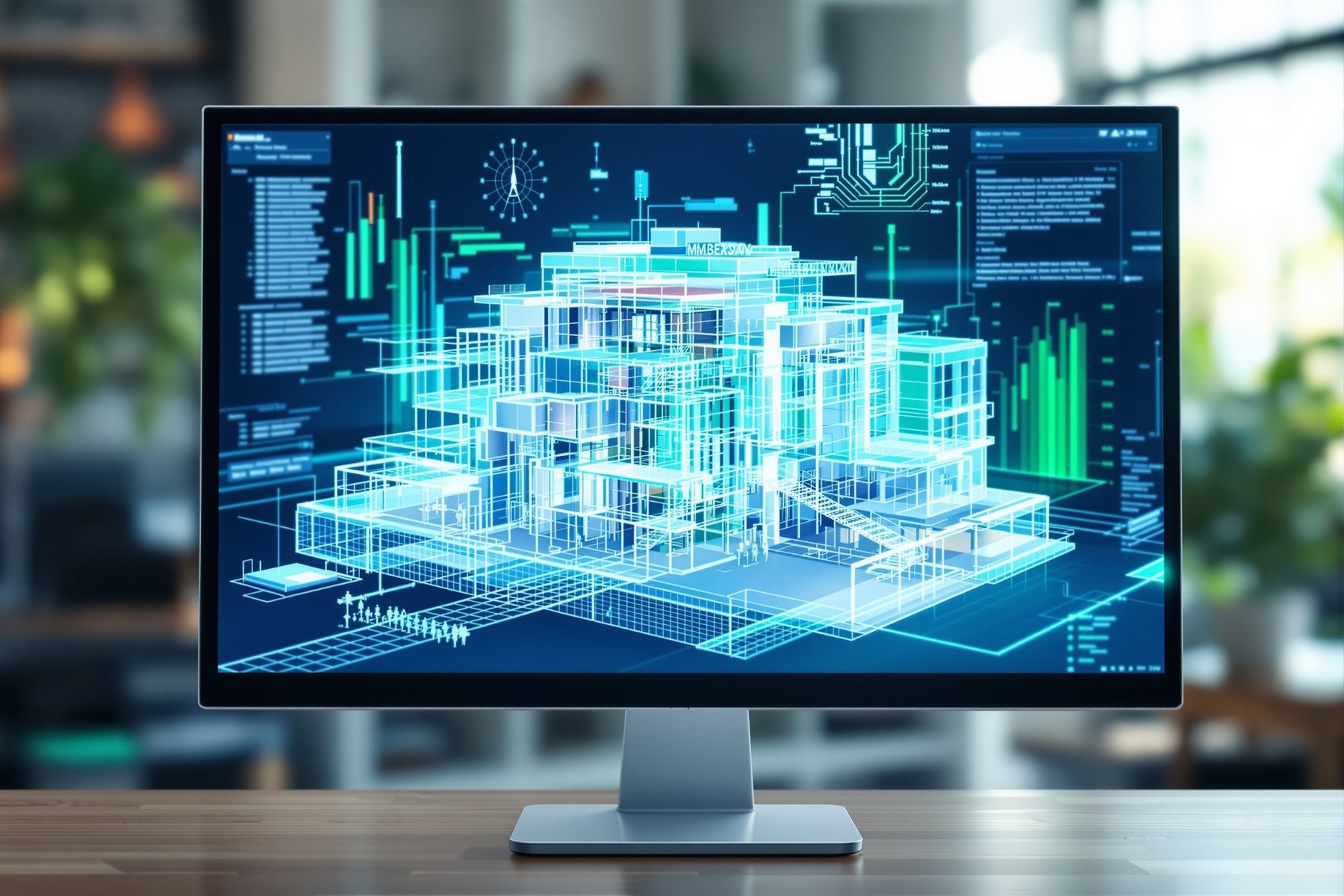
The simulation took forty minutes. The ML guess took a second — and it was close enough to change the building.
A practice in Pune was deciding between three massing options for a six-storey office near Hinjawadi. The old way: model one option properly, hand it to the energy consultant, wait two days for a report, repeat. By the time the numbers came back the client had moved on. The new way: drag the massing in Autodesk Forma and watch a sun, wind and daylight read-out update almost as fast as the mouse. Not a real simulation - a prediction of one. It was approximate, and the team knew it. But it was instant, and it let them kill the worst option before lunch instead of after a fortnight. That trade - speed for a little accuracy, early - is the whole of this lesson.
Surrogate models: a fast guess that stands in for the slow truth
Real physics is slow, and slow means it arrives after the decision is made
A proper energy or daylight simulation solves real physics - tracing thousands of sun rays, modelling air and heat moving through a space, hour by hour across a year. It is accurate. It is also slow: minutes to hours per run, plus a consultant to set it up.
That speed is fine for one final check. It is useless for exploring. At concept stage you have ten massing ideas and an afternoon, and the questions are coarse: which orientation overheats, where the daylight dies, roughly what the energy bill looks like. By the time a full simulation answers, the massing is frozen - and the cheapest moment to fix a building's performance, the early one, has passed.
This is the same plausibility-machine logic from Module 0, pointed at physics. ML does not re-derive the physics. It predicts what the physics would have said - instantly, approximately - so you can diverge across many options while the building is still soft clay.
The expensive moment to fix performance is on site. The cheap moment is now, while the massing is still a guess.
Train on thousands of real simulations, then predict the answer without running one
A surrogate model (sometimes 'metamodel') is ML trained on the inputs and outputs of thousands of genuine simulations. Show it enough pairs of 'this massing, this orientation, this glazing ratio -> this energy use, this daylight score' and it learns the mapping. After that it can guess the output for a new massing in milliseconds, having never run the real solver.
That is exactly what powers the instant read-outs in early-stage tools. Autodesk Forma (the tool that grew out of Spacemaker) gives near-real-time sun, wind, daylight and noise feedback as you shape massing on a site - fast enough to be a design instrument, not a report. cove.tool focuses on energy, daylight and cost together early, so the spreadsheet that used to take a week is live.
The catch is honest and important: a surrogate is only as good as what it was trained on, and it gives you a band, not a verdict. Push it to an unusual building, a climate it never saw, a material it doesn't know, and the guess drifts - quietly, with no warning.
Use the fast number to choose; use the slow number to commit
Here is the working rule. The ML prediction is for ranking and steering - option A overheats more than B, this courtyard rescues the daylight, that glazing ratio blows the cooling budget. Decisions about which direction are exactly where a fast, approximate number pays.
The moment a number is going to harden - into a client promise, an ECBC or green-rating submission, a cost line in a budget, a system you'll size - it goes through a real simulation and a real consultant. The early-adopter firms in India report meaningful gains here - timelines and costs trimmed by up to a fifth - but those gains come from steering early, not from skipping the validation.
So the architect stays in the loop precisely as before: AI diverges across options at the speed of thought; the human, and the verified simulation, converge on the one you'll actually build.
A surrogate ranks options. A real simulation signs them off. Never swap the two.
This is where AI earns its keep at concept and feasibility. Pull your massing into Forma early and let the sun, wind and daylight read-outs steer orientation, depth and glazing before you commit a single grid line. Treat every number as a band, not a value - good for 'A beats B', not for an ECBC submission or a sized chiller. Write the handoff into your process: the surrogate informs the design conversation; the energy consultant's verified run informs the drawing and the compliance set. The render persuades; the stamped calculation builds.
You rarely run energy models, but daylight and comfort decide whether a space feels right - and these tools let you test that early. Use the daylight read-out to argue for a borrowed-light panel, a lighter ceiling, a window the architect wanted to shrink. It is a fast way to show a client _why_ a dark corner is dark before it is built. Just keep it as evidence for a direction, not a lux guarantee: the model never saw your exact glazing, your curtains or your wall colour. Specify lighting from a real lux calculation, not the prediction.
Performance prediction used to need an energy consultant on retainer - now a lot of it is a subscription you can drive yourself. cove.tool and Forma let a one-person studio bring sun, daylight and rough cost into the first client conversation, which is a serious differentiator on a pitch. Start with the free or trial tiers, learn to read the bands, and resist the temptation to present a predicted number as a final one. The student who says 'this is the predicted energy band, the consultant verifies before we commit' sounds far more professional than one who quotes a precise figure that turns out invented.
Autodesk Forma (was Spacemaker)
Site + massing performance feedback
Near-real-time sun, wind, daylight and noise analysis as you shape massing on a site; superb for early feasibility and optioneering. The feedback is predictive and coarse - great for ranking massing, not a substitute for a detailed simulation or local code check.
cove.tool
Early energy, daylight & cost
Brings energy, daylight and cost analysis to early design together, so trade-offs are visible while the building is still soft. Powerful for steering; the outputs still need a real simulation and a consultant before they become a compliance figure or a budget line.
Studio Matrx Utilities (cost & feasibility tools)
Quick India-side cost feel
Live cost, EMI and budget-allocation calculators for a fast, India-priced gut-check alongside a performance prediction. A sanity layer, not an engineered estimate - the BOQ and the energy report stay professional deliverables.
“If Forma or cove.tool shows me an energy number early, I can put that figure straight into the client deck and the ECBC submission - it's a real analysis.”
It is a prediction of an analysis, not the analysis. A surrogate model guesses what a full simulation would say, fast and approximately, and it drifts on anything unusual it wasn't trained on. The number is excellent for ranking options and steering the design; it is not a verified figure. Anything that hardens into a compliance submission, a client promise or a sized system goes through a real simulation and a consultant first.
Workshop — race the surrogate against your judgement on three massings
You'll take one real site and three massing options, get a fast performance read on each, and rank them - then write down exactly which numbers you trust and which you'd send to a consultant. The goal is to feel the speed-for-accuracy trade in your own hands.
Free: a Forma trial or cove.tool trial (free tiers exist). Bring one real or studio site and three rough massing options.
EARLY-PERFORMANCE TEST LOG

Site: ____________   Climate/city: ____________
Orientation tested: ____________

Option  | Energy band | Daylight | Overheat? | Rough cost
--------|-------------|----------|-----------|----------
   A    |             |          |           |
   B    |             |          |           |
   C    |             |          |           |

My ranking (before tool): ____________
Tool ranking (after):     ____________
Number I TRUST for ranking:   ____________
Number I would NOT submit:    ____________
- 1Build three crude massings for the same plot - vary one thing each (orientation, depth, glazing ratio). Keep them deliberately rough; this is concept, not documentation.
- 2Predict each option in Forma or cove.tool and fill the log: energy band, daylight, overheating flag, rough cost. Note how fast each read-out comes back.
- 3Rank the three from the tool's numbers - which dies on daylight, which overheats, which looks cheapest to run.
- 4Compare that ranking with the gut order you'd have guessed as a designer. Where they disagree, ask which one is right and why.
- 5Stress it: change the climate/city setting if the tool allows, or push one option to an extreme glazing ratio. Watch whether the prediction still feels sensible - that's the edge of what it was trained on.
- 6Mark the one number you'd happily use to rank options, and the one you would never put in an ECBC submission or a budget without a consultant's verified run.
- 7Write a two-line handoff note: 'Surrogate steers the massing choice; [consultant / verified simulation] confirms before we commit.' That's your reusable rule.
You’ll walk away with
A filled performance log ranking three massings, plus a written handoff rule naming exactly which predicted numbers you trust for steering and which must be re-derived before they reach a client, a budget or a compliance set.
Two quick probes, if you have five minutes.
- 01Take one massing and flip its orientation 90 degrees. Watch how much the daylight and overheating read-outs move - that swing is the cheap, early decision the tool just made visible.
- 02Shrink the glazing ratio in steps and find the point where the energy band changes. That threshold is a design conversation you can now have in seconds instead of a fortnight.
A surrogate model is ML standing in for slow physics: trained on thousands of real simulations, it predicts the answer in a heartbeat so you can rank and steer many options early. Use the fast number to choose a direction; route any number that hardens into compliance, cost or a sized system through a real simulation and a consultant. Diverge with the prediction, converge with the verified run.
Real simulations are accurate but slow, so they arrive after the decision. Surrogate ML (Forma, cove.tool) predicts the result instantly but approximately - perfect for ranking and steering massing, never for a compliance figure or a budget line. The architect stays in the loop; the consultant validates before any number commits.
Is the energy number in Forma or cove.tool accurate enough to use?
Accurate enough to rank options and steer the design, yes - that's exactly what it's built for. Not accurate enough to be a compliance figure, a client promise or the basis for sizing a system. It's a surrogate prediction of a full simulation, so treat it as a fast band for decisions and run a verified simulation with a consultant before any number hardens.
What is a surrogate model in energy simulation?
It's a machine-learning model trained on the inputs and outputs of thousands of real simulations, so it can predict what a full simulation would say without running one. That makes it nearly instant but approximate - excellent for early exploration across many massing options, and it drifts on unusual buildings or climates it wasn't trained on.
Can these tools check ECBC or Indian energy-code compliance?
Treat them as steering tools, not compliance authorities. Like most global tools they don't reliably know Indian codes and bye-laws, and their early-stage numbers are predictions, not verified results. Use them to design toward better performance, then have a consultant run the verified simulation that goes into any ECBC or green-rating submission.
The author
Amogh N P
Architect, interior designer, and creative polymath. Studio Matrx began in his notebooks — his vision of design made honest, useful, and open to everyone. Its Academy is written and taught in his memory, and free, forever.
More about Amogh →Performance ML predicts the building before it exists. Next we turn the camera the other way - computer vision watching the building actually go up, comparing the real site to the model week by week.