
 Lesson 5.1
Lesson 5.1 · Lumion & D5 Render
The Lumion Workflow & Strengths
Atmosphere, a vast nature library and speed on the biggest context scenes
Lumion's gift is not accuracy. It is turning a bare model into a place, fast, with weather and life already in it.
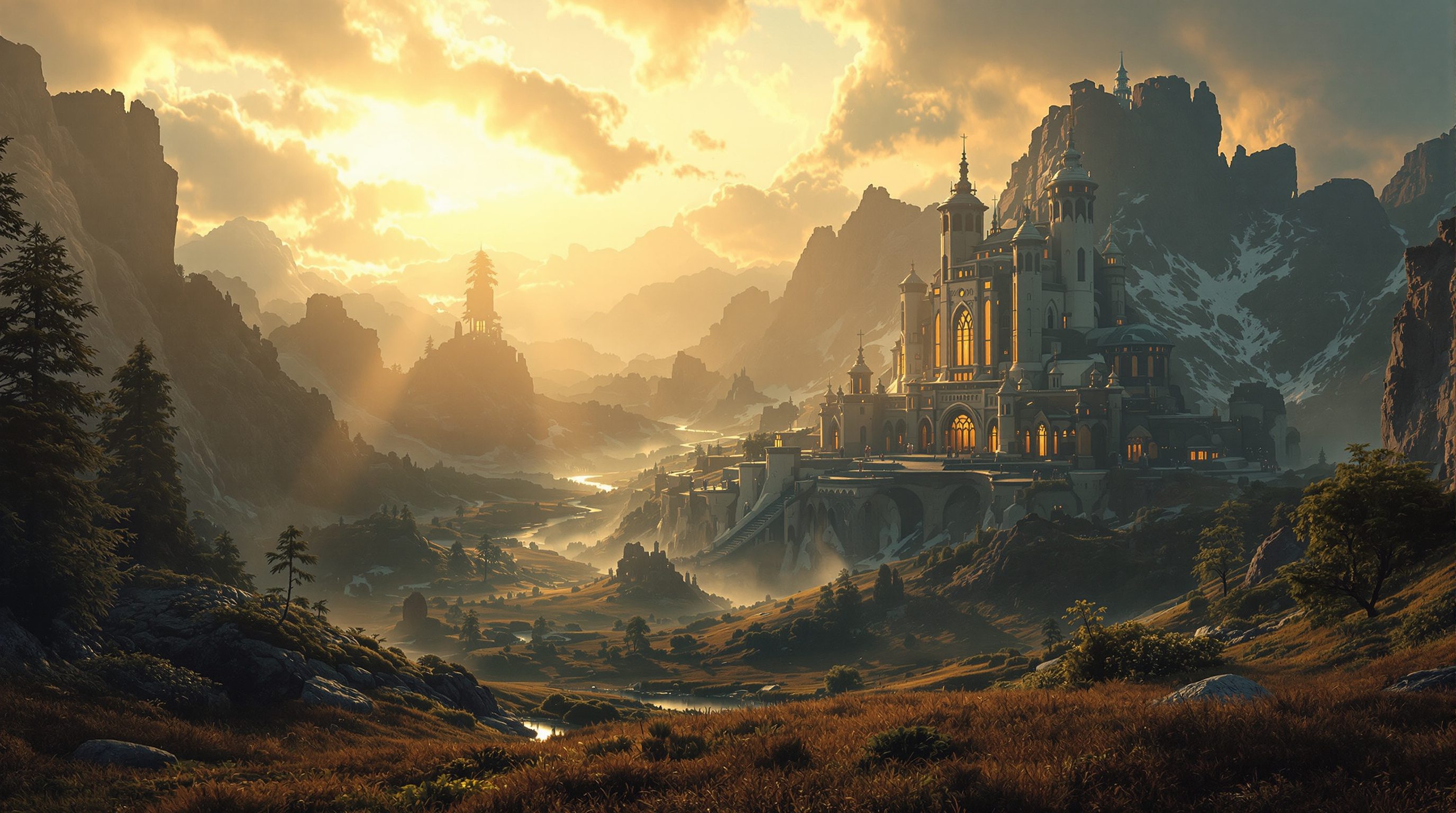
Some renderers chase the last percent of physical accuracy. Lumion chases atmosphere and scale - it will take a cold grey model and, in minutes, wrap it in a real-looking sky, a forest of trees, drifting fog and low golden light. That is a different promise, and understanding it tells you exactly when to reach for Lumion.
Its other signature is speed on big scenes. Where many engines slow to a crawl once you drop in a landscape of thousands of trees, Lumion is built to keep moving. If your image is a building in its wider context - a campus, a resort, a house in a valley - Lumion is often the fastest route to a convincing result.
Lumion = atmosphere at scale. Import, dress, layer mood - then stop while the architecture still leads.
The workflow: import, dress, and layer on atmosphere
Lumion sits at the end of your modelling, not inside it. You model the building somewhere else - Revit, SketchUp, Rhino, ArchiCAD, 3ds Max - and then bring it into Lumion to dress it. The import is either a straightforward file bring-in or, better, a LiveSync link that keeps Lumion updating as you change the model in your CAD tool, so the scene and the design stay in step.
Once the model is in, the workflow is fast and unmistakably Lumion. You drop materials from a large built-in library onto surfaces - glass, concrete, timber, water - each already tuned to look right. You place the building on a terrain and populate the world from a vast content library: thousands of trees, plants, people, vehicles and props you simply paint into the scene. Then comes the part Lumion is named for: you build the environment - sky, sun position, clouds, season - and stack effects on top, from fog and rain to colour grading and depth of field.
The mental model to hold is that in Lumion the mood is layered on, not modelled. You are not painstakingly building physically-accurate light; you are compositing a believable atmosphere from a deep toolbox of ready effects. That is why a competent Lumion artist can go from imported model to a presentable, atmospheric image in an afternoon - and why the discipline is knowing which effects to leave alone.
A few practical habits make the import smoother. Keep your model tidy and sensibly grouped before it comes across, because Lumion inherits your organisation - clean layers and named objects make it far easier to assign materials once you are inside. Set the model to real-world scale and a sensible origin so trees, people and cars drop in at believable sizes. And decide early what the shot is: Lumion outputs stills, panoramas and video from the same scene, and knowing whether you are chasing one hero still or a walkthrough changes how much you invest in the surrounding landscape. Get the model in clean and scaled, and the dressing goes quickly.
Model elsewhere, dress in Lumion. Materials, then a world of trees and people, then sky and effects on top.
The effects and nature library is the whole point
Lumion's real asset is its sheer library, and it is worth understanding what that gives you. On the nature side, Lumion ships thousands of high-quality trees, plants, grasses and rocks - many of them animated so leaves and grass move in the wind. Populating a convincing landscape, which in other tools means hunting down and importing asset packs, is here a matter of painting foliage straight into the scene. For architecture set in a landscape, that alone can decide the tool.
On the effects side, Lumion offers a deep stack you apply per shot: real skies and volumetric clouds, sun and moon, fog and haze, rain and snow, autumn colouring, reflections, depth of field, colour grading, and stylised looks. Each is a slider or a preset, layered onto the render rather than simulated from first principles. This is the source of both Lumion's speed and its main risk. Because atmosphere is so easy to add, beginners tend to add too much - every effect at once, every slider high - and the result is an over-cooked image that reads as obviously fake. The professional approach is restraint: pick the two or three effects the shot actually needs, keep them modest, and let the architecture carry the image. The library is a pantry, not a recipe - having a thousand ingredients does not mean using them all. The best Lumion artists treat the vast library as a source of the right few assets and effects for a given shot, not a mandate to use as many as possible, and that editorial judgement - what to leave out - is exactly what separates their work from an over-dressed beginner scene.
The sweet spot: large landscape and context scenes
Every tool has a job it does better than the others, and for Lumion that job is the big context scene. When the subject is not a single tight interior but a building sitting in a wider world - a house on a hillside, a campus among trees, a resort along a shoreline, a masterplan seen from the air - Lumion is frequently the fastest, most convincing option. Two of its strengths combine here. Its terrain and ocean tools let you build believable ground, water and horizon quickly; and its content library and rendering engine are built to stay responsive even with a landscape of thousands of trees, where other engines bog down.
That makes Lumion a natural fit for early-stage and competition imagery, for large-scale masterplanning views, and for any image where the place matters as much as the building. It is less obviously the right tool for a tight, accuracy-critical interior where every reflection and material must be exactly right - that is more D5 or an offline engine's territory, which the next lessons cover. Knowing this saves enormous time: reach for Lumion when the scene is large, green and atmospheric, and reach for something else when it is small, precise and reflective. Matching the tool to the shot is itself a professional skill, and Lumion's place in that decision is clear once you have felt its speed on a landscape.
Big, green, atmospheric, wide? Lumion. Small, precise, reflective interior? Reach for D5 or offline instead.
Where Lumion sits among the engines
It helps to place Lumion on the map of tools you already know. Twinmotion and Enscape, from the previous module, live tight against the model - Enscape especially runs as a plugin inside your CAD tool for a genuinely live design link. Lumion is a step removed: a separate application you send the model to, trading some of that live-link intimacy for a much larger creative library and stronger atmosphere. D5, the subject of the next lesson, sits closer to Lumion as a standalone scene-building app but leans harder into real-time ray-traced accuracy.
None of this makes one tool better - they are different bets. Lumion bets on breadth, speed and mood; it wants to help you make an evocative image of a place quickly. Its trade-offs are real: the model link is looser than Enscape's, the physical accuracy of light and reflection is generally a notch below a ray-traced engine, and the ease of piling on effects invites overdone images. But for the scenes it is built for, nothing else feels as fast. The honest professional position is not loyalty to one renderer but fluency across several - and Lumion earns its place in that kit as the atmosphere-and-landscape specialist. Learn its workflow, respect its sweet spot, and hold its effects with restraint, and it becomes one of the most productive tools in archviz.
One more practical note rounds out the picture: Lumion is a commercial product with its own licence, and it is a comparatively heavy application that wants a capable machine, particularly a strong GPU, to move smoothly through those big landscape scenes. That is the cost of its speed on scale. But the payoff is a tool that lets a small team produce evocative, context-rich imagery quickly - a house glowing at dusk in its valley, a campus among mature trees, a masterplan seen from the air - the kind of image that sells a scheme on feeling and place. Used for what it is best at, and held with restraint, Lumion turns the wider setting of a building from a chore into one of the fastest, most rewarding parts of the job.
LiveSync (Lumion)
Live link between your CAD model and Lumion
Keeps the Lumion scene updating as you change the model in Revit, SketchUp, Rhino or ArchiCAD - the model stays the source of truth.
Content / nature library
Thousands of trees, plants, people, vehicles and props
Painted straight into the scene; many assets are animated. The reason Lumion populates a landscape so fast.
Effects stack
Per-shot sky, fog, rain, snow, colour, depth of field
Layered onto the render, not simulated from scratch. Powerful and fast - but easy to overdo; keep it to two or three.
Terrain & ocean tools
Sculpting ground, water and horizon
Build believable landscape context quickly; a big part of why Lumion suits large exterior scenes.
Workshop - a building in its landscape, three effects only
You will take one exterior model into Lumion, place it in a real landscape, and set the mood with a strict three-effect limit - training both the workflow and the restraint that separates a good Lumion image from an over-cooked one.
Lumion (free trial) and one exterior model. LiveSync from Revit/SketchUp/Rhino/ArchiCAD is ideal but a plain import is fine.
Goal: feel the import-dress-atmosphere workflow, with disciplined effects
Inputs: Lumion (free trial is fine) + one exterior model (house, pavilion or small building)
Time: ~60 minutes
- 1Import your model into Lumion (use LiveSync from your CAD tool if you can). Place it on a terrain and set a believable ground material.
- 2Populate the scene from the nature library: paint in trees and plants around the building so it sits in a real landscape, varying species and size rather than repeating one tree.
- 3Set the environment - sun position and sky - for a low, warm light (early morning or late afternoon), exactly as you would run a sun study.
- 4Now allow yourself ONLY three effects on top - for example a touch of fog, subtle depth of field, and a gentle colour grade. Keep every slider modest. Resist adding a fourth.
- 5Render one still. Then, as a test, crank every effect to full and render again - and compare. Write two or three sentences on what the restrained version got right that the over-cooked one lost.
You’ll walk away with
One atmospheric context render of a building in a landscape, made with a strict three-effect limit, plus an over-cooked comparison frame and a short written reflection on why restraint won.
Three altitudes on the same idea
Read the band that fits you — or all three.
Lumion is your fast route from a working model to a persuasive context image. For competitions and early client conversations, its speed on landscape and its atmosphere library let you show the building in its setting - in real light, among real trees - while the design is still moving. Use LiveSync to keep it honest, and resist the urge to over-effect a serious scheme.
Lumion is not your first pick for a tight interior - but it excels at the wider view. For a home in its garden, a hospitality space opening to a landscape, or a rooftop with a skyline, Lumion sets mood and context beautifully. For the accuracy-critical interior itself, lean on the ray-traced engines in the next lessons; use Lumion where place and atmosphere lead.
Lumion is one of the quickest ways to make a studio project look alive. Import your model, drop it into a landscape, add a sky and a little fog, and a bare massing becomes a place. It is a superb portfolio accelerator - but examiners spot the over-cooked look instantly, so learn restraint early. Two well-chosen effects beat ten.
“Lumion is the most realistic renderer because it has the most effects.”
Do it yourself
Reason it through before you open the software.
- 1In your own words, what is Lumion's core strength compared with a ray-traced engine?
- 2What does LiveSync do, and why does it matter?
- 3Name the kind of scene Lumion is especially well suited to.
- 4Why is it a mistake to turn on every effect at full strength?
- 5When would you reach for D5 or an offline engine instead of Lumion?
The one line to carry out
Peer-reviewed journals & authoritative standards
- 01Lumion - Support & Documentation — Lumion, 2026.
- 02Real-Time Rendering - resources on interactive rendering techniques — Akenine-Moller, Haines et al., 2026.
- 03Poly Haven - free HDRIs, textures and models — Poly Haven, 2026.
- 04Twinmotion - Official Documentation — Epic Games, 2026.
Lumion wins on atmosphere and scale, but trades away some physical accuracy. The next engine takes the opposite bet - bringing real-time ray tracing, with its accurate global illumination and true reflections, into a fast interactive workflow. That is D5 Render.
The author
Amogh N P
Architect, interior designer, and creative polymath. Studio Matrx began in his notebooks — his vision of design made honest, useful, and open to everyone. Its Academy is written and taught in his memory, and free, forever.
More about Amogh →