
Architectural Visualization & RenderingVolume 1 · Issue 5 · October 2026
Architectural Visualization & Rendering
Make your architecture believable — light, materials, camera and the real-time engines, from your first render to a portfolio-grade image.
A free Studio Matrx Academy deep dive into architectural visualization — the craft of making a design believable in an image. Light, materials, camera and composition; the real-time engines (Twinmotion, Enscape, Lumion, D5); offline rendering (V-Ray, Corona); post-production, animation and walkthroughs, VR, and building a viz portfolio and career. Principle-grounded so it survives tool churn, hands-on so it builds portfolio skill — for architects, interior designers and students, worldwide.
Course byAmogh N P· Architect & interior designer11 modules · 44 lessons · ~14 hrs · 44 of 44 lessons live
 Module 0 · Foundations of Architectural Visualization
0.1 · What Architectural Visualization Is
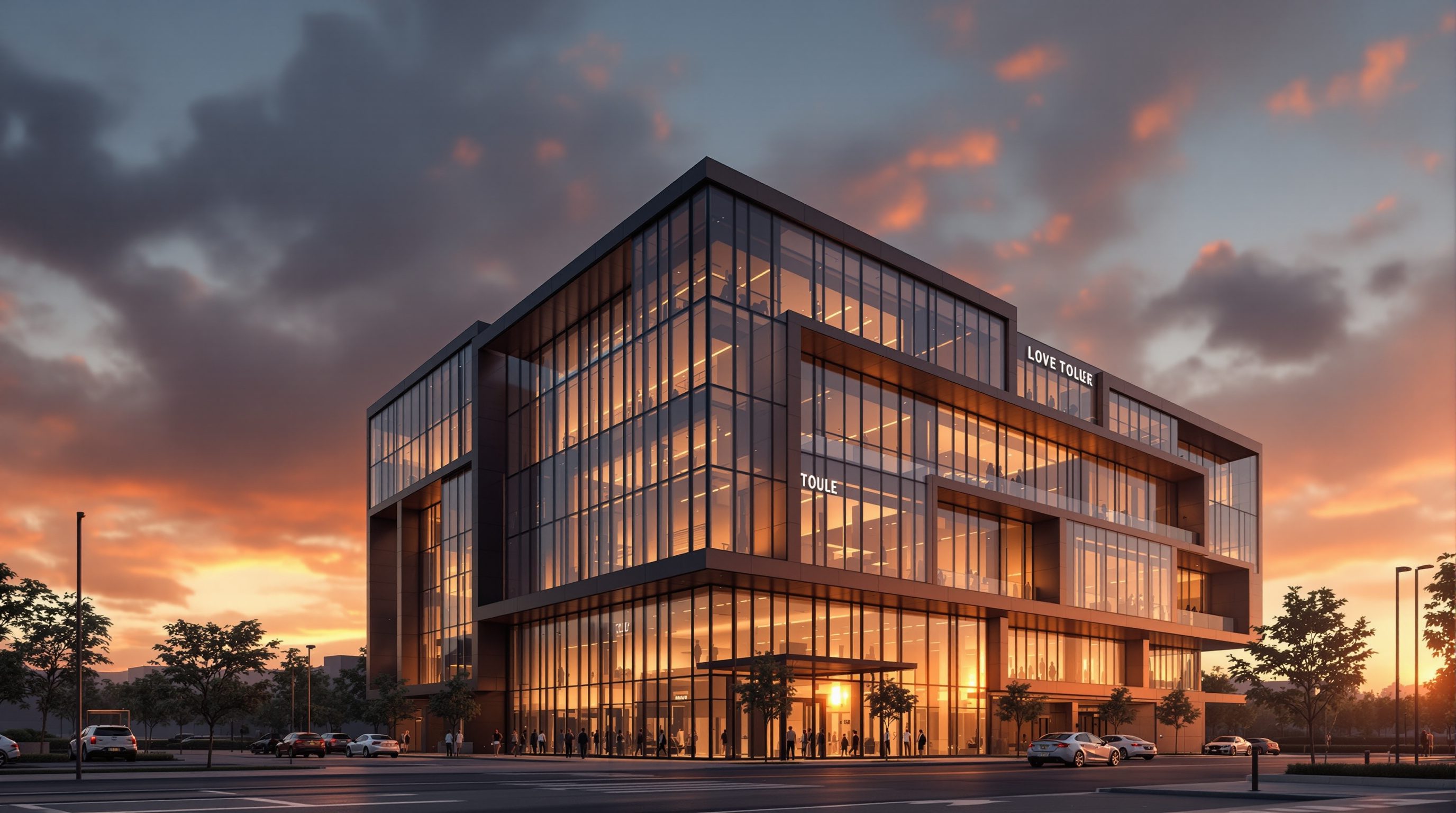
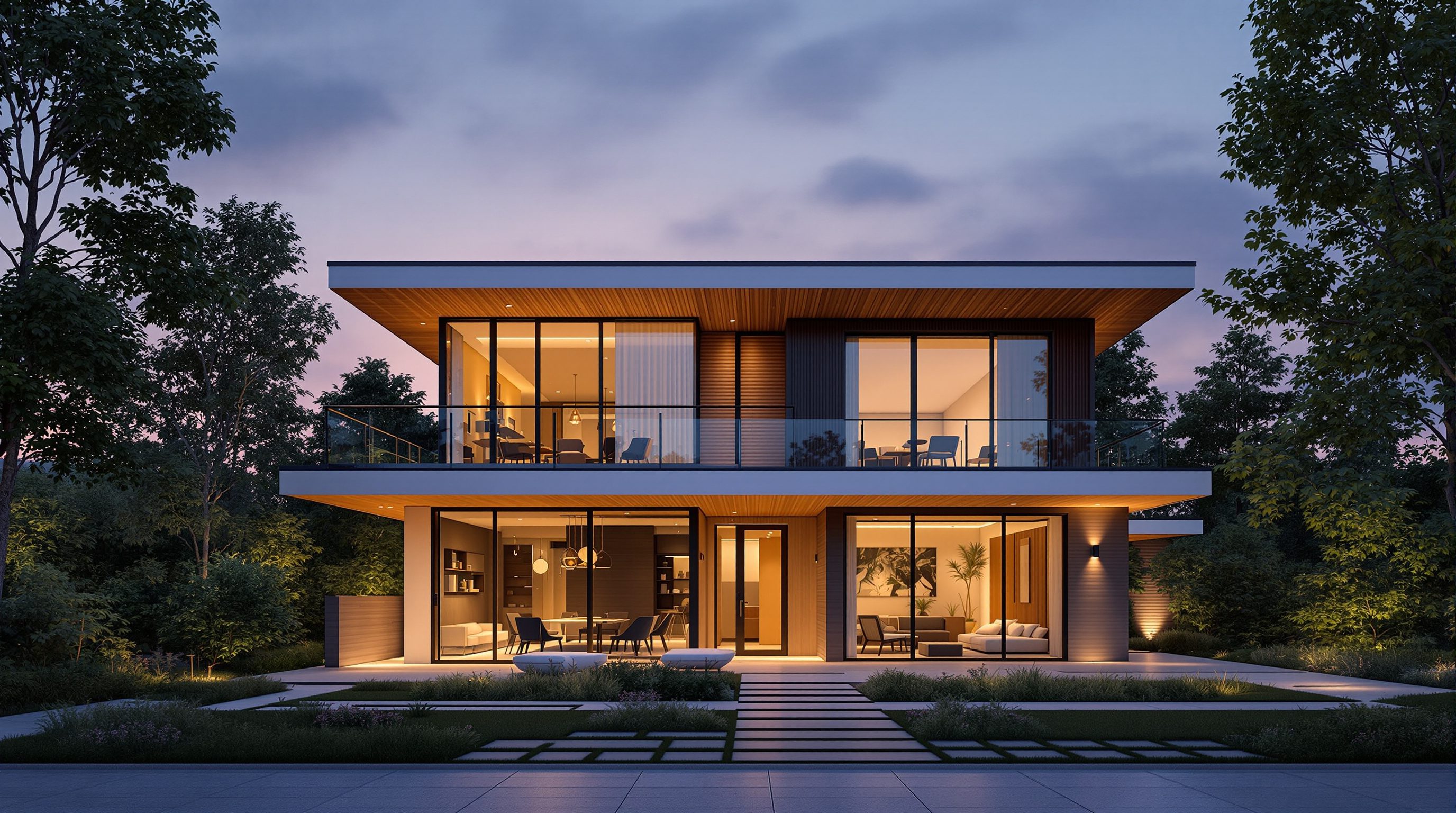
Architectural visualization isn't decoration - it's communication. A render's job is to make an unbuilt design feel real and understood, and it succeeds or fails on light, materials, camera and story long before any software setting. This lesson sets the mindset the whole course builds on.
Read itStart with Module 0 — Foundations of Architectural Visualization
Free · open0.1 · What Architectural Visualization Is
Open0.2 · Real-Time vs Offline Rendering
Open0.3 · The Visualization Toolkit Landscape
Open0.4 · Anatomy of a Great Render
Open0.✓ · Mastery check: Foundations
OpenWhat you'll be able to do
Outcomes- 1Master the four levers of a believable render — light, materials, camera and post — as principles, not button-pushing.
- 2Work the real-time engines (Twinmotion, Enscape, Lumion, D5) live from your BIM/CAD model, and know when to go offline.
- 3Light, texture, frame and grade a scene to photoreal or cinematic quality, for both architecture and interiors.
- 4Produce walkthroughs, VR and a portfolio-grade body of work — and understand the archviz career.
The full course ahead
11 modules · 44 lessonsThe course opens with the foundations — what makes a render believable — then works through light, materials and the camera, the real-time engines (Twinmotion, Enscape, Lumion, D5), offline rendering with V-Ray and Corona, post-production, animation and walkthroughs, and VR — closing with the end-to-end workflow and a portfolio-ready body of work.
0Module 0 · Foundations of Architectural Visualization
LiveBefore any software: what visualization is really for, the great real-time vs offline divide, the tool landscape, and what actually makes a render believable.
Module 0 · Foundations of Architectural Visualization
LiveBefore any software: what visualization is really for, the great real-time vs offline divide, the tool landscape, and what actually makes a render believable.
1Module 1 · Light — The Foundation
LiveLight is 80% of a render. Physically-based light, sun and daylight studies, interior and artificial lighting, and directing mood and atmosphere.
Module 1 · Light — The Foundation
LiveLight is 80% of a render. Physically-based light, sun and daylight studies, interior and artificial lighting, and directing mood and atmosphere.
2Module 2 · Materials & Texturing
LiveMaking surfaces believable — PBR materials explained, using and editing material libraries, texturing and UV basics, and nailing common materials.
Module 2 · Materials & Texturing
LiveMaking surfaces believable — PBR materials explained, using and editing material libraries, texturing and UV basics, and nailing common materials.
3Module 3 · The Camera & Composition
LiveThe frame is the design decision — focal length and perspective, architectural composition, depth of field and exposure, and finding the storytelling shot.
Module 3 · The Camera & Composition
LiveThe frame is the design decision — focal length and perspective, architectural composition, depth of field and exposure, and finding the storytelling shot.
4Module 4 · Twinmotion & Enscape
LiveThe live-link real-time workflow — Twinmotion and Enscape from Revit/Rhino/SketchUp/Archicad, keeping the model as source of truth, and populating scenes.
Module 4 · Twinmotion & Enscape
LiveThe live-link real-time workflow — Twinmotion and Enscape from Revit/Rhino/SketchUp/Archicad, keeping the model as source of truth, and populating scenes.
5Module 5 · Lumion & D5 Render
LiveAtmosphere and speed — the Lumion workflow, D5's real-time ray tracing, weather, seasons and effects, and building convincing nature and landscape scenes.
Module 5 · Lumion & D5 Render
LiveAtmosphere and speed — the Lumion workflow, D5's real-time ray tracing, weather, seasons and effects, and building convincing nature and landscape scenes.
6Module 6 · Offline Rendering — V-Ray & Corona
LiveWhen you need the photoreal ceiling — when to go offline, V-Ray fundamentals, Corona for photoreal interiors, and render settings and optimization.
Module 6 · Offline Rendering — V-Ray & Corona
LiveWhen you need the photoreal ceiling — when to go offline, V-Ray fundamentals, Corona for photoreal interiors, and render settings and optimization.
7Module 7 · Post-Production
LiveWhere a good render becomes great — render passes and compositing, colour grading and tone, Photoshop for architects, and the final polish.
Module 7 · Post-Production
LiveWhere a good render becomes great — render passes and compositing, colour grading and tone, Photoshop for architects, and the final polish.
8Module 8 · Animation & Walkthroughs
LiveArchitecture in motion — camera paths and walkthroughs, storytelling in motion, rendering and exporting video, and cinematic flythrough technique.
Module 8 · Animation & Walkthroughs
LiveArchitecture in motion — camera paths and walkthroughs, storytelling in motion, rendering and exporting video, and cinematic flythrough technique.
9Module 9 · Immersive — VR & Real-Time Presentation
LiveStepping inside the design — VR for architecture, real-time client presentation, Unreal Engine for archviz, and panoramas and 360 tours.
Module 9 · Immersive — VR & Real-Time Presentation
LiveStepping inside the design — VR for architecture, real-time client presentation, Unreal Engine for archviz, and panoramas and 360 tours.
10Module 10 · Practice & Portfolio
LiveFrom skill to career — the end-to-end visualization workflow, developing a visual signature, building an archviz portfolio, and the archviz career.
Module 10 · Practice & Portfolio
LiveFrom skill to career — the end-to-end visualization workflow, developing a visual signature, building an archviz portfolio, and the archviz career.
The author
Amogh N P
Architect, interior designer, and creative polymath. Studio Matrx began in his notebooks — his vision of design made honest, useful, and open to everyone. Its Academy is written and taught in his memory, and free, forever.
More about Amogh →