
 Lesson 7.1
Lesson 7.1 · Getting Guests
Your Listing and Photography
A guest decides whether to click, and then whether to book, in the time it takes to swipe through five photos and skim one paragraph — make those count before you write another word of marketing anywhere else.
A guest swipes through your first five photos in under ten seconds and has already half-decided whether to click — that decision happens before they read a single word you wrote.
Open any OTA app and watch how you yourself browse: a thumb moving fast over a grid of hero images, barely pausing, discarding most listings in a glance and stopping only where a photo earns a second look. Your future guests do exactly the same thing to you. Long before anyone reads your carefully worded description of the verandah or the plantation walk, they have already judged your homestay on roughly five photographs and a title — and if that first impression is dim, cluttered or generic, the rest of your listing never gets read at all.
This lesson treats the listing as what it actually is: the single highest-leverage piece of marketing you will ever produce for this business, more valuable than any signage, flyer or social media post, because it is the one thing every booking channel shows to every guest before anything else. We will work through the exact order your first five photos should earn attention in, how to shoot them well without hiring anyone if your budget does not allow it yet, how to write a title and description that is honest and specific rather than generic, and which amenities you must tick so guests who filter by wifi, parking or breakfast can even find you in the first place.
Five photos, one honest paragraph, every true amenity ticked — that is a complete listing, not a draft.
The first five photos decide the click
Every major booking channel shows a short, fixed sequence of photos in the search-results grid before a guest ever opens your listing, and that sequence is doing almost all of your marketing's work. Treat it as a deliberate five-step argument, not a random album dump. Photo one — the hero — should be a wide, bright shot that instantly tells a guest what kind of place this is: the home's exterior with its setting, a wide-angle of the main guest room with daylight pouring in, or the verandah/courtyard if that is your strongest feature. This photo has one job: make a thumb stop scrolling. Photo two — the bed, close — because the single question every tired traveller silently asks first is 'will I sleep well here', and a clean, well-made bed shot close enough to see the linen answers it before they have to ask. Photo three — the bathroom — because cleanliness anxiety is the single biggest unspoken fear in homestay bookings (more so than in branded hotels, precisely because a homestay is somebody's real home), and a bright, clean bathroom photo removes that fear in one glance.
Photo four — your signature view or feature — the plantation path, the backwater view, the haveli's courtyard, the mountain visible from the window, whatever makes your home genuinely different from the homestay two doors down. This is where Module 1's value proposition work pays off directly: if you know your home-host-story bundle, you already know which photo this should be. Photo five — a common or dining area — showing where guests will actually spend daylight hours together, because solo travellers and families alike want to see that there is a place to sit, eat and talk beyond the bedroom. After these five, attention falls off sharply with every additional photo, so do not bury your best shots on page three of a twenty-five-photo gallery; front-load them, then let the remaining twenty show depth (every room, every angle, the parking, the garden, the neighbourhood) for the guest who has already decided to look closer.
Order is not decoration here. It is the argument. Earn the click in five frames before you earn anything else.
What to shoot, and how — on a real budget
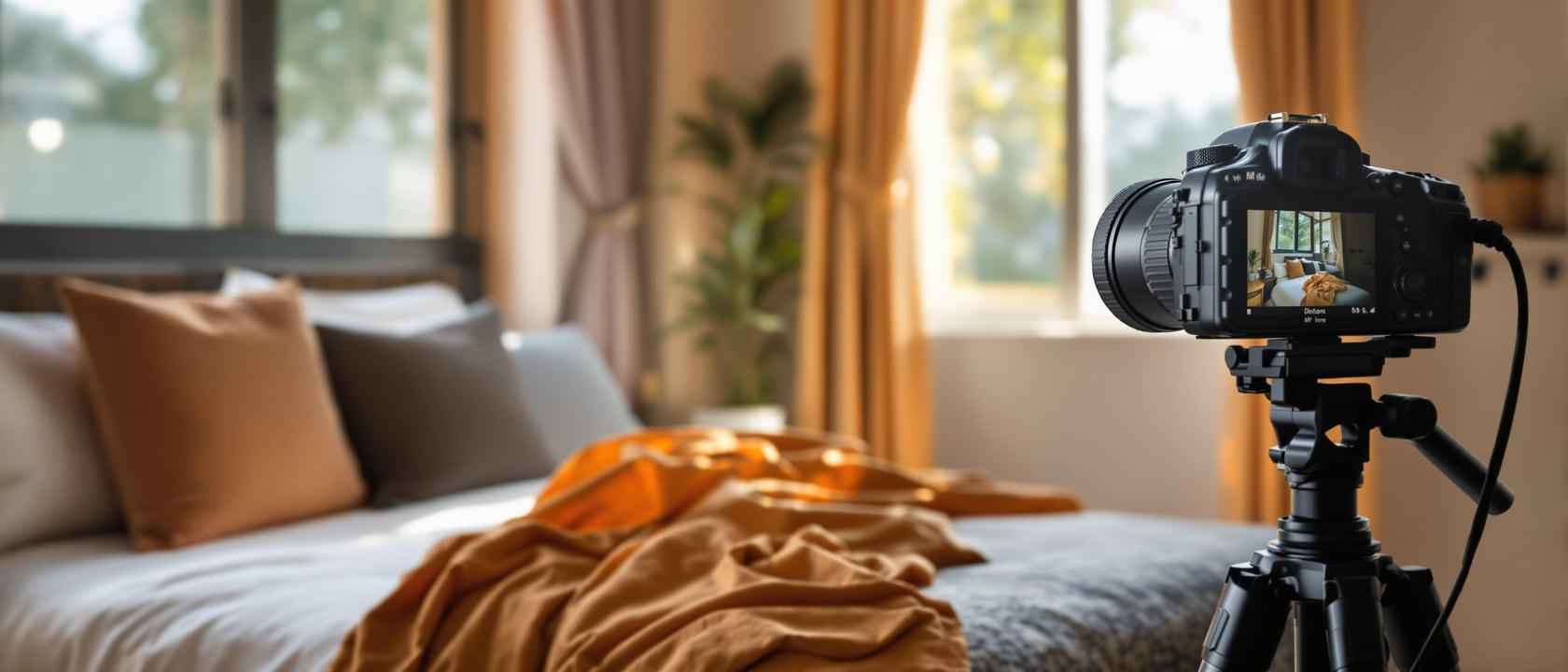
You do not need a professional photographer to start, and most first-time hosts should not spend money there in month one. What you need is daylight, a tidy frame and a little discipline. Shoot in the morning or late afternoon when light is soft and directional rather than at harsh midday; open every curtain and turn on every light in the room even in daytime, because combined light reads as warm and welcoming on camera. Declutter ruthlessly before every shot — remove laundry, medicine strips, chargers, your own family's everyday clutter — not because you are hiding anything (your description and your honest conduct will tell the truth about day-to-day life), but because a cluttered photo reads as a smaller, messier room than it actually is. Shoot horizontally, not vertically, keep the camera roughly chest height and level (a crooked horizon is the most common amateur mistake and the easiest to fix by simply checking the frame before you shoot), and use a wide or ultra-wide phone lens if you have one, standing in a doorway or corner to capture the whole room rather than a cropped slice of it.
A simple, almost-free setup gets you most of the way there: your phone, a ₹400-800 mini tripod for steady, straight shots, a plain white sheet or two as an improvised reflector to bounce light into dark corners, and fifteen unhurried minutes per room rather than one rushed pass through the whole house. Style lightly and honestly — fresh towels folded neatly, one vase of real flowers or greenery from your own garden, breakfast actually plated the way you serve it rather than a stock-photo spread you never recreate — because guests increasingly recognise and distrust obviously staged, generic 'Pinterest' styling; a home that photographs like an honest home, not a showroom, builds more trust. If your first season goes well and revenue allows it, a local photographer typically charges somewhere around ₹2,000-6,000 for a half-day homestay shoot, and re-shooting once with a professional eye after you have lived with the listing for a few months is a reasonable, modest reinvestment — but it is a second step, not a precondition to listing at all.
Good light and a tidy frame beat an expensive camera. Reinvest in a photographer later, with real revenue, not before.
Honest, compelling copy — the title and description
Your title has very little space on most channels, so make every word earn its place; resist the generic reflex ('Cosy Homestay Near City Centre') and instead combine your location cue, your home's real type and your one standout feature: 'Plantation Cottage with Coffee-Estate Walks, Coorg' tells a guest more in six words than 'Beautiful Nature Homestay' tells them in five, and it will also surface more reliably in a guest's own search. Avoid keyword-stuffing a title with every amenity you can think of — it reads as desperate and actually hurts conversion, because guests scan titles for a feeling, not a checklist.
Your description should open with one honest, specific hook sentence that mirrors your value proposition from Module 1 (the home, the host, the story — not a generic 'home away from home' line that could belong to anyone), then move through a simple, predictable structure: the space itself (rooms, beds, what it actually looks and feels like), who the host is and what hosting style to expect (present and chatty, or private and low-key — say which, honestly, because mismatched expectations are the single most common source of a mediocre review), the location and what is genuinely walkable or driveable nearby, and finally the house rules and access details (check-in window, shared spaces, pets, smoking, children) stated plainly rather than buried in fine print. Be honest about limitations in the same breath as strengths — no AC in the budget room, a shared bathroom down the hall, one flight of stairs with no lift — because a guest who knew in advance and still booked almost never leaves a bad review over it, while a guest who discovers it on arrival almost always does.
Amenities, and photography on a real budget
Most booking channels let guests filter their search by amenities — wifi, air conditioning, parking, breakfast included, pet-friendly, child-friendly, accessible access — and an amenity you genuinely offer but forget to tick in your listing settings is an amenity that makes you invisible to exactly the guests who need it, no matter how good your photos are. Walk your actual listing's amenities checklist once a season and tick everything true: real wifi speed if you can state it, the specific AC/fan/cooler situation per room (do not generalise 'cooling available' if only one room has AC), hot water timing if it is not 24-hour, parking type (covered, open, street), the language(s) you speak as a host, and any breakfast or meal inclusion with enough honesty to set the right expectation (home-style thali, continental, or guest's choice).
On photography specifically, two budget habits separate listings that convert from listings that do not. First, re-shoot seasonally — a monsoon-green Western Ghats view and a winter-misty one are different enough that showing only one misleads a guest booking in the other season; a free, five-minute phone reshoot twice a year keeps your gallery honest and current. Second, respect each channel's technical minimums — most platforms want landscape-orientation images at a reasonably high resolution (roughly 1024x683 pixels or larger) with no text overlays, borders or watermarks, since heavily edited or text-stamped photos are penalised in search ranking on several channels and simply look less trustworthy to a scrolling guest. None of this requires paid software or a professional; it requires a phone, daylight, fifteen honest minutes per room, and the discipline to update it twice a year rather than let a five-year-old gallery quietly go stale.
A missing checkbox is as costly as a missing photo. Both make a real amenity invisible to the guest searching for it.
Hero / cover photo
The first image shown in search results before a guest opens your listing
Does the most work of any single photo you own — see the first-five-photos figure.
OTA
Online travel agency — a third-party booking channel such as Airbnb, Booking.com or MakeMyTrip
Covered in depth in Lesson 7.2's channel comparison.
Amenity filter
A search filter guests use (wifi, AC, parking, breakfast) to narrow listings before they even look at photos
An un-ticked true amenity is functionally invisible to a filtering guest.
Listing title
The short headline shown beside your hero photo in search results
Favour one specific, true standout feature over a generic phrase or a keyword-stuffed list.
Workshop — shoot and write your first listing this weekend
A hands-on exercise to produce a genuinely publishable set of five ordered photos and one honest description paragraph, using only your phone and the rooms you already have.
Your phone, a tidy room in daylight, and (optional) a ₹400-800 mini tripod.
Goal: five ordered photos + one honest description paragraph
Inputs: your phone, daylight, your own home, Module 1's value-proposition sentence
Time: ~90 minutes, ideally morning light
- 1Tidy and declutter the guest room, bathroom and one common area; remove personal items, laundry and clutter from each frame.
- 2Shoot your hero photo first — the widest, brightest shot that tells a guest what kind of place this is — then the bed close, the bathroom, your signature feature/view, and a common area, in that order.
- 3Check each photo for a level horizon, landscape orientation and no harsh shadows or flash glare before moving to the next room.
- 4Write your title using the formula: location + home type + one standout feature, avoiding generic phrases and keyword-stuffing.
- 5Write a four-part description: the opening hook (from your Module 1 value proposition), the space, the host and hosting style, and the location — ending with honest house rules and any genuine limitations.
- 6Tick every true amenity in your listing settings on at least one channel before you publish, so filtering guests can actually find you.
You’ll walk away with
Five ordered, honestly-shot photos and one complete title + description paragraph, ready to publish on at least one booking channel.
Three altitudes on the same idea
Read the band that fits you — or all three.
For you, the owner-host, this is this weekend's job, not next month's. Pick your five best rooms and angles, shoot them in good morning light with just your phone and a tidy frame, and write one honest paragraph using the home-host-story structure from Module 1. A listing that goes live today with decent phone photos earns bookings; a listing that waits three months for the 'perfect' professional shoot earns nothing in the meantime. Upgrade the photography later, with real revenue — not before.
If you are designing or styling a homestay, build the room to photograph well from day one, not as an afterthought. Keep sightlines clean from the doorway (the angle most photos are shot from), choose a bedspread and wall colour that read bright and warm under ordinary daylight rather than only under styled lighting, and resist over-decorating with objects that will need to be removed for every shoot. A room designed with its own best photograph in mind saves the owner a recurring styling headache for years of listing updates to come.
If you are starting from zero, do not wait for confidence or equipment you do not have. Open the curtains, tidy one room, shoot it with your phone in landscape orientation, and write down three true, specific sentences about your home before you write anything else. The goal this week is not a perfect listing — it is a live, honest one you can keep improving once real guests and real feedback start coming in.
“I need an expensive professional photoshoot before I can even publish my listing.”
Do it yourself
No tools needed — reason it through for your own listing.
- 1In order, what should your first five listing photos each be doing, and why that order?
- 2Why does cleanliness anxiety make the bathroom photo more important for a homestay than for a branded hotel?
- 3Give one example of an honest limitation worth stating upfront in your description rather than letting a guest discover it on arrival.
- 4Why can an un-ticked amenity filter make a real feature of your home invisible to the right guest?
- 5Why might waiting for a professional photoshoot before publishing cost you more than it saves?
The one line to carry out
Peer-reviewed journals & authoritative standards
- 01Online travel agency — how booking channels structure search, ranking and listings — Wikipedia, 2026.
- 02Homestay — definition, forms and guest experience — Wikipedia, 2026.
- 03Homestay Design & Guest Rooms — designing spaces that also photograph well — Studio Matrx, 2026.
- 04How to Start a Homestay in India — the end-to-end practical guide — Studio Matrx, 2026.
A great listing earns the click, but the channel you publish it on decides how much of that booking's value you actually keep — the next lesson maps Airbnb, Booking.com, MakeMyTrip and your own direct channel honestly against each other.
The author
Amogh N P
Architect, interior designer, and creative polymath. Studio Matrx began in his notebooks — his vision of design made honest, useful, and open to everyone. Its Academy is written and taught in his memory, and free, forever.
More about Amogh →