
 Lesson 0.1
Lesson 0.1 · Foundations of Digital Fabrication
What Digital Fabrication Is
Making physical things directly from digital models — the file-to-factory idea
The drawing used to be handed to someone who made the thing. Now the file IS the thing - the machine reads it directly.
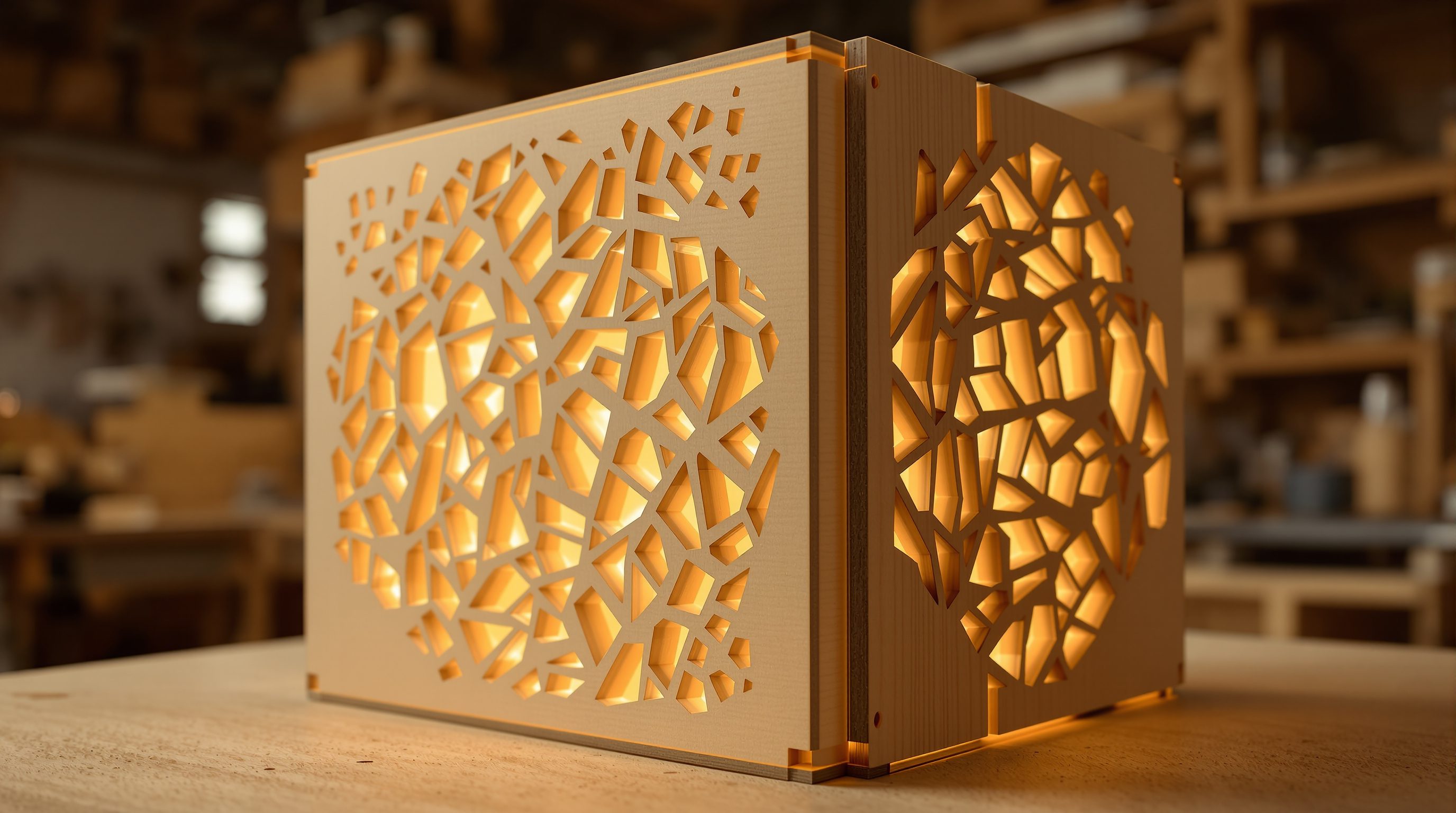
For centuries, design and making were separated by translation: the architect drew, and a craftsperson or contractor re-interpreted those drawings into a physical object, with all the drift and negotiation that involved. Digital fabrication collapses that gap. The same digital model you design becomes the instructions a machine follows to cut, print, or assemble the real thing - directly, precisely, repeatably.
That continuity is the entire premise of this course. When the file drives the machine, geometry that was once impossible to draw-and-build becomes routine, one-off components cost little more than mass-produced ones, and the designer's control reaches all the way to the finished surface. From a laser-cut screen to a robot-assembled timber roof, it is all the same idea: making, driven by data.
The file IS the thing. Subtractive, additive, formative. Match the process to the job.
From representation to production
The deepest shift in digital fabrication is what a drawing is for. In the traditional pipeline, a drawing is a representation - a set of instructions for a human to interpret and build. In digital fabrication, the digital model is a production file - instructions a machine executes with no interpretation. The geometry is not a picture of the thing; it is the thing, one processing step from physical.
That step is the file-to-factory chain, and it is the same in every process. You have a 3D (or 2D) model. Software translates it into machine instructions - most often G-code, a list of moves and operations - through a process called CAM (computer-aided manufacturing). The machine (a laser cutter, a CNC mill, a 3D printer, a robot arm) executes those instructions on material, and you get a physical part. Learn to see any fabrication process as this chain and the whole field becomes legible: change the machine and the material, and the logic stays the same.
Model -> CAM -> machine code -> machine -> made part. Same five links, every process.
The three families of making
Almost every fabrication process belongs to one of three families, and knowing which you are in tells you most of what you need. Subtractive: you start with a solid block or sheet and remove material - CNC milling, laser cutting, water-jet. Precise and fast, but limited by what a tool can reach and by waste. Additive: you add material, usually layer by layer - 3D printing in plastic, resin, metal, or concrete. It makes geometry subtractive tools cannot, but is slower and constrained by layer logic and supports. Formative: you reshape material without adding or removing it - bending, forming, moulding, thermoforming - often using a digitally-fabricated mould or jig.
A fourth activity, joining and assembly, stitches parts together, and this is where robotics increasingly comes in. Most real projects combine families: laser-cut plywood ribs (subtractive) slotted into a jig (formative), a 3D-printed connector (additive), robot-assembled (joining). The skill this course builds is choosing the right family for a given material, scale, geometry and budget - not treating '3D printing' as a synonym for the whole field.
Why variation stops being expensive
In conventional manufacturing, sameness is cheap and difference is costly: a factory tools up to make ten thousand identical parts, and every variant means a new mould or setup. Digital fabrication inverts that. Because the machine simply reads a different file, making a hundred different parts costs almost the same as making a hundred identical ones. The setup is the same; only the data changes.
This is the economic engine behind mass customization, and it is why digital fabrication pairs so naturally with parametric design. If every panel on a facade can be unique at no extra cost, the designer is free to let each one respond to sun, view or structure - and then fabricate all of them from one definition. The famous curved, panelized, all-different buildings of the last two decades exist because file-to-factory made non-repetition affordable. That freedom is powerful and easy to abuse; a later module covers rationalizing ambitious geometry so it stays buildable and sane.
Same setup, different file = different part, same cost. Bespoke stops being a luxury.
A making skill, and a growing field
Digital fabrication has moved from research labs to the mainstream of design practice, and the demand for people who can actually make is real. Fablabs and makerspaces are everywhere; practices run in-house workshops; construction is being reshaped by prefabrication and on-site robotics; and roles like 'fabrication specialist', 'computational designer' and 'design technologist' are built around exactly these skills. A student who can show a well-made, digitally-fabricated object - and explain the file-to-factory decisions behind it - stands out immediately.
But it rewards craft and judgement, not just software. The value is not in knowing which button exports G-code; it is in understanding how a material behaves under a tool, what a machine can and cannot do, where tolerance and kerf and layer height will bite, and how to design so the thing can actually be built. That making intelligence - hand and head together - is what this course sets out to develop, process by process.
CAM (computer-aided manufacturing)
Software that turns a model into machine instructions
The translator between your CAD model and the machine; it generates toolpaths and the G-code the machine runs. Module 1.
G-code
The low-level instruction language most machines read
A list of moves and operations (go here, cut, extrude). You rarely write it by hand - CAM produces it - but knowing it demystifies the machine.
Subtractive / additive / formative
The three families of fabrication process
Remove material / add material / reshape material. Knowing which family you are in tells you most of a process's strengths and limits.
Fablab
A workshop of digital-fabrication machines open to makers
The global Fab Lab network standardised a toolkit (laser, CNC, 3D printers, electronics); where most people first get hands-on. Module 10.
Workshop — read the making in objects around you
You don't need a workshop to start. The first skill is seeing how things are made - recognising the process, material and family behind an object - because that eye is what lets you choose the right process later.
None - just objects and a notebook. (Later modules use laser cutters, CNC routers, 3D printers and robot arms; a fablab or makerspace is the ideal place to follow along, but the principles come first.)
Goal: build the maker's eye the whole course depends on
Inputs: 3 objects around you (furniture, a product, an architectural detail) and a notebook
Time: ~25 minutes
- 1Find three made objects: something flat-and-slotted (a shelf, a laser-cut item), something carved or moulded (a chair, a panel), and something clearly layered or printed if you can.
- 2For each, ask: which family made this? Was material removed (cut, milled), added (printed, layered), or reshaped (bent, moulded)? Look for the tell-tale signs - kerf edges, tool marks, layer lines, mould seams.
- 3Now ask: what was the material and the machine? Sheet plywood on a laser? A solid block on a CNC mill? Filament on a 3D printer? Note what the process made easy and what it clearly constrained (thickness, joints, overhangs).
- 4Sketch how you would remake one of them digitally: what would the model look like, what machine, what material, where are the joints? You are reverse-engineering the file-to-factory chain.
- 5Keep the notes. As each module introduces a process, come back and re-identify your three objects - you will read far more in them each time.
You’ll walk away with
For three objects, a short written breakdown of the family, material and machine behind each, plus one reverse-engineered into a file-to-factory plan. This is the maker's eye, on paper.
Three altitudes on the same idea
Read the band that fits you — or all three.
For you, digital fabrication closes the gap between design and construction. It lets you prototype ideas in real material, make complex components precisely, and take control of geometry that a contractor could never draw from a plan. Bespoke, panelized, non-repetitive architecture becomes buildable - and you understand enough of the making to specify it credibly.
This is how bespoke gets made - a laser-cut screen, a CNC-milled reception desk, a 3D-printed light fitting, parametric joinery cut to the millimetre. Digital fabrication puts one-off, made-to-measure pieces within reach at furniture and interior scale, so you can design an element and produce it directly rather than hunting for something off-the-shelf that almost fits.
Making skills are among the most portfolio-defining you can build. Employers and fablabs want people who can take a design all the way to a well-crafted physical object. Learn the families and the file-to-factory chain as principles first, and every machine you meet - laser, CNC, printer, robot - becomes a variation on ideas you already understand. A made thing beats a render in an interview.
“Digital fabrication basically means 3D printing - soon we'll just print whole buildings.”
Do it yourself
No machine - reason it through.
- 1In one sentence, how is digital fabrication different from traditional drawing-and-building?
- 2Name the five links in the file-to-factory chain.
- 3What are the three families of fabrication, and what does each do to material?
- 4Why does making a hundred different parts cost roughly the same as a hundred identical ones?
- 5Why is 'digital fabrication just means 3D printing' a misunderstanding?
The one line to carry out
Peer-reviewed journals & authoritative standards
- 01Iwamoto, L. — Digital Fabrications: Architectural and Material Techniques — Princeton Architectural Press, 2009.
- 02Gramazio Kohler Research — Digital fabrication in architecture (ETH Zurich) — ETH Zurich, 2026.
- 03The Fab Foundation — the global Fab Lab network — Fab Foundation, 2026.
If the file becomes the thing, the next question is how that actually works end to end. So next we take apart the file-to-factory paradigm itself - the pipeline, the hand-offs, and where a design becomes a set of machine instructions.
The author
Amogh N P
Architect, interior designer, and creative polymath. Studio Matrx began in his notebooks — his vision of design made honest, useful, and open to everyone. Its Academy is written and taught in his memory, and free, forever.
More about Amogh →