
 Lesson 7.4
Lesson 7.4 · Interactivity with Blueprints
Day/Night & Configurators
A slider that walks the sun, a finish-and-layout configurator, and saving choices - the interactive presentation as a product
Drag a slider and the sun rakes across the room. Flip three menus and the whole scheme changes - and the experience remembers every choice.
This is where the module pays off. Everything you have built - triggers, timelines, material swaps, menus - combines into the two interactions clients remember most: a day/night slider that walks the sun across the sky so they can judge the space at dawn, noon and dusk, and a configurator that lets them assemble their own version of the design from finishes, layouts and lighting moods.
These are not new techniques so much as new compositions of what you already know. The sun slider is a value driving a rotation - a Timeline's cousin. The configurator is a set of menus writing to a set of variables. What is new is thinking about the result as a product: something with remembered state you can save, show and hand over. Get this right and your walkthrough stops being a demo and becomes a tool a client uses to make - and commit to - decisions.
Slider = sun. Menus + variables = configurator. Saved state = product.
The day/night slider - walking the sun with a Directional Light
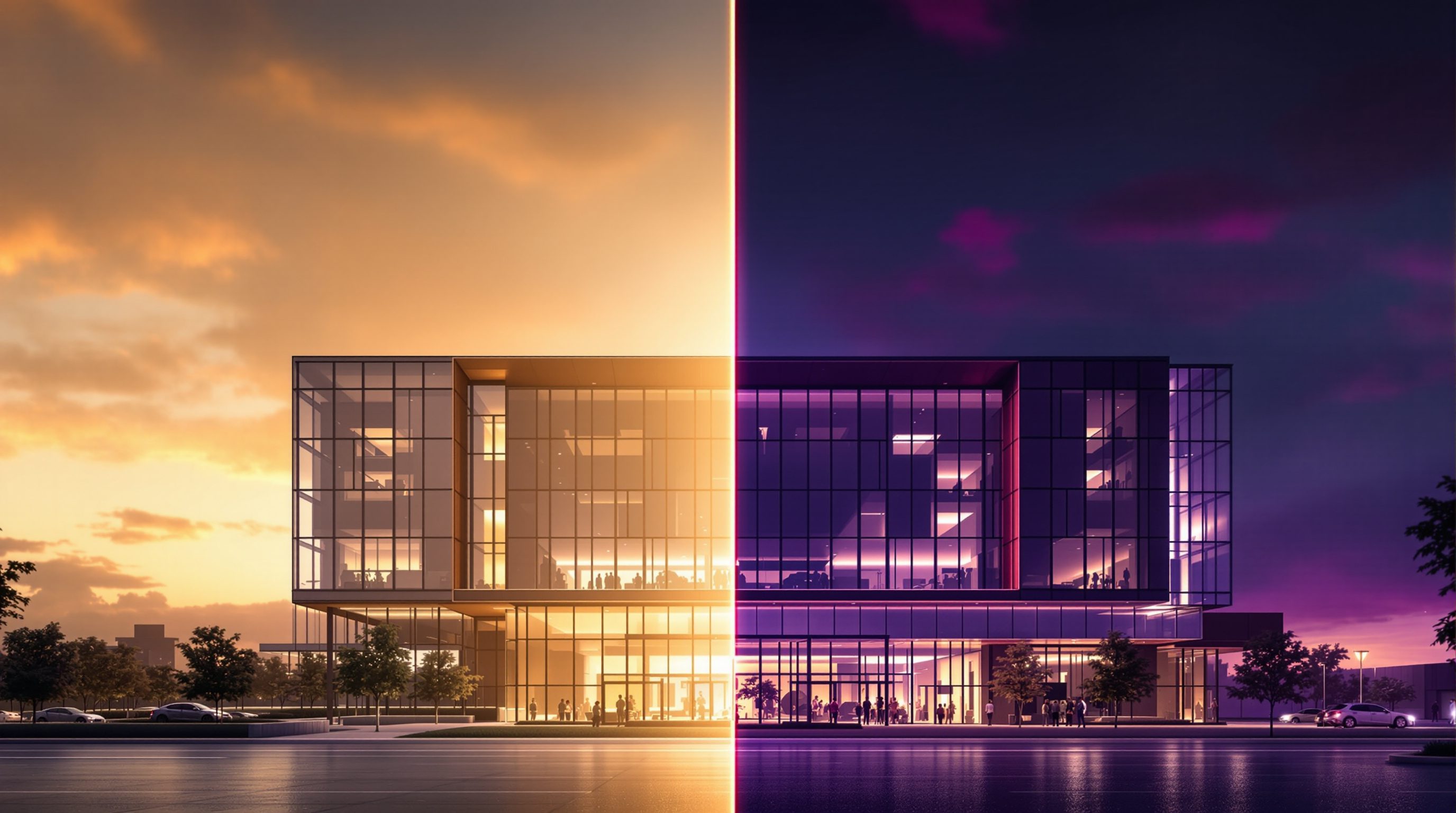
Daylight in Unreal comes from a Directional Light standing in for the sun, and its rotation is the time of day: pitch it low near the horizon for morning and evening, high overhead for noon. A day/night slider, then, is simply a control that maps a value - say 0 to 24 hours - onto that light's rotation. Drag the slider and you rotate the sun; the whole room re-lights in real time because Lumen recomputes the global illumination live, exactly the payoff of real-time you met back in the lighting module.
Mechanically it is a UMG Slider widget whose On Value Changed event feeds a Set World Rotation (or the Sun Position / Sky controls in an environment setup like the Sun and Sky actor). You map the slider's 0-to-1 output to a pitch range - roughly a sunrise angle up to noon and down to sunset - and, if you want it convincing, also drive the sky, fog and light colour and intensity so dawn glows warm and low while noon is bright and neutral. Unreal's environment tools can tie sky and sun together so one control moves the whole time of day coherently.
Why clients love it: light is the thing renders freeze into a single moment, and here the client controls it. They can check whether the west-facing living room bakes at 5pm, whether the courtyard catches morning sun, how the material reads at dusk versus midday. Those are real design questions, answered by their own hand on a slider - the kind of decision-making that used to need a dozen separate renders and a week of waiting. It is the sun-and-daylight lesson made interactive.
A precise mapping helps it feel right. Map the slider's 0-to-1 onto a sun pitch of about -5 degrees (just below the horizon at dawn and dusk) up to perhaps 60 to 75 degrees at local noon, and drive the light's color temperature warm (around 2000 to 3000K) near the horizon and neutral (around 5500K) at midday, easing intensity down toward the ends. If you use the Sun and Sky actor, whose Time of Day property is already an angle, you feed the slider straight into it and the sky, sun disk and horizon all move together - far more convincing than rotating a lone Directional Light against a static sky.
Slider 0-24h -> sun pitch. Lumen re-lights live. Add sky + fog + colour for realism.
The configurator - choices stored as state
A configurator is the archviz showpiece: a set of options the client can combine - floor finish, wall colour, kitchen layout, lighting mood - to build their own version of the design and see it instantly. Under the hood it is nothing exotic. Each category is a variable that holds the current choice (Floor = Oak, Wall = Sage, Light = Neutral), each option is a menu button that writes to that variable and applies the change, and the scene simply reflects the current state. The whole thing is the menus from lesson 3 writing to variables and calling the swaps from lesson 2.
The design craft is in structure. Organise options into clear categories so the client is never overwhelmed - a row per decision, the active choice highlighted, as the figure shows. Decide which options are independent (any floor with any wall) and which constrain each other (a layout that only allows certain finishes), and enforce that in the logic. For layout changes - swapping a kitchen island for a galley, or furnishing an empty room - toggle the visibility of pre-placed alternative meshes rather than deleting and spawning, which is cleaner and faster. Keep every choice in a tidy set of variables and the configurator stays easy to reason about even as options multiply.
Watch two honest pitfalls. First, order of operations: apply every change through the same function the menu calls, so selecting an option and loading a saved choice run identical code - otherwise a restored configuration and a freshly-clicked one can quietly drift apart. Second, avoid a combinatorial explosion of prepared assets: for finishes lean on Dynamic Material Instances (a colour parameter, not a new material per shade), and for layouts pre-place the alternatives once and toggle visibility. Both keep the option count linear instead of multiplying into an unmanageable pile.
Saving, showing and handing over the choices
A configurator gets far more valuable the moment it can remember. Because every choice already lives in a variable, capturing a configuration is just recording that set of values. Unreal's Save Game system (Create/Save/Load Game Object) writes them to disk so a client can leave and return to their configuration; a lighter approach keeps them in a Game Instance so choices persist as they move between rooms or levels within a session. Either way, the principle is the same: state you can store is state you can restore.
Beyond saving, think about showing the result. A summary panel can list the current selection - Floor: Oak, Wall: Sage, Light: Neutral - so the client sees exactly what they have chosen in words, not just in the room. You can offer preset schemes (a curated Scheme A / B / C) as one-tap starting points, then let them fine-tune. And you can surface the choices for follow-up: a specification a client can screenshot, a set of camera views captured per configuration, or - reaching into later modules - a version delivered by pixel streaming so they configure it in a browser, or explored in VR where they pick finishes from inside the room.
This is what turns interactivity into a deliverable. A saved, shareable configuration is something a client takes away - and something that feeds straight into your actual documentation, because the finishes they chose are the finishes you specify. The interactive model stops being a pretty presentation and becomes part of the project's decision trail, which is exactly the value a serious practice wants from real-time.
Mechanically, a Save Game is its own small object: you make a SaveGame Blueprint with variables mirroring your choices, then Create Save Game Object, copy the current selections in, and Save Game to Slot under a named slot. On startup, Does Save Game Exist then Load Game from Slot reads them back, and you re-apply each through the shared apply function. Because it is plain variables in and out, adding a new configurable category later is just one more field on the SaveGame object - no new machinery to learn.
Choices live in variables -> Save Game or Game Instance -> restore, show, hand over.
The interactive presentation as a product
Step back and see what this module has built. You started with a static, if beautiful, real-time scene. You added a grammar - events wired to actions - and used it to make doors swing, lights switch and finishes swap. You put those controls on screen with UMG. And now, with a day/night slider and a saving configurator, you have something a client does not just watch but uses: a small product for exploring and committing to a design.
Thinking of it as a product changes how you build it. A product needs an obvious way in - a clear opening state and a hint of what can be changed - and an obvious way around, so a first-time client is never lost. It needs restraint: the architecture leads, the controls stay quiet, and no option exists just because it is technically possible. It needs to perform - a configurator that stutters or a sun slider that lags kills the magic, which is why the optimization module matters and why you make interactive only what needs to be. And it needs a purpose: every interaction should help answer a real design question or win a real decision, not merely show off.
That product mindset is also where the career is. A studio that can hand a developer a configurable, saveable, immersive model - by screen, by browser, by headset - offers something a folder of stills cannot. You now have the whole chain: import, materials, light, interaction, interface, and a configurable result. The next module takes this same responsive scene and puts the client inside it, in VR, where a configurator becomes something they reach out and touch.
That framing also disciplines scope. Before adding any control, ask what design question it answers - if a toggle does not help a client see, compare or decide something real, it is noise competing with the architecture. The strongest interactive presentations often expose fewer options than you could build, each one deliberate, fast and obvious, which is exactly why the optimization module that follows matters as much as this one.
A product has a clear way in, a way around, restraint, performance and a purpose.
Directional Light (sun)
The light whose rotation sets the time of day
Pitch it low for morning/evening, high for noon; a slider mapped to its rotation walks the sun. Lumen re-lights live.
Sun and Sky / environment setup
Tools that tie sun, sky, atmosphere and fog together
One control moves a coherent time of day - sky and horizon shift with the sun, not just the light angle.
Save Game / Game Instance
Storing choices to disk (Save Game) or across a session (Game Instance)
Because choices live in variables, saving a configuration is recording those values - so a client can restore it later.
Configurator (pattern)
Categories as variables, options as buttons, the scene reflecting state
Not an engine feature - a well-organised composition of menus, swaps and visibility toggles you have already built.
Workshop — build a saving configurator with a day/night slider
You need Unreal Engine 5, your interactive room with a UMG menu, and a Directional Light in the scene. You will add a sun slider and turn your menu into a small configurator that remembers the client's choices.
Unreal Engine 5, your scene from lesson 7.3, and a Directional Light (a Sun and Sky environment is ideal). All nodes used - Slider, Set World Rotation, Save Game, Game Instance - are built in.
Goal: a configurable room that remembers its state
Inputs: Unreal Engine 5, your menu scene from lesson 7.3, a Directional Light
Time: ~70 minutes
- 1Add a UMG Slider to your menu. Bind its On Value Changed event to map the 0-to-1 value onto a pitch range and Set World Rotation on the Directional Light (or drive a Sun and Sky actor). Test that dragging it walks the sun and Lumen re-lights the room.
- 2For realism, also drive light colour and intensity (and sky/fog if present) from the same slider value so dawn is warm and low, noon bright and neutral.
- 3Turn your menu into a configurator: create variables for Floor, Wall and Light choices. Wire each option button to write its variable and apply the change (Set Material for finishes, and toggle visibility of pre-placed alternative meshes for a layout swap). Highlight the active option in each category.
- 4Add a summary panel that reads the three variables and displays the current selection in words (for example 'Floor: Oak / Wall: Sage / Light: Neutral').
- 5Persist the choices: store them in a Game Instance so they survive moving between rooms, and add a Save and Load button pair using the Save Game system so a client can leave and return to their configuration. Confirm a saved config restores correctly on reload.
You’ll walk away with
A short screen recording of your configurable room: the sun sweeping from morning to evening on the slider, three finish/layout categories being changed with the active option highlighted, a summary panel updating, and a saved configuration restoring after reload.
Three altitudes on the same idea
Read the band that fits you — or all three.
The day/night slider answers the questions light poses better than any render can. Let a client rake the sun across a west-facing room and the afternoon glare debate settles itself. And a configurator that saves choices turns a review into a decision record - the finishes they select in the model are the finishes you specify. That traceable, client-driven decision trail is real-time earning its keep on the actual project, not just impressing at the pitch.
This is your work at its most persuasive - the client builds their own room and commits to it. A configurator of finishes, palettes and lighting moods, saved and summarised, lets a client assemble a scheme with you and walk away owning it. Judge every finish under a moving sun, compare moods, lock the choice. The saved configuration doubles as a specification, closing the gap between the beautiful presentation and the boring, essential schedule of finishes.
A saving configurator with a day/night slider is a portfolio centrepiece. It proves you can compose a whole system - light, materials, UI, state - not just one trick, and it is exactly the kind of interactive deliverable studios and developers pay for. Build one configurable room that remembers choices and presents them cleanly, and you have moved from 'can use Unreal' to 'can ship a product'. That is the line most beginners never cross.
“A day/night cycle needs a special animation system, and a configurator is an advanced feature beyond basic Blueprints.”
Do it yourself
Compose it from the pieces you already have.
- 1Which light's rotation drives the time of day, and what does dragging a day/night slider actually change?
- 2In a configurator, what does each category correspond to, and what does each option button do?
- 3Why toggle the visibility of pre-placed meshes for a layout swap instead of spawning and deleting them?
- 4Since every choice lives in a variable, what does 'saving a configuration' really mean?
- 5Give two things that make an interactive scene feel like a product rather than a tech demo.
The one line to carry out
Peer-reviewed journals & authoritative standards
- 01Blueprints Visual Scripting in Unreal Engine — Epic Games Developer Documentation, 2026.
- 02Daylighting — Wikipedia, 2026.
- 03Architectural visualization — Wikipedia, 2026.
- 04Digital twin — Wikipedia, 2026.
You have made a real-time scene fully interactive and configurable on a screen. The next module puts the client bodily inside it: VR, where these same doors, menus and configurators become things they reach out and touch at true scale.
The author
Amogh N P
Architect, interior designer, and creative polymath. Studio Matrx began in his notebooks — his vision of design made honest, useful, and open to everyone. Its Academy is written and taught in his memory, and free, forever.
More about Amogh →