
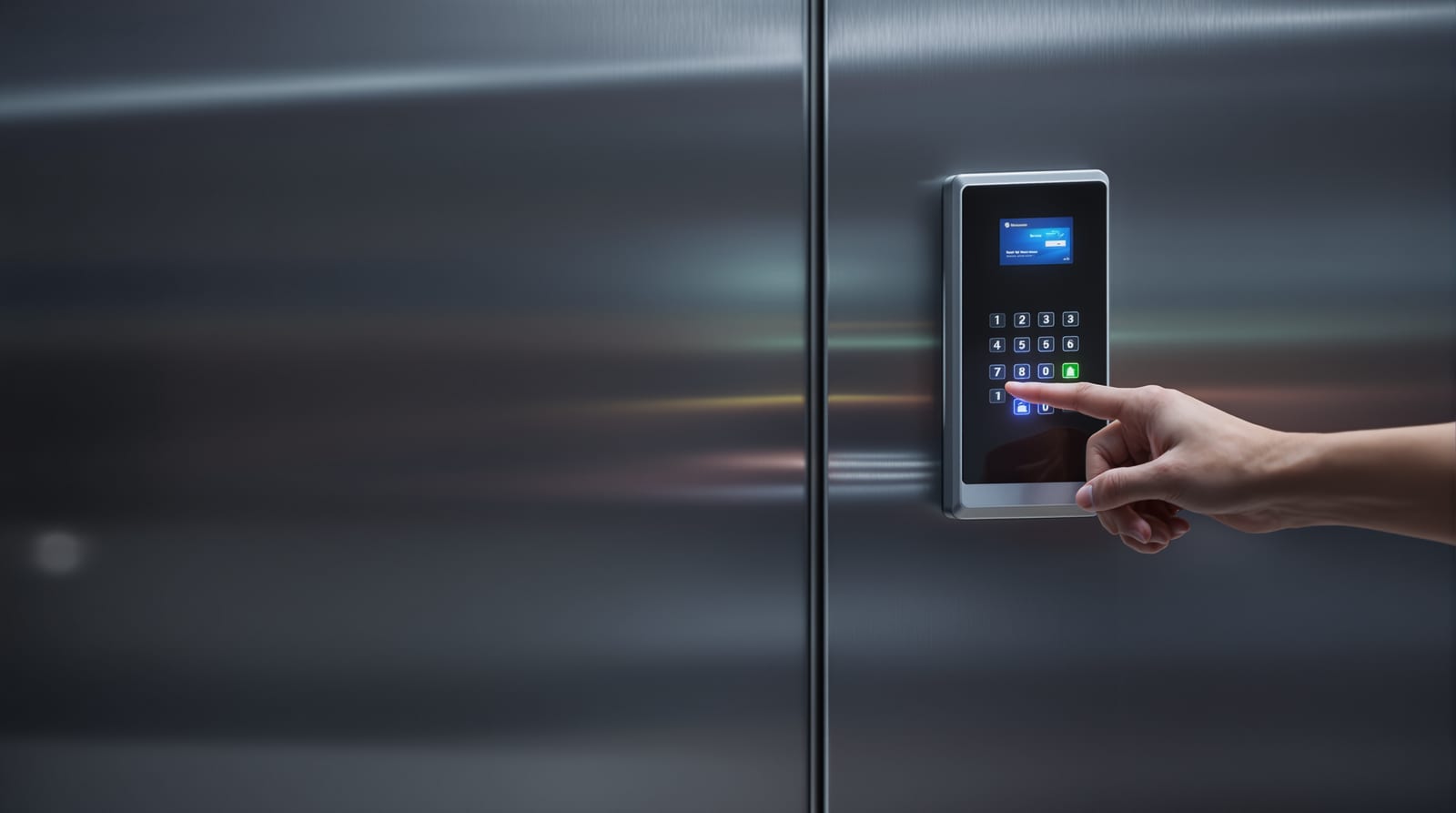
Multi-Factor Door Access: Card, PIN, Biometric India 2026
When single-factor access isn't enough — how two-factor and dual-authentication doors protect vaults, server rooms and labs, and what they cost.
A single credential is a single point of failure. A cloned RFID card, a shoulder-surfed PIN or a lifted fingerprint can each defeat an ordinary access-controlled door on its own. A multi-factor door access scheme answers this by demanding two or more independent proofs before the lock releases — typically a combination of something you have (card or phone), something you know (PIN), and something you are (fingerprint, face or palm). For the doors that actually matter — strong rooms, server rooms, R&D labs, cash-handling areas — this is the difference between a deterrent and a control you can defend in an audit. This guide explains when single-factor stops being enough, the common combinations, the genuine security-versus-convenience trade-off, anti-tailgating and anti-passback measures, the two-person rule for vaults, and what it costs to do in India in 2026.
This is a systems-design piece; it builds on the broader access control systems guide and sits within the complete door guide.
When single-factor isn't enough
Most doors are fine with one factor. A card on the office front door, a fingerprint on the back gate, a PIN on the store-room — these trade absolute security for throughput and convenience, and that's the right call for low-consequence openings. Multi-factor door access earns its keep only where the consequence of a wrongful entry is severe and the threat is credible: theft of cash or high-value stock, exposure of regulated data, tampering with critical infrastructure, or life-safety hazards behind the door.
The trigger is a risk assessment, not a sales brochure. Ask three questions for each door: what is behind it, who could plausibly want in, and what does a breach cost (money, data, compliance, safety)? If any answer is "a lot", and a single credential could realistically be stolen, cloned or coerced, escalate that one door to two factors. Resist the urge to MFA everything — every extra factor adds time, cost and lock-out risk, and users route around controls they find painful.
| Door / area | Typical risk | Recommended factors |
|---|---|---|
| Office main entry | Low–medium | 1 (card or biometric) |
| Store room / records | Medium | 1–2 (card, optional PIN) |
| Server / network room | High | 2 (card + PIN, or card + biometric) |
| R&D lab / clean room | High | 2 (biometric + PIN) |
| Cash room / strong room | Very high | 2 + two-person rule + time lock |
| Bank vault | Critical | 2–3 + dual auth + time delay + audit |
Common multi-factor door access combinations
The factors must be independent — two passwords is not multi-factor, it's two of the same thing. The usable combinations pair categories:
Card + PIN
The workhorse of commercial MFA. The reader accepts an RFID/NFC card (something you have) and then a PIN typed on an integrated keypad (something you know). Cheap, well understood, no biometric privacy baggage, and the keypad can be set to activate only after working hours — single-factor by day, two-factor by night. The weakness is PIN sharing and shoulder-surfing; pair with a shrouded keypad. See card access systems and PIN code door locks for the underlying technologies.
Card/PIN + biometric
Adds something you are. A combined reader takes a card or PIN plus a fingerprint, face or palm-vein scan. This is the strongest practical pairing because biometrics are hard to share and harder to lend, but it carries data-protection duties: under the DPDP Act 2023, biometric templates are sensitive personal data — store templates (not raw images), keep them on the controller or an on-premise server, obtain consent, and have a deletion process for leavers. Background on the reader tech is in biometric door locks, fingerprint door locks and face recognition access control.
Mobile + biometric / PIN
A phone credential (BLE/NFC, often unlocked by the phone's own fingerprint/face) plus a door-side PIN or biometric. Convenient and revocable instantly, but depends on phone battery, the app and network — keep a card or PIN fallback. Covered in mobile app door access.
| Combination | Security | Convenience | Indicative installed cost / door |
|---|---|---|---|
| Card + PIN (combined reader) | High | Medium | ₹15,000–35,000 |
| Card + fingerprint | Very high | Medium | ₹25,000–60,000 |
| PIN + face / palm-vein | Very high | Medium–high | ₹35,000–80,000+ |
| Mobile (app) + biometric | High | High | ₹25,000–55,000 |
| Dual-credential (two people) | Critical | Low | ₹60,000–1,50,000+ (engineered) |
Costs are installed, before 18% GST, and exclude the controller/panel, power supply with backup battery, lock hardware and software — see access control cost and the access control system designer for a per-door build-up.
The security-versus-convenience trade-off
Every added factor lengthens the transaction. A card alone is under a second; card-plus-PIN is five to ten seconds; card-plus-PIN-plus-biometric can be fifteen-plus, multiplied by queue length at peak. That friction is the real cost of MFA, and it drives the two failure modes you must design out: users propping doors open, and users tailgating each other to skip the second factor.
Manage it by scoping MFA tightly (only the doors that need it), by using schedule-based escalation (single-factor during staffed hours, two-factor after hours), and by accepting that a high-security door is meant to be slow. Never "solve" queueing by weakening the control — solve it by reducing how many people legitimately need that door.
Anti-tailgating and anti-passback
MFA verifies credentials; it does nothing about people. Two physical-control problems remain:
Tailgating (piggybacking) — an unauthorised person follows an authorised one through the open door. Counter it with anti-tailgating hardware: turnstiles or speed gates that admit one person per valid read, mantraps (an interlocked two-door airlock where the inner door won't open until the outer is shut and the person is verified), optical/lidar people-counting sensors that alarm on a second body, and procedural "no holding doors" rules with signage. Mantraps are the gold standard for vaults and high-security data halls.
Anti-passback (APB) — stops one credential being used twice to admit two people (e.g. badge in, slide the card back under the door). The controller enforces a strict in/out sequence: a credential that entered cannot enter again until it has registered an exit through a reader. This needs readers on both sides of the door (entry and exit), which roughly doubles reader cost but is essential where you must prove who is inside. "Timed" APB (re-entry blocked for N minutes) is a lighter variant for less critical doors.
| Control | Defeats | Needs | Where to use |
|---|---|---|---|
| Anti-passback (hard) | Credential pass-back | Readers both sides | Cash rooms, data halls |
| Anti-passback (timed) | Casual re-entry | Single reader + timer | Office secure zones |
| Turnstile / speed gate | Tailgating | Lobby space, integration | Building entrances |
| Mantrap / interlock | Tailgating + forced entry | Two doors, interlock logic | Vaults, server rooms |
| Tailgate sensor | Tailgating | Overhead optical sensor | Single high-security doors |
Dual authentication for vaults, server rooms and labs
The highest tier adds the two-person rule (dual authentication): the door opens only when two different authorised people present valid credentials within a short window — no single individual, however senior, can enter alone. This neutralises a coerced or rogue insider and is standard for bank strong rooms, cash-handling areas and the most sensitive data vaults. Layer it with a time lock / time delay (the door cannot open outside set hours, or imposes a delay that defeats hold-up attacks) and full audit logging so every entry names both people, the time and the factors used — see door access audit logs.
Server and network rooms typically run card-plus-biometric with hard anti-passback and a logged register; clean rooms and R&D labs add interlocks and sometimes mantraps to control both access and contamination. For commercial deployment patterns see office access control and, for whole-building tie-ins, access control BMS integration.
Free egress is non-negotiable
Whatever you bolt onto the entry side, the NBC 2016 life-safety rule is absolute: doors on escape routes must permit free egress at all times. Exit must never require a credential. Maglocks must be fail-safe (release on power loss) and must drop on a fire-alarm signal; provide a clearly marked exit button (REX) and an emergency break-glass release. A two-person rule, a mantrap or a time lock applies to getting in, never to getting out. This is the single most common — and most dangerous — mistake in high-security door design. The choice is explained in fail-safe vs fail-secure locks, and you can model it with the fail-safe vs fail-secure selector.
Cost, power and the India reality
MFA is project-engineered, not off-the-shelf, so budget per door and get an integrator quote. As a rule of thumb, a two-factor commercial door lands at ₹25,000–80,000 installed; add anti-passback (second reader) at ₹5,000–20,000, a turnstile from ₹1,50,000, and a mantrap or vault-grade dual-auth setup well into lakhs. Add 18% GST and an annual maintenance contract — see door automation AMC.
India's power-cut reality is a first-order design factor. The controller, readers and locks all need battery backup or a UPS so the door keeps logging and locking through an outage — but remember the fail-safe escape doors should release on power loss, so plan secure-side and escape-side doors differently. Budget the backup explicitly; see door access power backup. Always isolate mains before any wiring work and use a licensed electrician for the lock power and controller mains.
To scope a build, try the access control cost estimator and the access control ROI calculator, and read the door automation wiring and access control standards guides before you sign off a design.
Frequently asked questions
Is card-plus-PIN really multi-factor, or just two steps?
It is genuine two-factor: the card is something you have and the PIN is something you know — two independent categories. (Two PINs, by contrast, would not be multi-factor.) For most commercial high-security doors, card-plus-PIN is the practical baseline; add a biometric for the highest tier.
Won't multi-factor lock people out during a power cut?
It can if you don't plan for it. Give the controller, readers and locks a UPS or backup battery so the system keeps working through Indian outages. Crucially, escape-route doors use fail-safe maglocks that release on power loss, so people can always get out; only the secure entry side is affected, and the backup keeps that running.
Are biometric access doors legal in India?
Yes, but biometric data is sensitive personal data under the DPDP Act 2023. Store mathematical templates rather than raw fingerprint or face images, keep them on-premise where possible, take informed consent, restrict access, and delete templates when a person leaves. Treat footage from any linked camera the same way.
What is the two-person rule and where do I need it?
Dual authentication requires two different authorised people to badge in together before the door opens, so no one can enter alone. Use it for bank vaults, cash rooms and the most sensitive data or pharma vaults, usually combined with a time lock, anti-passback and full audit logging.
Does a mantrap or time lock affect emergency exit?
No — it must not. Under NBC 2016, escape routes must allow free egress at all times. Mantraps, two-person rules and time locks govern entry only; exit is always free via a fail-safe lock, exit button and fire-alarm release. If a control would trap people inside, it is non-compliant and unsafe.
How many doors should actually get multi-factor access?
Only the few where a breach is genuinely costly — server rooms, vaults, labs, cash areas. Run a per-door risk assessment. Over-deploying MFA adds cost, queues and lock-out risk and pushes users to defeat the controls, which is worse than well-chosen single-factor on ordinary doors.
Export this guide
Related Guides — Deep-dive reading
Multi-Factor Access Control in India (2026): Two-Factor Doors, Anti-Passback and Mantraps Done Right
What multi-factor access control means, the three factor categories, common two-factor combinations, and which high-security doors truly need them versus where a second factor just slows honest people down.
SecurityAccess Control Maintenance in India (2026): Readers, Locks and Fail-Safe Egress
How to keep a card, keypad, fingerprint or face access-control system reading reliably and locking securely — and, above everything, how to test that its doors still release on a fire alarm and on power loss, so an access-controlled door never becomes a life-safety trap.
SecurityOffice Access Control India 2026: Zones, Cards & Cost
How to zone, credential and audit an office access-control system across reception, work floors, server rooms and branches in India.
Home Doors & EntrancesRelated Tools — Try Free
Access-Control Battery-Backup Calculator
Size the standby battery so an access system keeps running through a power cut, with an egress life-safety note.
Battery BackupWindow Hardware Cost Calculator
Estimate window hardware cost — hinges, handles, locks, rollers and multipoint gears.
Window CalculatorEmergency-Egress Checker
A life-safety self-check that access-controlled doors on escape routes still let people out in an emergency.
Egress Check