
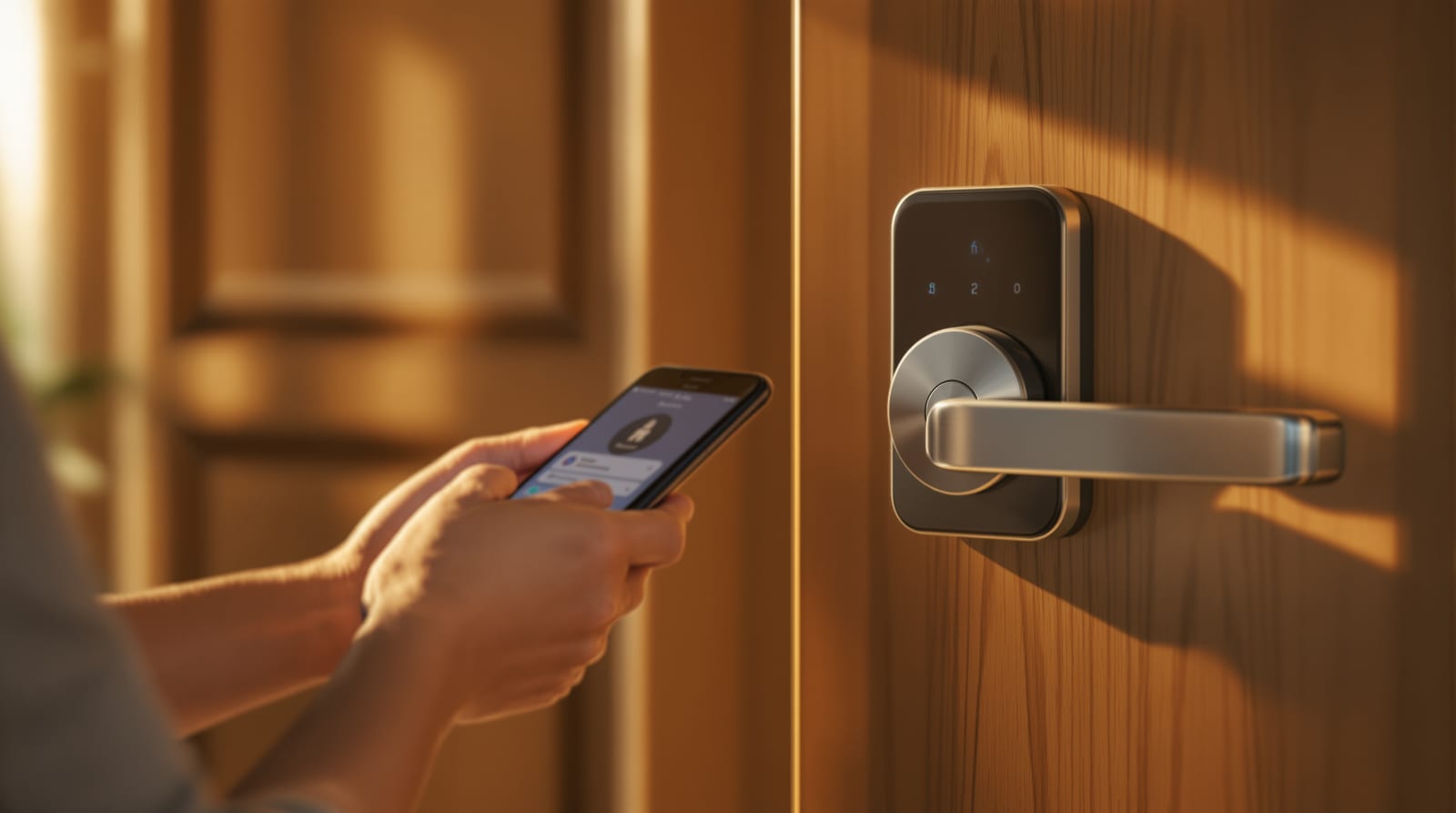
Mobile App Door Access in India 2026: Unlock by Phone
How smartphone door access works in Indian homes and offices: BLE vs Wi-Fi vs cloud, digital keys, sharing, and the dead-phone reality.
Mobile app door access turns your smartphone into a key, a key-sharing tool and a remote-control panel for the front door. Tap the app and the lock opens; share a digital key and your house help, parents or an Airbnb guest can let themselves in for a set window only; check the log and you know exactly who came and went. In Indian homes, offices and rentals the convenience is real — but so are the failure modes: dead batteries, no internet during a power-cut, and biometric/footage data leaving your house. This guide explains how phone-based unlock actually works, how to share keys safely, and how to design around the day the phone (or the lock) is dead.
How mobile app door access works: BLE vs Wi-Fi vs cloud
There are three distinct technologies behind a phone unlock, and most good locks use a combination. Understanding which one is doing the work explains why a feature does or doesn't survive a power-cut.
Bluetooth / BLE is a short-range radio link (roughly 5–10 m) directly between your phone and the lock. It needs no internet and no hub — the phone talks to the lock device-to-device. This is the most reliable everyday unlock: stand at your door, the app (or a widget/tap) opens it even if your broadband is down. The limit is range — you must be physically near the door.
Wi-Fi connects the lock itself to your home router and onward to the manufacturer's cloud. This is what enables remote unlock from anywhere, live notifications and audit logs synced to the app. The trade-off: Wi-Fi locks drain batteries faster, and if your internet or power is down, remote features stop — BLE at the door still works. Many locks split the job: BLE for local unlock, a separate Wi-Fi bridge/hub for remote.
Cloud unlock is the layer that lets you (or a shared user) press "unlock" from across the city. The command travels phone → manufacturer cloud → your lock's Wi-Fi connection → lock. It is the most convenient and the most dependent: it needs the lock online, your phone online, and the vendor's servers up. Treat it as a bonus, never the only way in.
| Technology | Range / reach | Needs internet? | Survives power-cut? | Best for |
|---|---|---|---|---|
| Bluetooth / BLE | ~5–10 m (at the door) | No | Yes (lock on battery) | Daily local unlock, family |
| Wi-Fi (on lock) | Anywhere (via cloud) | Yes | No remote; BLE still works | Notifications, logs, remote |
| Zigbee / Z-Wave / Matter (via hub) | Whole-home via hub | Local hub: no; cloud: yes | Depends on hub power | Smart-home integration |
| Cloud unlock | Anywhere | Yes (both ends) | No | Remote unlock for deliveries |
For how the Wi-Fi link is set up and kept stable, see smart lock Wi-Fi connectivity. For the broader connectivity picture, keyless entry systems and smart door locks cover the lock side.
Digital keys and sharing them safely
The real power of app access is the digital key — a permission, not a physical object, that you grant and revoke from the app.
Types of shared access
- Permanent key — for family living in the home; full unlock rights, often with their own app login.
- Time-limited / scheduled key — the workhorse for a maid or cook: unlock only 7–10 am and 5–7 pm, weekdays only. Outside the window the key simply won't open the door.
- One-time / temporary key — for a guest, plumber or a single Airbnb check-in; expires after one use or a set date.
- PIN/OTP share — instead of an app, you send a temporary numeric code the visitor types on the keypad; useful for people who won't install an app. See PIN code door locks.
The golden rules: give the least access that does the job, set an expiry, and revoke immediately when help leaves or a tenancy ends — revocation is instant from the app, unlike collecting a returned physical key. Every share should appear in the door access audit logs so you can verify who actually entered.
Remote unlock, geofencing and visitor scenarios
Remote unlock for deliveries lets you open the door from work to let a courier drop a parcel inside the gate, then lock again — with a notification and a log entry. It is genuinely useful but is the riskiest convenience: you cannot see who is really at the door unless you pair it with a camera or video door phone. Best practice is to remote-unlock only when a trusted person confirms the visitor, and to relock immediately.
Geofencing auto-unlock uses your phone's location so the door unlocks as you arrive in the driveway and auto-locks when you leave. Convenient, but reliability depends on GPS accuracy and the phone's background-location permission — it can misfire (unlocking when you're merely passing, or failing to trigger). Many Indian users keep auto-unlock off for the main door and rely on a quick BLE tap instead. Auto-lock on departure, however, is a safe and worthwhile feature.
Guests and short-term rentals (Airbnb): issue a one-time or date-bound key that activates at check-in and expires at check-out — no key handover, no lock-change between guests. For homes with house help, scheduled keys plus log review are the standard pattern; see choosing a smart lock for picking the right model.
| Scenario | Recommended share | Verify with | Auto-revoke |
|---|---|---|---|
| Family member | Permanent app login | Log review | Manual when they move out |
| Maid / cook | Scheduled time-window key | Audit log | Keep; revoke on exit |
| Delivery courier | Remote unlock by you | Camera / VDP | Relock immediately |
| Airbnb / guest | One-time or date-bound key | Check-in/out dates | Auto at check-out |
| Plumber / one visit | One-time PIN/OTP | Be present if possible | After single use |
What happens when the phone is dead — or there's no internet
This is the question every Indian buyer should ask before paying. Power-cuts, patchy broadband and a flat phone battery are everyday realities, and a lock that only opens via the app is a lock-out waiting to happen.
- Phone dead or lost: you must have a second method on the lock — a PIN/keypad code, fingerprint, RFID card, or a physical mechanical-key override. Never rely on the app alone. A backup user with their own key/PIN matters too.
- No internet / Wi-Fi down: remote and cloud unlock stop, but BLE at the door keeps working because it doesn't touch the internet. Notifications and logs will sync once connectivity returns.
- Power-cut: the lock runs on its own internal batteries, so it keeps working through a cut — this is exactly why a battery-powered smart lock beats a mains-only one in India. The Wi-Fi bridge, however, dies with the router, so remote features pause. Plan a UPS for the router if remote access matters. See door access power backup and the smart lock battery guide.
- Dead lock battery: good locks warn weeks ahead and offer an emergency power point (a 9V/USB jump terminal) plus a physical key. Keep one charged power-bank and the mechanical key off-site.
The rule of thumb: design for two independent ways in that don't share a failure (app + PIN, or biometric + key), and keep one of them offline-only. Use the smart lock battery-life calculator to estimate how often you'll be changing cells.
Security and privacy
App access widens the attack surface from a physical lock to an account. Protect it like a bank login.
- Account security: strong, unique password and two-factor authentication on the lock app; a compromised account can unlock your door from anywhere. Review smart lock security risks.
- Data and privacy: under India's DPDP Act 2023, biometric templates, camera footage and access logs are personal data. Prefer locks that store fingerprints/face data locally on the device rather than in the cloud, and check the vendor's data and retention policy before buying.
- Sharing hygiene: revoke keys promptly, audit the user list quarterly, and avoid sharing your master login — issue separate keys instead.
- Phone hygiene: lock your phone, enable remote-wipe, and de-authorise the lock from a lost phone via the cloud account.
The legal must: free egress
Whatever you bolt on, anyone inside must always be able to get out instantly without an app, code or network. Under NBC 2016 fire/life-safety rules, doors on escape routes must allow free egress — a single push from inside, even with no power and no phone. If you ever use an electromagnetic lock or networked access control on an escape door, it must release on a power-cut and on the fire alarm. App access is a convenience layer on top of — never a replacement for — safe egress.
For the wider picture, start at the complete door guide and the door automation guide.
Frequently asked questions
Can I unlock my door from another city?
Yes, if your lock has Wi-Fi (or a Wi-Fi bridge) and both your phone and the lock are online. The command goes through the vendor's cloud. If your home internet or power is down, remote unlock won't work — but BLE unlock at the door still will. Treat remote unlock as a bonus, not your only way in.
What happens if my phone battery dies?
You should never depend on the app alone. Keep a second method on the lock — a PIN code, fingerprint, RFID card or a mechanical-key override — so a dead or lost phone never locks you out. A second household member with their own credential is also wise.
Is geofencing auto-unlock safe?
It's convenient but can misfire depending on GPS and background-location settings, so many users keep auto-unlock off for the main door and rely on a quick BLE tap. Auto-lock on departure, by contrast, is reliable and worth enabling.
How do I give my maid access without giving her a key?
Issue a scheduled, time-limited digital key (or a temporary PIN) that works only during her hours, and review the audit log to confirm entries. Revoke it instantly from the app the day she leaves — no awkward key handover.
Is my fingerprint or face data safe with an app lock?
Under the DPDP Act 2023, biometric data and footage are personal data. Prefer locks that store templates locally on the device rather than in the cloud, enable two-factor on the app account, and read the vendor's data-retention policy before buying.
Does app access work during a power-cut?
The lock itself runs on internal batteries, so local BLE unlock keeps working through a cut. The Wi-Fi bridge dies with your router, so remote/cloud features pause until power and internet return. Put the router on a UPS if remote access matters to you.
Export this guide
Related Guides — Deep-dive reading
Video Door Phones with Smart Locks in India (2026): See, Then Unlock
How to pair a video door phone with a home smart lock so you can video-verify a visitor and let them in without walking over or handing out keys, with a hard focus on mechanical override, power-cut behaviour and egress safety.
SecurityKeyless Entry Systems for Indian Homes: PIN, RFID, Fingerprint, App & OTP (2026)
How keyless entry actually works in Indian homes, what happens when power or battery fails, and the best lock combinations for safety and convenience.
Home Doors & EntrancesSecurity for People Living Alone in India (2026): Calm, Practical Habits When There Is No Second Person to Notice
Living alone is an ordinary and growing part of Indian life - the student in a new city, the working single, the elder whose children are abroad, the person after a separation. It does not call for fear. It calls for a few deliberate habits, because there is no second person in the home to notice trouble, raise the alarm, or catch an accident. This is calm self-reliance, layer by layer.
SecurityRelated Tools — Try Free
Access-Control Battery-Backup Calculator
Size the standby battery so an access system keeps running through a power cut, with an egress life-safety note.
Battery BackupAcoustic Privacy (STC) Visualizer
Indian healthcare acoustic visualizer — compare wall assemblies and noise sources, see received SPL after STC attenuation, and check FGI 2018 / IS 1950 / NABH speech-privacy compliance with live dual-canvas waveform.
Acoustic ToolSmart Lock Finder
Find the right smart lock — access methods, tier and must-haves like a mechanical override — for your door and budget.
Door Tool