
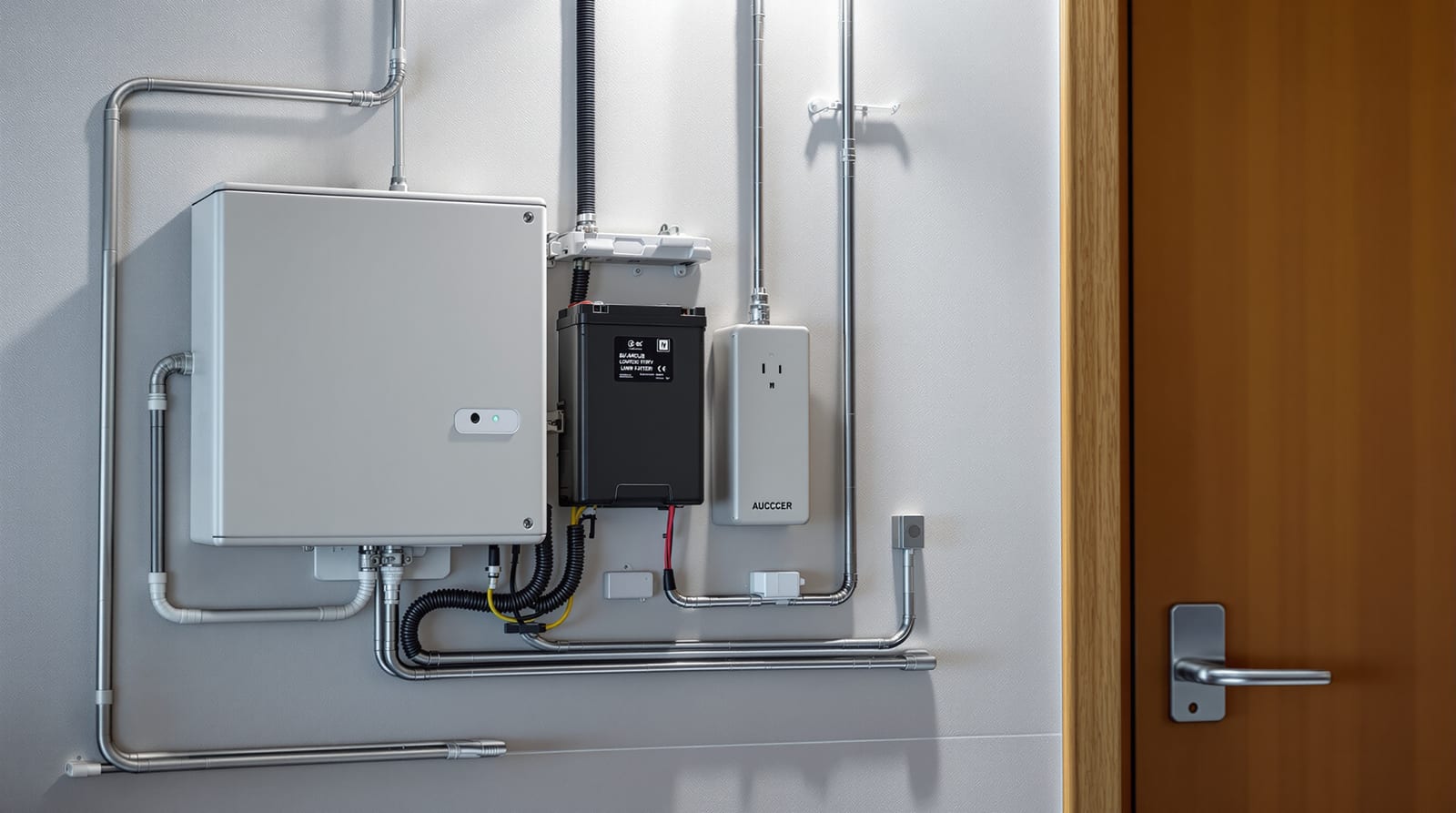
Door Access Power Backup: Never Locked In or Out India 2026
What happens to every smart lock, maglock, strike and operator in a power cut, plus battery and UPS sizing so you are never trapped.
In most countries a power cut is an event; in India it is a daily assumption. That single fact reshapes how you must plan door access power backup: every electrified lock, controller, smart lock, maglock and automatic operator behaves differently the moment the mains drop, and getting that behaviour wrong means people are trapped inside, shut out in a corridor, or a perimeter door falls open all night. This guide walks through what each device type does on a power loss, how to size batteries and a UPS so the system rides through the cut, why mechanical-key override is non-negotiable on smart locks, and how fire-release wiring keeps escape routes legal. The aim is simple and absolute: plan so that no one is ever locked in or out, and so that life-safety always wins. Pair it with the fail-safe vs fail-secure locks primer, which decides half of this for you.
Door access power backup starts with the fail mode
Before you size a single battery, decide what should happen when power dies — because the device's fail mode, not the backup, governs safety.
- Fail-safe (fail-open): energised to lock; on power loss it unlocks. Maglocks are always fail-safe. Use on escape-route doors so people can leave during a fire or outage. The catch: with no backup, a fail-safe door is insecure for the whole cut.
- Fail-secure (fail-locked): energised to unlock; on power loss it stays locked, but the inside lever still retracts the latch, so egress survives. Use on perimeter and high-value doors. With no backup, authorised people cannot get in until power returns.
Backup power exists to override the inconvenient side of whichever mode you chose: it keeps a fail-safe door secure through the cut, and keeps a fail-secure door enterable through the cut. It does not, and must not, defeat egress. The legal must under NBC 2016 life-safety provisions: any access-controlled door on a designated escape route must allow free egress at all times and, where a maglock could trap people, must release on the fire-alarm signal regardless of what the backup battery is doing. Decide the mode deliberately with the fail-safe vs fail-secure selector.
What each device does on a power cut
The panic of a power cut comes from not knowing what your hardware will do. Here is the honest behaviour of each type, and the override that saves you.
| Device | On power loss (no backup) | Override / safeguard |
|---|---|---|
| Battery smart lock (Wi-Fi/BLE) | Runs on its own AA/Li battery; mains cut does not affect it | Mechanical key, low-battery alerts, 9V jump terminal |
| Wired smart lock (mains-powered) | Stops; door reverts to mechanical | Always keep mechanical key cylinder |
| Maglock (fail-safe) | Unlocks — door free to push | Backup battery keeps it secure; fire alarm drops it |
| Electric strike (fail-safe) | Unlocks | Backup battery; inside lever |
| Electric strike (fail-secure) | Stays locked; inside lever works | UPS so people can still enter |
| Solenoid bolt | Mode-dependent (usually fail-secure) | UPS + manual release |
| Access controller/panel | Goes dead; no card/PIN reads | Battery in the power-supply box |
| Automatic operator (swing/slide) | Stops mid-cycle; most allow manual push | Manual mode / break-out; UPS for auto reopen |
| Video door phone / IP intercom | Goes dark | PoE switch on UPS, or local battery |
Two things stand out. First, battery smart locks are largely immune to mains cuts because they carry their own cells — the real risk there is the lock's battery dying, which is a different problem (see smart lock battery guide). Second, maglocks always unlock on a cut, so on any door you actually want to stay shut during an outage, the backup battery is not a luxury — it is the only thing keeping the door locked.
The mechanical-key override is your last line
Every smart lock worth fitting keeps a mechanical key cylinder or an emergency power terminal (often a 9V battery contact you press to the base to wake a dead lock long enough to enter a PIN). Never specify a smart lock without one, and physically store the keys off-site or with a trusted neighbour — a key in a drawer behind the locked door is no key at all. For the device-level picture see choosing a smart lock and smart lock security risks.
Sizing battery backup and a UPS
Backup sizing is where good intentions meet arithmetic. You need the system to ride through a realistic Indian outage, which can be minutes in a metro or many hours in a tier-2 town or during load-shedding.
Work it out in four steps:
- Add the standby load. Sum the holding current of the lock(s) plus the controller and reader. A 600 kg maglock typically draws around 0.5 A at 12V; a controller and reader add a few hundred milliamps. Say the door draws roughly 0.8-1.0 A total at rest.
- Pick a runtime target. For a metro with short trips, 1-2 hours may suffice; for load-shedding belts, plan 4-8 hours, or pair with a genset/inverter.
- Size the battery (Ah). Battery Ah ≈ load current (A) x runtime (h) x a derating factor of about 1.25 for ageing and depth-of-discharge. So 1.0 A for 4 hours needs roughly 5 Ah of usable capacity, i.e. a 7 Ah SMF battery is a sensible minimum per door.
- Choose backup topology. Small systems use a battery inside the access power-supply box (12V SMF). Larger or IP/PoE systems are cleaner on a UPS feeding the PoE switch and controllers, so cameras, intercoms and panels all ride through together.
| System | Typical backup | Indicative band (₹) | Runtime guidance |
|---|---|---|---|
| Single door, maglock/strike | 12V 7 Ah SMF in PSU box | 1,500-4,000 | 2-6 hours at rest |
| Multi-door controller | Larger PSU + 7-18 Ah battery | 4,000-12,000 | 2-8 hours |
| IP / PoE access + cameras | UPS (600 VA-2 kVA) on switch | 6,000-30,000 | 1-4 hours |
| Automatic operator | Operator battery kit / UPS | 8,000-25,000 | a few auto cycles |
| Whole-gate (society) | Inverter / genset + battery bank | quote-driven | hours |
Add 18% GST; networked and operator backup is project-engineered, so get an integrator to confirm loads. Estimate the wider system with the access control cost estimator and the door automation cost calculator.
Fire-release wiring and free egress
This is the part that cannot be value-engineered away. On any access-controlled door that sits on a designated escape route, the maglock or fail-safe strike must drop on a fire-alarm signal so people are never held in by an electromagnet during an emergency. The standard method is to wire the lock's power through a normally-closed relay driven by the fire-alarm panel (and, for redundancy, a break-glass emergency release button beside the door that cuts lock power directly). When the alarm fires — or someone smashes the green release — the door frees instantly, even if the backup battery is fully charged. Life-safety overrides backup, not the other way round.
Key rules to insist on at commissioning:
- Fail-safe locks on escape doors must be on the fire-release circuit, not just the access controller.
- Fail-secure locks still need the inside lever or a push-bar/REX so egress never depends on electronics at all.
- Emergency release buttons (break-glass or push-to-exit) belong on the secure side, clearly marked.
- Mains and 230V work must be isolated and carried out by a qualified electrician; access wiring (low-voltage) can be run separately but tie-ins to the fire panel are a specialist job.
For the wiring detail behind all of this see door automation wiring and, for larger buildings, access control BMS integration, where the fire-alarm interface is engineered formally. For the cluster overview start at the complete door guide and door automation.
Planning so you are never locked in or out
Put the pieces together into a checklist you can hand an integrator:
- Map every door's job — escape route, perimeter, internal, high-value — and assign fail-safe or fail-secure accordingly.
- Back up every electrified door to your runtime target; never rely on a fail-safe maglock with no battery if you also want security during cuts.
- Keep mechanical override on every smart lock, with keys stored off the locked side.
- Wire fire release on escape-route maglocks and add a break-glass button.
- Add a UPS for controllers, IP intercoms and PoE so the whole layer rides through together; for the operator side plan a battery kit. Match it to your magnetic door locks and electric strike locks behaviour.
- Test under real conditions: pull the mains and confirm, at each door, that you can still get out, and (where intended) still get in. Fold this into your door automation AMC.
Done properly, a power cut becomes a non-event: escape doors stay free, perimeter doors stay shut, authorised people still get in, and nobody is ever trapped.
Frequently asked questions
What happens to my smart lock during a power cut?
Most residential smart locks run on their own AA or lithium battery, so a mains power cut does not affect them at all — the door keeps working on PIN, fingerprint, app or the mechanical key. The real risk is the lock's own battery dying, which is why low-battery alerts and a mechanical-key cylinder (or a 9V jump terminal) matter. Hard-wired or mains-powered locks do stop, so always keep the mechanical key.
Will a maglock keep my door locked in a power cut?
No, not on its own. Maglocks are always fail-safe, so they release the instant power is lost — that is deliberate, for fire egress. If you also need the door secure during an outage, you must add a battery backup to the access power supply so the maglock stays energised through the cut. Even then, the maglock must still drop on a fire-alarm signal under NBC 2016.
How big a battery or UPS do I need for access control?
Sum the standby current of the lock, controller and reader (often around 1 A per door at 12V), pick a runtime target for your area (1-2 hours in metros, 4-8 hours in load-shedding belts), and size the battery as load current x hours x about 1.25 for ageing. A single door is usually fine on a 12V 7 Ah battery; IP and PoE systems are cleaner on a 600 VA-2 kVA UPS feeding the switch and panels.
Can I be locked inside if the power fails?
You should never be, and a correctly designed system guarantees it. Fail-secure locks keep the inside lever working so you can always exit by hand; fail-safe locks unlock entirely on power loss; and any door on an escape route must allow free egress and release on the fire alarm, plus carry a break-glass emergency button. If a design can trap you inside on a power cut, it is wrong and almost certainly breaches NBC life-safety rules.
Do automatic door operators work during a power cut?
Most automatic swing and sliding operators stop mid-cycle and switch to a manual mode, so the door can be pushed or slid open by hand — check the model has a clear break-out or manual function. If you need the door to keep cycling automatically through an outage (a hospital entrance, say), specify a battery backup kit or put the operator on a UPS. Either way, manual egress must always be possible.
Export this guide
Related Guides — Deep-dive reading
Fail-Safe vs Fail-Secure Locks: The Guide (India 2026)
Why fail-safe vs fail-secure is the single most important access-control decision, and how to get it right for every door.
Home Doors & EntrancesAccess Control Maintenance in India (2026): Readers, Locks and Fail-Safe Egress
How to keep a card, keypad, fingerprint or face access-control system reading reliably and locking securely — and, above everything, how to test that its doors still release on a fire alarm and on power loss, so an access-controlled door never becomes a life-safety trap.
SecurityEmergency Door Release in India (2026): The One Device You Never Defeat
The break-glass unit or green exit button that instantly unlocks any access-controlled door so people can escape, working even when the controller, network or software has failed.
SecurityRelated Tools — Try Free
Access-Control Battery-Backup Calculator
Size the standby battery so an access system keeps running through a power cut, with an egress life-safety note.
Battery BackupAccess-Control Power Calculator
Total current and power an access system draws, to size the power supply — locks, readers and controllers.
AC PowerSecurity Backup Power Calculator
Size a UPS/inverter and battery to keep CCTV, NVR, router and alarm running through a power cut — load, Ah, VA and cost.
Backup Power