
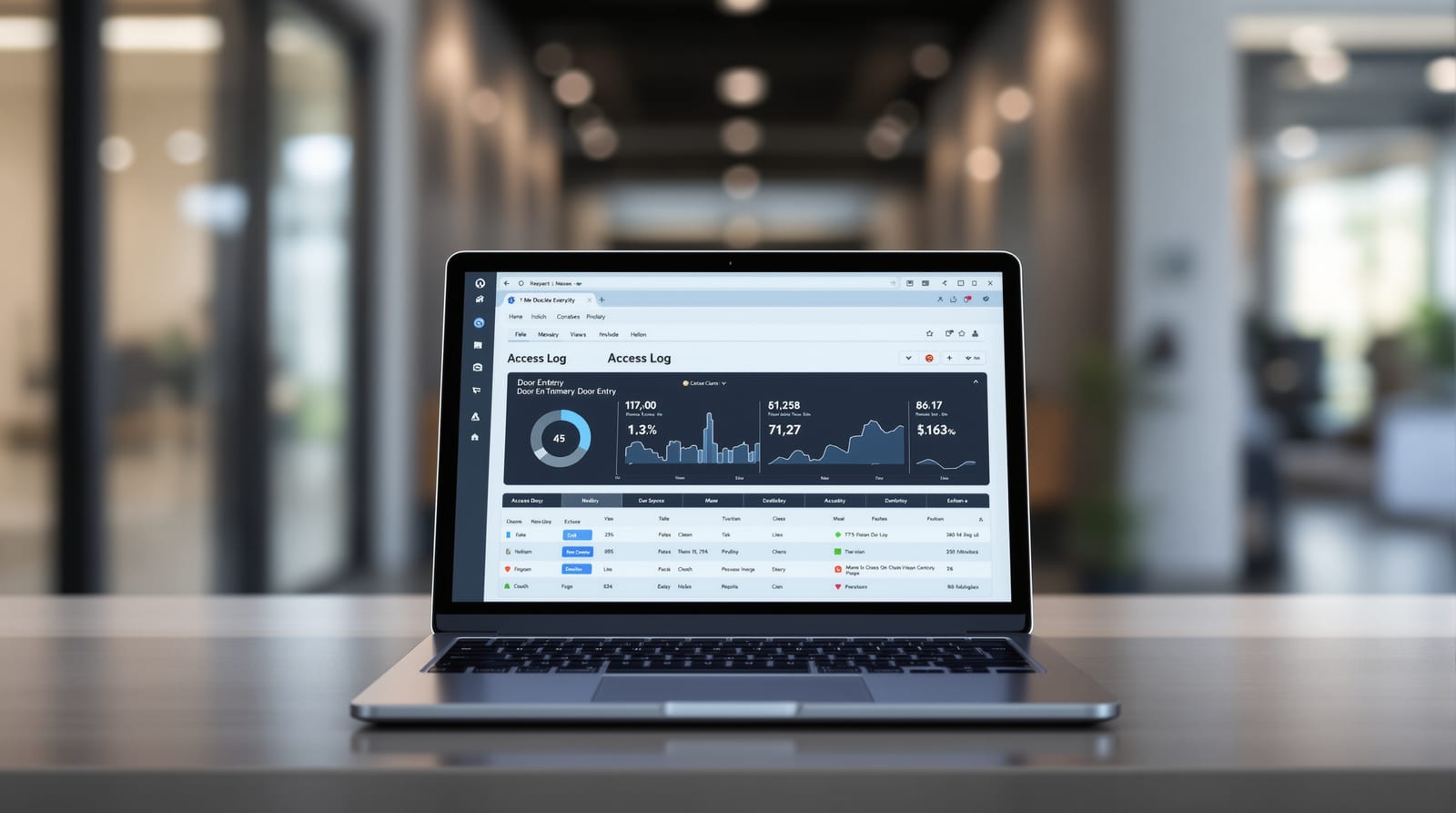
Door Access Audit Logs & Reports: A Compliance Guide India 2026
What an access-control system records, how to use logs for attendance, investigations and compliance, and your DPDP Act 2023 duties.
Every time someone taps a card, presses a finger to a reader or is turned away at a controlled door, your system creates a record. Managed well, door access audit logs are the single most useful by-product of an access-control deployment: they answer who went where and when, settle disputes, feed attendance, and prove compliance after an incident. Managed badly, they are a pile of personal data you cannot defend under the DPDP Act 2023. This guide, from Studio Matrx, explains exactly what an access-control system records, how to turn raw events into useful reports, how to keep logs trustworthy and tamper-proof, and the legal duties that come with storing people's entry data in India.
What a door access audit log actually records
An access event is the atomic unit of every log. Whether the door is opened by an RFID card, a PIN code, a fingerprint or face, the controller writes a structured row. A complete door access audit logs entry almost always carries these fields:
| Field | What it captures | Why it matters |
|---|---|---|
| Timestamp | Date and time, ideally NTP-synced | Sequencing, attendance, dispute resolution |
| Door / reader ID | Which physical door and side (in/out) | Traces movement, not just presence |
| Credential ID | Card number, user ID, biometric template ref | Links the event to a person |
| User name / group | Resolved identity | Human-readable reports |
| Event type | Granted, denied, forced, held-open, REX | Distinguishes normal from suspicious |
| Decision reason | Valid, expired, wrong schedule, unknown card | Explains a denial |
| Operator / source | Manual unlock, scheduled, alarm release | Audits the system itself |
The distinction between granted and denied events is the heart of investigations. A granted entry tells you who was where; a stream of denials on one door at 2 a.m. tells you someone is testing it. Good systems also log non-credential events: a door forced open (opened without a valid unlock), held open beyond a timer, a fire-alarm release of a maglock, tamper on the panel, and low-battery alerts. A log that records only successful entries is half-blind.
Event types you must be able to filter
- Access granted / denied — the baseline.
- Door forced / door held — physical-security alarms.
- REX (request-to-exit) — exit-button or motion-sensor egress; important because free egress is mandatory on escape routes under NBC 2016, and you want to see it working.
- System events — operator log-ins, credential additions, schedule changes, firmware updates. These prove who changed the rules, not just who used the door.
Turning logs into reports people use
Raw events are noise until you shape them. The common report families:
| Report type | Built from | Typical use |
|---|---|---|
| Attendance / time | First-in, last-out per user per day | HR, contractor hours, payroll input |
| Muster / roll-call | Live in/out state per zone | Evacuation headcount during fire drill |
| Who-is-in / occupancy | Net in-minus-out per area | Capacity limits, lone-worker safety |
| Exception report | Denials, forced/held, after-hours | Security review, anomaly hunting |
| Visitor activity | Events tied to temporary credentials | Reconcile with visitor management |
| Audit / change log | System events only | Compliance, internal audit |
A word of honesty on attendance from access logs: it is convenient but imperfect. Tailgating (two people, one swipe), people who badge in but leave by an uncontrolled door, and shared credentials all corrupt the numbers. Treat access-derived attendance as supporting evidence, not gospel, and pair it with anti-passback rules (a card cannot enter twice without exiting) on doors where accuracy matters.
The unlock-and-log flow
Keeping logs trustworthy: tamper-proofing
A log is only useful in an investigation if you can show it was not altered. Tamper-resistance has layers:
- Append-only storage — events are written once and never edited. Many enterprise platforms keep logs in a write-once store; a row can be voided with a reason but not silently overwritten.
- Hash chaining / checksums — each record carries a hash of the previous one, so deleting or editing any event breaks the chain and is detectable.
- Accurate, synced time — an NTP-synced clock matters more than people think; mismatched timestamps across doors make a sequence unprovable in a dispute.
- Separation of duties — the person who can unlock doors should not also be able to delete the log of having done so. Restrict log-deletion and export to a small, named admin group, and log those admin actions too.
- Off-device backup — buffer events on the controller during a network or power outage (a real concern with India's power-cuts, so plan power backup), then sync to a server or cloud that the local operator cannot reach to edit.
Standalone smart locks are the weak point here: many Wi-Fi smart locks keep only a short rolling history on-device and depend on the app/cloud for anything older. For anywhere you may need logs as evidence, prefer a networked controller with server-side logging over a bag of independent locks. See access-control systems for the architecture choices, and our security-risk guide for where logging fits in the threat model.
Retention and export
Decide retention by purpose, then enforce it automatically. Holding logs "forever just in case" is exactly the habit the DPDP Act penalises. A workable default for an Indian office:
| Log class | Indicative retention | Driver |
|---|---|---|
| Routine granted/denied events | 90–180 days | Operational, dispute window |
| Exception / security events | 1 year | Investigation lead time |
| Attendance summaries | Per HR/labour record policy | Payroll, statutory |
| System / admin change log | 1–2 years | Audit, compliance |
| Biometric raw templates | Minimise; delete on exit | DPDP minimisation |
For export, support standard formats (CSV/PDF for humans, an API or syslog feed for SIEM/BMS). Every export is itself a disclosure of personal data, so log who exported what and why, and never email an unencrypted dump of entry records.
The DPDP Act 2023 duties for entry data
Access logs are personal data, and biometric entry data is sensitive. The Digital Personal Data Protection Act 2023 makes you, the deploying organisation, a Data Fiduciary with concrete duties. The practical checklist:
- Purpose limitation — collect entry data for a stated, lawful purpose (security, attendance) and do not quietly reuse it for something else, such as productivity profiling, without fresh notice.
- Notice and consent — tell people, at the point of enrolment and at controlled doors (signage), what is collected, why, and for how long. Biometrics in particular warrant clear consent and a non-biometric alternative where reasonable.
- Data minimisation — capture the fields you need. Where a card ID suffices, you do not need a face template.
- Retention limits — keep data only as long as the purpose requires, then erase; build automatic purging, do not rely on memory.
- Security safeguards — encrypt logs at rest and in transit, restrict admin access, and keep the audit trail of access to the logs.
- Data-principal rights — be able to tell an individual what entry data you hold about them, correct it, and erase it on a valid request.
- Breach handling — have a plan to notify the Data Protection Board and affected people if entry/biometric data leaks.
Biometrics deserve extra care: store templates (irreversible math), not raw images, prefer on-device matching, and delete an employee's template when they leave. Whatever you do, an access-controlled door on an escape route must still permit free egress and release on fire alarm under NBC 2016 life-safety rules — privacy and logging never override the duty to let people out.
For estimating the system that produces these logs, our access-control cost estimator and access-control ROI calculator help size controllers and storage. To place audit logging in the wider deployment, see the cluster complete door guide, the door automation pillar, office access control, and BMS integration for piping events into a building-management system.
Frequently asked questions
What exactly does an access-control system log on each entry?
A structured event: timestamp, the door and reader (and direction), the credential and resolved user, the event type (granted, denied, forced, held-open, REX), and the decision reason. Good systems also log system events such as operator log-ins, credential changes and fire-release of locks.
Can I use access logs for employee attendance in India?
Yes, but treat them as supporting evidence rather than the sole source. Tailgating, shared cards and exits via uncontrolled doors distort the data. Pair access logs with anti-passback rules where accuracy matters, and document the attendance purpose in your DPDP notice.
How long should I keep door entry logs?
Keep them only as long as the purpose requires, then erase automatically. As a rule of thumb, 90–180 days for routine events, around a year for exception and admin logs, and minimise biometric templates by deleting them when a person leaves. Holding logs indefinitely is the habit the DPDP Act 2023 specifically discourages.
How do I make access logs tamper-proof?
Use append-only storage, hash-chained or checksummed records, an NTP-synced clock, strict separation between who can unlock doors and who can delete logs, and off-device or cloud backup the local operator cannot edit. Networked controllers with server-side logging are far stronger evidence than standalone locks.
Does the DPDP Act 2023 apply to door access and biometric data?
Yes. Entry logs are personal data and biometrics are sensitive, so you are a Data Fiduciary with duties of purpose limitation, notice and consent, minimisation, retention limits, security and honouring data-principal rights. You must also handle breaches and offer a non-biometric option where reasonable.
Will privacy or audit logging ever let me lock people in?
Never. An access-controlled door on an escape route must always permit free egress and release on fire alarm under NBC 2016 life-safety rules. Logging and data-protection obligations sit on top of that duty; they do not override the requirement to let people out.
Export this guide
Related Guides — Deep-dive reading
Access Control Maintenance in India (2026): Readers, Locks and Fail-Safe Egress
How to keep a card, keypad, fingerprint or face access-control system reading reliably and locking securely — and, above everything, how to test that its doors still release on a fire alarm and on power loss, so an access-controlled door never becomes a life-safety trap.
SecurityAccess-Control Audit Trails in India (2026): The Log That Makes a Door System Accountable
How an access system records who opened which door, when, and which attempts were denied — what a good audit trail captures, where the log lives, keeping it tamper-resistant and time-synced, and using it lawfully under the DPDP Act without over-surveilling people.
SecurityBiometric Access Control in India (2026): Fingerprint, Face and Palm Systems Done Right
A professional's guide to networked biometric access control for buildings: fingerprint, face and palm readers on many doors, tied to attendance, planned around the DPDP Act, fire-egress fail-safe and honest field limits.
SecurityRelated Tools — Try Free
Biometric-Capacity Calculator
Whether a biometric reader can hold all the enrolments and how many devices you need, with a 1:N speed note.
Biometric CapacityAccess-Control Battery-Backup Calculator
Size the standby battery so an access system keeps running through a power cut, with an egress life-safety note.
Battery BackupSecurity System Cost Estimator
Estimate the all-in capex with GST, annual running cost and 5-year total cost of ownership of a home or building security system.
Cost Estimator