
Keyless Entry Systems for Indian Homes: PIN, RFID, Fingerprint, App & OTP (2026)
How keyless entry actually works in Indian homes, what happens when power or battery fails, and the best lock combinations for safety and convenience.
Keyless entry means your front door no longer depends on a metal key you can forget, lose or have copied at the corner hardware shop. Instead you open it with a PIN, a tap of an RFID card, your fingerprint, your face, your phone, or a one-time code you send a guest from your sofa. For Indian homes the appeal is obvious — no more hiding a spare under the doormat, no more rushing back because the maid is at the gate. But going keyless raises a fair question every household asks: what happens when the power is out, the battery dies, or the Wi-Fi drops? This guide answers that honestly, compares every keyless method, and recommends combinations that actually suit Indian living.
If you are still deciding whether to go keyless at all, read Smart Lock vs Traditional Lock for India first; for the broader smart-lock landscape see Smart Door Locks in India.
What "keyless entry" really means
A keyless entry system is any electronic locking mechanism that authenticates you without a physical key as the primary method. The lock body is usually a motorised deadbolt or mortise driven by a small motor and powered by batteries (or, less commonly, mains with battery backup). The "credential" — the thing that proves it is you — is what varies.
Crucially, almost every reputable keyless lock sold in India still ships with a mechanical override key and a hidden keyhole, plus an emergency power input. So "keyless" in practice means "key is the backup, not the daily driver." That distinction is the single most important thing to understand before you buy, and we return to it throughout.
The keyless methods, one by one
PIN keypad
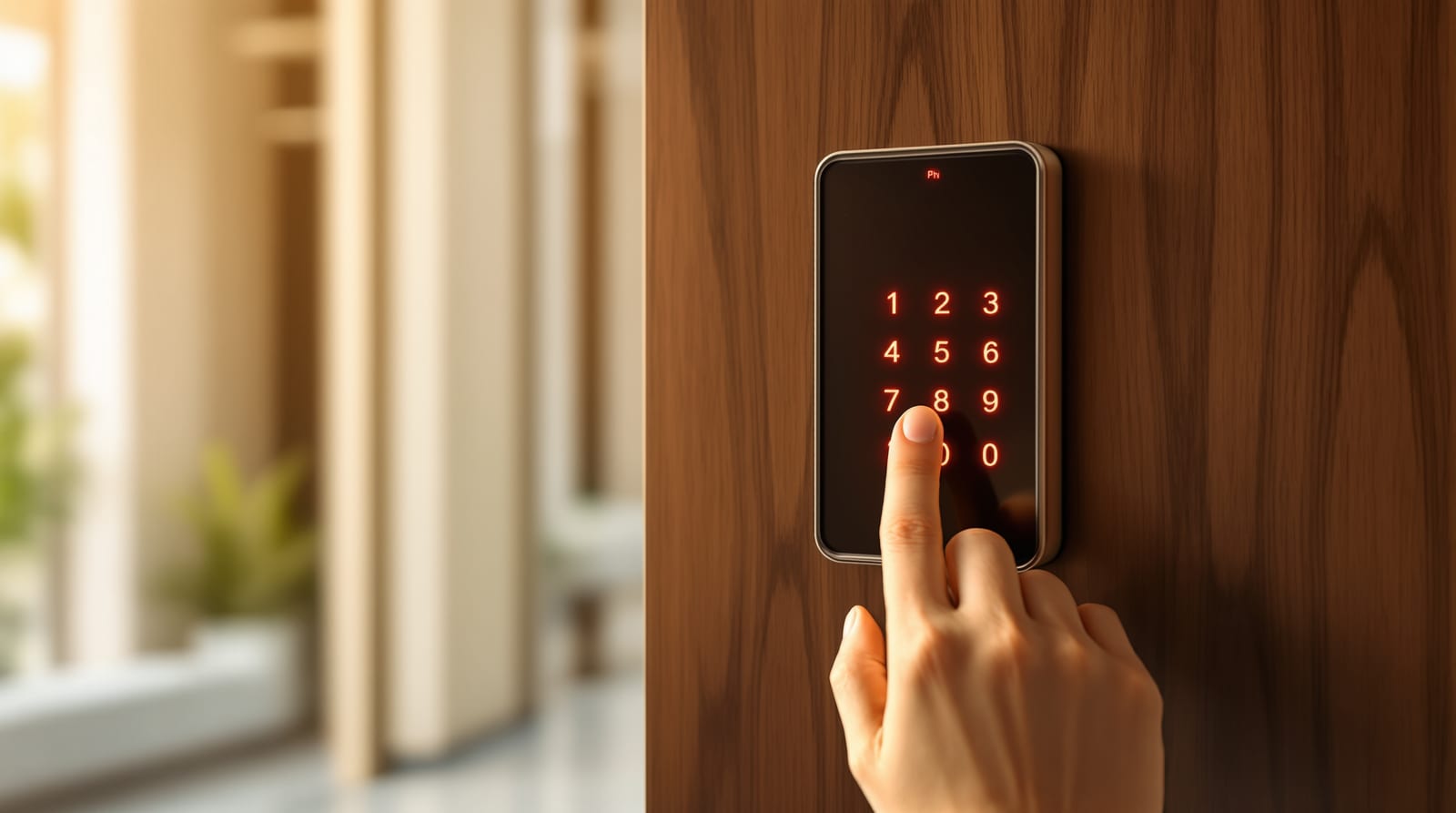
You type a numeric code on a touch panel. It is the most universal method because anyone — child, parent, maid, electrician — can be given a code without carrying anything. Good locks support multiple codes (a permanent code for family, a temporary code for staff), and many add a PIN privacy feature: you press random digits before and after your real code so smudge marks and shoulder-surfers cannot guess it.
- Convenience: very high (nothing to carry).
- Weakness: codes get shared casually; worn keypads show fingerprints over the used digits.
RFID card / fob / tag
You tap a card, keychain fob or sticker against the lock, just like an office access card or a metro smart card. Excellent for elderly parents and children who struggle with PINs or fingerprints, and for handing a single revocable credential to domestic help.
- Convenience: high.
- Weakness: cards can be lost or, with cheap 125 kHz cards, cloned. Prefer 13.56 MHz encrypted cards.
Fingerprint (biometric)
A capacitive or optical sensor reads your fingerprint. The fastest everyday method when it works — under a second, hands-free of any object. Indian conditions test it though: monsoon-damp or dishwashing-wrinkled fingers, mehndi, and labourers' worn prints can fail to read. Quality semiconductor sensors handle this far better than bargain optical ones. See Fingerprint Door Locks in India for sensor types and enrolment tips.
- Convenience: very high.
- Weakness: read failures in heat/humidity; small children's prints change as they grow.
Face recognition
A camera unlocks the door when it recognises your face, often as you approach. Premium and genuinely convenient when your hands are full of grocery bags. Needs good firmware to resist photo spoofing, and lighting matters in a dim landing or lobby. Deeper coverage in Face Recognition Door Locks in India.
- Convenience: very high.
- Weakness: cost; lighting and angle dependence; privacy considerations.
App / Bluetooth
You unlock from a smartphone app over Bluetooth (when near the door) or Wi-Fi (from anywhere). This is the basis of remote unlocking — letting in a courier while you are at work, or checking the lock log. Wi-Fi unlock needs a bridge or an inbuilt module; for that ecosystem read Wi-Fi Smart Locks in India.
- Convenience: high, plus remote control and logs.
- Weakness: depends on phone battery, Wi-Fi and the vendor's cloud staying online.
OTP / temporary codes for guests
You generate a time-limited one-time password and message it to a guest, plumber or Airbnb visitor. It works for a set window then expires automatically — no need to be home, no shared permanent code to revoke later. This is the standout feature for households that frequently host guests or run a homestay. For managing many users and credentials, see Door Access Control in India.
- Convenience: high for hosts.
- Weakness: needs the app/cloud to issue the code.
Keyless method comparison
| Method | Everyday convenience | Security (well-implemented) | What you carry | Works in a power cut? | Main Indian caveat |
|---|---|---|---|---|---|
| PIN keypad | Very high | Medium-high (use privacy digits) | Nothing | Yes (battery) | Codes get over-shared; smudge marks |
| RFID card / fob | High | Medium (use encrypted cards) | A card or fob | Yes (battery) | Cheap cards clone; cards get lost |
| Fingerprint | Very high | High | Nothing | Yes (battery) | Wet/worn fingers fail to read |
| Face recognition | Very high | High (anti-spoof firmware) | Nothing | Yes (battery) | Cost; dim landing lighting |
| App / Bluetooth | High + remote | High (encrypted) | Phone | Yes (lock battery) | Needs phone charge; pairing |
| Wi-Fi remote | High + remote anywhere | High | Phone | Yes for lock, but no remote unlock if router is dead | Router on inverter? cloud uptime |
| OTP guest code | High (for host) | High (time-limited) | Nothing (guest types code) | Yes (battery) | Needs app/cloud to generate |
| Mechanical key (backup) | Low | Medium | A key | Yes (no electronics) | Keep one off-site, never inside |
Indicative only; security depends heavily on implementation quality and how disciplined you are with code-sharing and card hygiene.
What happens when things fail — the honest part
This is where keyless either earns your trust or scares you. Walk through each failure:
Power cut. This is the most common Indian fear and the least real one. Keyless locks run on internal batteries (typically 4-8 AA cells or a Li-ion pack), not house mains. A power cut does not lock you out — the lock keeps working normally for months. Mains-powered video door phones and gate motors are a separate matter and usually sit on an inverter or have their own backup.
Battery dying. Locks warn you for weeks with beeps, app alerts and a flashing indicator long before the battery is flat. Even if you ignore every warning, almost all locks have an emergency 9V battery terminal or USB-C port on the outside: touch a 9V battery (or plug a power bank) to it, the lock powers up briefly, and you punch in your PIN or use the override key. Keep a spare 9V cell in your car or with a neighbour.
Network / Wi-Fi failure. This only affects remote features — opening the door from your office, generating an OTP, or viewing logs. The lock itself works fully offline: your PIN, fingerprint, card and the physical key all still open it because they are processed inside the lock, not in the cloud. If your broadband is down, you simply cannot let in a courier remotely; you can still walk up and open it any keyless way.
Vendor cloud shutting down. A real long-term risk for app-dependent locks from small brands. If the company folds, remote features may die. Local methods (PIN, fingerprint, card, key) keep working, which is exactly why you should never buy a lock whose only unlock method is the app.
The mechanical override key. Every serious keyless lock has a hidden keyhole. This is your last-resort backup when electronics, battery and your patience have all failed. The cardinal rule for Indian homes: keep the override key, but never inside the house — store it with a trusted neighbour, in your car, or in an office drawer. A key locked inside a dead lock is useless.
The takeaway: a well-chosen keyless lock from a reputable brand fails gracefully. Cheap, app-only, no-backup locks fail badly. The difference is entirely in what you buy.
Pros and cons of going keyless
Why Indian households love it:
- No spare keys hidden under doormats or with five relatives.
- Give the maid, cook or driver a personal code or card you can revoke the moment they leave — no rekeying.
- Send an OTP to a plumber or guest from anywhere; useful for homestays and second homes.
- An audit log shows who opened the door and when — peace of mind in joint families and rented flats.
- No fumbling with keys when carrying groceries or a sleeping child.
The honest downsides:
- Higher upfront cost than a good mortise lock.
- Battery upkeep (a once-a-year chore at most).
- Cheap units have flaky sensors and weak app security.
- A dead phone or forgotten code can be a moment of panic — which is exactly why the override key exists.
- Sensor read failures in extreme humidity or with very worn fingerprints.
Best keyless combinations for Indian homes
The strongest setups never rely on a single method. Layer them:
| Household | Recommended keyless combo | Why |
|---|---|---|
| Nuclear family, apartment | PIN + fingerprint + mechanical key | Cheapest reliable mix; PIN for guests/maid, fingerprint daily |
| Joint family / many users | RFID cards + PIN + app log | Each member a card; revoke instantly; log settles disputes |
| Frequent hosts / homestay | App + OTP + PIN + key | Generate time-limited guest codes remotely |
| Elderly parents at home | RFID fob + PIN + key | Tap-and-go is easiest; no biometric struggle |
| Tech-forward, hands-full | Face + fingerprint + app + key | Walk-up unlock; multiple fallbacks |
| Villa with gate | Keyless main door + motorised gate + video phone | Whole-perimeter convenience |
In every case the mechanical key is the silent fourth member of the combo. For the lock body itself, a multipoint locking door gives the best physical security under any keyless face.
Indian prices, brands and fitting
Indicative 2026 retail, before fitting; add 18% GST and roughly ₹500-1,500 labour to swap onto an existing door (varies by city and vendor):
| Tier | Typical methods | Price band | Brands you will see |
|---|---|---|---|
| Budget | PIN + RFID + key | ₹5,000-9,000 | Dorset, Ozone, Qubo basics |
| Mid | PIN + fingerprint + app + key | ₹10,000-17,000 | Godrej, Yale, Hettich, Hafele, Qubo |
| Premium | Face + fingerprint + Wi-Fi + OTP + key | ₹15,000-30,000+ | Yale, Hafele, Godrej premium, Philips |
Most keyless locks need a door of suitable thickness and a mortise cut-out; check fit before buying. Use the door size calculator for dimensions and the smart lock cost calculator to estimate your spend. Buy where firmware updates and service exist — a keyless lock is a long-term relationship, not a one-time purchase. For a security-grade buying lens, compare against Door Security in India.
Practical buying checklist
- Confirm it ships with a mechanical override key and a 9V/USB-C emergency power port — non-negotiable.
- Choose at least two everyday keyless methods plus the key (never app-only).
- Prefer encrypted 13.56 MHz RFID over cheap 125 kHz cards.
- Look for PIN-privacy (anti-peep) digits and auto-lockout after wrong attempts.
- Check battery life (months, not weeks) and low-battery alerts.
- For remote/OTP features, confirm the brand's cloud is established and updated.
- Store the override key off-site, not inside the home.
Frequently asked questions
Will I get locked out during a power cut?
No. Keyless locks run on their own batteries, not house mains, so a power cut does not affect them at all. They keep working for months. Only mains-powered accessories like some video door phones or gate motors need an inverter or backup.
What if the battery dies completely?
The lock warns you for weeks first. Even fully flat, almost all locks have an emergency 9V battery terminal or USB-C port on the outside — touch a 9V cell or plug a power bank, the lock wakes up, and you enter your PIN or use the override key. Keep a spare 9V cell handy.
Do I really still need a physical key?
Yes, keep it — just not inside the house. The hidden override keyhole is your last resort if electronics, battery and codes all fail at once. Store the key with a trusted neighbour, in your car or at the office.
Does the lock stop working if the internet goes down?
Only the remote features stop — opening from afar, generating OTPs, viewing logs. The PIN, fingerprint, card and physical key all work offline because they are processed inside the lock, not in the cloud.
Which keyless method is most secure for an Indian home?
No single method; a layered combination is safest. A practical strong setup is fingerprint or face for daily use, a PIN with anti-peep digits for guests and staff, and the mechanical key stored off-site as backup. For multi-user homes, revocable RFID cards plus an app log add control.
Export this guide
Related Guides — Deep-dive reading
Fingerprint Door Lock Guide for Indian Homes: How the Sensor Works, Accuracy & Backup (2026)
How biometric fingerprint locks read your finger, why dry, wet or worn fingers fail in Indian heat and monsoon, and how to set up reliable backup access before you buy.
Home Doors & EntrancesFingerprint vs PIN Lock (2026): Which Keyless Entry Suits Your Indian Home?
A neutral head-to-head between the two most common keyless ways to open a smart lock in India — a fingerprint (biometric) and a PIN (code) — across convenience, everyday reliability in Indian conditions, who can use each, security, and privacy, ending in the honest verdict that you rarely have to choose.
SecuritySmart Lock vs Traditional Lock in India (2026): Which Should Guard Your Door?
An honest, even-handed head-to-head for Indian homes — keyless convenience, e-keys and remote access on one side, simple key-in-hand reliability with no power dependence on the other — ending in a clear verdict by household, and one rule both must obey: never trap anyone inside.
SecurityRelated Tools — Try Free
Door Lock Selector
Answer a few questions and get the right lock type — mortise, multipoint, deadbolt, privacy or smart — for any door.
Door ToolAccess-Control Battery-Backup Calculator
Size the standby battery so an access system keeps running through a power cut, with an egress life-safety note.
Battery BackupDoor Security Rating Calculator
Score your main door out of 100 across leaf, frame, lock and hardware — and see the top upgrades.
Security Tool