
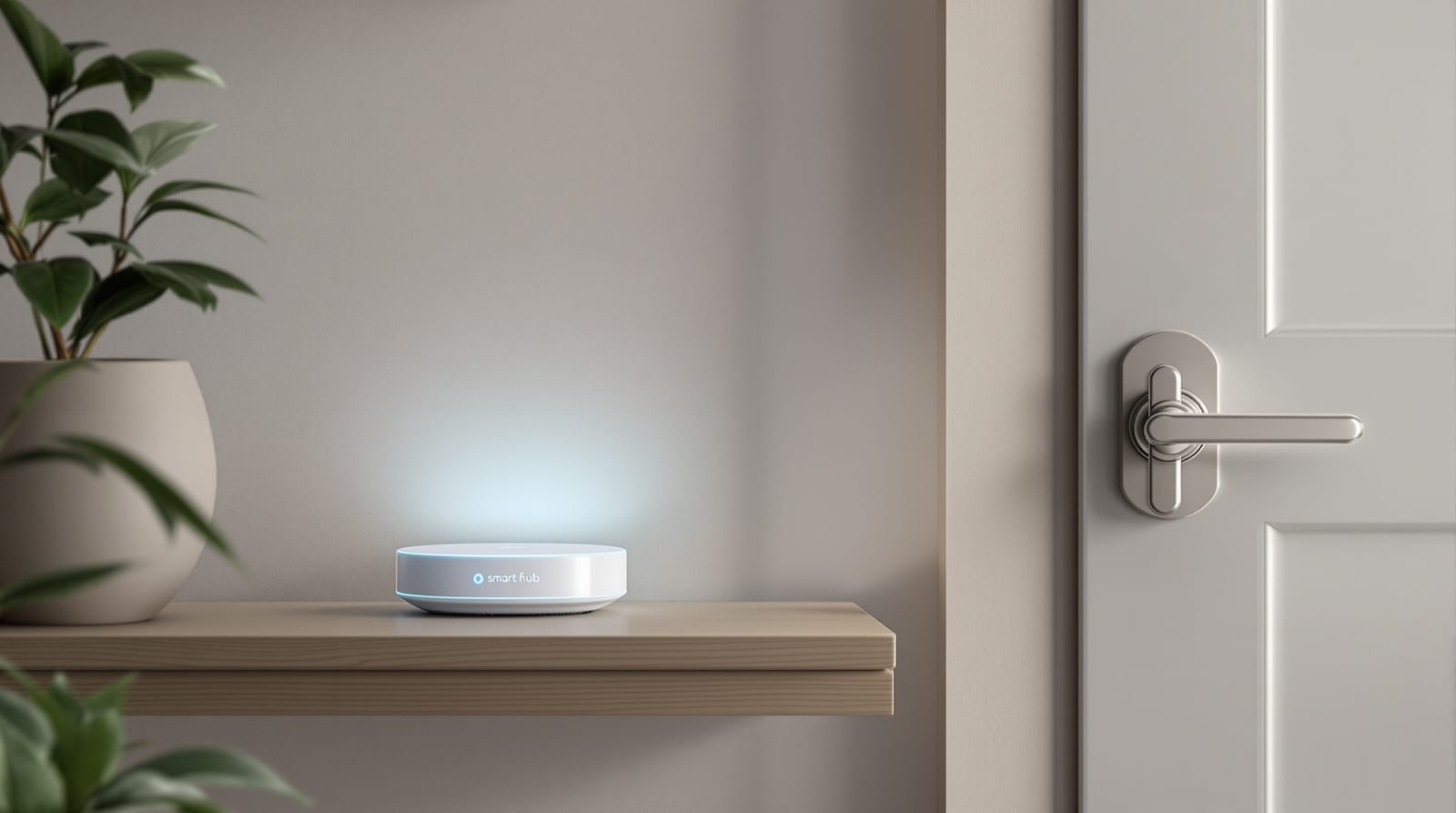
Smart Lock Wi-Fi Connectivity in India 2026: BLE, Matter
How smart locks actually talk to your phone and the cloud, why most use Bluetooth plus a hub, and how to future-proof with Matter.
When people shop for a connected lock, they assume it joins their home Wi-Fi like a phone does. In reality, smart lock Wi-Fi connectivity is the exception, not the rule. Most locks sold in India talk to your phone over Bluetooth, and only reach the internet through a small hub or bridge. Understanding why this design dominates — and where Wi-Fi, Zigbee, Z-Wave and the new Matter standard fit — saves you from buying a lock that drains batteries in weeks or stops working the moment your broadband blinks. This guide unpacks each radio, the role of a bridge, the 2.4GHz traps in Indian homes, and how to choose something that lasts.
Why smart lock Wi-Fi connectivity is rarely direct
A lock lives on coin cells or AA batteries and sits on a door for years. Wi-Fi radios are power-hungry: keeping a constant Wi-Fi link awake can flatten lock batteries in days to a few weeks. That is the single biggest reason most Indian smart locks — Godrej Advantis/Catus, Yale, Qubo (Hero), Ozone, Philips, Atomberg — default to Bluetooth Low Energy (BLE) for the everyday phone-to-lock link, and offer remote access only through a separate plug-in hub.
BLE sips power. Your phone wakes the lock for a second to unlock, then both go back to sleep. The trade-off is range and reach: BLE only works when you are within roughly 5-10 metres, and it cannot, by itself, let you unlock for a guest while you are at the office. That is what the hub solves.
A handful of locks do embed Wi-Fi directly. They are convenient (no extra box) but you must accept faster battery drain — plan to recharge or swap cells more often — and a hard dependency on your router being up. For Indian homes with frequent power cuts and patchy broadband, that dependency matters. See our choosing a smart lock guide for matching this to your living pattern.
The connectivity options compared
Each radio makes a different bargain between power, range, remote access and ecosystem support. The table below is the heart of the decision.
| Technology | How it reaches you | Power use | Needs a hub? | Remote access | Typical in India |
|---|---|---|---|---|---|
| Bluetooth / BLE | Phone within ~5-10 m | Very low | No (local); yes for remote | Only via a Wi-Fi bridge | Most common default |
| Wi-Fi (2.4GHz) direct | Straight to router/cloud | High (battery drain) | No | Yes, built-in | Growing, premium/VDP locks |
| Zigbee | Mesh to a smart-home hub | Low | Yes (Zigbee hub) | Via hub + app | Some smart-home setups |
| Z-Wave | Mesh to a Z-Wave hub | Low | Yes (Z-Wave hub) | Via hub + app | Niche in India |
| Matter (over Thread/Wi-Fi) | Standard hub/controller | Low (Thread) | Usually (Matter hub) | Via hub + app | Emerging, future-proof |
The pattern is clear: low-power radios (BLE, Zigbee, Z-Wave, Thread) all need a bridge for internet reach; only direct Wi-Fi skips the hub but pays in battery.
Bluetooth / BLE — the workhorse
BLE handles the daily job: auto-unlock as you approach, sharing temporary keys with family in the house, and pairing during setup. It works fully offline between phone and lock, which is a genuine reliability advantage during outages.
Wi-Fi — convenient but thirsty
Direct Wi-Fi locks let you unlock from anywhere with no extra hardware. Almost all consumer locks and video door phones in India use 2.4GHz Wi-Fi, not 5GHz — more on why below. Expect to manage battery life actively.
Zigbee and Z-Wave — the smart-home meshes
These low-power mesh protocols are built for whole-home automation. Each device relays for the next, extending range. The catch: you need a compatible hub (a smart-home gateway), and the lock must match the hub's protocol. Z-Wave is comparatively rare in India; Zigbee is more available.
Matter — the unifier
Matter is an industry standard backed by Apple, Google, Amazon and Samsung that lets devices from different brands work together, often running over a low-power mesh called Thread. A Matter lock can be controlled by any Matter controller, reducing lock-in. It is the strongest future-proofing bet — covered in the final section.
The hub or bridge: the quiet hero
For any low-power lock, a hub (bridge/gateway) is what turns local control into remote control. The bridge plugs into mains power near the lock, listens on BLE/Zigbee/Thread, and relays to the cloud over your home Wi-Fi.
Key practical points about hubs:
- Placement: the hub must be within solid BLE/Zigbee range of the lock — same room or adjacent wall — and also reach your router. A long concrete wall between them is the usual failure.
- Power dependency: the hub runs on mains. During a power cut, remote access stops even though the lock itself still unlocks locally on battery. Pair the hub and router with a small UPS or inverter if remote access matters. See door access power backup.
- One hub, many devices: a good hub can bridge several locks and sensors, spreading the cost.
The 2.4GHz Wi-Fi gotchas in Indian homes
Smart locks, bridges and video door phones almost universally use the 2.4GHz Wi-Fi band, never 5GHz. The 2.4GHz band travels further and through walls better — important for a door device — but it is also the most crowded and interference-prone band. Watch for these:
| Issue | Why it bites | Fix |
|---|---|---|
| 5GHz-only setup name | Lock can't see a 5GHz SSID | Enable/keep a 2.4GHz network; some routers need it split out |
| Dual-band auto-steering | Router pushes device to 5GHz mid-setup | Temporarily disable band-steering during pairing |
| Channel congestion | Neighbours' Wi-Fi, Bluetooth speakers, microwaves clog 2.4GHz | Move router/hub; change Wi-Fi channel |
| Weak signal at door | Door is far from router; concrete/metal frame | Place hub closer; add a mesh node near the entry |
| Mesh/extender confusion | Device pairs to a node it later loses | Pair near the node it will use; keep firmware updated |
The single most common Indian setup complaint is a router broadcasting only a combined dual-band SSID where the device cannot lock onto 2.4GHz. Splitting the bands or temporarily disabling 5GHz during setup resolves most cases.
What works offline, and local vs cloud control
This is where reliability and privacy meet. Power cuts and broadband drops are an Indian reality, so know exactly what survives an outage.
- Always works (battery permitting): the physical keypad/PIN, fingerprint, RFID card and the mechanical-key override. These need nothing but the lock's own batteries.
- Works offline locally: BLE unlock from a phone already paired and in range, because it is a direct device-to-device link.
- Stops during an outage: anything remote — unlocking from work, push notifications, live logs, sharing a one-time code to a guest — because it routes through the hub, router and cloud.
This maps onto a deeper distinction. Cloud control means your unlock command travels to a vendor server and back; it enables remote features but adds a dependency on the company's servers and on the lock-maker's data handling — relevant under India's DPDP Act 2023 if biometrics or logs are stored. Local control keeps commands inside your home; it is more private and resilient but usually limits remote features. Matter and some Zigbee/Z-Wave setups lean local; pure cloud Wi-Fi locks lean the other way. Weigh this alongside the wider smart lock security risks.
A blunt caution: never rely solely on the phone path. Keep the mechanical override key accessible (not locked inside) and treat the keypad as your real fallback. Battery health governs everything here — see the smart lock battery guide.
For any access-controlled or automated escape-route door — not a typical home front door but common in apartments, offices and societies — the NBC 2016 free-egress rule is non-negotiable: the door must always allow people to get out without power, a phone, or a working network. Connectivity must never block egress.
Future-proofing with Matter
If you are buying now and want the lock to stay useful for years, Matter is the connectivity story to favour. Because Matter is a shared standard, a Matter-certified lock can be controlled by Apple Home, Google Home or other Matter controllers — you are not married to one brand's app or cloud. Many Matter locks run over Thread, a low-power mesh, so they keep BLE-like battery life while gaining standardised remote control through a Matter hub (often a smart speaker or display you may already own).
Practical guidance for 2026:
- Matter support in India is still emerging; certified locks are arriving but the catalogue is thinner than BLE-plus-hub models. Verify certification, not just marketing.
- A Matter lock still needs a Matter controller/hub for remote access — the hub rule does not disappear, but the hub becomes brand-neutral.
- If you are not ready for Matter, a quality BLE lock with an optional Wi-Fi bridge remains the safe, repairable, India-proven default; add the bridge only if you genuinely need remote access.
Whatever you pick, match it to your home's reality first. Use the smart lock selector to shortlist by connectivity and the smart lock compatibility checker to confirm hub and ecosystem fit. For the full picture across door types, see the complete door guide and, for powered and automated entrances, door automation. For installation specifics, our smart lock installation guide covers placement that protects your signal.
Frequently asked questions
Do most smart locks in India connect to Wi-Fi directly?
No. The majority use Bluetooth/BLE for the phone-to-lock link and add Wi-Fi only through a separate plug-in hub or bridge. This is deliberate — a constant Wi-Fi radio would drain the lock's batteries far too quickly. Direct-Wi-Fi locks exist but trade battery life for convenience.
Will my smart lock work during a power cut?
The lock itself keeps working on its own batteries, so the keypad, fingerprint, card and mechanical key all function. What stops is anything remote — unlocking from away, notifications and shared codes — because those depend on the hub, router and internet. Put the hub and router on a UPS or inverter if remote access matters.
Why won't my lock connect to my home Wi-Fi?
Smart locks and bridges use the 2.4GHz band, not 5GHz. The usual culprit is a router that broadcasts only a combined dual-band network, or band-steering that pushes the device to 5GHz during setup. Split the bands, keep a 2.4GHz SSID available, or temporarily disable 5GHz while pairing.
Is Bluetooth or Wi-Fi better for a smart lock?
For battery life and offline reliability, BLE wins. For remote access without extra hardware, direct Wi-Fi wins but drains batteries faster and fully depends on your broadband. Most homes get the best of both with a BLE lock plus an optional Wi-Fi bridge.
Should I buy a Matter smart lock now?
If future-proofing and avoiding brand lock-in matter to you, yes — Matter lets one lock work with multiple ecosystems. But Indian availability is still emerging, you still need a Matter hub for remote control, and a proven BLE-plus-bridge lock remains a perfectly safe choice if Matter models are scarce in your budget.
Is cloud-based control safe for a door lock?
Cloud control enables remote features but routes your unlock through a vendor server and may store logs or biometrics, which brings DPDP Act 2023 data-privacy considerations. Local control (common with Matter, Zigbee and Z-Wave) is more private and resilient. Choose reputable brands, enable strong passwords and two-factor login, and keep firmware updated.
Export this guide
Related Guides — Deep-dive reading
Smart Door Ecosystem in India: Build One That Works 2026
How your smart lock, video door phone, sensors, app and hub talk to each other, the smart home, and what survives a power-cut.
Home Doors & EntrancesOffline Access Control in India (2026): Standalone Locks That Work Without a Network
How standalone, non-networked access control works when the permission lives on the door or on the card, where offline is the right choice, how you manage it, and the honest trade-offs versus a live cloud system.
SecuritySmart Lock vs Traditional Lock in India (2026): Which Should Guard Your Door?
An honest, even-handed head-to-head for Indian homes — keyless convenience, e-keys and remote access on one side, simple key-in-hand reliability with no power dependence on the other — ending in a clear verdict by household, and one rule both must obey: never trap anyone inside.
SecurityRelated Tools — Try Free
Video Door Phone Type Selector
Answer a few questions about your building, cabling, budget and internet and get the right video door phone — analog / wired / wireless / IP, single-home or multi-apartment, monitor or app.
Door Phone SelectorAccess-Control Battery-Backup Calculator
Size the standby battery so an access system keeps running through a power cut, with an egress life-safety note.
Battery BackupDoor Lock Selector
Answer a few questions and get the right lock type — mortise, multipoint, deadbolt, privacy or smart — for any door.
Door Tool