
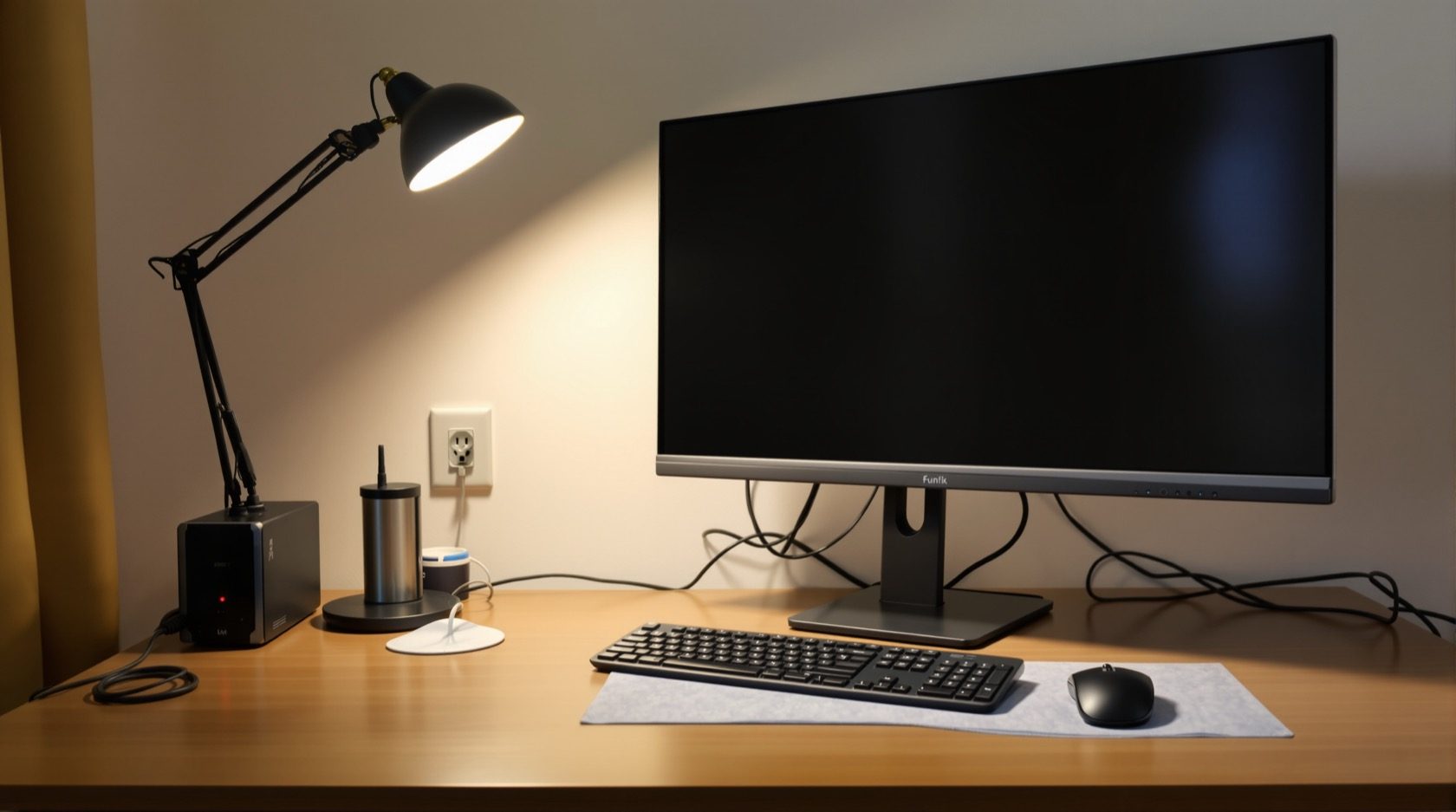
Home Office Electrical: Powering a Work-From-Home Setup Safely
The room that has to stay powered and online — how to wire a home office: enough sockets at desk height, a clean and protected supply for computers, backup for the router and PC through outages, good task lighting, and the network point that makes WFH reliable.
A home office has one job the rest of the house doesn't: it has to stay powered and online so work doesn't stop. That puts real demands on its electrics — enough sockets in the right place, a clean and protected supply for sensitive computers, backup so an outage doesn't kill a call or corrupt a file, and a solid network connection. Whether it's a dedicated room or a study nook, a little planning makes working from home reliable instead of frustrating. This guide is how to wire an Indian home office or study.
It is the home-office guide of the room-by-room set in the Electrical Knowledge Hub, drawing on the backup power and structured cabling guides.
The safety line. This guide helps you specify the sockets, protection, backup and network provision. The wiring is installed by a licensed electrician; the UPS and network gear you can add yourself.
Sockets where the desk is
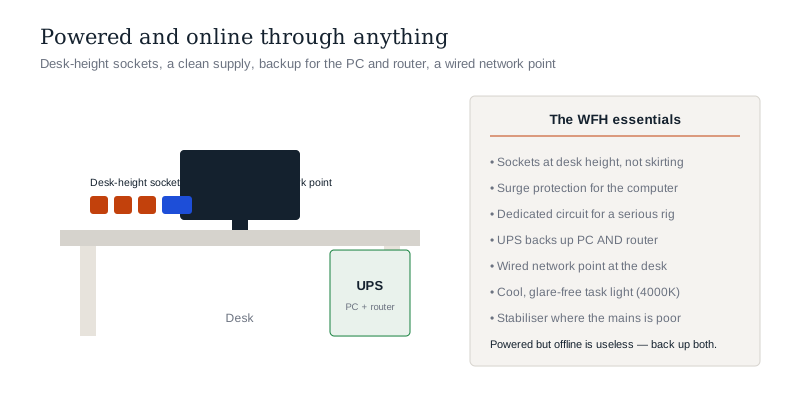
The commonest WFH frustration is too few sockets, too far from the desk. Plan around the desk:
- A cluster of sockets at desk height — for the computer/laptop, monitor(s), printer, phone charger, desk lamp and the odd gadget. A run of sockets on the desk wall beats one socket and a power strip.
- USB charging sockets for phones and peripherals.
- Position them at the desk, not near the floor skirting where cables have to climb.
- Use the room points calculator to size the provision.
A clean, protected supply
Computers are sensitive to power problems, so protect them:
- Surge protection — a surge can destroy a PC; protect the office circuit or use surge-protected outlets.
- A stabiliser where the mains voltage is poor, to protect sensitive electronics.
- RCCB protection and good earthing — as everywhere, and important for equipment that's touched all day.
- A dedicated circuit for a serious setup (desktop, monitors, printer) so it isn't sharing with heavy household loads that cause dips.
Backup: staying online through an outage
This is what separates a home office from any other room:
- A UPS for the computer and router — even a small UPS keeps a desktop and the internet alive through short cuts and lets you shut down cleanly, so a power cut doesn't drop your call or corrupt your work.
- Keep the router (and ONT) on backup — being powered but offline is useless; a small UPS or the home inverter on the router keeps you connected.
- For frequent/long outages, ensure the office points are on the home's backup (inverter) circuits.
Backing up the PC and the network is the combination that keeps WFH working.
The network point
Reliable work needs reliable internet:
- A wired network point at the desk — Ethernet is more stable than Wi-Fi for video calls and large files.
- Good Wi-Fi coverage if you work on a laptop around the room.
- Plan the office as a key node in the home's structured cabling.
Lighting that suits work
- Good task lighting — a bright, glare-free desk light (see lighting design).
- A cooler colour temperature (around 4000K) suits focus better than warm light.
- Position light to avoid screen glare and shadows — ideally from the side, not behind you on a video call.
- Adequate ambient light so the room isn't just a bright screen in a dark room.
The one-line answer
A home office has to stay powered and online, so wire it for that: a cluster of sockets at desk height (with USB) for the computer, monitors and peripherals, a clean and protected supply (surge protection, good earthing, a dedicated circuit and a stabiliser where the mains is poor), and — the key move — backup for both the PC and the router via a UPS so an outage doesn't drop a call or corrupt work. Add a wired network point at the desk for stable internet and cooler, glare-free task lighting for focus. Specify it around the desk; leave the wiring to a licensed electrician.
Where to go next
- Keep it running in an outage: Home Backup Power Guide · UPS Guide.
- The stable connection: Structured Cabling & Home Networking.
- The other rooms: Bedroom Electrical · Living Room Electrical.
- Protect the gear: Surge Protection & SPD Guide.
References
- IS 1293 : 2019, Plugs and Socket-Outlets for Household and Similar Purposes (up to 250 V, 16 A), Bureau of Indian Standards.
- IS 732 : 2019, Code of Practice for Electrical Wiring Installations, BIS.
- IS 16242 (Parts) / IS/IEC 62040, Uninterruptible Power Systems (UPS), BIS: https://www.bis.gov.in/
Setups and loads vary; all wiring must be installed by a licensed electrician. Verify any standard's status via the BIS catalogue before relying on it.
Export this guide
Related Guides — Deep-dive reading
Home Office & Study Lighting: Bright, Glare-Free & Focused (2026)
The design guide to lighting a home office or study for long-hour focus and eye comfort in an Indian home — a good ambient base, a proper task lamp, no screen glare or reflections, the right colour temperature through the day, and flattering light for the video call.
LightingKitchen Electrical: Wiring, Circuits & Points for an Indian Kitchen
The highest-load, highest-risk room in the home — how to plan a kitchen's electrics: enough 16A socket points at counter height, dedicated circuits for heavy appliances, RCCB protection near water, and the layout that makes a modular kitchen work, all specified before the tiles go up.
Electrical & WiringElectrical Safety for Security Systems in India (2026): Powering It Without Peril
A homeowner's guide to the power side of home and RWA security systems, CCTV, alarms, gates, access control and NVRs, done so it protects you instead of quietly becoming a shock or fire hazard. What makes a supply safe, what to insist on, and why the mains work belongs to a licensed electrician.
SecurityRelated Tools — Try Free
Electrical Safety & Load Audit
Home electrical audit — 10 categories, 65+ checkpoints across earthing, RCCB, MCB, wiring, switchboards, appliance circuits, DG/inverter backup.
Safety AuditInverter & Battery Calculator
Size a home inverter (VA) and battery (Ah) for the load you want to back up and the hours of backup you need.
Backup PowerSecurity Backup Power Calculator
Size a UPS/inverter and battery to keep CCTV, NVR, router and alarm running through a power cut — load, Ah, VA and cost.
Backup Power