
Door Access Control for Indian Homes, Villas & Societies: RFID, PIN, Biometric & Networked Systems (2026)
How access control moves you from a single smart lock to managed entry across flats, villas and society gates - RFID cards, PIN keypads, biometrics, app and intercom integration, standalone vs networked controllers, audit logs, visitor and maid management, and what a basic vs networked system really costs in India.
A smart lock secures one door for one household. Access control is a different discipline: it manages who may pass through which door, when, and leaves a record that they did. The moment you have more than one controlled opening - a villa with a main gate and a front door, a society with a pedestrian gate and a clubhouse, an office-cum-home with a separate work entrance - you have crossed from "lock" thinking into "access control" thinking. This guide is written for architects, builders, society committees and serious homeowners who need to specify a system that scales, audits and integrates, rather than buy another standalone gadget.
What "access control" actually means
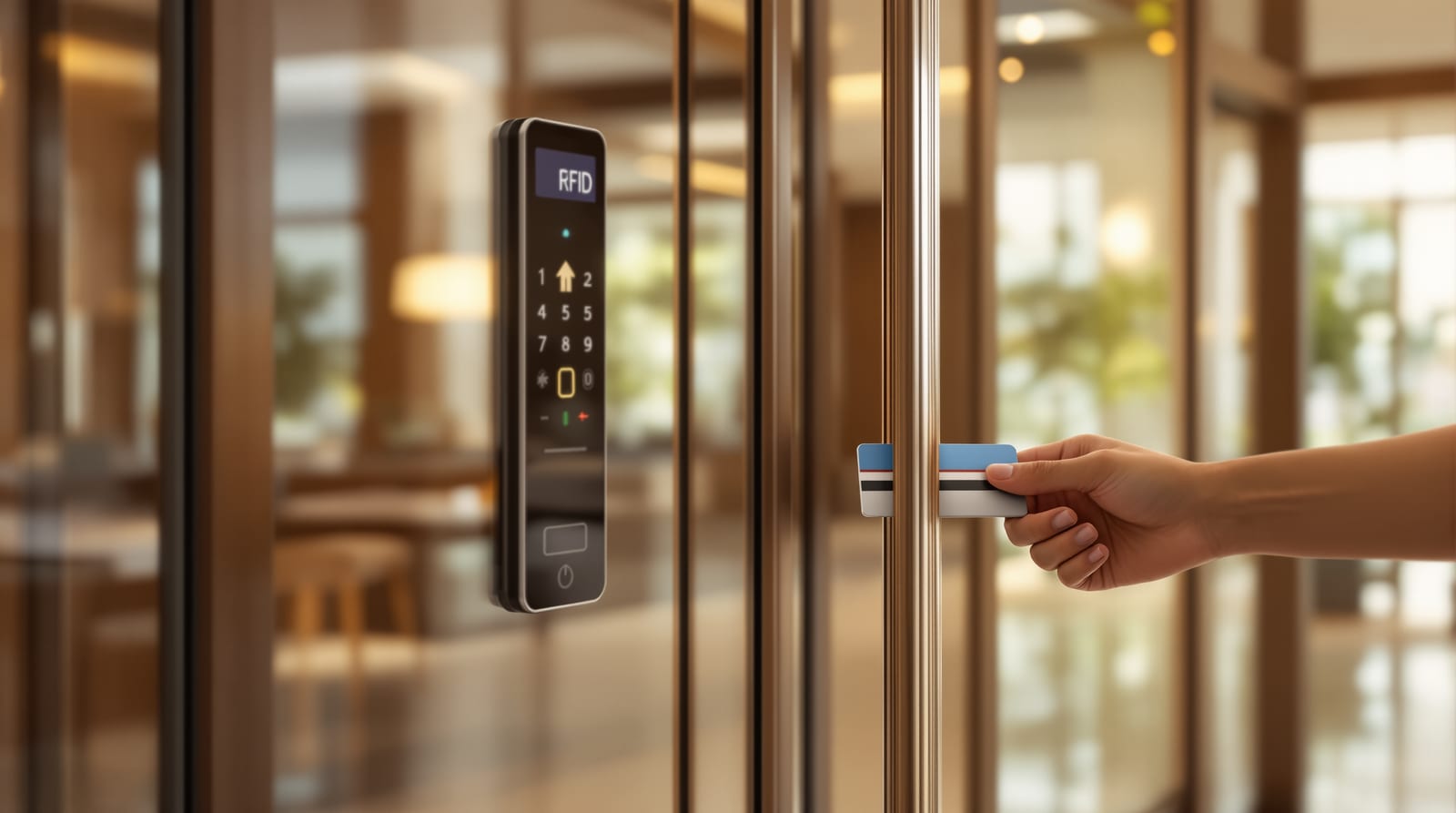
A smart lock is self-contained: the credential check, the decision and the bolt all live in one unit on the door. An access control system splits those jobs. A reader (RFID, keypad or biometric sensor) captures a credential at the door. A controller - a separate board, often mounted inside near the frame or in a panel cupboard - decides whether that credential is authorised for that door at that time, then sends power to release a lock device (electromagnetic lock or electric strike). The decision logic and the user database live in the controller or a connected server, not in the reader, which is why a reader on the unsafe side of the door cannot be defeated by simply prying it open.
This separation is the whole point. It lets you change permissions centrally, revoke a lost card instantly, run several doors from one logic, and keep a tamper-evident audit log of every entry. If you only need to open one residential door from your phone, you do not need this - read our companion on WiFi smart locks and keyless entry systems instead. Access control earns its complexity at scale.
The system, end to end
Four building blocks repeat on every door: reader, controller, lock device, and an exit request (a push-to-exit button or motion sensor on the safe side, so people leave without a credential). On a fire-rated egress door this exit logic and a fail-safe release are mandatory, not optional - see fire exit doors and emergency exit door standards. Networked systems add a fifth piece: a controller-to-server link (RS-485 or, increasingly, TCP/IP over the building LAN) that carries logs back and pushes permission changes out.
Credential types: card, PIN, biometric, phone
RFID / proximity card and fob (125 kHz EM or 13.56 MHz Mifare). The workhorse of Indian societies. Cheap to issue, fast to tap, easy to revoke a lost card from software. Mifare cards are harder to clone than older EM cards - specify Mifare for gates and clubhouses. Cards suit visitors, maids, drivers and tenants because you hand over a credential without sharing a code.
PIN keypad. No physical credential to lose, good as a backup or for low-traffic doors. Weaknesses: codes get shared and shoulder-surfed, and worn keys reveal the digits. Use PINs as a secondary factor or for a store room rather than the only protection on a main gate.
Biometric (fingerprint, face). Strongest binding of credential to person - nobody hands a finger to the maid. Excellent for the resident-facing door. Caveats in India are real: fingerprint readers struggle with worn, wet or henna-stained fingers and in the dust and heat of an open gate; face readers need decent light and a sheltered position. Keep biometrics for sheltered, resident doors and use cards for outdoor gates and helpers. For the resident-door biometric detail see fingerprint door locks and face recognition door locks.
Phone / app and intercom-linked. App unlock, Bluetooth tap and remote release from the security desk. The society use case is the resident pressing "open" on the intercom or app to admit a verified visitor - which is where access control meets the video door phone and the building intercom. Mobile credentials reduce card logistics but depend on the network and the phone's battery, so always keep a card or PIN fallback.
Most serious installs are multi-factor or multi-credential: card OR PIN at the gate, biometric AND card at the strongroom. Match the credential to the door's risk and traffic.
Standalone vs networked - the decision that drives cost
This is the single most important specification choice.
A standalone unit holds its user list and logs on the door itself. You enrol users at the device, pull logs by USB or a small app, and each door is an island. It is cheap, needs no cabling back to a server, and is perfect for a single villa door, a store room, or a small clinic-cum-home. The cost is administration: ten standalone doors means enrolling a new maid ten times and, if a card is lost, deleting it ten times.
A networked system wires every controller back to one server or cloud tenant. One enrolment propagates everywhere, one revoke kills a lost card on all doors instantly, and all logs land in one searchable place with anti-passback, time zones and door groups. This is the only sane choice for a society (main gate + clubhouse + gym + each tower lobby) or a large villa with gate, front door, service door and garage. The cost is cabling, a controller per door or per few doors, and a server or annual cloud subscription.
| Access control type | Best scale | What it does | Indicative installed ₹ (excl. GST) |
|---|---|---|---|
| Standalone keypad/RFID reader-lock | 1 door (villa door, store, clinic) | PIN or card, on-device users, USB logs | ₹3,000 - ₹9,000 per door |
| Standalone biometric + RFID | 1-2 resident doors | Fingerprint/face + card, on-device | ₹6,000 - ₹18,000 per door |
| Networked controller + reader + EM lock | Villa (3-6 doors) | Central users, audit log, app/intercom | ₹12,000 - ₹30,000 per door |
| Networked multi-door + software/server | Society / 8+ doors | Anti-passback, visitor mgmt, time zones, reports | ₹10,000 - ₹22,000 per door at scale + ₹15,000 - ₹80,000 software/server |
| Society main gate + per-flat integration | Whole community | Gate barrier, intercom, visitor pass, flat e-key | ₹1.5 - ₹6 lakh+ for gate + per-flat hardware |
All figures indicative, varies by city, brand, door count and cabling runs; add 18% GST and fitting/wiring labour. A single networked door rarely pays back; at eight-plus doors the per-door cost drops and the management saving becomes the whole justification.
Lock devices: EM lock vs electric strike, and fail-safe vs fail-secure
The controller releases a lock device, and which one you choose has life-safety consequences.
An electromagnetic (EM/maglock) holds the door with an electromagnet - typically a 280 kg or 600 kg holding force unit. It is fail-safe: cut the power and it releases. That makes it correct for egress and emergency exits, where the door must open if power or the system fails, but it means you must guarantee it stays powered during normal use, hence battery backup.
An electric strike replaces the strike plate on the frame and lets a normal mortise latch pass through when energised. It can be specified fail-secure (locked when power is lost, opened only when energised) for doors that must stay shut on power failure, or fail-safe for egress. Strikes keep the mechanical latch and door feel, which residents prefer on a flat's front door. For the lock-mechanism background see mortise locks and multipoint locking doors; for the security framing see main door security checklist and door security grades.
Critical rule: on any door that is also an NBC fire/egress route, the lock must release on alarm and on power loss and never block escape - EM locks tied to the fire panel, mechanical exit hardware, no electric strike that traps people. This is non-negotiable under NBC 2016 Part 4; verify against NBC door requirements.
Audit logs, visitor and maid management
The data layer is where access control beats a smart lock for a society.
Audit logs record every credential event - who, which door, granted or denied, timestamp - so a committee can answer "who entered the clubhouse at 2am" and an investigation has evidence. Specify tamper-evident logs and a sensible retention period; for a society this is also a privacy responsibility, so restrict who can read the logs.
Visitor management is the headline society feature: the guard or resident issues a time-limited card or app pass to a guest, courier or cab driver, the pass auto-expires, and the visit is logged with the flat it was for. This replaces the paper register and the "tailgating" problem where anyone walks in behind a resident (anti-passback and turnstiles tighten this further).
Maid, driver and tenant management is the everyday win. Issue a card or fingerprint that works only on the relevant gates and only during set hours - the cook's card opens the pedestrian gate 6am-7pm but not the clubhouse, and is revoked the day she leaves with no lock to re-key. This time-zone-and-door-group control is exactly what a stack of standalone smart locks cannot give you, and it is the strongest argument for going networked in a multi-helper household.
Integration: intercom, VDP, gates and the wider system
Access control rarely lives alone. Common Indian integrations:
- Video door phone / intercom: the resident verifies a visitor on the video door phone and triggers the controller to release the gate or lobby door from inside the flat. Specify a VDP and controller that share a release signal or sit on the same platform.
- Boom barrier / motorised gate: the same RFID/UHF tag that opens the pedestrian gate raises the vehicle barrier, tying access control to motorised gate automation.
- CCTV: events stamp the camera footage so a denied entry has a matching clip.
- Smart locks at the flat door: the society network handles common areas while each flat keeps its own WiFi smart lock or keyless entry - a clean separation of "community" and "home" credentials. To weigh a managed system against a plain cylinder lock, see smart lock vs traditional lock.
Insist on documented integration before purchase - many "integrations" are just a dry-contact relay, which is fine, but know whether you are buying true software integration or a wire.
Power backup: the make-or-break detail in India
Because the lock device needs power to be controlled, and because EM locks fail open, power planning is the difference between a system that works and a security hole. Every controller must sit on a dedicated backup: a 12V access-control SMPS with a battery (commonly 7Ah) gives hours of run time, and for gates and lobbies put the SMPS on the building's inverter/DG too. Decide deliberately what happens during a long outage - a fail-secure strike on a non-egress door stays locked (good for a store), while a fail-safe maglock on a flat door needs the battery to keep holding. Always retain a mechanical override (a key cylinder or break-glass) so a dead system never traps residents or leaves the gate flapping. Indian power reality - load-shedding plus surges - means you also want surge protection on the SMPS and, for cloud-managed systems, an awareness that revokes and logs pause when the internet drops, which is another reason controllers should cache permissions locally.
Brands and what to specify
Common Indian access-control names: eSSL (very widely deployed RFID/biometric standalone and networked, with familiar software), CP Plus and Hikvision (strong where access ties into their CCTV/VDP ecosystems), and Matrix (COSEC line, favoured for larger networked, multi-door and enterprise-grade installs with proper time-zone, anti-passback and reporting). For a community, value the software as much as the hardware - reporting, visitor management, role-based admin and support matter more over five years than the reader bezel. Buy the lock device (EM lock/strike), SMPS and exit button as a matched set from a reputable supplier; mixing a cheap maglock with a good controller is where field failures start. Get the AMC and software-update terms in writing before you commit.
Frequently asked questions
Do I need access control or just a smart lock?
If you have one residential door, a WiFi smart lock or keyless entry is simpler and cheaper. Choose access control when you have multiple controlled openings (villa gate plus doors, or a society), or when you need central revoke, time-zone control and a real audit log across doors.
Standalone or networked for a 4-door villa?
A villa with a main gate, front door, service door and garage usually justifies a small networked system: one enrolment for the new maid, one revoke for a lost card, and a single log. Standalone makes sense only if the doors are truly independent and you rarely change who has access.
Is biometric reliable on an outdoor society gate?
Often not - fingerprint readers suffer in dust, heat, rain and with wet or worn fingers, and face readers need good light and shelter. Use RFID cards or fobs at outdoor gates and reserve biometrics for sheltered, resident-facing doors.
What happens to the door during a power cut?
It depends on the lock device. A fail-safe EM lock releases (so keep it on battery/inverter), while a fail-secure electric strike stays locked. Every install needs a dedicated SMPS with battery backup and a mechanical override, and any egress/fire door must release on power loss per NBC 2016 Part 4.
How much does a networked society system cost?
Indicative only: roughly ₹10,000-₹22,000 per networked door at scale plus ₹15,000-₹80,000 for software/server, and a community main-gate setup (barrier, intercom, visitor management) can run ₹1.5-₹6 lakh and up before per-flat hardware - varies widely by city, door count, cabling and brand, and add 18% GST plus wiring labour. Model the per-door numbers with the door cost calculator.
Export this guide
Related Guides — Deep-dive reading
Access Control Maintenance in India (2026): Readers, Locks and Fail-Safe Egress
How to keep a card, keypad, fingerprint or face access-control system reading reliably and locking securely — and, above everything, how to test that its doors still release on a fire alarm and on power loss, so an access-controlled door never becomes a life-safety trap.
SecurityAccess Control System Cost in India (2026): Priced Per Door, Per System, Per User
What a building-scale access control system actually costs in India — broken down per controlled door (reader, electric lock, controller, cabling and power) and per system (software, licences, integration and AMC) — with the standalone-versus-networked split, how the bill scales with the number of doors and the credential you choose, and the non-negotiable rule that escape-route doors must fail safe.
SecurityFail-Safe vs Fail-Secure Locks: The Guide (India 2026)
Why fail-safe vs fail-secure is the single most important access-control decision, and how to get it right for every door.
Home Doors & EntrancesRelated Tools — Try Free
Access-Control Battery-Backup Calculator
Size the standby battery so an access system keeps running through a power cut, with an egress life-safety note.
Battery BackupApartment Video Door System Planner
Enter flats, entrances, floors and guard desk for a first-pass building intercom plan — door stations, indoor monitors, guard station, the right architecture and an indicative cost band.
Building PlannerEmergency-Egress Checker
A life-safety self-check that access-controlled doors on escape routes still let people out in an emergency.
Egress Check