
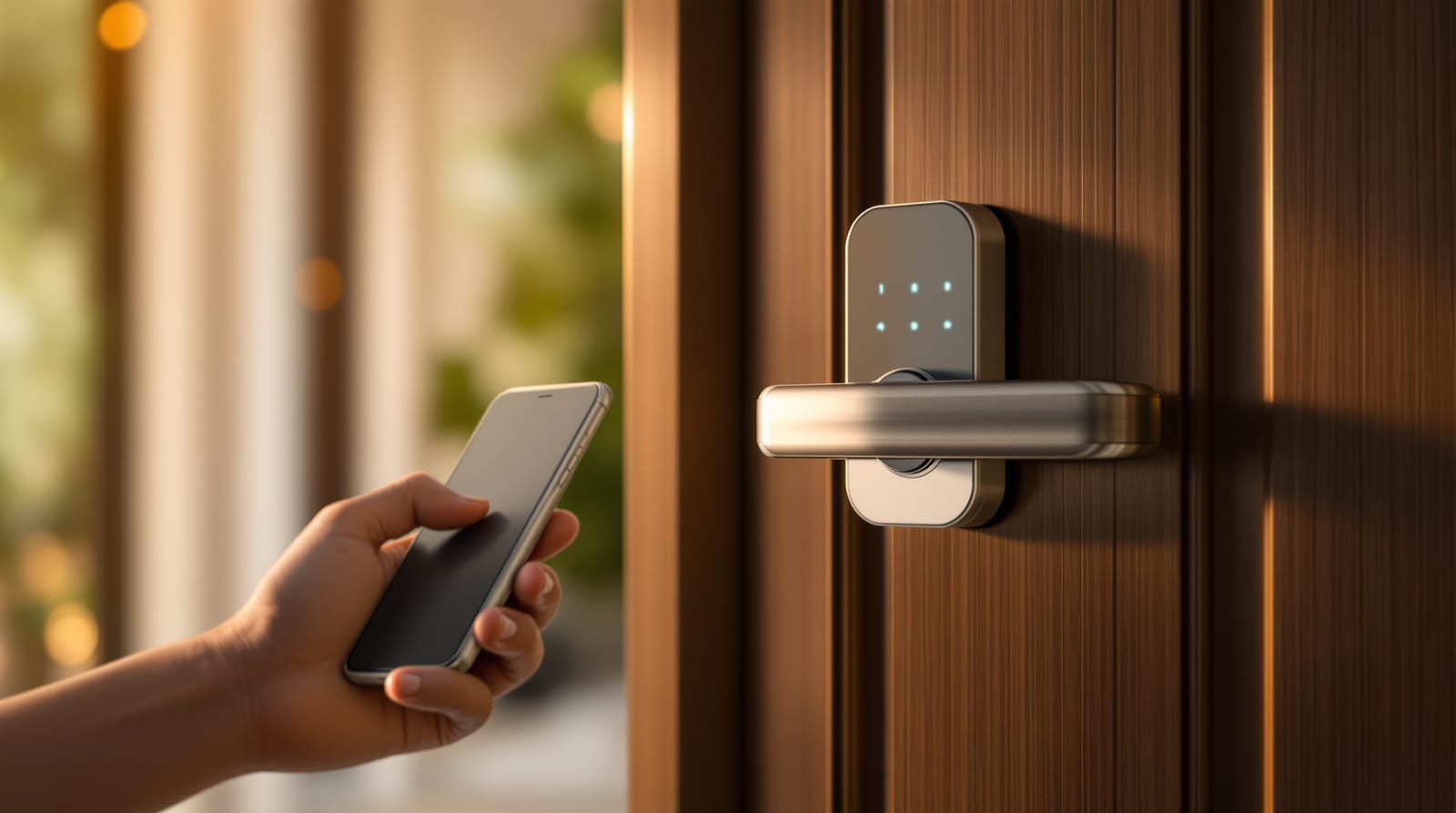
WiFi Smart Lock for Indian Homes: App Control, E-Keys & Connectivity Guide (2026)
How WiFi smart locks let you lock, unlock and grant access from your phone - hub vs built-in WiFi vs Bluetooth, e-keys for maids and deliveries, geofencing, voice control, and the Indian power-and-network caveats nobody warns you about.
The single feature that turns an ordinary smart door lock into something genuinely useful for an Indian household is WiFi - the ability to lock, unlock, and hand out access from your phone whether you are in the next room or in another city. Fingerprint and PIN locks are convenient at the door; a WiFi smart lock is convenient when you are nowhere near it. That is the difference between "did I lock the door?" answered with a tap, and a maid let in for an hour while you are at the office, and a delivery person given a one-time code that expires by evening. This guide is about the connectivity layer - how WiFi actually reaches your lock, what it lets you do, and the Indian power-and-network realities that decide whether it works reliably or frustrates you daily.
What WiFi actually adds over a plain smart lock
A keyless lock that only does fingerprint and PIN is a local device - you must be standing at the door. Add a connection to the internet and you unlock a different category of features:
- Remote lock and unlock from anywhere with mobile data or WiFi - the most-used feature in practice.
- E-keys and temporary access - send a digital key or a time-limited code to a guest, maid, cook, plumber or delivery person, and revoke it whenever you want.
- Activity logs - a timestamped record of who opened the door and when (each family member, maid and guest on their own credential), pushed to your phone as notifications.
- Geofencing / auto-unlock - the lock senses your phone approaching and unlocks as you reach the door, then auto-locks when you leave.
- Voice control - "Alexa, lock the front door" via Amazon Alexa or Google Home (lock-by-voice is common; unlock-by-voice usually demands a spoken PIN for safety).
- Integration with a video door phone, smart doorbell or a wider door access-control system.
The features above are why WiFi matters. The catch is that "WiFi smart lock" describes the outcome, not the plumbing - and there are three very different ways the lock actually reaches the internet.
The three connectivity types: Bluetooth, hub, and built-in WiFi
This is the decision that quietly determines your daily experience. Most buyers never ask which one they are getting.
| Bluetooth-only | Bluetooth + bridge/hub (WiFi/Zigbee) | Built-in WiFi | |
|---|---|---|---|
| Remote (away-from-home) control | No - phone must be near lock | Yes - via the plugged-in hub | Yes - lock connects directly |
| E-keys / temporary access | Local only (phone near door) | Yes, remote | Yes, remote |
| Activity log push when you are out | No | Yes | Yes |
| Geofencing / auto-unlock | Yes (phone proximity) | Yes | Yes |
| Voice (Alexa/Google) | Limited | Yes (via hub) | Yes |
| Needs extra device near the door | No | Yes - a small plug-in bridge | No |
| Battery drain | Lowest | Low (hub does the radio work) | Highest - WiFi is power-hungry |
| Works during home WiFi/power cut | Bluetooth still local | Hub dies with router/power | Lock offline; keypad/key still work |
| Indicative price band | Lowest | Mid (lock + optional hub) | Mid to premium |
The honest summary: Bluetooth-only is fine if you only want phone-unlock at the door and never need to control it from afar - cheapest, longest battery life. A hub/bridge model keeps the lock itself on low-power Bluetooth or Zigbee and lets a small plug-in bridge (kept inside, near the door, on a power point) carry traffic to the internet - this is the August-style approach and gives full remote features with good battery life, but the bridge dies the moment your router or power does. Built-in WiFi is the simplest to live with - no extra box - but WiFi radios are thirsty, so expect to charge or change batteries more often, and the lock goes offline (keypad and physical key still work) when the house WiFi drops.
E-keys and temporary access: the real Indian use case
In an Indian home the killer feature is not unlocking your own door - it is controlling everyone else's access without copying keys or sharing one PIN that never changes.
- Maid / cook / nanny: a recurring time-window key, say 9-11 am on weekdays only. The lock simply will not open for them outside that window, and every entry is logged. No more lending a key that can be duplicated at the corner kiosk.
- Delivery / courier / plumber: a one-time or single-day code you generate and share over WhatsApp, then it auto-expires. Useful when you are travelling and a parcel or a repair must be let in.
- Guests and visiting relatives: a key for the length of their stay, revoked the day they leave - handy in joint families and for short-let or guest flats.
- Children and elderly parents: their own PIN or e-key, so the activity log tells you the kids reached home from school, or that an elderly parent has not been in or out unusually.
Two cautions specific to how Indian homes actually run. First, revoke discipline matters - the security gain only holds if you actually delete the maid's access when she leaves your employment; a forgotten credential is a live key. Second, treat remote unlock for strangers carefully - pair it with a smart doorbell or video door phone so you can see who you are letting in before you tap unlock, rather than opening blind.
How the lock reaches the internet
Built-in WiFi takes the green path straight to the cloud; a hub model hops over Bluetooth to a plug-in bridge that carries it on; Bluetooth-only uses the purple path and works only when your phone is at the door. Every away-from-home feature depends on one of the first two paths staying connected.
Geofencing, voice and integrations - what works, what to switch off
- Geofencing / auto-unlock: your phone's location triggers the lock to open as you arrive. Convenient, but in dense Indian apartment blocks GPS drift can unlock the door while you are still in the lift lobby or parking - so test it, and many families disable auto-unlock while keeping auto-lock (which is pure upside). Auto-lock after a set delay is the single most valuable automation because it ends the "did anyone lock up?" argument.
- Voice (Alexa / Google Home): lock-by-voice is widely supported. Unlock-by-voice should require a spoken PIN, or skip it - anyone within earshot (or a TV advert) should never be able to open your door.
- Integrations: the lock can talk to a video door phone, a smart doorbell, or a full door access-control setup, and to scenes ("leaving home" locks the door, switches off lights). If you are weighing the whole approach, see keyless entry systems and smart lock vs traditional lock.
Indian network and power realities (read before you buy)
This is where WiFi smart locks live or die in India, and where most reviews stay silent.
- WiFi drops and ISP outages: a built-in-WiFi lock loses remote features the moment your broadband or router goes down - which in many Indian neighbourhoods is not rare. Crucially, the lock itself keeps working locally - fingerprint, PIN keypad and the physical key all still open it. You only lose phone-from-afar control. A hub model fails the same way (and the hub also needs the router).
- Power cuts: locks are battery-powered (usually 4-8 AA cells or a rechargeable Li-ion pack), so a power cut does not lock you out of the door. But the WiFi router and the plug-in hub die with the mains unless they are on an inverter or UPS. If remote access during outages matters to you, put the router and hub on your home inverter circuit.
- Battery anxiety: WiFi is power-hungry. Built-in-WiFi locks may need fresh batteries every few months under heavy use; hub/Bluetooth designs last far longer. Every reputable lock warns you at ~20% and almost all have an emergency power option - a 9V battery contact or a USB-C port on the keypad to jump it open, plus a mechanical key override. Confirm both before buying; a lock with neither is a liability.
- 2.4 GHz only: most smart locks join only the 2.4 GHz WiFi band, not 5 GHz. On a dual-band router, either keep a 2.4 GHz network named separately or your lock may refuse to pair - a very common install snag.
- Mesh and dead spots: main doors are often at the flat's edge, far from the router. Weak signal there causes dropped commands. A hub placed on a power point right by the door, or a mesh node nearby, fixes this.
- App and cloud dependence: remote features run through the brand's cloud app. Choose a brand likely to keep its servers and app updated; an abandoned app can strand features. Prefer locks that still work fully offline at the door so a dead cloud never locks you out.
Prices and brands in India (2026)
Indicative, varies by city, model and vendor; add 18% GST; professional fitting on a flush or WPC door typically a few hundred to ~₹1,500 extra.
| Tier | Indicative price (lock) | Typical connectivity | Notes |
|---|---|---|---|
| Budget | ₹5,000-9,000 | Bluetooth, or WiFi via optional hub | Fingerprint + PIN + app near door; remote may need a bridge |
| Mid | ₹10,000-17,000 | Built-in WiFi or bundled hub | Full remote, e-keys, logs, voice; the sweet spot for most homes |
| Premium | ₹15,000-30,000+ | Built-in WiFi + extras | Multipoint locks, face/3D, VDP integration, better build |
Brands commonly sold in India include Qubo (Hero Group, strong app and WiFi range), Yale (Assa Abloy, wide range with WiFi/Bluetooth and Matter on newer models), Godrej (the trusted mass-market name, app-enabled Catus/Advantis lines), Hettich and Hafele (premium European hardware with smart ranges), and Ozone, Dorset and Europa in the value-to-mid space. August-style "retrofit over your existing deadbolt" locks are less common on Indian mortise doors, so most homes here buy a full replacement digital lock rather than a clamp-on retrofit. For a budget plan, the smart lock cost calculator helps you compare tiers. To match the lock to your door type and size first, use the door size calculator and read smart door locks for the full feature landscape.
How to choose: a short decision path
1. Do you need to control the door when you are not home? No - a Bluetooth-only lock is cheaper and lasts longer on batteries. Yes - you need a hub model or built-in WiFi.
2. Do you want zero extra boxes? Built-in WiFi. Do you want the longest battery life with full remote features? Bluetooth + hub.
3. Is your main door far from the router? Plan a hub on a nearby power point or a mesh node - do not assume the signal reaches.
4. Put the router and hub on your inverter if remote access during power cuts is non-negotiable.
5. Insist on three fallbacks: mechanical key override, emergency power (9V/USB), and full offline operation at the door.
For wiring this into a broader hardened entrance, see door security; to weigh it against a plain mechanical lock, smart lock vs traditional lock; and for who can already approach the door before you tap unlock, a video door phone or smart doorbell.
Frequently asked questions
Does a WiFi smart lock stop working during a power cut or WiFi outage?
No - the lock keeps working at the door. It runs on its own batteries, so fingerprint, PIN keypad and the physical key all still open it during a power cut. What you lose is remote control: when your broadband, router or plug-in hub loses mains power or internet, you cannot lock or unlock from your phone until it is back. Put your router and hub on a home inverter if away-from-home access matters.
What is the difference between Bluetooth, hub and built-in WiFi locks?
Bluetooth-only locks need your phone near the door, so no remote control. A hub (bridge) model keeps the lock on low-power Bluetooth or Zigbee and uses a small plug-in box to reach the internet - full remote features with good battery life. Built-in WiFi connects the lock straight to your router - simplest, no extra box, but heavier on batteries and offline if WiFi drops.
Can I give my maid or a delivery person temporary access?
Yes - that is the main reason to buy one. You can issue a recurring time-window e-key (for example, 9-11 am weekdays for a maid) or a one-time code for a delivery, share it over WhatsApp, and revoke it instantly. Every entry is logged with name and time. Just be disciplined about deleting access when someone stops working for you.
Will Alexa or Google unlock my door by voice?
You can reliably lock by voice with Alexa or Google Home. Unlocking by voice should require a spoken PIN, or you should disable it - otherwise anyone within earshot, including a TV advert, could open your door. Auto-lock after a delay is the safest, most useful automation.
How often will I need to change the batteries?
It depends on connectivity. Built-in-WiFi locks under heavy use may need fresh batteries every few months; Bluetooth and hub-based designs last much longer. Every good lock warns you around 20% charge and offers emergency power - a 9V contact or USB-C port - plus a mechanical key override, so a flat battery never locks you out.
Export this guide
Related Guides — Deep-dive reading
Keyless Entry Systems for Indian Homes: PIN, RFID, Fingerprint, App & OTP (2026)
How keyless entry actually works in Indian homes, what happens when power or battery fails, and the best lock combinations for safety and convenience.
Home Doors & EntrancesMobile App Door Access in India 2026: Unlock by Phone
How smartphone door access works in Indian homes and offices: BLE vs Wi-Fi vs cloud, digital keys, sharing, and the dead-phone reality.
Home Doors & EntrancesSmart Door Ecosystem in India: Build One That Works 2026
How your smart lock, video door phone, sensors, app and hub talk to each other, the smart home, and what survives a power-cut.
Home Doors & EntrancesRelated Tools — Try Free
Smart Lock Cost Calculator
Estimate smart door lock cost by access type, tier and number of doors — and compare it to a mechanical lock.
Door CalculatorWindow Hardware Cost Calculator
Estimate window hardware cost — hinges, handles, locks, rollers and multipoint gears.
Window CalculatorDoor Lock Selector
Answer a few questions and get the right lock type — mortise, multipoint, deadbolt, privacy or smart — for any door.
Door Tool