
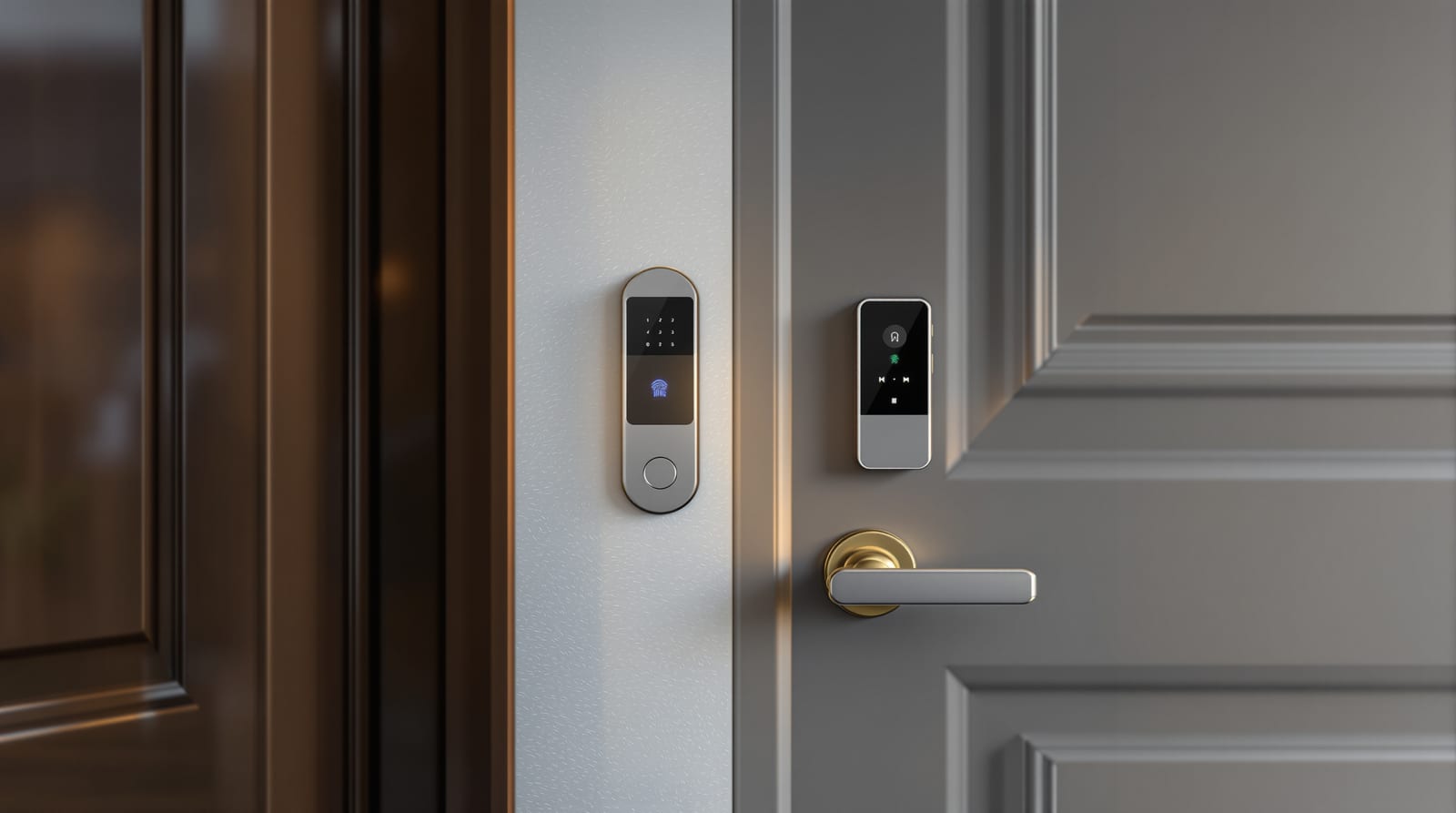
Apartment Smart Access in India 2026: Flat-Door Guide
Layer a flat-door smart lock, video door phone, society intercom and digital keys for family, maids and deliveries — for owners and renters alike.
Apartment smart access is rarely one gadget — it is a small system. Your flat sits behind two or three layers of entry: the society main gate, the tower lobby and finally your own front door. Done well, apartment smart access lets your family come and go on a tap, lets your maid in on a time-limited code, lets a delivery rider reach your door without a phone call, and gives you a video record of who knocked — all while respecting the building's fire-escape rules and surviving the inevitable power-cut. This guide shows how to layer the pieces, what a renter versus an owner can actually install, and how to keep a spare way in.
The three layers of apartment access
Think in zones. Each layer is owned by someone different, which decides what you can change.
| Layer | Typically controlled by | What you can change | Typical device |
|---|---|---|---|
| Society main gate | RWA / facility manager | Nothing solo — propose to committee | Boom barrier, RFID/visitor app, guard |
| Tower lobby / lift | RWA / builder | Usually nothing | Common-area access reader, intercom panel |
| Your flat front door | You (owner) or with landlord nod (renter) | Smart lock, VDP, app | Smart lock + video door phone |
The society and lobby layers are covered in our gated society access control guide and the wider smart door ecosystem overview. This page focuses on the layer you control: your own flat door, and how to wire it sensibly into the layers above.
The flat-door kit: lock + video + intercom
A complete apartment smart access setup is three coordinated devices.
1. The smart lock
A fingerprint-plus-app smart lock is the workhorse. For most flats a mortise-style smart lock with PIN, fingerprint, RFID card, app/BLE unlock and a mechanical-key override covers every household member and every fallback. Real options in India include Godrej (Advantis/Catus), Yale, Qubo, Ozone, Philips and Atomberg. See choosing a smart lock and best smart lock brands before you buy.
2. The video door phone (VDP)
The VDP is your private intercom for your flat door — distinct from the society's lobby intercom. A camera-and-speaker outdoor unit at your door talks to an indoor monitor or your phone, so you can see and speak to whoever is at the door before opening it. Pair it with a smart doorbell or a dedicated video door phone — the deeper video intercom systems guide explains wired versus IP choices.
3. The society intercom
Most towers already have a wired or IP intercom from guard to flat. Newer projects route guard calls through a visitor app instead. You generally cannot replace this — it is shared infrastructure — but you can choose a VDP that coexists with it rather than fighting for the same wires.
| Component | Budget band (installed, ₹) | Notes |
|---|---|---|
| Smart lock (fingerprint + Wi-Fi) | 12,000 – 20,000 | Mortise fit; keep mechanical override |
| Premium lock (face / VDP-linked) | 18,000 – 35,000 | Verify your door thickness |
| Standalone VDP (wired 4.3–7") | 3,000 – 8,000 | Indoor monitor included |
| IP / Wi-Fi VDP | 10,000 – 25,000 | App view, cloud clips |
| Society intercom | Provided by builder/RWA | Not a personal purchase |
All prices attract 18% GST and exclude any door modification. Brands like CP Plus, Hikvision, Godrej and Panasonic make VDPs at these bands; do not assume exact specs without checking the current model.
How the pieces talk to each other
The honest reality: in 2026 these layers rarely form one seamless system. The society's visitor app, your flat smart-lock app and your VDP app are usually three separate apps. That is fine — the goal is that each layer is reliable, and that the right notification reaches your phone. True single-app integration is still emerging via smart home door integration and Matter, but do not buy on the promise of it.
Sharing digital keys with family and domestic help
This is where apartment smart access earns its keep. Most household friction is about access for people who are not you.
- Family members: give each adult their own fingerprint plus an app login. Individual credentials mean the audit log tells you who entered when, which a shared PIN cannot.
- Children / elderly parents: a memorised PIN or a fingerprint is kinder than carrying a phone or a fob they may lose.
- Maid / cook / nanny: issue a time-limited or scheduled code — active only on her working hours and days. Revoke instantly if she leaves. Never share your master PIN.
- Deliveries: prefer a one-time OTP or simply answer the VDP and unlock remotely. Do not give riders a permanent code.
| Person | Best credential | Why |
|---|---|---|
| You / spouse | Fingerprint + app | Convenience + remote control |
| Children | PIN or fingerprint | No phone needed |
| Elderly parent | Fingerprint | Simple, no memorising |
| Maid / cook | Scheduled time-bound PIN | Auto-restricts; easy to revoke |
| Delivery / guest | One-time OTP or remote unlock via VDP | No lingering access |
Every shared credential is a privacy and security decision. Biometric templates and door footage are personal data under the DPDP Act 2023 — keep firmware updated and review who still has access quarterly. The smart lock security risks guide covers the threat model in depth.
Integrating with the society's visitor app
Many Indian gated communities now run a visitor-management app (the guard logs a visitor, you approve on your phone, the gate lets them in). To make this work with your flat layer:
1. Register every household member and your maid in the society app so their entries are pre-approved instead of phoned in.
2. Use pre-approval for deliveries and guests — set an expected-visitor entry so the guard waves them through without calling.
3. Keep your VDP as the last check. The app gets the visitor to your door; your VDP confirms before you unlock.
The society app does not control your flat door, and your flat lock app does not control the gate. They cooperate by both pinging your phone. For how the gate side works, see gated society access control and visitor management systems.
Renter versus owner: what you can install
| Owner | Renter | |
|---|---|---|
| Smart lock | Free to replace mortise lock | Choose a retrofit/no-drill lock or get written landlord consent |
| VDP wiring | Can run new cable | Prefer Wi-Fi VDP / smart doorbell, no wall-chasing |
| Society/lobby gear | Propose to RWA | Cannot change |
| On moving out | Reset and keep | Restore original lock; wipe all codes/biometrics |
Renters: a Wi-Fi smart doorbell plus a retrofit smart lock that fits the existing mortise cut is the cleanest path — no structural change, fully reversible, and you take it with you. Always wipe every code, fingerprint and app pairing before you hand over the keys.
Power-backup and the lockout plan
India's power-cuts make this non-negotiable. Smart locks run on batteries (usually AA or a rechargeable pack), so a mains cut does not lock you out of a battery lock — but a flat dead battery will. The VDP and society intercom, however, run on mains and benefit from a UPS.
- Battery: most smart locks warn for weeks before dying and offer emergency USB-C/9V jump power at the keypad. Keep a power bank handy. See the smart lock battery guide.
- Mechanical override: never buy a flat lock without a physical key cylinder. Keep that key with a trusted neighbour or family member outside the flat.
- VDP / intercom on UPS: so you can still see and talk to the gate during a cut.
- Free egress always: you must be able to leave from inside instantly, without a code, in a fire. This is the fail-safe versus fail-secure principle and is mandated by NBC 2016 for escape routes — never fit anything to your flat door (or lobby) that traps people inside.
Estimate your kit and running costs with our smart lock cost calculator and check device fit with the smart lock selector. For the bigger picture, the complete door guide and the door automation pillar tie every layer together. Studio Matrx recommends starting with a reliable lock and VDP, then layering in society-app integration once each piece proves dependable.
Frequently asked questions
Can a renter install a smart lock in a rented flat?
Yes, with care. Choose a retrofit or no-drill smart lock that fits the existing mortise cut so the original lock can be restored on move-out, or get written landlord consent for a permanent change. A Wi-Fi smart doorbell needs no wiring at all. Wipe every code and biometric before you leave.
Will my smart lock work during a power-cut?
Yes — flat smart locks run on their own batteries, so a mains cut does not affect them. The risk is a flat lock battery, not the grid. Keep the device charged, use the low-battery warnings, carry a power bank, and always keep the mechanical override key with someone outside the flat.
How do I give my maid access without sharing my main PIN?
Issue her a separate, time-bound code active only during her working hours and days, and revoke it instantly if she stops coming. Most fingerprint-and-app locks let you schedule and audit individual credentials, so you also get a log of when she entered.
Does my flat smart lock connect to the society's visitor app?
Usually not directly — they are separate systems. The society app manages the gate and surfaces visitor approvals on your phone; your flat lock and VDP manage your door. They cooperate by both notifying you, not by sharing one login. Register your household and maid in the society app for smoother entry.
Is it safe to store fingerprints and door video?
Treat them as personal data under the DPDP Act 2023. Keep firmware updated, prefer locks that store biometric templates locally on the device, limit who has access, and review credentials quarterly. Delete data for anyone who no longer needs entry.
What is the one safety rule I must not break?
Free egress. Anyone inside the flat must be able to leave instantly without a code or app in an emergency. NBC 2016 requires escape routes to allow free egress and fire-triggered release of electromagnetic locks, so never fit anything to a flat or escape door that could trap people inside.
Export this guide
Related Guides — Deep-dive reading
Smart Homes in Gated Communities & Apartment Complexes in India
In a Prestige or Godrej township flat you do not own the gate, the lobby or the lift — the builder and the RWA do. The art of a smart apartment is knowing exactly what you can change inside your four walls, how to work with the community's MyGate-style systems and shared infrastructure, and what to ask before you drill a single hole.
Smart HomeAccess Control Maintenance in India (2026): Readers, Locks and Fail-Safe Egress
How to keep a card, keypad, fingerprint or face access-control system reading reliably and locking securely — and, above everything, how to test that its doors still release on a fire alarm and on power loss, so an access-controlled door never becomes a life-safety trap.
SecurityDoor Automation Guide: Access Control for India 2026
The complete map of smart locks, automatic operators, access control and intercom for Indian buildings, with the standards and power-cut realities.
Home Doors & EntrancesRelated Tools — Try Free
Video Door Phone Type Selector
Answer a few questions about your building, cabling, budget and internet and get the right video door phone — analog / wired / wireless / IP, single-home or multi-apartment, monitor or app.
Door Phone SelectorApartment Video Door System Planner
Enter flats, entrances, floors and guard desk for a first-pass building intercom plan — door stations, indoor monitors, guard station, the right architecture and an indicative cost band.
Building PlannerAccess-Control Battery-Backup Calculator
Size the standby battery so an access system keeps running through a power cut, with an egress life-safety note.
Battery Backup