
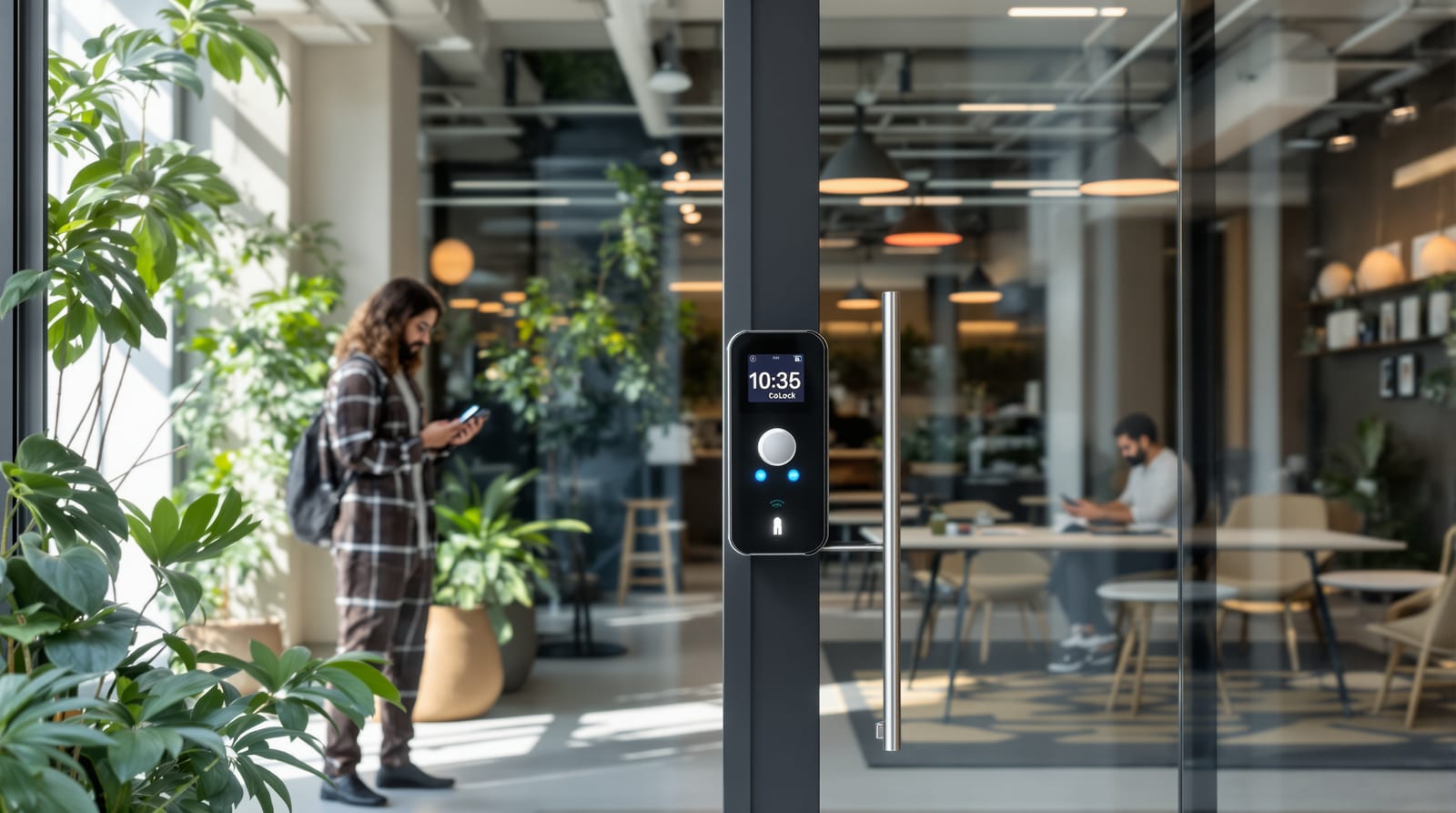
Coworking Access Control India 2026: App-First Member Access
Mobile-credential, booking-linked access for coworking spaces — 24x7 self-entry, day-passes, analytics and billing, without breaking fire egress.
A coworking space is the hardest access-control problem in commercial property: hundreds of members on different plans, churning weekly, expecting to badge in at 2am with their phone, while you still need an audit trail, billing accuracy and a building that empties safely when a fire alarm trips. Good coworking access control turns that churn into software — credentials issued and revoked from your management platform, doors that know which member booked which cabin, and analytics that tell you which floor is actually full. Get the architecture right and access becomes a revenue and experience feature, not a front-desk bottleneck. Get it wrong and you have tailgating, ghost members still entering after they cancelled, and a fire-marshal failure on the escape route. This guide is the systems-level playbook for operators, founders and integrators building flexible-workspace access in India.
Why coworking access control is different
A conventional office issues a card to a salaried employee on day one and collects it on the last day — slow churn, central HR, one location. Coworking inverts all of that. Membership is fluid (hot-desk, dedicated desk, private cabin, day-pass, virtual office), members self-onboard online, and many operators run multiple centres a member can roam between. The access system therefore cannot be a box of plastic cards in a drawer; it has to be a cloud platform where a credential is a database row that your booking and billing systems can create and kill in seconds.
The second difference is the convenience-vs-security balance. Members are paying partly for frictionless 24x7 access — make them queue at a desk and you have lost the value proposition. But frictionless tailgating, shared PINs and a phone passed to a non-member are exactly how a flex space leaks security and revenue. The design job is to make legitimate access effortless and illegitimate access expensive. For the door-by-door technology behind the choices below, pair this with our access control systems guide and the broader office access control playbook.
Credential strategy: mobile-first, RFID fallback
Flexible members are mobile-native, so the primary credential should be the phone. A mobile/app credential (BLE or NFC, issued from your member app) costs you nothing per member to provision, is revoked instantly, and cannot be left in a drawer. Keep a card/fob as a fallback for members who decline the app, for visitors and for power-cut/dead-phone scenarios. Avoid shared PINs as a primary method in shared space — they leak and they break your per-member audit trail.
| Credential | Member experience | Provisioning / revoke | Security in shared space | Best use |
|---|---|---|---|---|
| Mobile app (BLE/NFC) | Phone in pocket, tap or auto-unlock | Instant, remote, free | Good (tied to login; revoke on cancel) | Primary credential for all members |
| RFID card / fob | Tap on reader | Issue in person; revoke in software | Medium (can be lent/lost) | Fallback, visitors, no-app members |
| PIN / keypad | Type code | Easy but shared codes leak | Low for shared areas | Avoid as primary; OK for a store-room |
| Fingerprint / face | Touchless, fast | Enrolment step needed | High (non-transferable) | High-value cabins; flag DPDP |
| QR / OTP (time-boxed) | Scan a one-time code | Auto-expires | Good if single-use | Day-pass and visitor flows |
Biometrics (face/fingerprint) are tempting for premium private cabins because they cannot be lent, but enrolling a member's biometric makes you a data fiduciary under the DPDP Act 2023 — you need consent, purpose limitation, security and a deletion path at offboarding. For most coworking floors a mobile credential plus camera at the entrance is the right balance. See mobile app door access and face recognition access control for the deeper trade-offs, and multi-factor door access for high-value rooms.
Mapping access to membership: zones and booking-linked doors
The heart of coworking access control is a zone-and-plan matrix. Define physical zones, define what each plan unlocks, and let the platform enforce it. Booking-linked access is the differentiator: a member who books a meeting room from 3-4pm should have their credential work on that room's door only for that window, and a dedicated-cabin holder's credential should open their cabin and nobody else's.
The practical implication is that your access platform and your space-management/booking software must talk to each other through an API. Either buy an integrated coworking OS that bundles both, or pick a cloud access-control system with an open API and integrate it. Doors that should be booking-aware (meeting rooms, phone booths, podcast rooms) need their own reader and a lock that the controller can grant on a schedule.
Door hardware, fail-safe and the fire-egress non-negotiable
Most interior coworking doors run a maglock (EM lock, 280-600 kg holding force) or an electric strike driven by the access controller. The critical choice is fail-safe versus fail-secure. Any door on a designated escape route must be fail-safe — it drops open on power loss and must release on a fire-alarm signal — because NBC 2016 demands free egress; a member must always be able to leave without a credential, key or knowledge of a code. Wire the maglocks on escape routes to release from the fire panel, and fit a mechanical break-glass / push-to-exit on the egress side. Internal, non-escape doors (a server room, a stores cupboard) can be fail-secure. This is not optional and not negotiable; an integrator who skips it is exposing you to a life-safety and legal failure. See fail-safe vs fail-secure locks and magnetic door locks for the wiring detail.
| Component | Typical role in coworking | Installed band (₹, +18% GST) |
|---|---|---|
| Cloud controller / panel (multi-door) | Brains; rules, schedules, logs | 12,000 - 30,000 per panel |
| Reader (BLE + card) per door | Member taps phone or card | 4,000 - 15,000 |
| Maglock 280/600 kg (fail-safe) | Entry, cabins, meeting rooms | 1,500 - 5,000 |
| Electric strike | Fail-secure interior doors | 1,500 - 6,000 |
| Exit button / REX + door sensor | Egress + door-held alarm | 1,000 - 4,000 |
| Power supply + backup battery / UPS | Ride through power-cuts | 4,000 - 15,000 |
| Turnstile / speed gate (optional) | Anti-tailgating at lobby | 1,50,000 - 6,00,000 |
India's power-cut reality makes backup non-negotiable. Controllers and readers on a UPS, fail-safe maglocks that simply open when power dies on escape routes, and a card/PIN fallback so a member with a dead phone is never locked out. For the full backup design, read door access power backup and the door automation wiring guide; isolate mains power and use a licensed electrician.
Day-pass, visitor and onboarding/offboarding automation
The flows that make or break a flex space are the temporary ones. A day-pass member bought online should receive a time-boxed credential — a QR or single-use OTP, or a mobile credential that auto-expires at midnight — that opens the entrance and hot-desk floor but nothing else. Visitors (a member's client, an interviewee) should be pre-registered by the host through a visitor management system: the guest gets a QR on their phone, the host is notified on arrival, the badge expires automatically, and the whole visit is logged.
Onboarding/offboarding automation is where coworking access control earns its keep. When a member signs up and pays, the platform issues a credential automatically; when they cancel, downgrade or their payment fails, the credential is revoked or scoped down on the same event — no human in the loop, no ghost members entering after churn. This single integration (billing event to access event) eliminates the biggest silent leak in flex space: people who still have working access after they have stopped paying. Tie revocation to the dunning/billing webhook, not to a monthly manual audit.
Analytics, billing integration and multi-location
Every unlock is a data point. Usage analytics from the access logs tell you peak occupancy by hour, which meeting rooms are over- or under-used, which floor justifies expansion, and which day-pass members are heavy enough to upsell. Booking-linked door grants also feed billing integration: meeting-room minutes, after-hours entries or printer-room access can be metered and invoiced automatically, turning access events into revenue lines.
Multi-location access is the operator's growth feature. A member on a roaming plan should badge in at any centre with the same mobile credential, with their plan enforced per site, and you should see a unified log across the estate. This is only practical on a cloud, multi-tenant access platform — networked TCP/IP controllers reporting to one dashboard — which is why most growing operators standardise on cloud access control early rather than per-site standalone panels. Keep audit logs immutable and retained for security investigations; see door access audit logs.
A word on data: member movement logs, visitor footage and any biometrics are personal data under the DPDP Act 2023. Publish a privacy notice, take consent, restrict who can view logs, set retention limits and delete a member's credential and footage at offboarding. The convenience of analytics does not override the obligation to protect the data.
A practical build sequence
1. Map zones and the plan matrix — entrance, hot-desk, dedicated, cabins, meeting rooms, after-hours; decide what each plan unlocks and which doors are booking-linked.
2. Choose a cloud access platform with an open API (or an integrated coworking OS) so billing and booking can drive credentials.
3. Mobile-first credentials, card fallback; reserve biometrics for premium cabins only, with DPDP consent.
4. Specify fail-safe maglocks with fire-panel release on every escape route, fail-secure only on non-escape interior doors, plus UPS/backup battery.
5. Automate onboarding/offboarding off billing webhooks; build day-pass and visitor flows with auto-expiry.
6. Wire analytics and billing; then replicate the template across locations.
Estimate the spend before you commit with our access control cost estimator and weigh the payback of automation against front-desk staffing using the access control ROI calculator. For the full door context across the building, start from the complete door guide, the access control systems guide and the wider door automation pillar.
Frequently asked questions
Should coworking members use the app or a card?
Use the mobile app as the primary credential — it is free to issue, revokes instantly when a member churns, and gives a clean per-member audit trail. Keep an RFID card or fob as a fallback for members without the app, for visitors and for dead-phone or power-cut situations. Avoid shared PINs as a primary method in shared space.
How do I make sure cancelled members cannot still get in?
Integrate access with billing so that a cancellation, downgrade or failed-payment event automatically revokes or scopes down the credential on the same webhook. Relying on a monthly manual audit always leaves ghost members entering after they stopped paying. Automated, event-driven revocation is the only reliable answer.
Can meeting-room access be tied to bookings?
Yes — this is the differentiator. Fit each booking-linked room (meeting rooms, phone booths) with its own reader and a controller-driven lock, then connect your booking software to the access platform via API so a member's credential works on that room only during their booked window.
Is it legal to lock escape doors with maglocks in a coworking space?
Only if they are fail-safe and release on a fire-alarm signal. NBC 2016 requires free egress on escape routes — a member must always be able to leave without a credential, key or code. Maglocks on escape routes must drop open on power loss and on fire-panel command, with a break-glass push-to-exit on the egress side.
What about members' data and privacy?
Access logs, visitor footage and any biometrics are personal data under the DPDP Act 2023. Take consent, publish a privacy notice, limit who can view logs, set retention limits, and delete a member's credential and footage at offboarding. Prefer mobile credentials over biometrics for general floors to minimise sensitive data.
Can a member use one credential across all my centres?
Yes, on a cloud, multi-tenant access platform with networked controllers reporting to a single dashboard. A roaming-plan member badges in at any site with the same mobile credential, plan rules are enforced per location, and you get a unified log across the estate. Per-site standalone panels cannot do this, which is why growing operators standardise on cloud access control early.
Export this guide
Related Guides — Deep-dive reading
Office Access Control India 2026: Zones, Cards & Cost
How to zone, credential and audit an office access-control system across reception, work floors, server rooms and branches in India.
Home Doors & EntrancesAccess Control Systems Guide: Doors & Hardware India 2026
A systems-level breakdown of door access control in India — components, credentials, topologies, per-door cost and a step-by-step design method.
Home Doors & EntrancesFail-Safe vs Fail-Secure Locks: The Guide (India 2026)
Why fail-safe vs fail-secure is the single most important access-control decision, and how to get it right for every door.
Home Doors & EntrancesRelated Tools — Try Free
Access-Control Battery-Backup Calculator
Size the standby battery so an access system keeps running through a power cut, with an egress life-safety note.
Battery BackupWindow Hardware Cost Calculator
Estimate window hardware cost — hinges, handles, locks, rollers and multipoint gears.
Window CalculatorCircadian Light Meter
Patient-centric circadian lighting visualizer for Indian healthcare design — time-of-day × intensity → CCT, melanopic lux (EML / mEDI), melatonin suppression, and an alertness curve. Calibrated against WELL v2 L03 Circadian Lighting Design, CIE S 026:2018, Brainard 2001, and Lucas et al. 2014.
Circadian Tool