
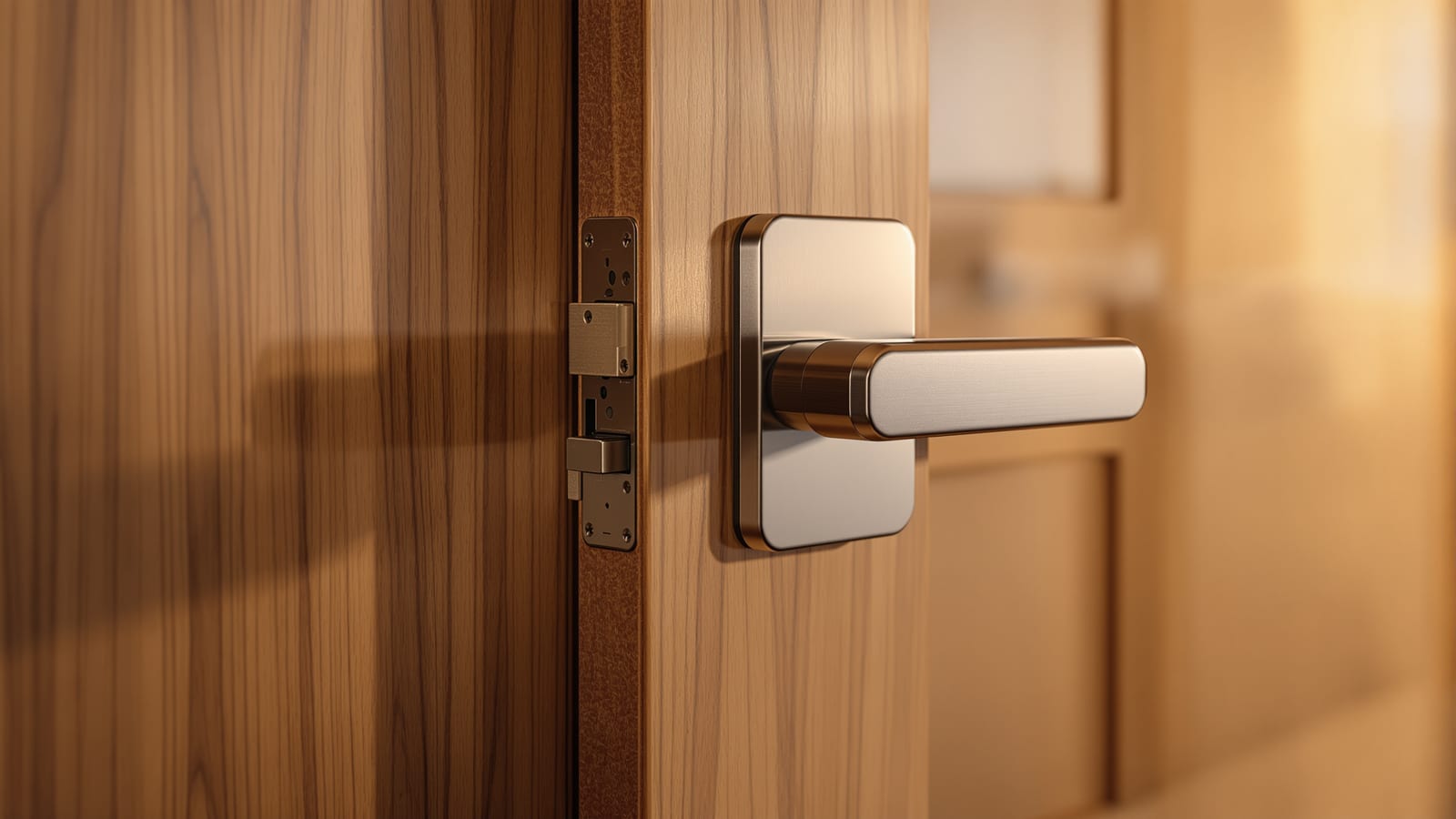
Installing a Smart Lock in India: Step-by-Step for Indian Doors
How to fit a smart lock on a real Indian door — checking thickness, handing, and whether you have a mortise, rim or deadbolt fitting; removing the old lock; mounting the plate and spindle; loading batteries; pairing to the app or hub; setting PINs and fingerprints; testing and troubleshooting misalignment, battery and connectivity — with the backup key that must always work.
A smart lock is the one smart device that has to work every single time, in a way a smart bulb never does — because when it fails, you are standing outside your own front door. The good news is that fitting one is mostly careful mechanical work, not electrical work, so a competent homeowner can often do it in an afternoon. The catch in India is compatibility: our doors vary enormously — heavy teak main doors, hollow flush bedroom doors, aluminium and uPVC balcony doors, and a mix of mortise, rim and deadbolt hardware — and the wrong lock simply will not fit. This guide takes you from checking your door to a lock that opens by fingerprint, PIN, phone and, always, a mechanical key.
A smart lock has one job you cannot compromise: never lock the family out. Keep the mechanical key working, test the backup path, and know where the emergency battery contacts are before you ever need them.
If you are still choosing a lock, weigh it up against a video door phone in CCTV vs video door phone and see the whole entry-security picture in the smart home security systems guide. For the wider setup see the smart home installation guide, for fitting into a finished home the retrofit smart home guide, and mind the smart home regulations guide. Budget it with the smart home cost calculator.
Step 1 — Check your door is compatible (do this before you buy)
Most failed smart-lock installs in India are really failed purchases — the lock was never going to fit that door. Measure before you order.
Check these four things and match them to the lock's spec sheet:
| Check | What to measure | Why it matters |
|---|---|---|
| Door thickness | Measure the leaf edge (mm) | Spindle length must match; most locks fit 35–60 mm |
| Lock type | Mortise (in-door), rim (surface), or deadbolt | The lock must be made for that mechanism |
| Handing | Which side hinges are on, in/out swing | Left / right handing sets which way the latch faces |
| Door material | Solid wood, flush/hollow, aluminium, uPVC | Hollow doors need reinforcement; metal doors need specific models |
Indian door reality: heavy teak or engineered main doors usually take a mortise smart lock and are ideal. Flush hollow bedroom doors are thin and weak — many locks will not hold. Aluminium and uPVC doors (balconies, some flats) need narrow-stile or purpose-made locks. If you have a common rim-latch main door, a rim smart lock (like the popular retrofit units) sits over the existing latch.
| Lock type | Fits | Typical Indian door | Notes |
|---|---|---|---|
| Mortise smart lock | Slot cut into the door edge | Teak / engineered main door | Strongest; usually replaces existing mortise |
| Rim smart lock | Surface-mounted inside | Rim-latch main door, retrofits | Easiest retrofit, keeps outside look |
| Deadbolt smart lock | Bored cross-hole | Some villa / imported doors | Common abroad, rarer in India |
| Push-pull / handle set | Full handle replacement | Premium main doors | Godrej, Yale, Qubo ranges |
Step 2 — Gather tools and read the manual first
- Screwdrivers (Phillips + flat), a tape measure, a pencil, and the template printed in the box.
- The batteries the lock needs (usually AA alkaline; carry spares).
- A drill only if the manual tells you to enlarge or bore — many mortise retrofits need none.
- The manufacturer app installed — Godrej Smart, Yale Home, Qubo, Ultraloq, or the brand's app — and, for Zigbee/Z-Wave locks, the matching hub.
- The mechanical keys kept safe. Read the whole manual before you start; brands differ.
Here is the whole fitting sequence at a glance — mechanical work first, software last, and the backup key tested before you trust any of it.
Step 3 — Remove the old lock
Work on an unlocked, open door so you never trap yourself. Unscrew the inside handle/plate first, then the outside unit, then withdraw the old mortise or latch body. Keep every screw. Test that the door still latches manually with the old hardware out, and note how the existing bolt throws — the new lock must line up with the same strike plate on the frame.
Step 4 — Fit the mounting plate and spindle
1. Fit the new latch or mortise body into the door edge and screw it to the frame side; confirm the bolt throws smoothly by hand.
2. Pass the spindle (the square bar that links the two halves) through the door at the right length for your thickness — many locks ship two spindle lengths; use the correct one.
3. Mount the outside unit (keypad/fingerprint) and hold it while you fit the inside mounting plate, then the inside unit, so the spindle engages both.
4. Tighten evenly — over-tightening a thin flush door can bind the mechanism; a heavy teak door can take firm torque.
Step 5 — Load the batteries and power up
Fit the batteries in the inside unit the right way round, and the keypad should light or beep. Locate the emergency power contacts on the outside unit now — most Indian smart locks let you touch a 9V battery or a USB-C source to the base to power a dead lock long enough to open it. Knowing where they are before a flat-battery morning is the difference between an annoyance and being locked out.
Step 6 — Pair to the app or hub
1. Open the brand app and choose Add device / lock.
2. Enable Bluetooth on your phone — most smart locks pair over Bluetooth first, then optionally link Wi-Fi through a bridge or a hub for remote access.
3. Put the lock into pairing mode (usually a button inside or a code on the keypad) and let the app find it.
4. Set the admin account, then let it update firmware. For a Zigbee/Z-Wave lock, pair it to the hub instead of Wi-Fi.
| Connection | You get | Trade-off |
|---|---|---|
| Bluetooth only | Unlock at the door, share codes | No remote access when away |
| Wi-Fi (built-in or bridge) | Remote lock/unlock, alerts | Battery drains faster; needs 2.4 GHz |
| Zigbee / Z-Wave via hub | Local, reliable, automations | Needs a compatible hub |
Step 7 — Set PINs, fingerprints and access
- Register each family member's fingerprint two or three times per finger for reliability, and enrol a couple of fingers each.
- Create separate PINs per person so you can see who came and went, and delete them cleanly when needed.
- Set temporary / one-time codes for domestic help, a delivery, or guests — with an expiry.
- Keep a strong master admin PIN and never share it. Enable auto-lock after a set delay so the door is never left open.
Step 8 — Test everything, especially the backup
Do not trust it until you have tested every path from outside, with the door open so a failure cannot lock you out:
1. Fingerprint for each enrolled person.
2. PIN for each code.
3. App unlock over Bluetooth, and remotely if you have Wi-Fi/hub.
4. Mechanical key override — the most important test; it must open the lock cleanly.
5. Auto-lock engages after the set delay.
6. Alignment — the bolt throws fully into the strike without lifting or forcing the door.
Troubleshooting the common problems
| Problem | Likely cause | Fix |
|---|---|---|
| Bolt won't throw / grinds | Strike plate misaligned | Adjust strike or lock position; check spindle length |
| Motor strains, then reverses | Door sagging or swollen | Plane/adjust door; tighten hinges; align strike |
| Fingerprint often rejected | Poor enrolment, dirty sensor | Re-enrol multiple angles; clean sensor; enrol more fingers |
| Lock keeps dropping off Wi-Fi | On 5 GHz or weak signal at the door | Use 2.4 GHz; add a mesh node or a hub near the entrance |
| Batteries drain in weeks | Wi-Fi always-on, cheap cells | Use good alkaline; prefer hub/Bluetooth; check low-battery alerts |
| Keypad unresponsive in cold/heat | Extreme temperature, flat cells | Replace batteries; shade a west-facing metal door |
| Locked out, dead battery | No power | Use emergency 9V/USB-C contacts, or the mechanical key |
Safety and the backup key — non-negotiable
A smart lock is only as trustworthy as its fallback. Keep the mechanical keys in a known, safe place (and one with a trusted neighbour or family member outside the home). Fit good alkaline batteries and act on the low-battery warning the first time it appears, not the third. Make sure at least one family member knows the emergency power trick and where the keys are. And remember a lock is only part of entry security — pair it with a video door phone or camera so you can see who is asking to come in.
Fit the right lock to the right door, test the backup before you rely on it, and a smart lock becomes the quiet luxury of never hunting for keys again — while still being the thing that opens, every single time. Next, wire it into the wider system with the smart home installation guide and the security systems guide.
References
- BIS IS 732: Code of practice for electrical wiring installations
- Central Electricity Authority (Measures relating to Safety and Electric Supply) Regulations
- Godrej Locks — smart lock installation and support (India)
- Yale India — smart lock installation guides and support
- Connectivity Standards Alliance — Matter door lock setup
- Bureau of Indian Standards — product certification and standards
Export this guide
Related Guides — Deep-dive reading
Video Door Phones with Smart Locks in India (2026): See, Then Unlock
How to pair a video door phone with a home smart lock so you can video-verify a visitor and let them in without walking over or handing out keys, with a hard focus on mechanical override, power-cut behaviour and egress safety.
SecurityAccess Control Maintenance in India (2026): Readers, Locks and Fail-Safe Egress
How to keep a card, keypad, fingerprint or face access-control system reading reliably and locking securely — and, above everything, how to test that its doors still release on a fire alarm and on power loss, so an access-controlled door never becomes a life-safety trap.
SecurityDeadbolt Smart Locks in India (2026): The Retrofit Format and Where It Fits
How a motorised deadbolt works, why it is the world's most popular retrofit smart lock, and the India catch: most main doors take a mortise, not a deadbolt, so this format usually suits secondary and apartment doors.
SecurityRelated Tools — Try Free
Door Cost Calculator
Estimate the all-in cost of a door — leaf, frame, hardware, fitting and GST — by type, material and size.
Door CalculatorSmart Lock Door Compatibility Checker
Tell us your door build, existing lock or prep, thickness and location and find out which smart-lock form factor fits — mortise, deadbolt, rim, gate or a special case — plus the measurements to take.
CompatibilityDoor Security Rating Calculator
Score your main door out of 100 across leaf, frame, lock and hardware — and see the top upgrades.
Security Tool