
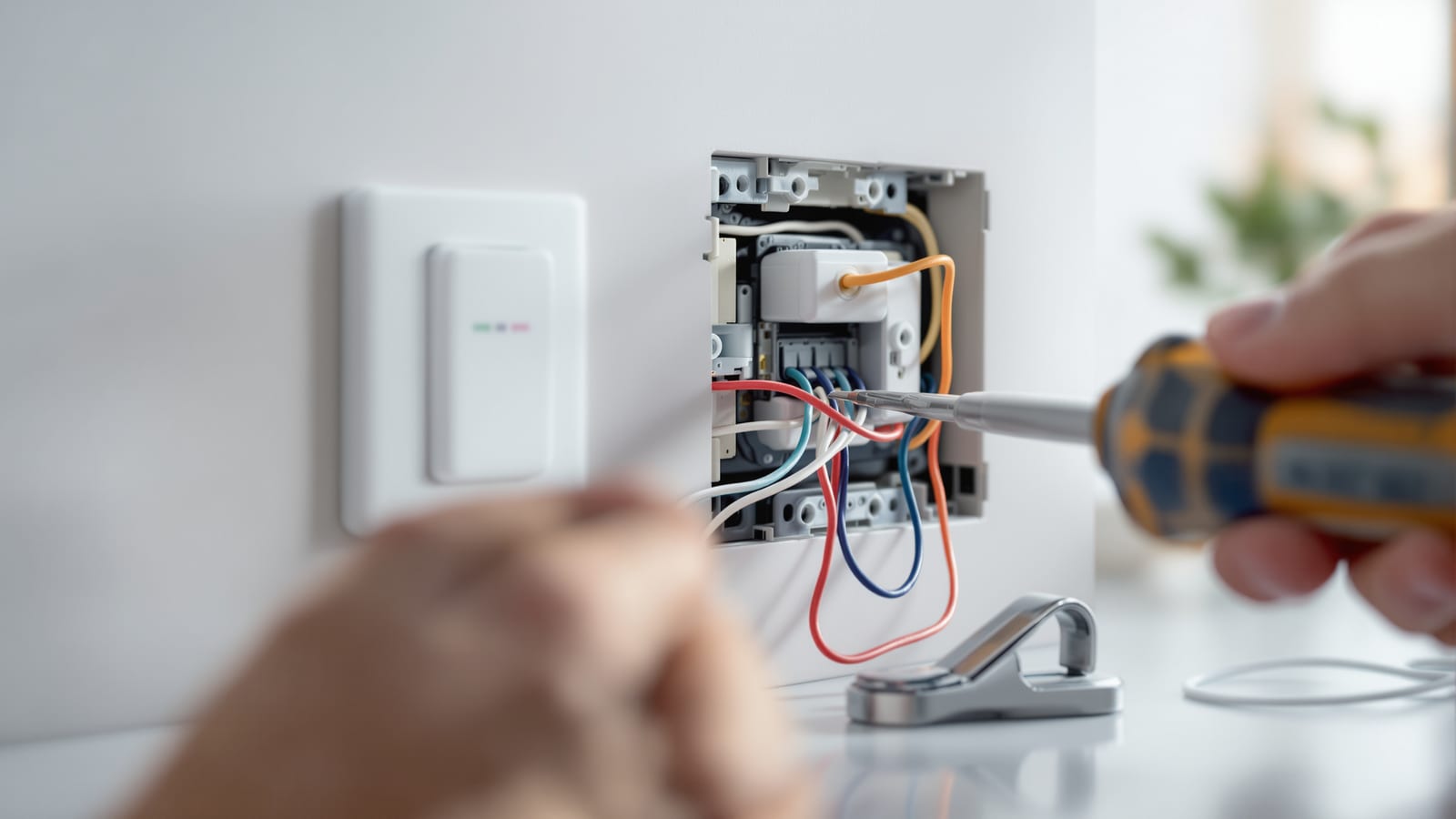
Smart Home Installation India: Wiring, Setup & Commissioning Guide
The install sequence that stops a smart home from becoming a mess — plan, conduit, device install, network, hub, automations, commissioning and handover — plus neutral-wire and deep-box requirements, IS 732 safety, naming conventions, testing and the mistakes that cause callbacks.
A smart home lives or dies at installation. The same devices, fitted in the wrong order by someone who skipped the network and never labelled a thing, become a house full of gadgets that half-work and no one trusts. Fitted in the right sequence, with the wiring done to code and every device named and tested, they disappear into the background and just work. This guide is the installation playbook for Indian homes — the sequence, the wiring, the safety, and the handover — whether you are doing it yourself, briefing an electrician, or hiring an integrator.
A smart home is not installed the day the last device is screwed in. It is installed the day it is commissioned, documented and handed over — when someone who did not build it can still use it, fix it, and understand it.
Read this alongside the smart home planning guide for India, which happens before installation, and the home automation guide for the system view. If you are fitting into a finished home, pair it with the retrofit smart home guide.
The install sequence: never out of order
The single biggest cause of a painful smart-home install is doing things out of sequence — mounting devices before the network exists, or writing automations before devices are named. Follow this order.
Notice that the network comes before the hub, and the hub before the automations — pairing devices onto a weak or unfinished Wi-Fi is how you get devices that pair once and drop off forever. And commissioning is a distinct phase, not "we're done when the last device is up."
Who installs it: electrician, integrator, or you
| Path | Best for | Reality |
|---|---|---|
| DIY | Renters, Wi-Fi bulbs, plug modules, single rooms | Fine for plug-and-play; never open a live board yourself |
| Licensed electrician | Smart switches, dimmers, fan modules, any in-wall work | Mandatory for anything touching mains wiring |
| Systems integrator | Whole-home wired systems, KNX, multi-room, villas | Costs more; you get design, commissioning and support |
The honest split for most Indian homes: you can do the plug-and-play layer yourself (Wi-Fi bulbs, smart plugs, cameras, a hub), but anything behind the wall — smart switches, dimmers, rewiring for neutral — must be done by a licensed electrician to IS 732. A full wired system in a new villa justifies an integrator who designs, installs and commissions as one contract.
A word on money and expectations. A DIY plug-and-play layer costs only the devices — a few thousand rupees for a handful of Wi-Fi bulbs and plugs. An electrician fitting smart switches typically charges ₹300 to ₹800 per point in labour on top of the modules, more if boxes need deepening or neutral needs pulling. A whole-home integrator project runs into lakhs but bundles design, cabling, commissioning and a warranty, and is the right call when you cannot afford to get a villa's backbone wrong. Whatever the path, insist that whoever touches your mains is licensed and gives you a bill and a wiring photo — that paperwork is your safety net if anything fails later.
Wiring requirements: neutral, deep boxes and ELV
Neutral wire
Most smart switches need a neutral at the switch box to power their radio. Older Indian homes often ran only live to the switch. During new work or a renovation, have the electrician pull neutral to every switch box — it is trivial while the walls are open and impossible to add cheaply later. In a finished home with no neutral, use no-neutral switch variants or default to smart bulbs, as covered in the choosing smart lighting guide.
Deep switch boxes
Smart modules are bigger than dumb switches — the radio and relay need room. A standard shallow Indian modular box will not close over a stack of smart modules. Specify deeper back boxes (minimum ~45-50mm depth) wherever smart switches go. Retrofitting a deeper box into a finished wall means re-chasing plaster, so plan this at the conduit stage.
ELV separation
Low-voltage signal cabling (ethernet, sensor wiring, doorbell, some hub buses) is extra-low voltage (ELV) and must be kept physically separated from 230V mains runs to avoid interference and hazard. Do not share a conduit between mains and data. This separation is a code requirement — see the smart home regulations guide for India and the safety section below.
Network setup order
The network is the foundation — get it solid before you pair a single device. The order that works:
1. Router and internet live and stable first.
2. Mesh or access points placed so every corner has strong Wi-Fi — dead spots are where devices drop off.
3. Split the band or use a dedicated SSID for IoT — many smart devices need 2.4GHz, and separating them from your phones and laptops keeps both happier.
4. Hub online (Zigbee/Z-Wave/Thread) and updated, wired to the router where possible.
5. Only now pair devices, working outward from the hub so mesh devices form a strong web.
Full detail on protocols and mesh behaviour is in the home automation guide for India.
A practical Indian caveat: keep the hub, router and any critical controller on the same UPS or inverter circuit as your essential lights. When the grid drops — which it will — you want the network and the automations to ride through on backup power alongside the lights they control, not blink out and leave the house half-responsive until Wi-Fi re-establishes. A ₹2,000 mini-UPS on the router alone removes a huge share of "why did everything stop working" complaints.
Naming conventions: the unglamorous key to a usable home
The difference between a smart home you love and one you fight is naming. "Switch 3" and "Bulb 7" are useless; "Master Bedroom Fan" and "Kitchen Ceiling" let voice control and automations just work. Set a convention on day one:
| Element | Convention | Example |
|---|---|---|
| Devices | Room + fixture | Living Room Cove, Balcony Light |
| Rooms | Match how the family speaks | Amma's Room, not Bedroom 2 |
| Scenes | Plain intent | Good Night, Movie, Dinner |
| Sensors | Location + type | Staircase Motion, Front Door Contact |
Name every device the moment you pair it, before you move on. Renaming forty devices after the fact, and re-pointing every automation, is a miserable afternoon.
Automations, then commissioning
Only after every device is paired and named do you build automations — scenes, sunrise-to-sunset schedules, motion triggers, and voice routines. Keep them few and useful at first; you can always add more.
Then commission, which is a real, checklist-driven phase:
| Test | What you check |
|---|---|
| Every device responds | App, wall press and voice all control each device |
| Failover | Pull the internet — do local devices and wall switches still work? |
| Sensors | Motion triggers fire and time out sensibly; contact sensors register |
| Automations | Each scene and schedule does exactly what it should |
| Safety | RCCB trips on test; no warm modules; boxes close properly |
| Manual override | Every automated light can still be worked by hand |
The failover test is non-negotiable in India, where power and broadband both wobble. If the internet dies and half the house goes dark or unresponsive, the design is wrong — critical lights and switches must keep working locally. Prefer devices with local control for anything essential, as argued in the regulations guide.
Documentation and handover
Hand over more than a working house — hand over a house someone can maintain:
- A device list with names, rooms, brands and where each hub and controller sits.
- Wi-Fi and app credentials stored somewhere the family can find (not just in the installer's head).
- A one-page cheat sheet of scenes and voice commands stuck inside a cupboard.
- Photos of the wiring at each smart switch box before the plates went on — invaluable for the next electrician.
- A short teach session with the family so everyone, including grandparents, can work the lights by hand and by voice.
Safety: IS 732, RCCB and ELV
Everything behind the wall must meet the Indian wiring code. Non-negotiables:
- IS 732 (Code of practice for electrical wiring installations) governs the whole installation — conductor sizing, protection, earthing and separation. All in-wall smart work must comply.
- An RCCB / residual current device protects against earth leakage and shock; confirm it is present, correctly rated and trips on its test button after any wiring work.
- Proper earthing on every circuit, verified — not assumed.
- ELV separation: keep data and signal cabling out of mains conduit.
- Licensed electrician for all mains work; DIY stops at the plug and the bulb.
These are code requirements, not suggestions — the smart home regulations guide for India covers the compliance picture in full.
Common install mistakes
| Mistake | Consequence | Fix |
|---|---|---|
| Pairing devices before the network is solid | Devices drop off, ghost failures | Finish Wi-Fi and mesh first |
| No neutral pulled during renovation | Cannot fit smart switches later | Pull neutral to every box while walls are open |
| Shallow switch boxes | Modules will not fit or close | Specify deep boxes at conduit stage |
| Not naming devices | Voice and automations unusable | Name each device as you pair it |
| Skipping the failover test | House goes dark when net drops | Test with internet unplugged |
| No documentation | Next electrician is lost | Photograph wiring, list devices |
| Mixing mains and data in one conduit | Interference, code violation | Separate ELV runs |
Get the sequence and the wiring right, and a smart home stops being a hobby that needs babysitting and becomes infrastructure you forget is even there. When you are choosing what to install in the first place, start from the ultimate guide to smart homes in India and size the budget with the smart home cost calculator.
References
- BIS IS 732: Code of practice for electrical wiring installations
- Central Electricity Authority (Measures relating to Safety and Electric Supply) Regulations
- IEC 60364 — Low-voltage electrical installations
- Bureau of Energy Efficiency — Standards and Labelling programme
- Connectivity Standards Alliance — Matter commissioning and setup
- Philips Hue — installation and getting started support
Export this guide
Related Guides — Deep-dive reading
Electrical Safety for Security Systems in India (2026): Powering It Without Peril
A homeowner's guide to the power side of home and RWA security systems, CCTV, alarms, gates, access control and NVRs, done so it protects you instead of quietly becoming a shock or fire hazard. What makes a supply safe, what to insist on, and why the mains work belongs to a licensed electrician.
SecuritySmart Home Planning Guide India: New Build & Existing Homes
The decisions that make or break a smart home are taken at the plan stage — before a wall goes up or a switch box is chased. Here is how to plan conduits, neutrals, network backbone and device points for an Indian home that stays smart for a decade.
Smart HomeResidential Electrical Systems: The Complete Guide for Indian Homes
How the electricity in an Indian home actually works — from the utility supply and meter through the distribution board, circuits, wiring, earthing and protection, to lighting, safety, energy efficiency, smart controls, solar and backup — written so a homeowner can understand, plan and judge it, and know exactly where a licensed electrician must take over.
Electrical & WiringRelated Tools — Try Free
Electrical Safety & Load Audit
Home electrical audit — 10 categories, 65+ checkpoints across earthing, RCCB, MCB, wiring, switchboards, appliance circuits, DG/inverter backup.
Safety AuditSmart Home Cost Calculator
13 device categories across 5 ecosystems (Apple HomeKit, Alexa, Google Home, Mi, Wipro). Live floor-plan that lights up as you add devices, per-room and per-category breakdown.
Smart Home CalculatorModular Kitchen Budget Calculator
Live breakdown by running feet, countertop area, material tier and city — with wastage, design fee, GST.
Kitchen Calculator