
DIY vs Professional Smart Home Installation in India: What to Wire Yourself and What to Hand Over
Plug-in gadgets, smart bulbs and wireless cameras you can safely set up over a weekend — versus mains wiring, structured cabling and KNX that legally and sensibly belong to a licensed electrician or integrator.
Every smart-home project in India lands on the same fork: do it yourself and save a fortune, or pay a professional and buy peace of mind. The honest answer is that it is not one choice but dozens — some jobs are genuinely weekend DIY, and some are work that Indian wiring law, your insurance and plain common sense say belongs to a licensed hand. Confuse the two and you either overpay an integrator to plug in a smart bulb, or you open a live switch box you had no business opening.
This guide draws the line cleanly. It sorts the whole smart-home task list into what you can safely do yourself, what sits in a grey middle, and what should always go to a professional — and it explains the reasoning across cost, electrical safety and law, time and skill, warranty, scalability, and the point where hiring an integrator simply pays for itself. If you are still choosing your platform first, pair this with choosing a home automation system for India and the broader home automation guide.
The dividing question is almost never "am I clever enough?" It is "does this touch permanent mains wiring behind the wall?" If the answer is yes, it is a pro job in India. If it plugs in, clips on or screws into a lamp holder, it is yours.
Quick verdict
If your smart home is built from plug-in and wireless devices — smart plugs, smart bulbs, table and wall cameras, sensors, a hub, a video doorbell on existing chime wiring — you can and should DIY almost all of it. The devices are designed for it, the risk is low, and paying an installer to do what an app walks you through is money wasted.
The moment the project reaches live mains wiring inside a switch box, whole-home structured cabling, a wired bus like KNX, or a distribution-board device, hand it to a licensed electrician or a professional integrator. This is not caution for its own sake — it is Indian electrical practice, IS 732 wiring rules, warranty terms and fire risk all pointing the same way.
Most real homes are a blend: DIY the easy 80%, hire out the wired 20%. Knowing exactly where that seam falls is the whole game.
Where the line falls, drawn
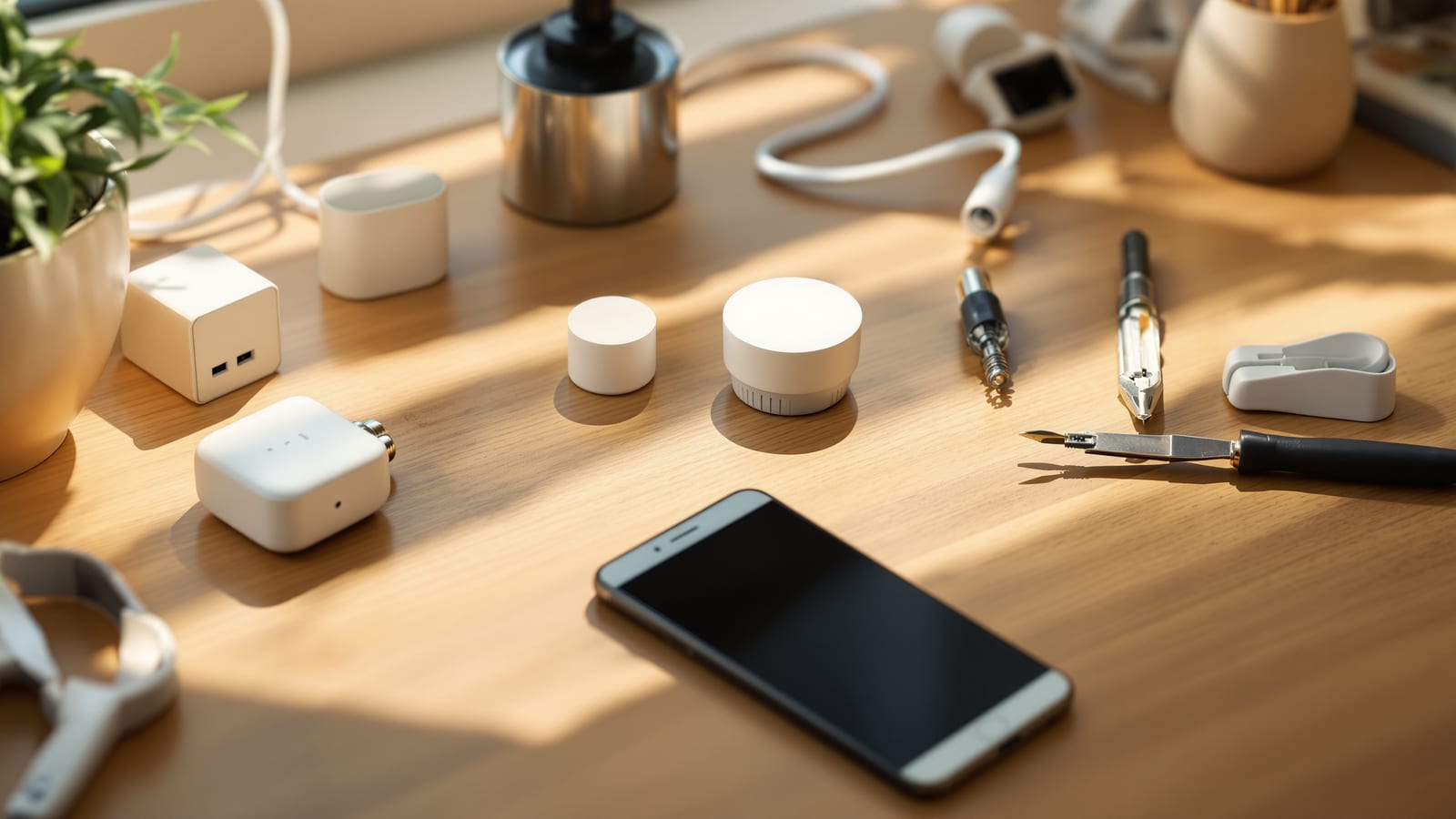
The single clearest way to hold all of this in your head is the "does it touch mains?" map below.
Read the left column as your weekend list and the right column as your phone-a-professional list. Everything on the left ships ready to self-install, communicates over Wi-Fi, Zigbee or Bluetooth, and carries no risk beyond a bulb that will not pair. Everything on the right involves 230-volt mains, permanent cabling, or a system whose warranty and safety depend on certified commissioning.
What you can safely DIY
The genuinely DIY category is larger than most first-timers expect, and it can build a very capable smart home on its own.
| DIY task | Skill needed | Typical device cost | Risk if you get it wrong |
|---|---|---|---|
| Smart plug for lamp, geyser, pump | Plug in, scan a QR code | ₹600–₹1,500 | Device just will not pair |
| Smart bulb into existing holder | Screw or bayonet swap | ₹500–₹1,800 | None — reversible in seconds |
| Wi-Fi camera, table or wall clip | Mount, connect to app | ₹1,500–₹5,000 | Poor angle; re-position |
| Hub / speaker (Echo, Nest, SmartThings) | Power and pair | ₹3,000–₹12,000 | None — plug-in |
| Door / motion / leak sensors | Peel-and-stick, pair | ₹800–₹2,500 | Falls off; re-stick |
| Battery smart lock (retrofit type) | Screwdriver on existing door | ₹8,000–₹25,000 | Misalignment; re-fit |
| Video doorbell on existing chime | Two low-voltage screws | ₹3,000–₹9,000 | Reversible; battery models need none |
The unifying trait is that none of these touch mains wiring behind a switch plate. A smart plug sits between an existing socket and an appliance — the socket was wired by an electrician long ago and you never open it. A smart bulb swaps into a holder exactly like a normal bulb. A camera or hub plugs into a wall socket. Peel-and-stick sensors are battery-powered and glue on. This is the safe majority of a modern home, and it is precisely the retrofit path the retrofit smart home guide is built around. For the installation mechanics of each device, the smart home installation guide walks through them step by step.
The one honest caveat inside the DIY zone: a retrofit smart switch module — the tiny relay that hides inside an existing switch box behind your normal switch — is technically installable by a confident DIYer, but it still means opening a live mains box. We put it in the grey middle below, not the safe list.
What needs a professional
The right-hand column is not about difficulty alone; it is about live mains, permanence, law and warranty converging.
| Pro-only task | Why it is not DIY | Who does it |
|---|---|---|
| Smart switch wired into wall box | 230 V live mains; neutral needed | Licensed electrician |
| Fan regulator / dimmer module | Load and heat sizing; mains | Licensed electrician |
| New wiring runs, extra points | Chasing walls; IS 732 compliance | Licensed electrician |
| Structured / Cat6 / bus cabling | Whole-home routing and testing | Integrator + electrician |
| KNX / Crestron / Control4 | Certified commissioning; warranty | Certified integrator |
| Distribution-board (DB) devices | Works inside the consumer unit | Licensed electrician only |
| Whole-home scene programming | System design and tuning | Professional integrator |
Two forces make these professional work in India. The first is safety and law. Anything wired into the fixed installation — a smart switch, a dimmer, a DB energy meter — is part of your home's permanent wiring and falls under IS 732, the Indian standard for electrical installations in buildings. Working live inside a switch box or the distribution board without training risks shock, a wiring fault, or a fire, and it is exactly the work a licensed electrician is trained and certified to do. The second is warranty and support. Premium wired systems like KNX or Crestron tie their warranty to installation by a certified professional; a self-wired job can void it and leaves you with no one to call when a scene misbehaves years later. The trade-offs between these wired systems and simpler wireless kit are laid out in wired vs wireless home automation.
The grey middle: retrofit smart switch modules
One category deserves its own paragraph because it is where DIYers most often overreach. A retrofit switch module (from brands like Sonoff, or the modules inside many Indian smart-switch kits) is designed to fit behind your existing wall switch, giving you app and voice control without changing the switch on the wall. Physically it is small work. But it means turning off the circuit at the MCB, opening a live mains box, and wiring a device that needs a neutral wire — which many older Indian switch boxes simply do not have. If you are trained, comfortable with mains, and certain a neutral is present, some homeowners do this themselves. If any of those is missing, it is a thirty-minute job for an electrician and not worth the risk. When in doubt, treat it as pro work. The choice between these modules and simply swapping bulbs is covered in smart switches vs smart bulbs.
Cost, time and warranty: the honest comparison
DIY's headline appeal is money, and it is real — but the full picture spans effort and support too.
Cost. A DIY plug-in project has essentially zero labour cost — you pay only for devices. A professional smart-switch retrofit adds an electrician's visit charge, and a full wired or KNX install adds design fees, cabling labour and commissioning that can run into lakhs. For plug-in kit, paying a pro is pure waste; for wired work, that labour is buying you safety and a valid warranty. Model both paths for your own home with the smart home cost calculator, and use the home automation ROI calculator to see where the spend pays back.
Time and skill. DIY trades money for hours and a learning curve — pairing devices, sorting Wi-Fi coverage, building scenes. A professional compresses days of fiddling into a scheduled visit. If your evenings are scarce or the network is finicky, that convenience has genuine value even on jobs you technically could do.
Warranty and support. This is DIY's quiet weakness. Do it yourself and you are your own support desk forever. A professional install, especially of a wired system, comes with a service relationship — someone to call when something breaks in year three. For a large, complex home this ongoing support is often the real reason to hire out.
When to hire an integrator
A professional integrator — not just an electrician, but a specialist who designs and programs the whole system — earns their fee in specific situations:
- Whole-home, new construction. If you are building and want automation woven into the wiring, an integrator plans it before the plaster goes on. This is the plan-stage window the ultimate guide to smart homes in India keeps returning to.
- Wired systems (KNX, Crestron, Control4). These demand certified design and commissioning; DIY is neither supported nor sensible.
- Many devices, one seamless experience. Once you cross a few dozen devices across brands, professional programming turns a pile of gadgets into scenes that just work.
- You value support over savings. If you would rather call someone than debug at 11 pm, an integrator is worth it.
For a single apartment automated with wireless kit, you rarely need an integrator at all — DIY plus, at most, an electrician for a handful of smart switches covers it.
The honest recommendation by scope
Renter or small apartment. Go almost fully DIY — plugs, bulbs, cameras, sensors, a hub. Hire an electrician only if you want a couple of smart switches, and even that is optional.
Owned apartment or small house. DIY the plug-in majority yourself; bring in a licensed electrician for smart switches, fan regulators and any new points. No integrator needed.
Large house or villa, wired ambitions. Hire a professional integrator for the wired backbone and programming, and keep DIY for the plug-in extras you add later. Let the pros own anything behind the wall.
New construction. Engage an integrator at the design stage, before wiring. Everything structural is theirs; you take over the plug-in layer once you move in.
The through-line is consistent: DIY everything that plugs in, clips on or screws into a holder; hand a professional everything that lives inside the wall, the switch box or the distribution board. Get that seam right and you spend money only where it buys real safety and support — never on plugging in a bulb.
References
- Bureau of Indian Standards — IS 732: Code of Practice for Electrical Wiring Installations
- Central Electricity Authority — Measures Relating to Safety and Electric Supply Regulations
- KNX Association — What is KNX and why certified installation matters
- Connectivity Standards Alliance — Matter for smart homes
- Bureau of Indian Standards — home page and standards catalogue
- Central Electricity Authority — home page
Export this guide
Related Guides — Deep-dive reading
PoE vs Wi-Fi CCTV: Which Home Security Cameras Are Better?
One camera type runs power and video down a single Cat6 cable to an NVR and almost never drops out; the other clips to a wall in minutes and streams over your home Wi-Fi. This guide settles PoE vs Wi-Fi CCTV for Indian homes — reliability, video quality and bandwidth, cabling and power, retrofit versus new-build effort, NVR versus SD and cloud storage, hacking risk, real rupee costs, scalability and outdoor use — and gives a clear verdict for each kind of home.
Smart HomeDIY vs Professional Security in India (2026): Self-Install or Hire a Pro?
An honest, even-handed head-to-head between buying a plug-and-play wireless kit and setting it up yourself, and having a vendor design, wire, install and maintain the system under an AMC. Which wins depends on your home, your needs and one hard line you must never cross.
SecuritySmart Home Planning Guide India: New Build & Existing Homes
The decisions that make or break a smart home are taken at the plan stage — before a wall goes up or a switch box is chased. Here is how to plan conduits, neutrals, network backbone and device points for an Indian home that stays smart for a decade.
Smart HomeRelated Tools — Try Free
Electrical Safety & Load Audit
Home electrical audit — 10 categories, 65+ checkpoints across earthing, RCCB, MCB, wiring, switchboards, appliance circuits, DG/inverter backup.
Safety AuditSmart Home Cost Calculator
13 device categories across 5 ecosystems (Apple HomeKit, Alexa, Google Home, Mi, Wipro). Live floor-plan that lights up as you add devices, per-room and per-category breakdown.
Smart Home CalculatorApartment Video Door System Planner
Enter flats, entrances, floors and guard desk for a first-pass building intercom plan — door stations, indoor monitors, guard station, the right architecture and an indicative cost band.
Building Planner