
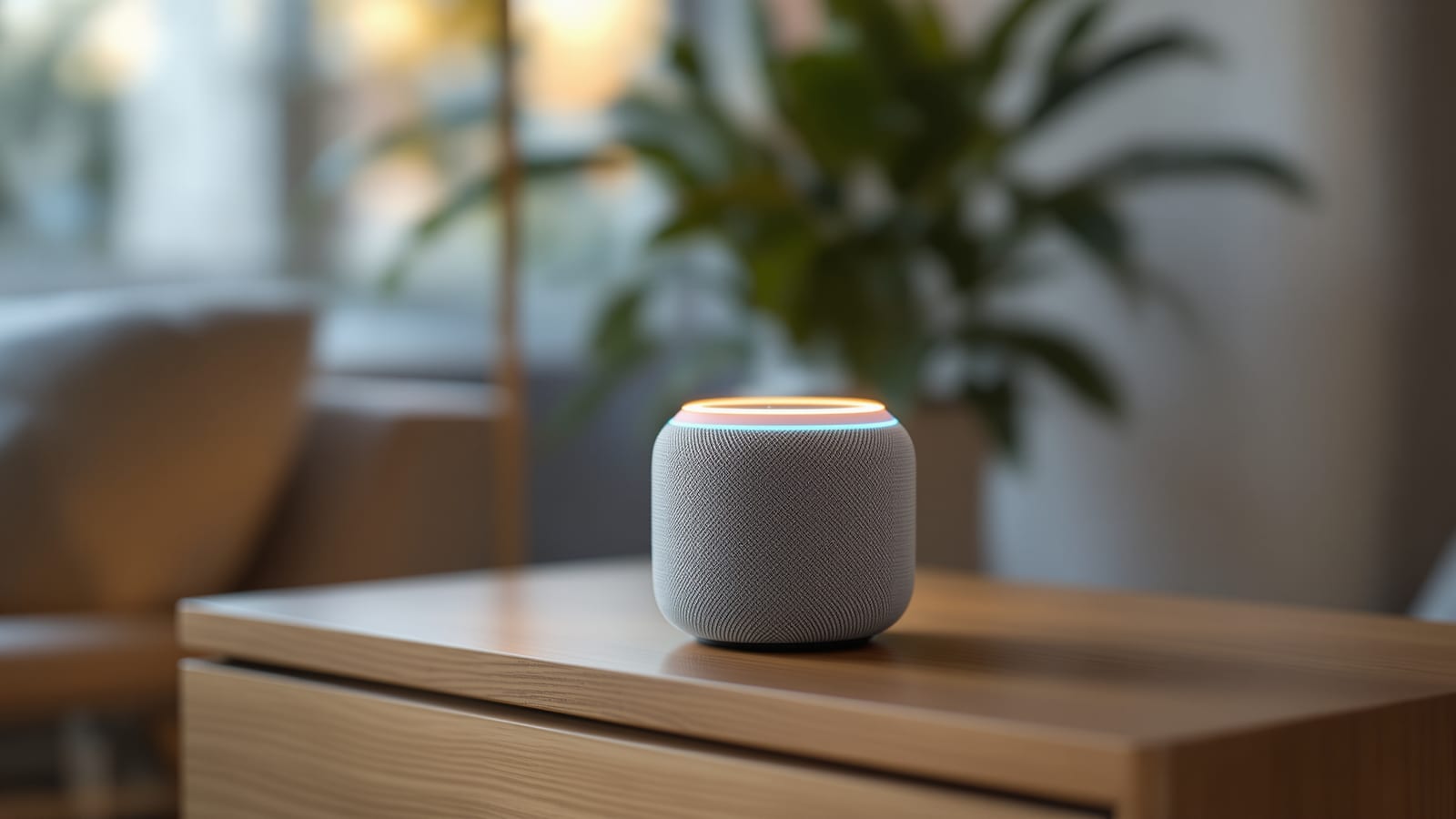
Voice Assistants & Voice Control for Indian Homes: Alexa, Google & Siri
Which assistant understands Hinglish and Indian accents, which speaker or display to buy and where to place it, how voice helps elderly parents, and what mic-mute and DPDP mean for your family's privacy — with rupee costs throughout.
Voice is the interface that finally makes a smart home feel effortless. No app to open, no menu to hunt through, no learning curve — you simply say what you want. It is also the feature that wins over the people who were sceptical of the whole idea: parents and grandparents who would never touch an app happily say "lights on" the moment they realise it works. This guide covers voice control for Indian homes honestly — which assistant handles our accents and Hinglish, what to buy and where to put it, how it helps ageing parents, and what the privacy trade-offs really are.
The best voice assistant is the one your family actually talks to. A perfect device nobody speaks to is a paperweight; a modest one everyone uses is the heart of the home.
Voice is one layer of a larger system, so read this alongside the ultimate guide to smart homes in India and the home automation guide for India. For a full ecosystem comparison of the three platforms, see Alexa vs Google vs Apple in India; this guide focuses specifically on the voice experience.
The three assistants, judged on voice
All three big assistants can turn on a light. Where they differ, for Indian homes, is how well they understand how we actually speak, and how much they cost to get started.
| Assistant | Speakers / displays | Voice strengths in India | Watch-outs |
|---|---|---|---|
| Amazon Alexa | Echo, Echo Dot, Echo Show | Widest device support, Hindi + Hinglish, cheapest entry | Amazon-first answers, some ads |
| Google Assistant | Nest Mini, Nest Audio, Nest Hub | Best general-knowledge answers, strong Indian-English | Fewer new speakers launching in India |
| Apple Siri | HomePod, HomePod mini | Best privacy, tight iPhone links | Weakest Hindi, pricey, Apple-only |
The short version: Alexa is the default choice for most Indian homes because it is the cheapest to start, works with the most devices, and handles Hindi and Hinglish reasonably well. Google Assistant is the pick if you value the smartest answers to general questions and you already live in Gmail and Google Photos. Siri makes sense only for committed iPhone-and-HomePod families who prize privacy and speak mostly in English.
Hinglish, accents and Indian languages
This is the question that decides whether voice control actually works in your home, and the honest answer is: better than it used to be, still imperfect. All three assistants have improved sharply at Indian English, and Alexa and Google both formally support Hindi, including code-switched "Hinglish" — you can say "Alexa, fan band karo" or "Hey Google, lights on karo" and it usually understands.
The realities to plan around:
- Indian English works well across all three. Names of Bollywood songs, cricketers and local places are recognised far better than five years ago.
- Hindi and Hinglish are solid on Alexa and Google. You set the device language to Hindi or English (India), and mixed speech mostly gets through.
- Regional languages are thin. Tamil, Telugu, Bengali, Marathi, Kannada and others have limited to no native support for full smart-home control. A Marathi-speaking grandparent may need to learn a handful of English command words.
- Heavy accents still trip it up. The fix is to teach the family five or six fixed phrases and stick to them. Consistency beats vocabulary.
The practical takeaway: choose short, repeatable command words in the language everyone in the house shares, and name your devices simply — "hall light," not "living room ambient cove strip."
Smart speakers and displays: what to buy
A voice assistant needs a microphone in the room to hear you. That means a smart speaker (audio only) or a smart display (a speaker with a screen). Here is the honest lay of the land in India.
| Device | Price band (2026) | Best for |
|---|---|---|
| Amazon Echo Dot | ₹3,000 - ₹5,500 | Cheapest entry, one per room |
| Amazon Echo (full size) | ₹8,000 - ₹13,000 | Better sound for a main room |
| Amazon Echo Show 5 / 8 | ₹7,000 - ₹15,000 | Kitchen, video calls, recipes |
| Google Nest Mini | ₹3,500 - ₹5,000 | Google homes, small rooms |
| Google Nest Audio | ₹7,000 - ₹11,000 | Better music, Google homes |
| Google Nest Hub | ₹9,000 - ₹15,000 | Displays, photo frame, controls |
| Apple HomePod mini | ₹11,000 - ₹15,000 | iPhone families, good sound |
The sensible pattern for most homes: start with one Echo Dot or Nest Mini in the most-used room, live with it for a month, then add more. A smart display shines in the kitchen — you can see a recipe, set a timer by voice, glance at the weather and make video calls to family without touching anything with wet hands. Displays are also the friendliest devices for elderly parents because they show what the assistant heard, which removes the guesswork.
Multi-room voice
Once you have speakers in a few rooms, they cooperate. The assistant hears you from whichever speaker is nearest, so a single "turn off all lights" works from anywhere in the house. You can also group speakers to play the same music everywhere, or use the built-in intercom / drop-in feature to call from the kitchen to the bedroom — genuinely useful in a two-storey home or a large flat. Placement matters: one microphone per major room, and avoid putting two speakers so close that both answer at once.
Routines and voice scenes
The real power of voice is not single commands but routines — one phrase that fires a whole sequence. You build these in the Alexa or Google Home app, and they cost nothing beyond the devices you already own.
| Routine phrase | What it can do |
|---|---|
| "Good morning" | Lights to warm, read the weather and calendar, start news, AC to comfort |
| "Good night" | All lights off, doors locked, alarm armed, AC to sleep temperature |
| "Movie time" | Dim living-room lights, close curtains, switch on the AV, mute notifications |
| "I'm leaving" | Everything off, alarm armed, thermostat to eco |
| "I'm home" | Hall light on, unlock door, favourite playlist |
Keep routines short and reliable — a three-step routine that never fails beats a ten-step one that breaks when the Wi-Fi hiccups. Voice routines lean directly on your smart lighting and other devices, and they depend on a steady network, so a weak-Wi-Fi corner will make voice feel unreliable; the networking guide is the fix.
Voice for accessibility and ageing in place
This is the most quietly important use of voice, and the reason many Indian families buy their first smart speaker. For an elderly parent, someone recovering from surgery, or a person with limited mobility or vision, voice control removes barriers that apps and switches create.
- No fine motor skill or eyesight needed. "Turn on the bedroom light" works in the dark, from bed, with arthritic hands.
- Reminders and medicine alerts. A routine can announce medication times aloud every day.
- Hands-free calls. An Echo Show or Nest Hub lets a grandparent video-call family by voice — no dialling, no fumbling.
- Emergency reach. Paired with the right routine or an Alexa Emergency Assist style service, a voice command can call a family member.
- Dignity and independence. The deepest benefit is that a parent controls their own environment without asking anyone for help.
If ageing-in-place is your main reason, a smart display in the bedroom and one in the living room is the strongest starting point, because the screen confirms what was heard and supports video calls. Name devices in the words your parent naturally uses.
Privacy, mics and the DPDP Act
Voice assistants listen for a wake word ("Alexa," "Hey Google," "Hey Siri"), and understandably that worries people. Here is the honest picture. The device continuously listens only for the wake word, processed locally; audio is streamed to the cloud only after it hears that word. But mistaken wake-ups do happen, and both Amazon and Google keep recordings unless you tell them not to.
Your practical controls:
- Use the physical mic-mute button. Every Echo and Nest has one. When it is red, the microphone is electrically off — the single most reliable privacy step.
- Turn off voice recording storage. In the Alexa and Google Home apps you can stop recordings being saved and auto-delete history.
- Do not put a mic in a bedroom you want fully private. A speaker in a common room is a different decision from one beside your pillow.
- Local vs cloud. Most mainstream assistants process in the cloud. Privacy-first households can run a local system like Home Assistant with local voice, or lean on Apple, which does more on-device than the others.
- DPDP Act, 2023. India's Digital Personal Data Protection Act gives you rights over personal data companies collect, including the right to access and erasure. Review each assistant's privacy settings and use the delete controls the law encourages.
None of this means voice assistants are unsafe — it means you should decide consciously where microphones live and switch on the privacy settings, rather than leaving defaults untouched.
Etiquette and honest limitations
Voice is wonderful, but set expectations. It is bad in noisy rooms, occasionally mishears, and can annoy guests if the house barks confirmations at every command. A few habits keep it pleasant: turn on brief mode so Alexa beeps instead of talking back, avoid device names that sound like everyday words, and warn visitors that microphones are present. Voice complements buttons and apps — it does not replace them. Keep a wall switch and an app path for every important device, so nothing is ever hostage to the assistant understanding you.
Setting it up: a sensible order
1. Pick your assistant to match your phones and ecosystem — Alexa for most, Google for answer-quality, Siri for iPhone-and-HomePod homes.
2. Buy one speaker for the most-used room and live with it for a month.
3. Set the language to Hindi or English (India) and teach the family five fixed command phrases.
4. Add a display in the kitchen for recipes, timers and video calls.
5. Build two routines first — "good night" and "good morning" — before anything fancier.
6. Set privacy the same day: enable auto-delete, know where the mic-mute button is.
7. Add rooms one at a time until whole-home voice just works.
To size the speakers, displays and connected devices against your budget, run the figures through the smart home cost calculator, and if elderly care is your driver, start with displays rather than audio-only speakers.
References
Export this guide
Related Guides — Deep-dive reading
How to Choose a Smart Speaker in India (Alexa, Google, Apple)
A smart speaker is the friendliest way into a connected home — but the choice is really three choices layered together: which assistant, speaker or display, and which model for which room. This buyer's guide walks an Indian household through all three, with real prices and honest trade-offs.
Smart HomeVoice-Controlled Security for Indian Homes: What Is Safe to Say, and What Is Not
Alexa, Google Assistant and Siri can make home security genuinely easier — arm the system on your way to bed, turn on the outdoor lights, ask whether the front door is locked. But some voice commands are dangerous, and a shout through a window can trigger them. The safe line, the honest limits, and the privacy of an always-listening microphone.
SecurityVoice Controlled Bathroom India: Waterproof Smart Speaker, Hands-Free Lights, Shower & Geyser, Privacy & Cost
A practical India-first guide to voice control in the bathroom — a splash-rated smart speaker or voice-enabled mirror that turns lights, music, exhaust fan, geyser and even the shower on and off hands-free — plus the microphone and privacy questions, the humidity and IP durability the device must survive, whether your Wi-Fi even reaches the wet corner of the house, which tasks genuinely benefit, the real accessibility win for elderly and disabled users, and what it all costs.
BathroomsRelated Tools — Try Free
Smart Home Ecosystem Selector
Answer 5 questions and get a ranked recommendation for the smart-home ecosystem that fits your Indian household — Amazon Alexa, Google Home, Apple Home, Samsung SmartThings, or Home Assistant — with pros, caveats and a rough starter cost.
SelectorSmart Home Cost Calculator
13 device categories across 5 ecosystems (Apple HomeKit, Alexa, Google Home, Mi, Wipro). Live floor-plan that lights up as you add devices, per-room and per-category breakdown.
Smart Home CalculatorMotorized Curtain Cost Calculator
Estimate the all-in cost to motorise curtains — motors, tracks, hub and installation.
Cost Calculator