
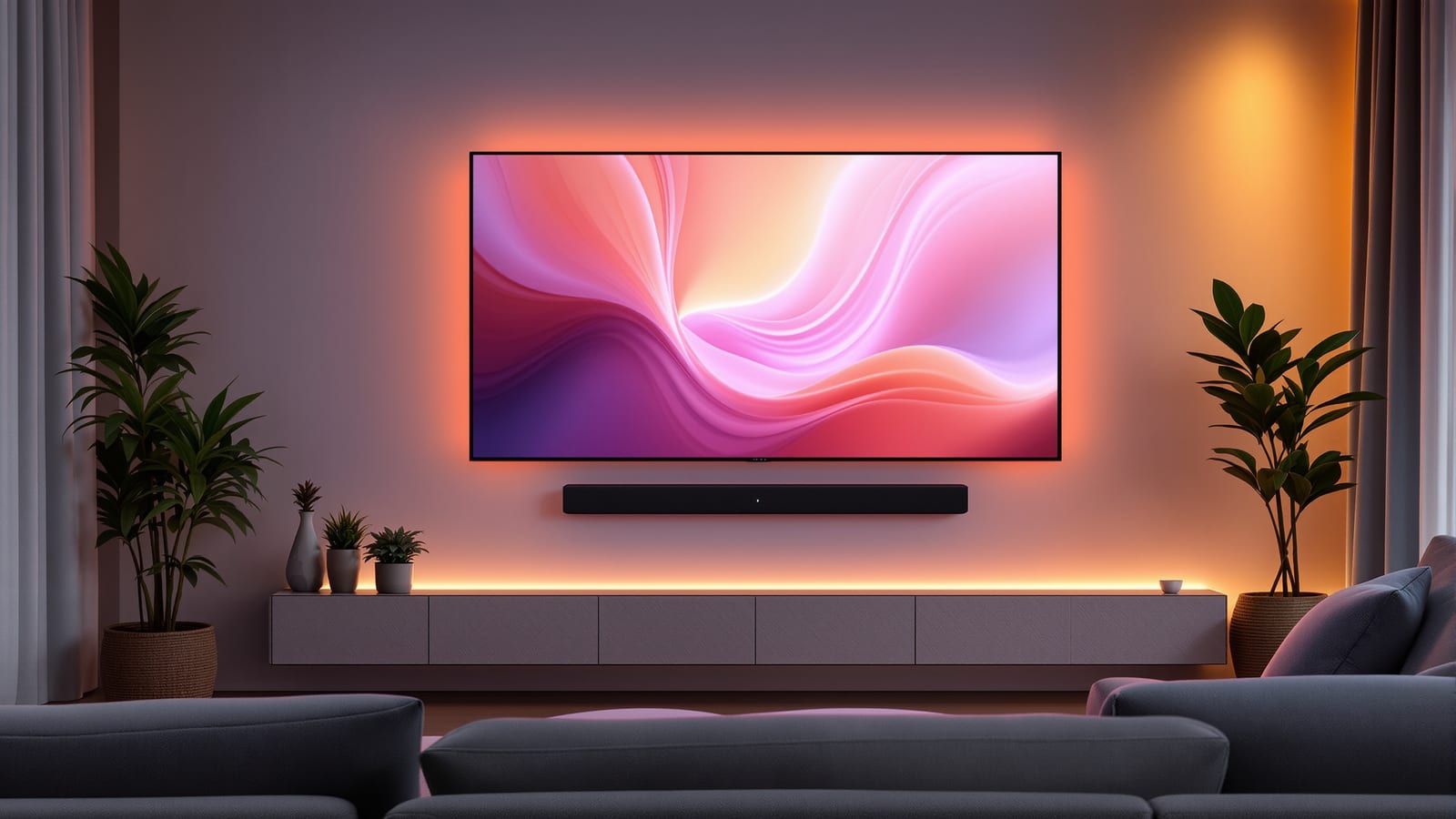
Smart Home Entertainment in India: TVs, Audio, Home Theatre & Streaming
How to choose a smart TV OS, add the right streaming stick, build multi-room audio and wire a one-touch home theatre that dims the lights and drops the screen — with real Indian brands, bandwidth and rupee costs.
Entertainment is the part of a smart home that everyone in the family touches, which is exactly why it is worth getting right. A good setup means one press of a button dims the lights, closes the curtains, drops the projector screen and switches every box to the correct input — and one voice command fills the whole house with the same song. A bad setup means three remotes, an input you can never find, and a Bluetooth speaker that keeps disconnecting. This guide walks through smart TVs, audio, home theatre automation and streaming for Indian homes, with the brands, bandwidth and rupee costs that actually apply here.
The measure of good home entertainment is not how many speakers you own. It is whether your grandmother can start a film without asking anyone for help. Simplicity, not spec sheets, is the goal.
If you are planning the whole house, read this alongside the ultimate guide to smart homes in India and the broader home automation guide for India. Everything here leans hard on your network, so the smart home networking guide is essential companion reading, and the scenes described below tie directly into smart lighting.
The smart TV: it is really about the operating system
Every TV sold in India today calls itself smart, but the panel and the software are two different purchases living in one box. The panel decides picture quality; the operating system decides how the whole thing feels to use, which apps you get, and how well it plays with the rest of your home. Panels age slowly. Software ages fast — a laggy launcher and dropped app support will annoy you long before the screen looks dated.
| TV OS | Sold on (India) | Strengths | Watch-outs |
|---|---|---|---|
| Google TV / Android TV | Sony, TCL, Xiaomi, OnePlus, Realme | Every app, Chromecast built in, Google Assistant | Cheaper models feel sluggish, more ads |
| Fire TV | Amazon Fire TV, some Onida | Slick, Alexa built in, cheap sticks | Amazon-first layout, prime placement |
| Tizen | Samsung | Fast, clean, SmartThings hub built in | Fewer niche apps, Samsung ecosystem |
| webOS | LG | Fast, excellent remote, ThinQ | Fewer regional OTT apps |
| Coolita / Vidaa / others | Budget brands (Thomson, Kodak) | Cheap | Thin app store, avoid for OTT-heavy homes |
The honest advice: buy the panel you like, then fix the software with a streaming device. A three-year-old TV with a ₹3,000 stick behaves like a brand-new one, and the stick is far cheaper to replace than the television.
Streaming devices worth buying
| Device | Price band (2026) | Best for |
|---|---|---|
| Amazon Fire TV Stick 4K | ₹3,500 - ₹6,000 | Alexa homes, most Indian OTT apps |
| Google Chromecast with Google TV / TV Streamer | ₹4,500 - ₹8,000 | Casting from phones, Google homes |
| Apple TV 4K | ₹14,000 - ₹19,000 | iPhone families, best interface, AirPlay, HomeKit |
| Xiaomi / OnePlus TV stick | ₹2,500 - ₹4,000 | Budget Android TV upgrade |
Apple TV 4K is the outlier: it costs three to four times the others, but it is the smoothest box you can buy, it never shows ads on the home screen, and it doubles as a HomeKit hub if your home leans Apple. For most families a Fire TV Stick 4K or Chromecast does everything they need.
Streaming and the bandwidth you actually need
None of this matters if the video stutters. Streaming quality is set by your internet speed and, just as often, by the Wi-Fi reaching the TV. Here is what each tier of streaming genuinely demands.
| Content | Minimum speed | Comfortable speed |
|---|---|---|
| SD / 480p | 3 Mbps | 5 Mbps |
| HD / 1080p | 5 Mbps | 10 Mbps |
| 4K UHD (one TV) | 15 Mbps | 25 Mbps |
| 4K on two TVs + phones | 40 Mbps | 60 Mbps and up |
Most Indian fibre plans from Airtel, Jio, ACT and BSNL now start at 40 to 100 Mbps, so raw speed is rarely the problem. The real culprit is Wi-Fi: a TV sitting three rooms from the router will buffer even on a 300 Mbps plan. Two fixes matter — put the TV or streaming box on 5 GHz Wi-Fi, or better, run an Ethernet cable to it. A wired TV never buffers. If cabling is impossible, a mesh node near the living room, covered in the networking guide, is the next best thing.
Audio: soundbar or AV receiver?
TV speakers are thin, and fixing them is the single biggest upgrade most living rooms can make. There are two roads. A soundbar is one long bar (often with a wireless subwoofer) that sits under the TV — simple, tidy, one cable. An AV receiver (AVR) is a full amplifier that drives five, seven or more separate speakers placed around the room — the true home-theatre experience, with real surround and Dolby Atmos height.
| Factor | Soundbar | AV receiver + speakers |
|---|---|---|
| Price (decent) | ₹15,000 - ₹60,000 | ₹40,000 - ₹2,00,000+ |
| Install effort | Plug and play | Speaker wiring, placement, calibration |
| Surround realism | Simulated / limited | Genuine 5.1, 7.1, Atmos |
| Room fit | Apartments, tidy rooms | Dedicated rooms, villas |
| Brands in India | Sony, Samsung, JBL, Boat, Zebronics | Denon, Marantz, Yamaha, Onkyo + speakers |
For most Indian apartments a good soundbar (Sony, Samsung or JBL in the ₹20,000 to ₹40,000 band) is the right answer — it is honest about the space it lives in. An AVR earns its keep only when you have a dedicated room, are willing to run speaker cable, and genuinely want surround sound. If you go the AVR route, Denon, Marantz and Yamaha are the reliable names, paired with speakers from Polk, Wharfedale, Klipsch or the value-friendly Indian brand Krix and imports available through local AV dealers.
Home theatre automation: the one-touch scene
This is where "smart" earns its name. The magic is HDMI-CEC — a standard that lets connected HDMI devices control each other over the same cable. When it works, pressing play on your Fire TV wakes the TV, switches to the right input and tells the soundbar to power on, all from one remote. Every brand markets CEC under its own name — Sony calls it Bravia Sync, Samsung Anynet+, LG SimpLink, Panasonic Viera Link — but it is the same standard underneath, and you enable it in the settings menu of each device.
| Manufacturer's CEC name | Brand |
|---|---|
| Bravia Sync | Sony |
| Anynet+ | Samsung |
| SimpLink | LG |
| Viera Link | Panasonic |
| Aquos Link | Sharp |
To go beyond CEC into a true one-touch cinema scene — lights, curtains, screen and AV together — you layer a home automation controller on top. The cleanest routes in India:
- Harmony-style universal control is fading (Logitech discontinued Harmony), so most people now use their voice assistant plus a hub. An "Alexa, movie time" or "Hey Google, movie night" routine dims smart lights, closes motorised curtains, turns on the AVR and starts the streaming app.
- Projector plus motorised screen homes add a smart relay (Sonoff, or a Wi-Fi curtain/screen motor) so the same routine drops the screen. Motorised screens from Elite, Vividstorm or local suppliers run ₹15,000 to ₹60,000; a good 4K projector from BenQ, Epson or Xgimi runs ₹80,000 to ₹2,50,000.
- A dedicated controller (Home Assistant on a Raspberry Pi, or a SmartThings hub) is worth it for enthusiasts who want everything, including the AC and blinds, in one scene.
Keep the scene short and reliable. A four-step "movie" routine that works every time beats a fifteen-step showpiece that fails when a guest is watching. Test it a dozen times before you show it off.
Multi-room audio: the same song everywhere
Multi-room audio means starting a song and having it play, in sync, across the kitchen, living room and balcony — or different songs in different zones. This is the feature families use most and talk about least. There are three honest tiers.
| Tier | Systems | Price per room | Notes |
|---|---|---|---|
| Premium | Sonos (Era, One, Five) | ₹18,000 - ₹60,000 | Best app, rock-solid sync, whole-home |
| Value audiophile | WiiM (Pro, Amp) + your own speakers | ₹9,000 - ₹22,000 | Great sound, uses existing speakers |
| Budget / voice-first | Amazon Echo groups, Google Nest groups | ₹3,000 - ₹12,000 | Cheapest, ties to your voice assistant |
Sonos is the gold standard — flawless sync, the best app, and it scales to the whole house — but it is a walled garden and pricey. WiiM streamers are the enthusiast's value pick: plug one into speakers you already own and you get AirPlay 2, Chromecast and Spotify Connect at a fraction of Sonos money. For most families, the cheapest path is simply grouping Amazon Echo or Google Nest speakers you may already own — put an Echo Dot in three rooms, group them in the app, and say "play everywhere." It is not audiophile sound, but it is genuinely multi-room for under ₹10,000. Whichever you choose, streaming services matter: Spotify, Amazon Music, Apple Music, YouTube Music and JioSaavn all support at least some of these platforms.
Acoustic basics that cost almost nothing
Great speakers in a bad room sound worse than modest speakers in a treated one, and the fixes are cheaper than the gear. A bare room with tile floors and glass walls — very common in Indian flats — echoes badly. Soft furnishings do most of the work: a thick rug on the floor, curtains on the window wall, a fabric sofa and a bookshelf on the back wall together tame the harshness. For a dedicated theatre, add a few acoustic panels behind and beside the seating. Keep the subwoofer off a shared wall with the neighbour, place surround speakers slightly above ear height, and never push the main speakers hard into a corner unless you like boomy bass.
Setting it up: a sensible order
1. Fix the network first. Wire the TV with Ethernet if you can, or put it on strong 5 GHz Wi-Fi. Everything downstream depends on this.
2. Pick your OS strategy. Keep the TV panel you like and add a Fire TV, Chromecast or Apple TV to standardise the interface.
3. Choose audio honestly. Soundbar for an apartment, AVR and speakers only for a dedicated room. Do not overbuy.
4. Enable HDMI-CEC on every device so one remote runs the chain.
5. Build one voice routine ("movie time") that dims lights and preps the AV — keep it short.
6. Add multi-room audio with whatever ecosystem you already lean on, then grow it room by room.
7. Treat the room with rugs, curtains and soft furnishing before you spend more on speakers.
To size the whole outlay against your rooms and priorities, run the numbers through the smart home cost calculator, and if you are building or renovating, run the speaker cable and HDMI conduit now — retrofitting them later is the expensive part.
References
Export this guide
Related Guides — Deep-dive reading
Home Theatre Setup Guide for Indian Homes (Automated, 2026)
A practical, room-first walkthrough of building a home theatre in an Indian home and wiring it to run at one touch. Room and seating, TV versus projector and screen, 2.1 to 7.1.4 Atmos speaker layouts, the AV receiver and how everything connects over HDMI eARC and CEC, acoustic treatment and calibration, bias and star-ceiling lighting, cable management, budget tiers, and one-touch scenes that dim the lights, close the curtains, power everything on and pick the right input — with real brands and ₹ prices.
Smart HomeSoundbar vs AV Receiver: Which for Your Home Theatre? (India)
One is a single sleek bar you mount under the TV and forget; the other is a heavy box, a rack of speakers and a weekend of wiring that can shake the room. This guide settles soundbar vs AV receiver for the Indian living room — sound quality, cost, space and looks, complexity, room size, surround and Dolby Atmos, expandability, spouse-approval, HDMI eARC and CEC, and whether you mostly watch TV, movies or music — with a clear verdict by room, budget and ambition.
Smart HomeHow to Choose a Smart Speaker in India (Alexa, Google, Apple)
A smart speaker is the friendliest way into a connected home — but the choice is really three choices layered together: which assistant, speaker or display, and which model for which room. This buyer's guide walks an Indian household through all three, with real prices and honest trade-offs.
Smart HomeRelated Tools — Try Free
Smart Home Cost Calculator
13 device categories across 5 ecosystems (Apple HomeKit, Alexa, Google Home, Mi, Wipro). Live floor-plan that lights up as you add devices, per-room and per-category breakdown.
Smart Home CalculatorMotorized Curtain Cost Calculator
Estimate the all-in cost to motorise curtains — motors, tracks, hub and installation.
Cost CalculatorSmart Curtain ROI Calculator
Estimate the energy savings and payback of motorising and automating curtains on harsh-sun windows.
ROI Calculator