
Home Theatre Setup Guide for Indian Homes (Automated, 2026)
A practical, room-first walkthrough of building a home theatre in an Indian home and wiring it to run at one touch. Room and seating, TV versus projector and screen, 2.1 to 7.1.4 Atmos speaker layouts, the AV receiver and how everything connects over HDMI eARC and CEC, acoustic treatment and calibration, bias and star-ceiling lighting, cable management, budget tiers, and one-touch scenes that dim the lights, close the curtains, power everything on and pick the right input — with real brands and ₹ prices.
There is a difference between buying a home theatre and setting one up. You can spend two lakh on speakers and still get thin, echoey, badly placed sound if the room fights you and the wiring is guesswork. This guide is the practical companion to our smart home entertainment overview: it walks through building a home theatre in a real Indian home, in the order the decisions actually come — room and seating first, then the screen, then speakers, then the receiver that ties it together, then the acoustics and calibration that make it sing, and finally the automation that lets the whole thing start a film at one touch. If you are still deciding between a single bar and a full system, read soundbar versus AV receiver first; this guide assumes you have chosen the full route.
A great home theatre is not the one with the most expensive speakers. It is the one where the room, the layout and the wiring were sorted before the shopping started — and where starting a movie takes one button, not a coffee table full of remotes.
Start with the room and the seating
Everything downstream is set by the room. Before you buy a single speaker, settle three things: the primary seat position, the screen wall, and how much you can treat the room. The main listening seat should sit roughly at the middle of the room's length, never pushed against the back wall (where bass piles up and dialogue muddies). A rectangular room performs better than a square one; a square room's dimensions reinforce the same bass notes and boom.
| Room use | Practical approach | Note |
|---|---|---|
| Dedicated theatre room | Full control of light, acoustics, layout | The ideal; plan wiring in the wall before finishing |
| Living-room theatre | Compromise on light and placement; lean on a great TV | Most common Indian setup; automation matters more here |
| Bedroom / small den | 2.1 or 5.1 compact; nearfield seating | Keep the subwoofer small and corner-loaded |
Seating distance drives screen size and speaker choice. A comfortable rule: for a TV, sit about 1.5 to 2 times the screen's diagonal away; for a projector, the screen should fill roughly 30 to 40 degrees of your view. Measure your actual seat-to-wall distance first, then let it pick the display — not the other way round.
Display: TV or projector, and the screen
The display splits the whole project into two philosophies.
| Large TV (75–98 inch) | Projector + screen | |
|---|---|---|
| Image in daylight | Excellent, bright | Poor unless room is dark |
| "Cinema" scale | Big, but capped ~98 inch | 100–150 inch, true cinema feel |
| Cost for the size | Rises steeply past 85 inch | Cheaper per inch at large sizes |
| Room needs | Works in any light | Needs a dark, controlled room |
| Best for | Living rooms, mixed use | Dedicated dark theatre rooms |
For most Indian living rooms that double as family space, a large 4K TV (Sony Bravia, Samsung Neo QLED, LG OLED, or value picks from TCL and Hisense) is the pragmatic winner — it survives ambient light and needs no darkness. A projector (Epson, BenQ, or a laser UST like the Hisense/Xgimi units) belongs in a dedicated, light-controllable room, paired with a proper fixed-frame or ambient-light-rejecting (ALR) screen — never a bare wall, which crushes contrast. Motorised screens and blackout curtains matter here because they become part of the one-touch scene later.
Speaker layout: from 2.1 to Atmos
Speaker layout is where a home theatre is won or lost. The numbering is simple: the first number is ear-level speakers, the second is subwoofers, and a third (after a second dot) is height/Atmos speakers.
| Layout | Speakers | Feel | Good for |
|---|---|---|---|
| 2.1 | 2 front + sub | Wide stereo, real bass | Small rooms, music-first |
| 5.1 | 3 front + 2 surround + sub | True surround, the baseline for cinema | Most Indian theatre rooms |
| 7.1 | 5.1 + 2 rear surround | Fuller wrap-around | Larger rooms with rear space |
| 5.1.2 / 7.1.4 | Adds 2 or 4 height speakers | Overhead Atmos "rain and helicopters" | Immersive, ceiling-mounted or up-firing |
5.1 is the sensible baseline — it delivers genuine surround and every film is mixed for it. Add Atmos height channels (the ".2" or ".4") only if your ceiling suits in-ceiling speakers or you can place up-firing modules cleanly; height effects are a real step up but the least essential rupee you will spend. The diagram below shows the placement that matters most: the centre channel anchors dialogue to the screen, the fronts angle in toward the seat, and surrounds sit slightly above ear level to the sides.
Two placement rules save most home setups: keep the left, centre and right at the same height across the screen so a voice pans smoothly, and put the subwoofer near a corner or front wall but confirm the best spot with the "subwoofer crawl" — put the sub at your seat, play a bass track, and crawl the room to find where the bass sounds best, then place the sub there. Toe the fronts in toward the primary seat.
The AV receiver and how everything connects
The AV receiver (AVR) is the brain: it decodes surround formats, powers the speakers, switches inputs and handles the video. Buy it for channel count and future headroom — a 7.2-channel AVR gives room to grow into Atmos even if you start at 5.1. Reliable choices in India are Denon (AVR-X series), Marantz (Cinema series), Yamaha (RX-V/Aventage) and Sony; entry AVRs start near ₹35,000 and mid-range Atmos units sit around ₹60,000–₹1,20,000.
Connection is where people trip up. Modern home theatres run on HDMI, and three details matter:
- eARC (enhanced Audio Return Channel) — one HDMI cable carries full-quality audio, including lossless Dolby Atmos, back from the TV to the AVR. Connect the AVR to the TV's HDMI eARC port specifically; a normal ARC or non-ARC port will not pass the high-bitrate audio.
- CEC (Consumer Electronics Control) — lets devices control each other over HDMI: the TV can wake the AVR, the AVR can switch the TV's input. It is the backbone of one-touch operation, and each brand names it differently (Sony Bravia Sync, Samsung Anynet+, LG SimpLink).
- HDMI 2.1 — needed if you game at 4K/120Hz or pass 8K; route those sources through an HDMI 2.1 AVR input.
The clean wiring pattern: connect all your sources — set-top box, Blu-ray, gaming console, Fire TV/Apple TV — into the AVR's HDMI inputs, then a single HDMI cable from the AVR's HDMI-out to the TV's eARC port. The AVR now switches both the picture and the sound, and the TV's own apps send their audio back down the eARC link. The figure below shows the full signal and control path plus the automation hooks.
Acoustics and calibration
Two invisible steps separate an "okay" system from one that startles guests. Acoustic treatment tames the room's own reflections: soft furnishings, a thick rug on a tiled floor, curtains over the screen wall, and a few absorption panels at the "first reflection points" (the spots on the side walls where a mirror held flat would show you the front speakers from the seat). You do not need a padded cell — cutting the worst slap-echo is 80 percent of the benefit. Bass traps in the front corners help the boom that Indian concrete-and-tile rooms are prone to.
Calibration then tells the AVR about your specific room. Every modern AVR ships with an auto-calibration system — Audyssey (Denon/Marantz), YPAO (Yamaha), DCAC (Sony) — and a small microphone. Run it: place the mic at ear height at the seat, let it play test tones, and it sets each speaker's distance, level and equalisation automatically. This single 10-minute step fixes more sound problems than any equipment upgrade, and most people skip it.
Lighting: bias and star ceilings
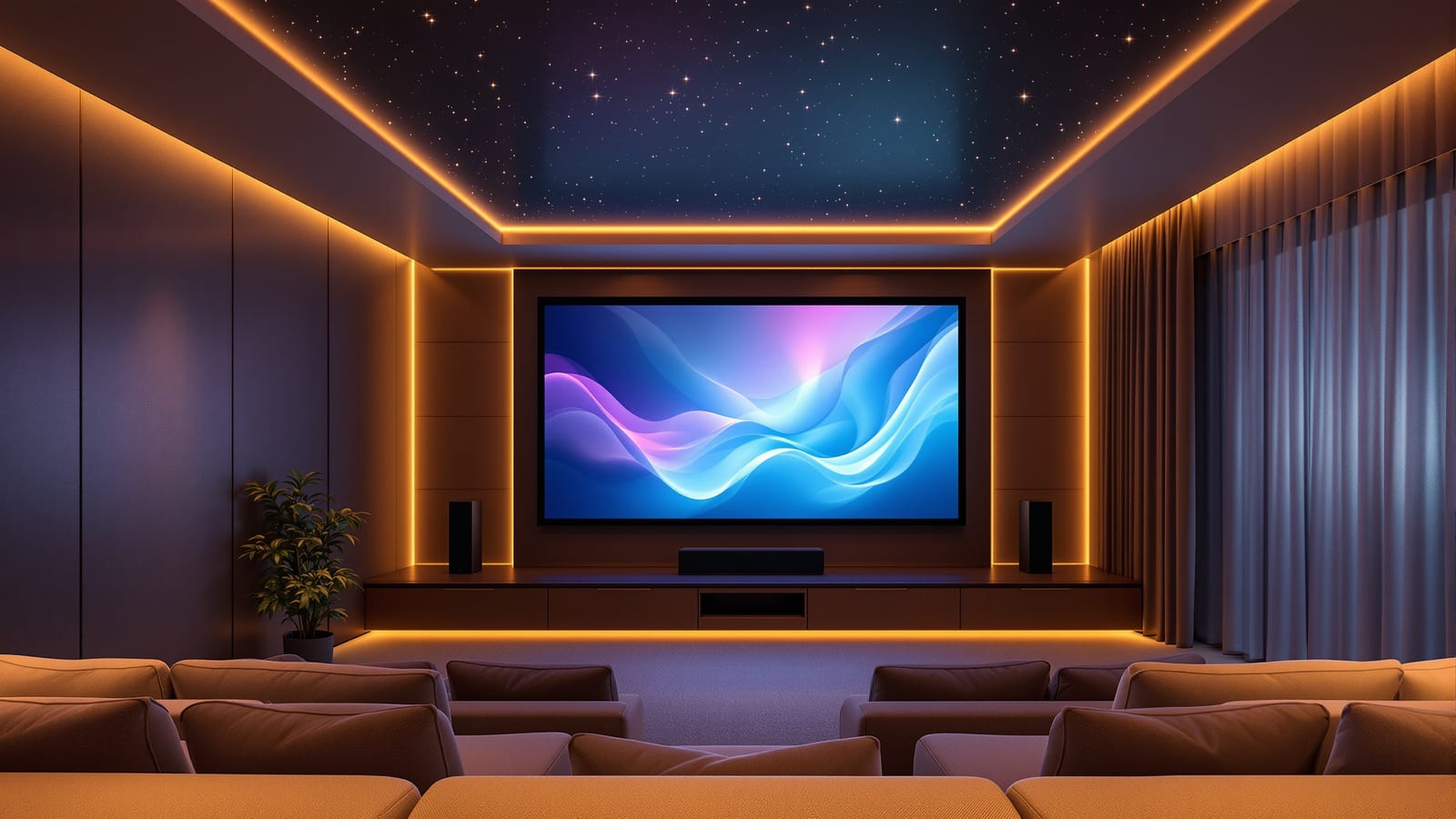
Lighting is part of the picture, not decoration. Bias lighting — a warm LED strip behind the TV or screen — reduces eye strain in a dark room and makes blacks look deeper by giving your eyes a reference. Keep it a neutral 6500K white behind the screen for colour accuracy, dimmable, and off the screen surface itself. Beyond that, dimmable wall sconces or cove lighting on a scene, and the theatrical fibre-optic "star ceiling" for dedicated rooms, complete the room. Put all of it on the smart lighting system so it becomes one line in the movie scene — our smart lighting guide covers the fixtures and control.
One-touch automated scenes
This is what turns a home theatre into a smart home theatre, and it is the payoff of everything above. A "Movie" scene fired from a phone, a wall keypad or a voice command should, in one action:
1. Dim or switch off the room lights and turn on the warm bias light.
2. Close the motorised curtains or blinds (essential for a projector).
3. Power on the TV/projector and AVR (via CEC or smart plugs) and set the AVR to the right input.
4. Set the volume to a sensible starting level and select the surround mode.
5. Optionally pause other home audio and set "do not disturb."
A matching "Movie off" / "Lights up" scene reverses it — pauses playback, raises the lights gently, opens the curtains. These are built in your platform of choice (Home Assistant, SmartThings, Alexa Routines, Apple Home) using HDMI-CEC for the AV gear and smart switches for lights and curtains; our smart home scenes and automations guide covers how to structure them, and you can budget the whole build with the smart home cost calculator. If you have also automated the smart garage door, an "Arriving home" trigger can even open the garage and pre-warm the media room together.
Budget tiers and cable management
| Tier | Rough budget | What it buys |
|---|---|---|
| Entry 5.1 | ₹80,000 – ₹1,50,000 | Entry AVR, a 5.1 speaker package (Polk, Wharfedale, Sony), a good TV |
| Mid 5.1.2 Atmos | ₹1.8 – ₹4 lakh | Mid AVR, better speakers + subwoofer, Atmos height pair, treatment |
| Premium dedicated | ₹6 lakh+ | 7.2.4, projector + ALR screen, acoustic design, full automation |
Whatever the tier, plan the wiring before the walls are finished. Run in-wall speaker cable (rated, fire-safe) to the surround and height positions, pull conduit for HDMI to the projector, and leave the AVR in a ventilated, accessible rack — receivers run hot and need airflow and reach for future changes. Label every cable at both ends. Tidy cabling is not vanity; it is what makes the system serviceable and the room finished.
Get the room, layout and wiring right and the equipment almost disappears — you press one button, the lights fall, the curtains close, and the film begins exactly as it was mixed to. That, not the price tag, is what a proper home theatre setup delivers.
References
- Dolby Atmos home theatre speaker setup guides — Dolby Laboratories
- HDMI eARC and ARC explained — HDMI Licensing Administrator
- Home theatre speaker placement basics — Dolby / channel layout reference
- BIS IS 616: Safety requirements for audio, video and similar electronic apparatus
- Denon India — AV receivers and home cinema setup support
- Yamaha India — AV receivers and home theatre
Export this guide
Related Guides — Deep-dive reading
Soundbar vs AV Receiver: Which for Your Home Theatre? (India)
One is a single sleek bar you mount under the TV and forget; the other is a heavy box, a rack of speakers and a weekend of wiring that can shake the room. This guide settles soundbar vs AV receiver for the Indian living room — sound quality, cost, space and looks, complexity, room size, surround and Dolby Atmos, expandability, spouse-approval, HDMI eARC and CEC, and whether you mostly watch TV, movies or music — with a clear verdict by room, budget and ambition.
Smart HomeSmart Home Entertainment in India: TVs, Audio, Home Theatre & Streaming
How to choose a smart TV OS, add the right streaming stick, build multi-room audio and wire a one-touch home theatre that dims the lights and drops the screen — with real Indian brands, bandwidth and rupee costs.
Smart HomeHow to Choose a Smart Speaker in India (Alexa, Google, Apple)
A smart speaker is the friendliest way into a connected home — but the choice is really three choices layered together: which assistant, speaker or display, and which model for which room. This buyer's guide walks an Indian household through all three, with real prices and honest trade-offs.
Smart HomeRelated Tools — Try Free
Curtain Cost Calculator
Get the fabric metres you need plus the total curtain cost by window size, fabric, pleat, lining and hardware.
Curtain CalculatorMotorized Curtain Cost Calculator
Estimate the all-in cost to motorise curtains — motors, tracks, hub and installation.
Cost CalculatorAcoustic Privacy (STC) Visualizer
Indian healthcare acoustic visualizer — compare wall assemblies and noise sources, see received SPL after STC attenuation, and check FGI 2018 / IS 1950 / NABH speech-privacy compliance with live dual-canvas waveform.
Acoustic Tool