
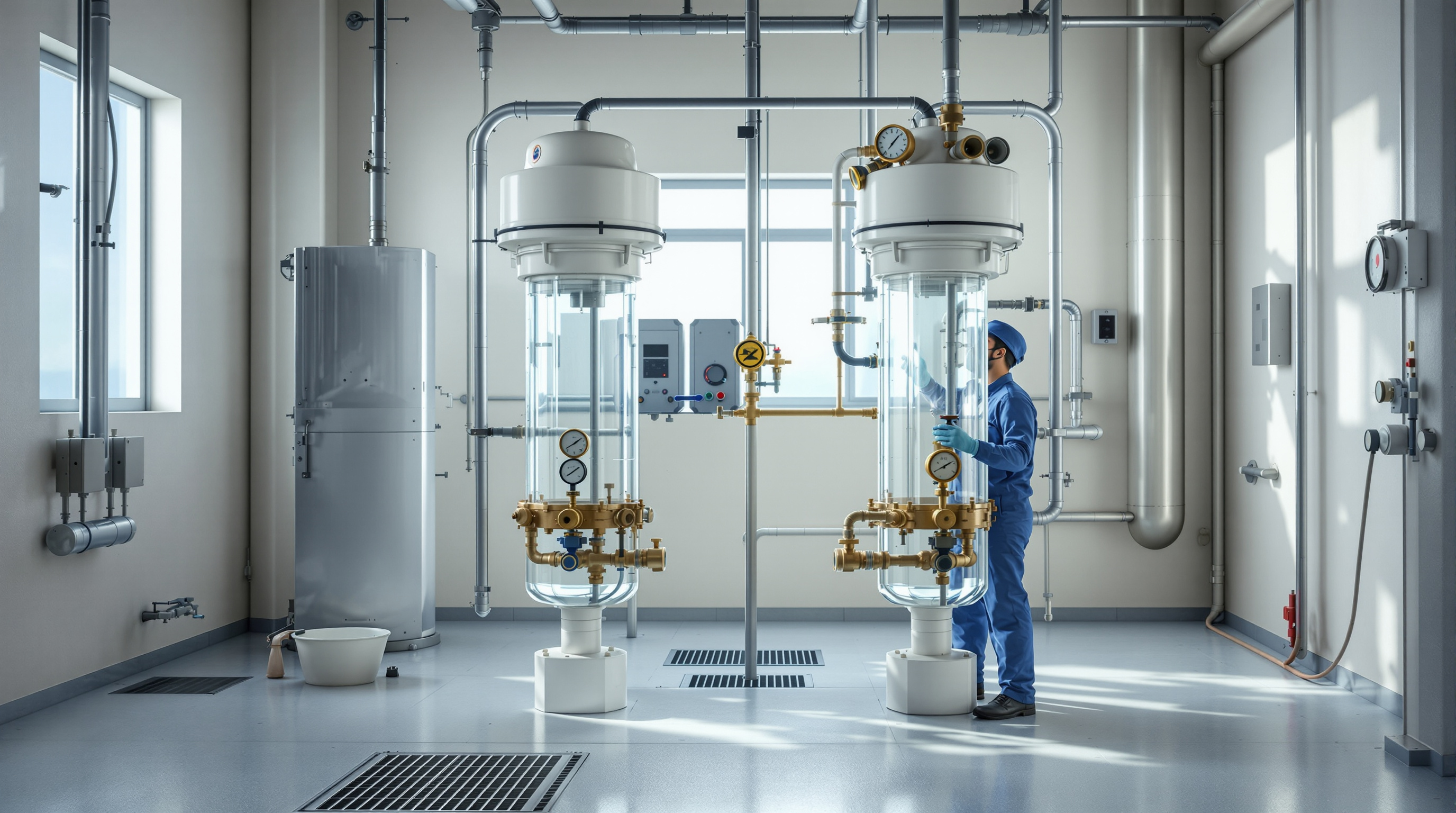
Filter Backwashing in STPs (PSF & ACF): When and How to Do It Right
The pressure-drop triggers, the correct air-scour-and-backwash sequence, and the media top-up routine that keep your pressure sand and activated carbon filters delivering clear, reuse-grade water — a practical guide for STP operators.
The pressure sand filter (PSF) and activated carbon filter (ACF) sit at the polishing end of almost every Indian building STP. They are the last line between the clarifier and your flushing tanks — the stage that turns "biologically clean" water into water that is actually clear, colourless and odour-free. And they are among the most neglected units in the whole plant, precisely because they have no motor to fail loudly. A filter dies slowly, by clogging, and the only warning is a rising pressure gauge that nobody was watching.
Backwashing is the routine that reverses this. You push clean water (and often air) up through the filter to lift, scrub and flush out the trapped dirt, then send it back to service. Done on schedule, it keeps a filter working for years. Skipped, it lets the media choke until your reuse water runs cloudy and your UF membranes or dosing lines downstream pay the price.
Rule of thumb: backwash when the pressure drop across a filter reaches roughly 0.5 kg/cm² above its clean-bed reading, or once a day for a working STP — whichever comes first. Never wait for the outlet water to look dirty; by then the media is already fouled and channelled.
What a PSF and an ACF actually do
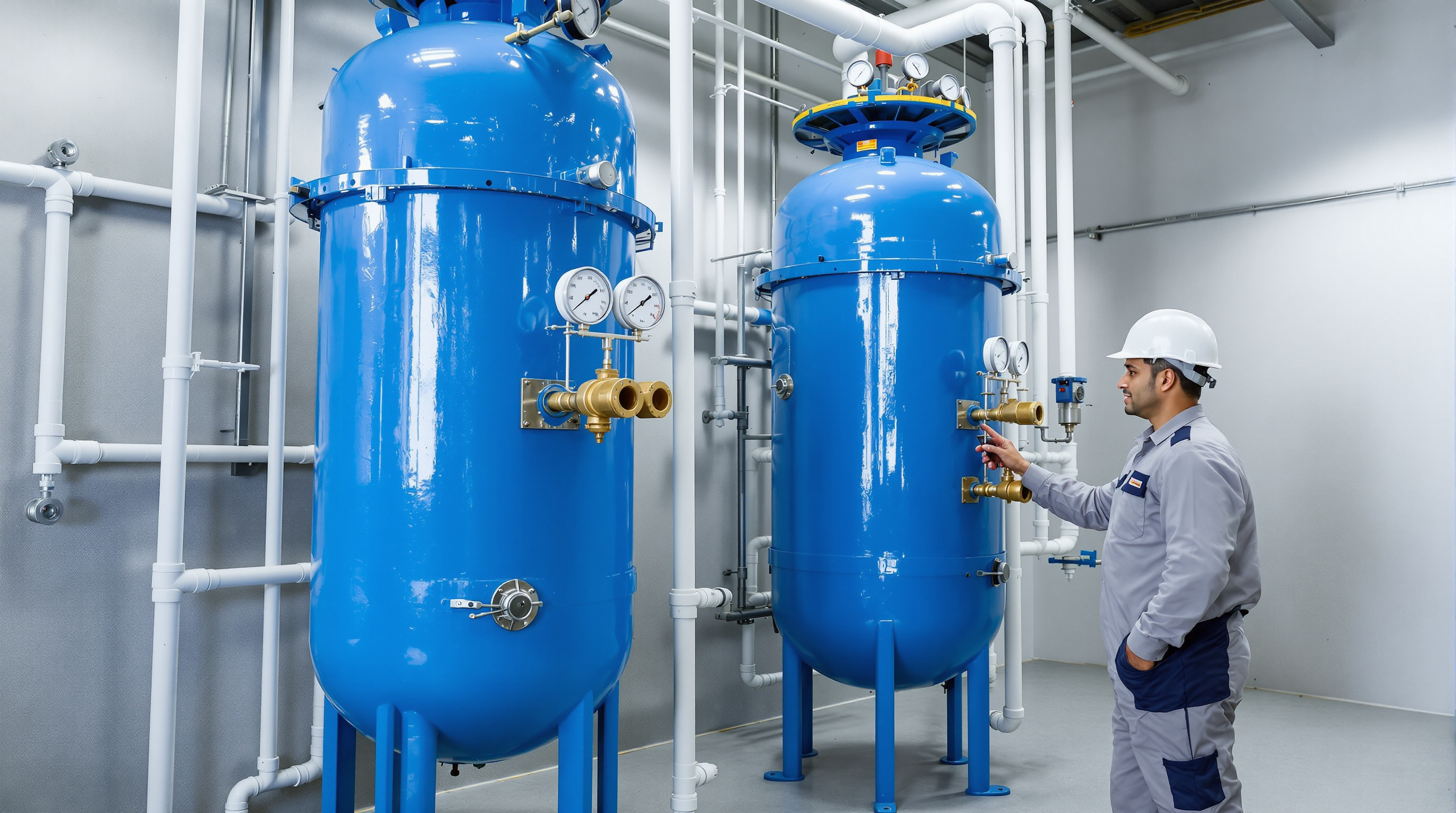
They look identical from outside — the same vertical FRP or MS vessel with a multiport valve on top — but they do different jobs, and that changes how you maintain them.
- Pressure Sand Filter (PSF) — graded layers of gravel and silica sand that mechanically strain out the fine suspended solids the clarifier let through. This is a physical filter. Backwashing fully restores it.
- Activated Carbon Filter (ACF) — a bed of activated carbon that adsorbs colour, residual organics, chlorine and odour onto its huge internal surface. Backwashing only cleans the surface and removes trapped solids; it does not restore exhausted adsorption capacity. Carbon has a finite life and must eventually be replaced.
Understanding both units, their media and their place in the treatment process flow is covered in the dedicated pressure sand filter guide. Here we focus on keeping them running.
The trigger: read the pressure, not the calendar
Every filter should have a pressure gauge on the inlet and one on the outlet (or one differential-pressure gauge). The gap between them — the pressure drop or head loss — is the single most reliable health signal a filter gives you.
- Clean bed just after backwash: a low, steady drop (typically 0.2–0.5 kg/cm²).
- Fouling: the drop climbs as dirt fills the voids between grains.
- Backwash now: the drop has risen ~0.5 kg/cm² above the clean reading.
| Trigger | What you see | Action |
|---|---|---|
| Differential pressure ↑ 0.5 kg/cm² over clean bed | Inlet gauge climbing, outlet flat | Backwash the filter |
| Daily interval reached | Normal operation | Routine backwash (most STPs: once/day) |
| Outlet turbidity rising | Filtered water looks hazy | Backwash immediately, then investigate clarifier |
| Backwash no longer restores pressure | Drop stays high after wash | Mud-balling / channelling — inspect media, plan replacement |
| ACF outlet has colour or odour | Water tinted or smelly | Carbon exhausted — backwash won't fix; replace media |
Log the clean-bed and pre-backwash pressures every shift. A rising clean-bed baseline over weeks is the classic sign of mud-balling — cemented lumps of sand and biomass that no ordinary backwash will break. That is your cue for an air scour and, eventually, a media change. Add these gauge readings to your daily STP checklist.
The backwash sequence, step by step
Most Indian STP filters use a multiport valve (MPV) with marked positions — FILTER, BACKWASH, RINSE, and often AIR. The sequence below is the safe, standard order. Always stop the filter feed pump before turning the valve, and turn the valve only when flow has stopped, or you will damage the seals.
1. Isolate and depressurise. Stop the filter feed pump. Open the air-release/vent so the vessel is not under pressure.
2. Air scour (if fitted). Set the valve to AIR or open the scour line. A short blast of low-pressure air from a scour blower agitates the bed, breaks up surface caking and separates the grains. Typically 3–5 minutes. This is what prevents mud-balling — do not skip it if the plant has the facility.
3. Backwash. Turn the MPV to BACKWASH and start the backwash pump (or feed). Clean water now flows upward, expanding and fluidising the bed by 20–30% so trapped dirt lifts free and exits to drain. Run until the sight glass or drain runs clear — usually 8–12 minutes. Too weak a flow won't lift the bed; too strong will carry media out the drain.
4. Settle and rinse. Turn the MPV to RINSE. Water flows downward again, re-settling and re-grading the media and flushing the last dirt to drain for 2–3 minutes, until the rinse runs clear.
5. Return to service. Turn the MPV back to FILTER, restart the feed pump, and note the new clean-bed pressure. Divert the first minute or two of filtrate if your plant does; then resume normal filtration.
For an ACF, the same sequence applies, but keep backwash flow gentler — carbon grains are lighter than sand and wash out of the drain far more easily. Where a PSF and ACF are in series, backwash them one at a time, PSF first.
A quick reference to keep near the panel:
- Feed pump OFF before any valve move.
- Air scour → Backwash → Rinse → Filter.
- Watch the sight glass; stop when it runs clear.
- Record clean-bed pressure after every backwash.
Where the backwash water goes
Backwashing is not free — a single cycle can use a few hundred to a couple of thousand litres depending on vessel size. That dirty backwash water is loaded with the solids you just removed, so never send it to the treated-water tank. Route it back to the equalisation tank or the sludge holding tank so the solids re-enter the process and the water is recovered. Budgeting this reject volume matters when you size the STP and when you tally daily water balance.
Media top-up and replacement
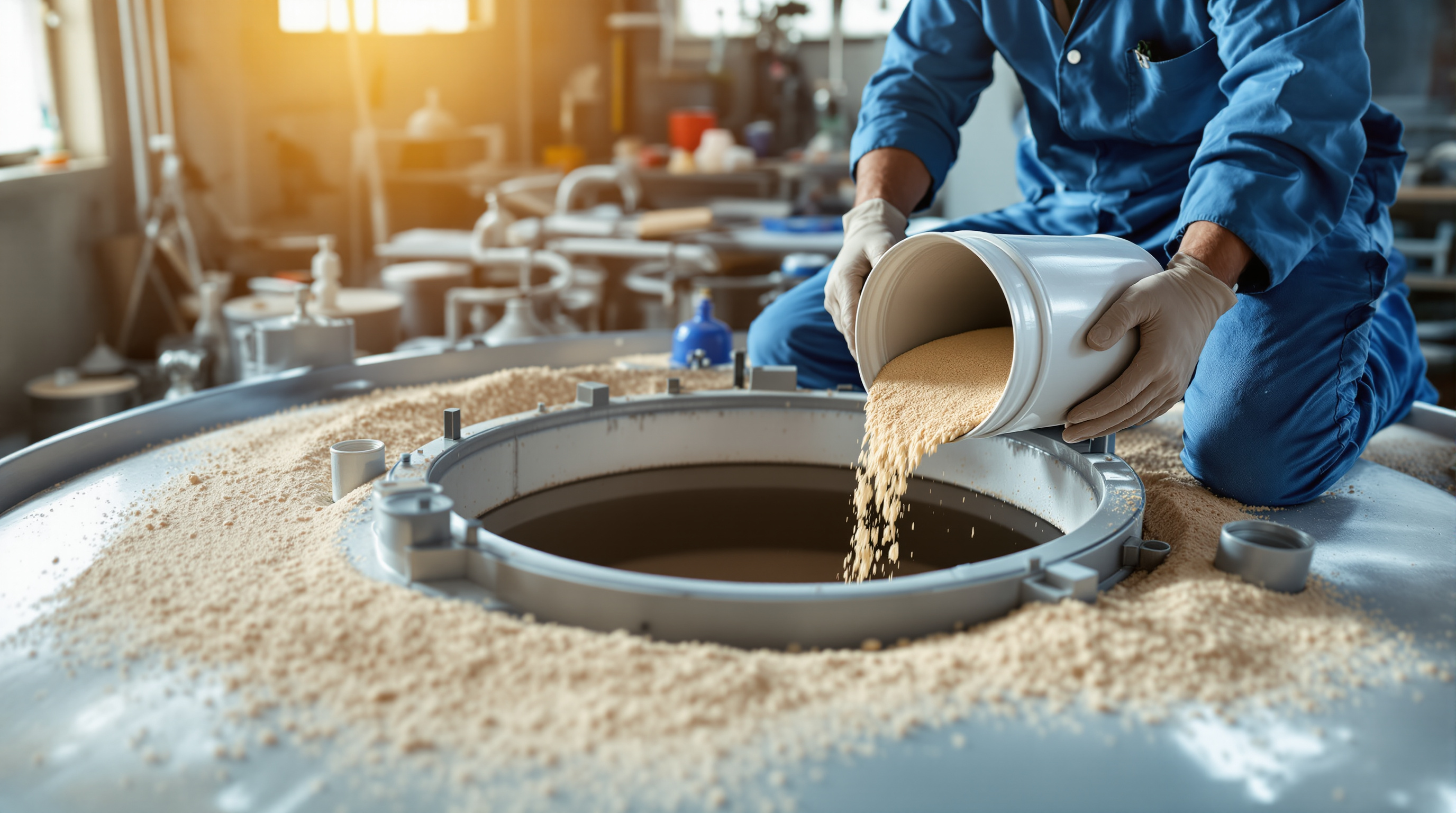
Every backwash carries away a little media with the dirt — normal attrition. Over months the bed depth drops, and a shallow bed filters poorly and channels.
- Top-up: check bed depth annually (open the top manway or use the level mark). Add fresh graded sand or gravel to restore the original depth. Under-bedding is a common cause of a filter that "won't hold pressure."
- PSF media replacement: silica sand typically lasts 3–5 years. Replace when backwashing no longer restores the clean-bed pressure, when mud-balls persist, or when the grading has broken down into fines.
- ACF media replacement: activated carbon is exhausted when it stops removing colour/odour/chlorine even though it backwashes clean — usually 1–2 years in a domestic STP, sooner if the load is high. This is a genuine media change-out, not a wash.
Fold these checks into your annual STP maintenance plan and log every top-up.
Troubleshooting quick table
| Problem | Likely cause | Fix |
|---|---|---|
| Pressure drop high even after backwash | Mud-balling, channelling, insufficient backwash flow | Air scour; increase backwash flow/time; if persistent, replace media |
| Media in the treated-water tank | Backwash flow too high, broken underdrain/laterals | Reduce backwash rate; inspect and repair internals |
| ACF outlet coloured or smelly | Carbon adsorption exhausted | Replace carbon — backwashing cannot restore it |
| Short filter runs (backwash needed too often) | Clarifier carrying over solids; high inlet TSS | Fix upstream settling before blaming the filter |
| Filter won't build/hold pressure | Bed too shallow, air locked in vessel | Top up media; vent trapped air fully |
If a filter needs backwashing far more often than daily, the real fault is usually upstream — a clarifier that is carrying over solids or a disturbed biological culture. Filters are a polishing step, not a cure for a sick secondary stage; see the wider STP troubleshooting guide.
The bottom line
Filter backwashing is the cheapest insurance in the whole plant: a ten-minute routine, driven by a pressure gauge, that keeps your reuse water clear and protects everything downstream. Watch the differential pressure, follow the air-scour-then-backwash-then-rinse sequence in the right order, send the reject back into the process, and top up or replace the media on schedule. Get that rhythm right and your PSF and ACF will quietly earn their keep for years — which is exactly how a well-run STP is supposed to feel.
Export this guide
Related Guides — Deep-dive reading
STP Troubleshooting: Common Problems & Fixes (Operator's Guide)
Odour, cloudy effluent, high BOD, sludge bulking, foaming, choked diffusers, pump trips and rising power bills — a practical symptom-to-cause-to-fix guide for facility managers running an Indian building STP.
Sewage Treatment PlantsAnnual STP Maintenance & Overhaul: The Complete Yearly Shutdown Checklist
Once a year your STP needs a full stop, a drain-down, and an honest look at everything the daily rounds never reach — tanks, blowers, membranes, instruments, concrete and the AMC. Here is the complete annual overhaul, in the right order.
Sewage Treatment PlantsDaily STP Checklist: What Operators Must Check Every Day
The exact round an STP operator should walk every single day — dissolved oxygen, blowers, MLSS colour and smell, flow, chlorine residual, screens, pumps and the logbook — laid out as a practical checklist a facility manager can actually follow.
Sewage Treatment PlantsRelated Tools — Try Free
Daily STP O&M Checklist Tool
An interactive daily operator round for a sewage treatment plant — tick off biology, flows, equipment and output checks and see a live completion score, per-section progress and shift readiness.
ChecklistFilter Sizing Calculator (PSF/ACF)
Size a pressure sand or activated carbon filter from flow and filtration rate to get vessel diameter, filter area and hourly design flow.
STP CalculatorPool Volume Calculator
Water volume in litres, US gallons and cubic metres, by pool shape and depth.
Pool Calculator