
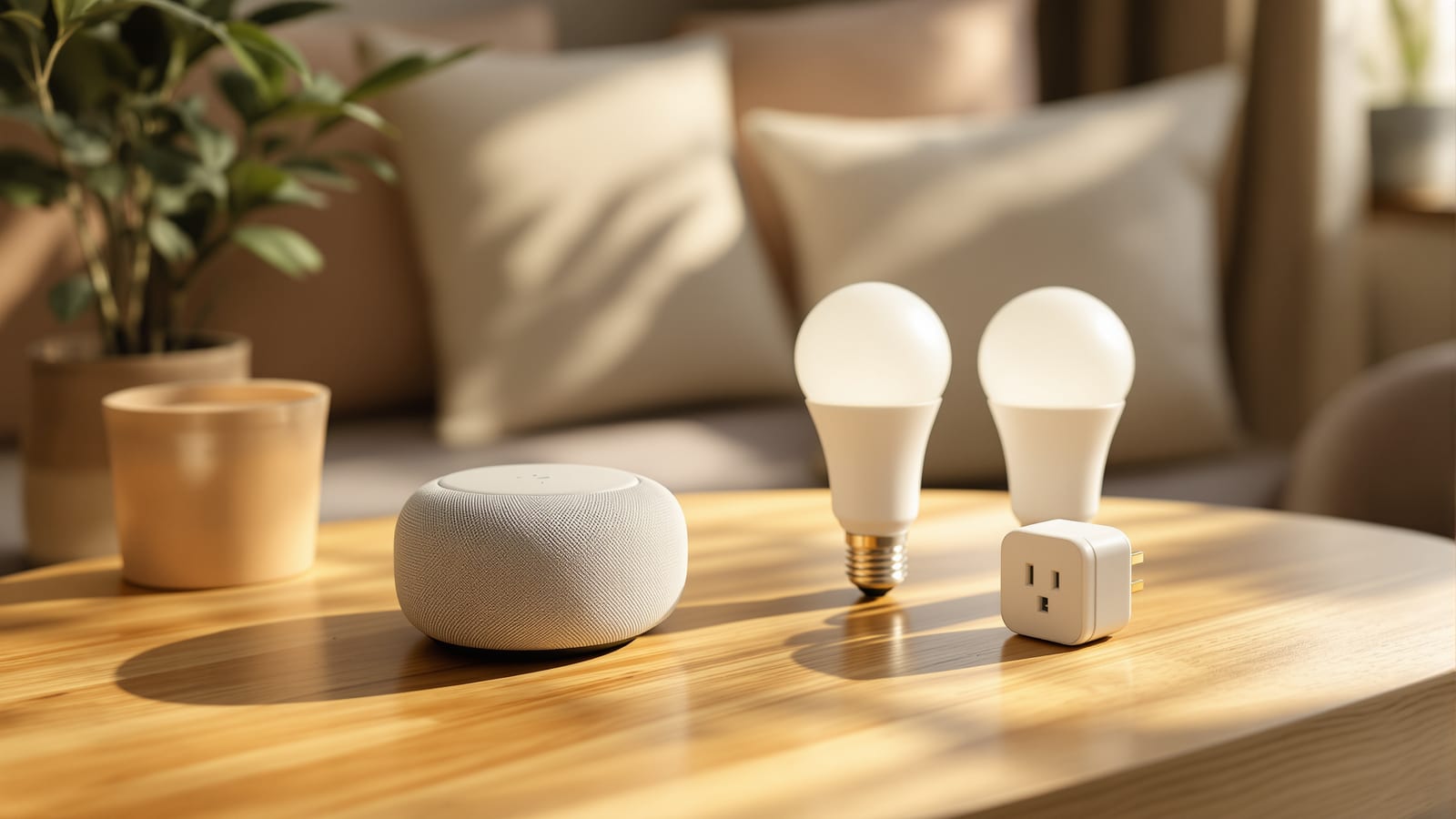
Smart Home on a Budget in India: Build One Under ₹50,000
A ruthlessly practical, DIY-only build plan — what you genuinely need versus what to skip — phased at ₹10,000, ₹25,000 and ₹50,000 with an itemised shopping list of Wipro, Syska, Tapo, Mi and Qubo devices at every tier.
You do not need a lakh, an electrician or a specialist integrator to have a smart home in India. You need one clear rule — spend on the things you touch every single day — and the discipline to skip everything else until later. Done right, a first smart home that genuinely improves your morning, your evening and your electricity bill costs less than a mid-range smartphone.
This guide is built entirely around DIY, plug-and-play devices you install yourself with nothing more than a screwdriver, on budgets of ₹10,000, ₹25,000 and ₹50,000. Every item is a real product from a mainstream Indian brand — Wipro, Syska, TP-Link Tapo, Mi (Xiaomi) and Qubo (Hero Group) — at street prices you will actually pay on Amazon India or Flipkart. If you want the full landscape first, keep the ultimate guide to smart homes in India and the smart home cost guide open alongside this one; this piece is the budget dialect of both.
A budget smart home is not a cheap copy of an expensive one. It is a smaller, sharper version that spends only where you will feel it daily and refuses to pay for anything you would use twice a year.
The one rule: buy by daily touch, not by feature list
The fastest way to waste money on a smart home is to buy the impressive thing instead of the useful thing. A smart curtain motor demos beautifully and gets used consciously perhaps twice a day. A smart plug on your geyser saves you a cold wait every single morning and trims the bill. Both cost roughly the same. On a budget, the plug wins every time.
So before you spend a rupee, sort every possible device into two piles: daily touch and occasional novelty. Fund the first pile completely before the second gets a single rupee.
| Genuinely worth it on a budget | Skip until much later |
|---|---|
| Smart plug on geyser, so hot water is ready without a manual switch | Smart curtain and blind motors |
| Smart bulbs in the two rooms you actually sit in | Whole-home smart switch replacement |
| A ₹0 voice hub (the app + your old phone, or one cheap speaker) | Smart fridge, smart oven, smart mirror |
| One entry camera or video doorbell | Smart gas and full sensor mesh in every room |
| A door/window sensor or two for security peace of mind | Robot vacuum (a want, not a smart-home need) |
| Smart plugs on the TV/router stack to kill phantom load | Multi-room synchronised audio |
Notice what is missing from the "worth it" list: switches. That brings us to the single most important budget decision in Indian smart homes.
The smart-bulb and smart-plug trick (skip the electrician entirely)
The expensive, "proper" way to make lights smart is to replace your wall switches with smart switch modules — which usually needs a neutral wire, some rewiring and, realistically, an electrician. That is real money and real risk in an older Indian flat.
The budget way sidesteps all of it. Smart bulbs screw into your existing holder and become smart the moment they get power. Smart plugs sit between a socket and any appliance and make it app- and voice-controllable instantly. Between these two devices, you can automate almost everything a beginner wants without touching a single wire.
There is one catch worth understanding, covered fully in our smart switches versus smart bulbs guide: if someone flips the physical wall switch off, a smart bulb loses power and goes offline until the switch is flipped back on. The budget workaround is simple and free — leave the wall switch permanently on and control the bulb only through the app, voice or a cheap wireless remote button. Train the household once and it becomes second nature. You have now made a room smart for the price of a bulb, with zero installation cost. Explore the wider tactic in the smart plugs guide and smart lighting guide.
The three budget tiers, drawn
Here is the whole plan in one picture — what lands in the box at each spend level.
Tier 1 — the ₹10,000 starter kit
This is the smallest build that still feels like a real smart home. The hub costs nothing: you use the free brand app on your current phone, and optionally an old spare phone kept plugged in as an always-on controller. Voice can wait; app and automation deliver most of the value.
| Item | Suggested product | Qty | Approx price |
|---|---|---|---|
| Smart LED bulb (9W, colour + white) | Wipro Next / Syska Smart | 4 | ₹599 each — ₹2,396 |
| Smart plug (16A, for geyser/AC) | Tapo P110 / Wipro 16A | 1 | ₹1,299 |
| Smart plug (10A, for TV stack) | Tapo P100 / Mi Smart Plug | 1 | ₹899 |
| Wireless scene button | Tapo / Mi wireless switch | 1 | ₹699 |
| Hub | Your own phone + free app | 1 | ₹0 |
| Total | ~₹5,900–6,700 |
You will land well under ₹10,000, leaving headroom for a fifth bulb or a spare plug. What you get: hands-free geyser mornings via a schedule, TV-stack phantom load killed at night, and two rooms of app- and schedule-controlled mood lighting. Do not buy a hub, a bridge or a subscription at this tier — none is needed.
Tier 2 — the ₹25,000 core kit
Now you add the two things that turn convenience into a genuine system: voice and security. A single smart speaker gives whole-home voice control, and a camera plus a couple of door sensors gives real peace of mind.
| Item | Suggested product | Qty | Approx price |
|---|---|---|---|
| Everything in Tier 1 | — | — | ~₹6,500 |
| Smart speaker (voice hub) | Echo Dot 5th gen / Nest Mini | 1 | ₹4,499 |
| Indoor Wi-Fi camera (2K, pan-tilt) | Qubo / Mi 360 / Tapo C210 | 1 | ₹2,499 |
| Contact sensor (door/window) | Aqara / Tapo (with hub) | 2 | ₹1,200 |
| Smart LED bulbs (add 4 more) | Wipro / Syska | 4 | ₹2,400 |
| Extra 16A smart plug | Tapo P110 | 1 | ₹1,299 |
| Total | ~₹18,400 |
At roughly ₹18–20k you sit comfortably inside the ₹25,000 band, with slack for a second camera if you want the kitchen and the entrance covered. Voice now controls every bulb and plug you own; the camera and sensors form a basic, self-monitored security layer with phone alerts. Choose your voice ecosystem deliberately using the ecosystem selector — mixing Alexa and Google works, but picking one keeps things simpler and cheaper.
Tier 3 — the ₹50,000 full home
The top budget tier adds the door — a smart lock and a video doorbell — and fixes the one thing that silently breaks cheap smart homes: the network. A dead-spot-free mesh is the difference between a system that works and one that frustrates. See the smart home networking guide for why this matters.
| Item | Suggested product | Qty | Approx price |
|---|---|---|---|
| Everything in Tier 2 | — | — | ~₹18,400 |
| Smart lock (retrofit/deadbolt) | Godrej Catus / Qubo Smart Lock | 1 | ₹9,999 |
| Video doorbell | Qubo / Mi smart doorbell | 1 | ₹3,999 |
| Mesh Wi-Fi (2-pack) | TP-Link Deco / Mi mesh | 1 | ₹6,999 |
| Extra 10A smart plugs | Mi / Tapo | 2 | ₹1,600 |
| Contingency / cables / mounts | — | — | ₹1,500 |
| Total | ~₹42,500 |
That lands under ₹45,000 with genuine buffer beneath the ₹50,000 ceiling. You now have a whole-home system: voice everywhere, security at the door, keyless entry, and a rock-solid network holding it together — all installed by you, with no electrician invoice. Cross-check your exact line items against the smart home cost calculator before you buy.
Best value per rupee — the priority order
If your budget is fuzzy or you are buying one device a month, follow this order. It ranks devices by felt value per rupee, so every purchase pays off before the next arrives.
The money traps to dodge
Budget smart homes die by a thousand small wastes. Avoid these and your ₹50,000 stretches like ₹80,000.
- Buying a hub you do not need. Wi-Fi devices (most budget bulbs, plugs, cameras) connect directly to your router. You only need a Zigbee/Matter hub for cheaper Aqara-style sensors — skip it until you actually add them.
- Subscription creep. Many cameras nag you toward cloud-storage plans. A ₹500 microSD card gives free local recording on Qubo, Mi and Tapo cameras. Decline the subscription.
- Premium bulbs everywhere. You do not need colour-changing bulbs in the bathroom or utility. Use plain smart-white or a smart plug on a normal bulb there, and save the fancy RGB bulbs for the living room.
- Switch modules on a whim. Replacing switches is the biggest budget sink and often needs an electrician. Exhaust the bulb-and-plug approach first.
- Brand mixing without a plan. Five apps for five brands is misery. Standardise on one or two ecosystems; check the best smart home devices guide for compatible picks.
- Ignoring the network. A ₹9,999 lock on flaky Wi-Fi is a ₹9,999 problem. Fund the mesh before the luxuries.
Your upgrade path from here
The beauty of the budget approach is that nothing you buy is throwaway. Start at Tier 1, live with it for a month, and let real annoyance — not marketing — tell you what to add next. Cold mornings say "geyser plug." A missed delivery says "video doorbell." Dead Wi-Fi in the bedroom says "mesh." Each upgrade slots onto the same free apps and the same voice hub, so the system grows without ever being rebuilt.
When you outgrow plug-and-play — usually when you want proper switch automation or a truly integrated system — graduate deliberately using the smart home cost guide and, if you rent, the smart home for renters guide. Until then, spend on daily touch, skip the novelty, and enjoy a smart home that cost less than most people's phone.
References
1. Bureau of Energy Efficiency — Standards & Labelling Programme — star ratings behind smart-appliance energy-saving claims.
2. Bureau of Indian Standards (BIS) — safety standards and ISI marking for electrical devices and adaptors.
3. TP-Link India — Tapo Smart Home range — reference pricing for budget smart plugs, bulbs and cameras.
4. Wipro Smart Lighting & Devices — Indian budget smart-bulb and device range.
5. Qubo (Hero Group) — Smart Home Security — cameras, video doorbells and smart locks referenced above.
6. CERT-In — Cyber Security Advisories — guidance on securing internet-connected home devices.
Export this guide
Related Guides — Deep-dive reading
PoE vs Wi-Fi CCTV: Which Home Security Cameras Are Better?
One camera type runs power and video down a single Cat6 cable to an NVR and almost never drops out; the other clips to a wall in minutes and streams over your home Wi-Fi. This guide settles PoE vs Wi-Fi CCTV for Indian homes — reliability, video quality and bandwidth, cabling and power, retrofit versus new-build effort, NVR versus SD and cloud storage, hacking risk, real rupee costs, scalability and outdoor use — and gives a clear verdict for each kind of home.
Smart HomeCCTV vs Video Door Phone: Which Does Your Home Need?
They look similar and get confused constantly, but a CCTV camera and a video door phone do different jobs — one watches the whole property and records, the other answers your door and controls who comes in. This guide settles CCTV vs video door phone for Indian homes: what each is for, where they overlap, real rupee costs, apartment versus villa relevance, and why most homes end up wanting both.
Smart HomeRetrofit Smart Home India: Automate Without Rewiring
You do not need to break a single wall to make an existing Indian flat smart. Here is the honest, room-by-room retrofit playbook — the neutral-wire problem and its workarounds, wireless-first devices, rental-friendly options, and where retrofit genuinely hits its limits.
Smart HomeRelated Tools — Try Free
Smart Home Cost Calculator
13 device categories across 5 ecosystems (Apple HomeKit, Alexa, Google Home, Mi, Wipro). Live floor-plan that lights up as you add devices, per-room and per-category breakdown.
Smart Home CalculatorMotorized Curtain Cost Calculator
Estimate the all-in cost to motorise curtains — motors, tracks, hub and installation.
Cost CalculatorCCTV Cloud vs Local Cost Calculator
Compare cloud CCTV subscription against a local NVR + HDD — upfront, 5-year total, monthly fee and break-even.
Cloud vs Local