
B.Arch CurriculumFree, forever
A tribute to Amogh N P
Computer Studio II
From a 3D model to a finished image. Build models in three dimensions, dress them in physically-based materials, light and render them, and finish with the new AI-visualization tools — MidJourney, Stable Diffusion and Adobe Firefly. Five units take you from the foundations of 3D and the software interface, through the modelling workflow, to rendering and a capstone project: model a residence, then render it with AI. The 3D sequel to the 2D drafting of Computer Studio I.
Course byAmogh N P· Architect & interior designer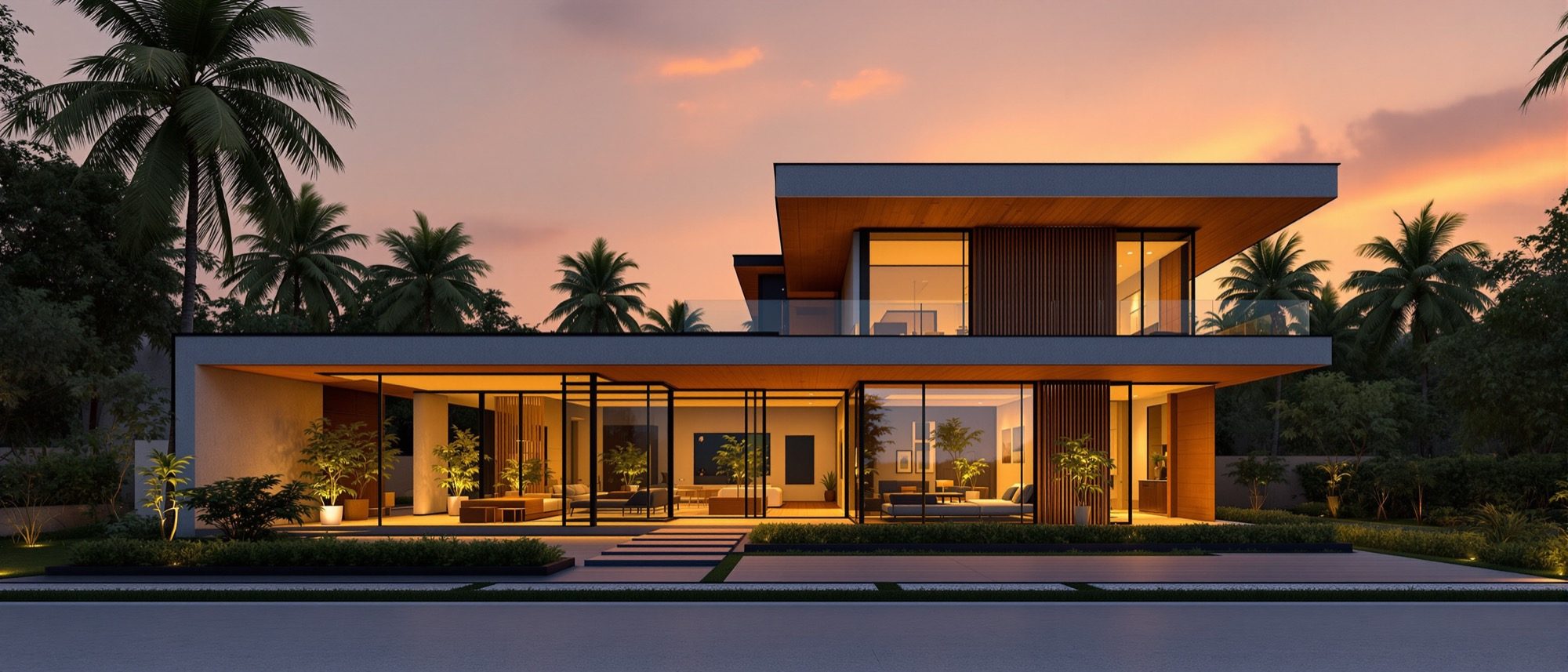
The syllabus
5 units · 5 liveTranscribed from the official B.Arch syllabus. All 5 units are live as full interactive lessons, each with original diagrams and a self-assessment quiz.
Unit 1 — 3D Foundations
LiveIntroduction to 3D; the types of 3D models — wireframe, surface, solid, mesh/polygon, NURBS and parametric/BIM; the importance of 3D modelling in the design industry; and an introduction to 3D modelling software.
Unit 2 — 3D Software Basics
LiveThe 3D software interface — viewport, tool palette, outliner and properties; navigation tools (orbit, pan, zoom) and the standard views; the editing/transform tools (move, rotate, scale, push/pull, boolean); and the view tools.
Unit 3 — Modelling Workflow
LiveCreating 3D models from primitives and 2D profiles (extrude, revolve, sweep, loft); the composition of models with components and instances; materials and textures (UV mapping, PBR); solid and mesh modelling; and the manipulation of models.
Unit 4 — Visualization & Rendering
LiveUnderstanding rendering — rasterization, ray tracing and global illumination; material properties; lighting (natural, HDRI and artificial); leveraging camera views; export, import and converting for print; and the use of AI tools for architectural visualization — MidJourney, Stable Diffusion and Adobe Firefly.
Unit 5 — Project — 3D Model & AI Rendering
LiveA capstone project: 3D-model a residence and render it through AI tools (a SketchUp plugin / ControlNet workflow). The full pipeline — model, set the camera, export, generate, iterate, post-process and verify — and the anatomy of an architectural-visualization prompt.
Course outcomes
What you will be able to doUnderstand the basics of 3D modelling, the different types of 3D models, and their significance in the design industry.
Navigate, edit and view 3D models confidently using the interface and tools of 3D software.
Create and manipulate 3D models, applying materials and textures through solid and mesh modelling.
Apply rendering techniques — materials, lighting and camera views — for effective visualization, and export for print.
Create and render a 3D model of a residence, using AI tools and plugins to demonstrate design concepts.
Understand the latest developments in digital and AI-assisted tools in architectural practice.
The author
Amogh N P
Architect, interior designer, and creative polymath. Studio Matrx began in his notebooks — his vision of design made honest, useful, and open to everyone. Its Academy is written and taught in his memory, and free, forever.
More about Amogh →Model it. Light it. Render it.
From your first 3D model to an AI-assisted render of a residence. Read the five units, play with the render build-up and the prompt builder, then test yourself.
The curriculum is free, forever