
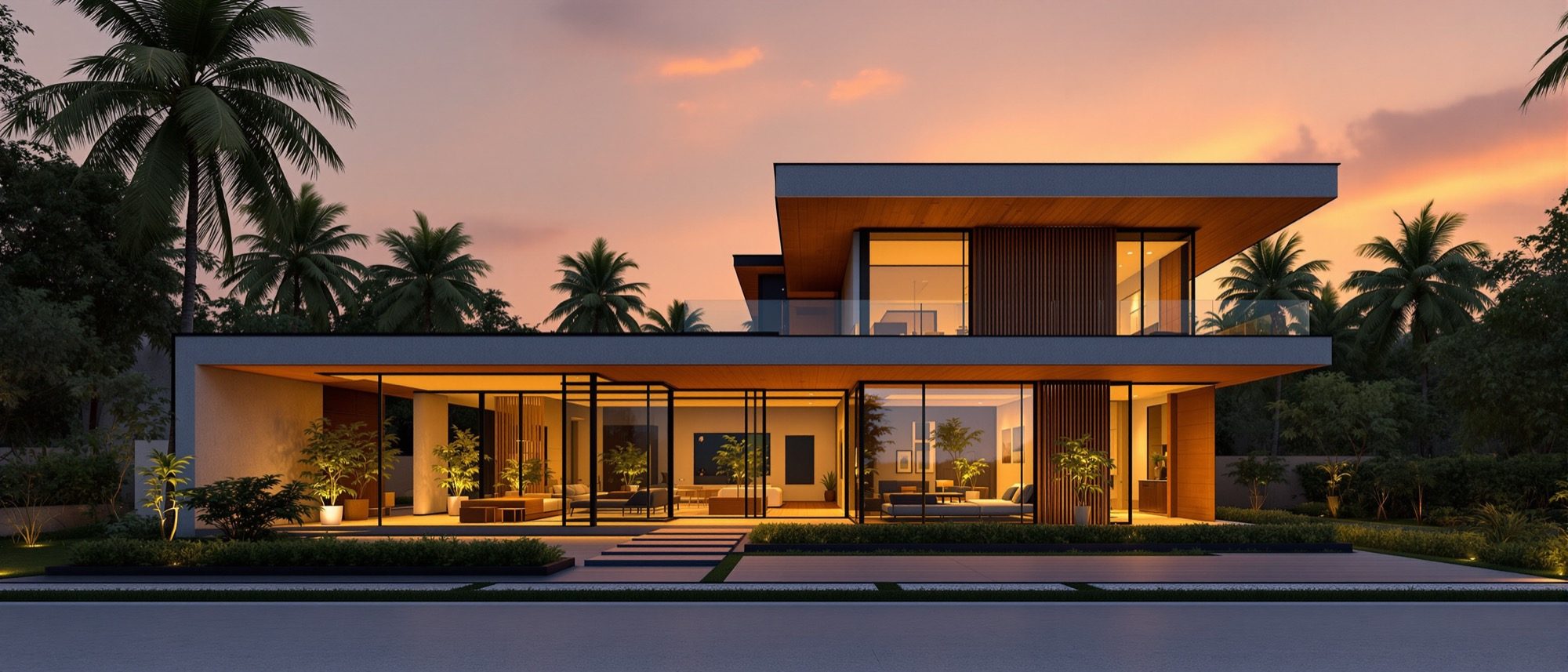
Visualization & Rendering
Turning a model into an image — with light, a camera, and now AI.
Rendering is the simulation of light that turns a model into an image. Learn the engines — fast rasterization, photoreal ray and path tracing, and the global illumination that makes a room glow — and the three levers that decide whether an image convinces: materials, lighting and the camera. Then the newest layer: AI visualization with MidJourney, Stable Diffusion and Adobe Firefly — what each does, and where it must not be trusted.
Learning objectives
By the end of this lesson, you will be able to — mapped to the course outcomes for Design of Structures I:
Explain rendering — rasterization, ray/path tracing and global illumination.
Set materials, lighting (natural, HDRI, artificial) and the camera for a convincing image.
Export and convert images correctly for screen and for print.
Describe how AI tools (MidJourney, Stable Diffusion, Firefly) are used — and their limits — in arch-viz.
How rendering works
Rasterization is fast; ray and path tracing are photoreal; global illumination is the bounced light that sells realism. Materials and lighting — natural sun/sky or an HDRI, plus artificial lights — and a two-point camera do the rest.[1, 2, 3]
Simulating light
Rendering turns a 3D scene into a 2D image by computing light. Rasterization projects polygons forward onto the screen — very fast, used for real-time. Ray tracing shoots rays from the camera into the scene; path tracing follows many bouncing rays to produce global illumination, soft shadows, reflections and caustics — the basis of photoreal offline renders.[1, 2]
A render builds up in passes
Toggle each pass and watch the image assemble — wireframe, clay, materials, lighting, shadows, reflections, post. Notice that most of the realism arrives with materials and lighting, not with any single quality setting.[2, 3]
Render build-up · toggle the passes
Switch each pass on in turn and watch the image assemble. Most of the realism arrives with Materials and Lighting — not from any single quality setting.
AI tools for architectural visualization
MidJourney invents from text (ideation); Stable Diffusion with ControlNet follows your geometry from a depth or line export; Adobe Firefly is built into Photoshop for post-production. All of it is powerful — and none of it is measured documentation.[5, 6, 7, 8]
Text-to-image ideation
MidJourney is a subscription text-to-image tool (web and Discord), prized for polished, atmospheric concept images and mood boards. By default it invents a building from your words — it does not keep your modelled geometry — so it is an ideation tool, not a way to render your actual design.[5]
At a glance
| Aspect | One | The other |
|---|---|---|
| Rasterization vs ray tracing | Raster: fast forward-projection (real-time) | Ray/path tracing: physical light (photoreal) |
| Real-time vs offline | Real-time: instant preview (Enscape, D5) | Offline: slower photoreal frames (V-Ray, Corona) |
| Natural vs artificial light | Sun/sky/HDRI — sets time-of-day and mood | Point/spot/area — controlled interior light |
| AI ideation vs documentation | AI image: evocative, dimensionally unreliable | Drawing: scaled, accurate, code-checkable |
| MidJourney vs Stable Diffusion | MidJourney: invents from text | SD + ControlNet: keeps your geometry |
Key terms
Generating a 2D image from a 3D scene by simulating light.
Fast forward-projection of polygons onto the screen (real-time).
Tracing rays (and many bounces) from the camera for realistic light.
Indirect, bounced light — the biggest contributor to realism.
Soft contact-shadows in corners and where surfaces meet.
A 360° high-dynamic-range image used to light a scene (image-based lighting).
An arch-viz camera that keeps vertical lines vertical.
A Stable Diffusion add-on that conditions output on depth/edges to preserve geometry.
Adobe Firefly/Photoshop feature that adds, removes or extends image content from a prompt.
Studio task
Render one view of your model twice — once with a midday sun, once at golden hour with the interior lights on — keeping everything else the same. Write two lines on how lighting alone changed the mood. Then export one for screen and one for a 300 DPI print, and note the format and colour-space difference.
Self-assessment
1. Which technique follows many bouncing rays from the camera to produce global illumination?
2. For a high-quality CMYK print of a render, the best choice is —
3. Which Stable Diffusion feature turns a SketchUp depth/line export into a render while keeping the geometry?
Recap
References & further reading
- [1]Rasterization vs ray tracing — NVIDIA Developer / GPU Gems. https://developer.nvidia.com/gpugems/gpugems2/part-v-image-oriented-computing/chapter-38-high-quality-global-illumination
- [2]What is path tracing / global illumination — NVIDIA. https://blogs.nvidia.com/blog/what-is-path-tracing/
- [3]PBR materials and HDRI image-based lighting — Chaos. https://blog.chaos.com/what-is-pbr-physically-based-rendering-a-complete-guide
- [4]Choosing image file formats for print (TIFF/PNG/JPEG, DPI, CMYK) — CreativePro. https://creativepro.com/how-to-choose-the-right-image-file-format-for-print/
- [5]Midjourney — plans and usage (subscription text-to-image). https://docs.midjourney.com/hc/en-us/articles/27870484040333-Comparing-Midjourney-Plans
- [6]Stable Diffusion + ControlNet for architectural rendering — Stable Diffusion Art. https://stable-diffusion-art.com/controlnet/
- [7]Adobe Firefly — generative-AI approach (training data, indemnification). https://www.adobe.com/ai/overview/firefly/gen-ai-approach.html
- [8]AI renderers for architecture — capabilities and limits (Chaos / Veras). https://blog.chaos.com/best-ai-rendering-tools-for-architects-compared
Further reading
- Mohammed Saleh Uddin, Digital Architecture — 3D Computer Graphics from 50 Top Designers.
- Thomas Girlinger, Daniel Dauch & Andre Stork, Rendering Techniques for Mixed Reality. Springer.
- Vendor documentation: Chaos (V-Ray), Adobe Firefly, Stability AI, Midjourney.
Sources gathered and fact-checked June 2026. Published values vary by source, sample and method — treat as indicative and confirm against the cited standard before structural use.
The author
Amogh N P
Architect, interior designer, and creative polymath. Studio Matrx began in his notebooks — his vision of design made honest, useful, and open to everyone. Its Academy is written and taught in his memory, and free, forever.
More about Amogh →