
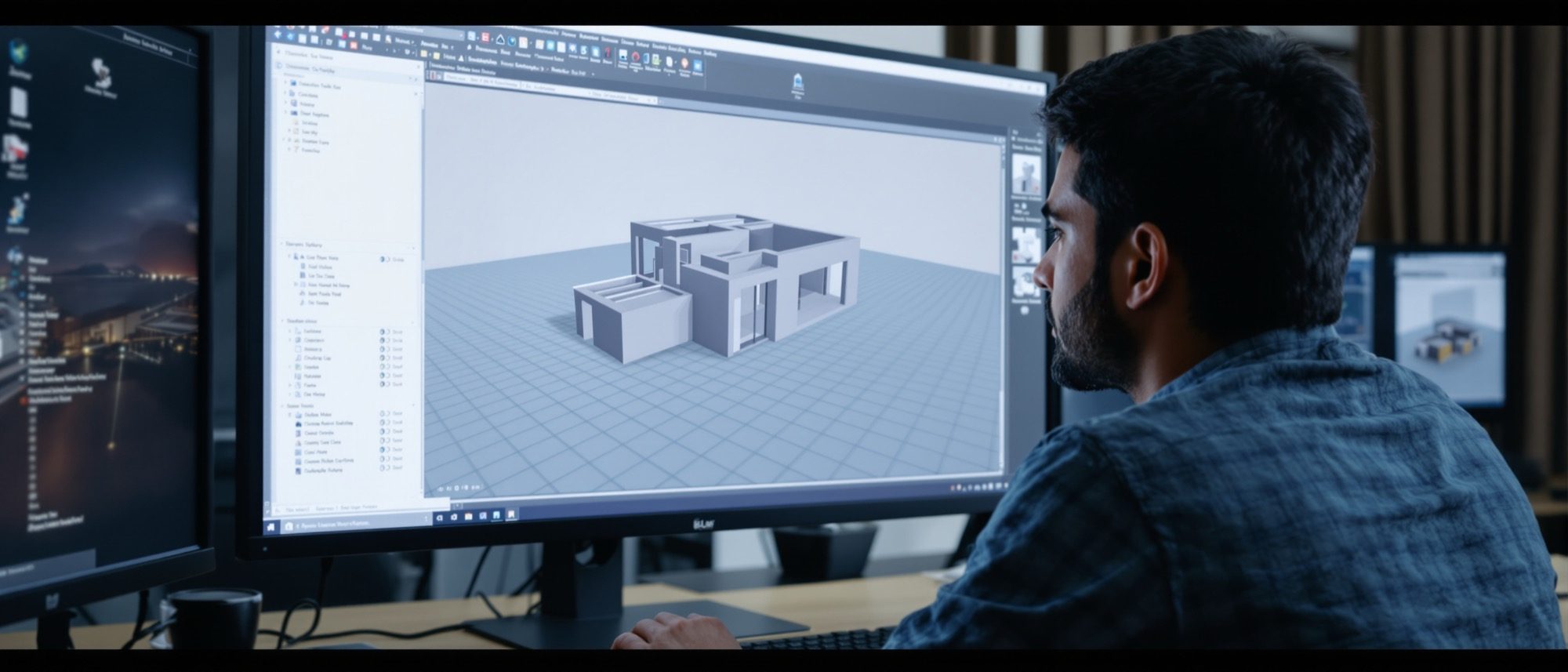
3D Foundations
What a 3D model really is — and the six ways to build one.
Computer Studio I taught you to draw on the computer; this course teaches you to build on it, in three dimensions. (If you want the 2D groundwork first, see Computer Studio I.) Before any software, two ideas: what a 3D model actually is and why the profession lives in three dimensions — and the six families of model, because knowing whether you are building a wireframe, a mesh or a BIM element is half of modelling well.
Learning objectives
By the end of this lesson, you will be able to — mapped to the course outcomes for Design of Structures I:
Explain what 3D modelling is and why it matters across the architecture industry.
Distinguish the types of 3D model — wireframe, surface, solid, mesh, NURBS and parametric/BIM.
Identify the common 3D modelling software and what each is best at.
Choose the right kind of model for a given task — visualization, fabrication or documentation.
What 3D is, and why it matters
A 3D model describes form in space — viewable from any angle, lightable, measurable, walkable. Architecture uses it for visualization, clash detection, fabrication, VR and the data-rich coordination of BIM.[1, 2]
Geometry in three dimensions
A 3D model is a mathematical description of an object's form in space — its points, edges, surfaces or volume. Unlike a 2D drawing, it can be viewed from any angle, lit, measured, walked through, and turned into images, animations or fabrication data.[1]
The six families of 3D model
Each kind of model has its own strengths: wireframe (edges), surface (skin), solid (volume), mesh (facets), NURBS (smooth) and parametric/BIM (geometry that carries data). Choose the one the task needs.[1, 5]
Edges only
Lines and curves joining vertices to define an object's edges — no surfaces, no volume. Very light and fast, but ambiguous (you can see through it) and it cannot be rendered or measured for volume. Used for skeletal layouts and as a display mode.[4]
At a glance
| Aspect | One | The other |
|---|---|---|
| Solid vs mesh | Solid: watertight, true volume, reliable booleans | Mesh: facet approximation, light, viz/VR-friendly |
| NURBS vs polygon | NURBS: smooth, control-point, precise free-form | Polygon: faceted, vertex-level edits, viz-friendly |
| Wireframe vs rendered | Wireframe: edges only, see-through | Rendered: shaded surfaces with materials and light |
| Plain 3D vs BIM | 3D: geometry only (SketchUp shapes) | BIM: geometry + data (Revit elements) |
| Modelling for viz vs for BIM | Viz: appearance, light geometry | BIM/fabrication: data, accuracy, watertight |
Key terms
A model of edges only — lines/curves joining vertices, with no surfaces.
Defines the outer skin (often NURBS patches) with no filled interior or mass.
A watertight volume with mass; B-rep = faces+edges+topology, CSG = primitives + booleans.
A surface of vertices and polygonal facets — the standard for visualization.
Non-Uniform Rational B-Splines — smooth parametric curves/surfaces from control points.
Geometry driven by editable parameters/rules so changes propagate automatically.
Building Information Modelling — 3D geometry whose elements carry real-world data.
Geometry produced by algorithms or rules (e.g. Grasshopper).
Studio task
For a small house, list which kind of model you would use for each purpose — a quick massing study, a documented set of drawings, and a fabricated steel staircase — and justify each choice in one line. Then say why a SketchUp model is not automatically a BIM model.
Self-assessment
1. Which model type has edges only — no surfaces or volume?
2. Which statement about BIM is correct?
3. NURBS surfaces are edited mainly by —
Recap
References & further reading
- [1]A Survey of 3D Modelling Representations (meshes, NURBS, CSG, B-rep). arXiv:2305.01220. https://arxiv.org/pdf/2305.01220
- [2]BIM vs CAD — data-rich building elements vs plain geometry (Revit vs SketchUp). https://autocadeverything.com/revit-vs-sketchup/
- [3]Blender — free and open-source 3D software (GNU GPL licence). https://www.blender.org/about/license/
- [4]Wire-frame model — Wikipedia. https://en.wikipedia.org/wiki/Wire-frame_model
- [5]Boundary Representation (B-rep) — ScienceDirect topics. https://www.sciencedirect.com/topics/engineering/boundary-representation
Further reading
- Mohammed Saleh Uddin, Digital Architecture — 3D Computer Graphics from 50 Top Designers.
- Daniel Tal, Rendering in SketchUp — modelling and visualization workflows.
- Vendor documentation: SketchUp Help, Autodesk Knowledge Network, Blender Manual.
Sources gathered and fact-checked June 2026. Published values vary by source, sample and method — treat as indicative and confirm against the cited standard before structural use.
The author
Amogh N P
Architect, interior designer, and creative polymath. Studio Matrx began in his notebooks — his vision of design made honest, useful, and open to everyone. Its Academy is written and taught in his memory, and free, forever.
More about Amogh →