
3D Software Basics
The viewport, the views, and the handful of tools you actually use.
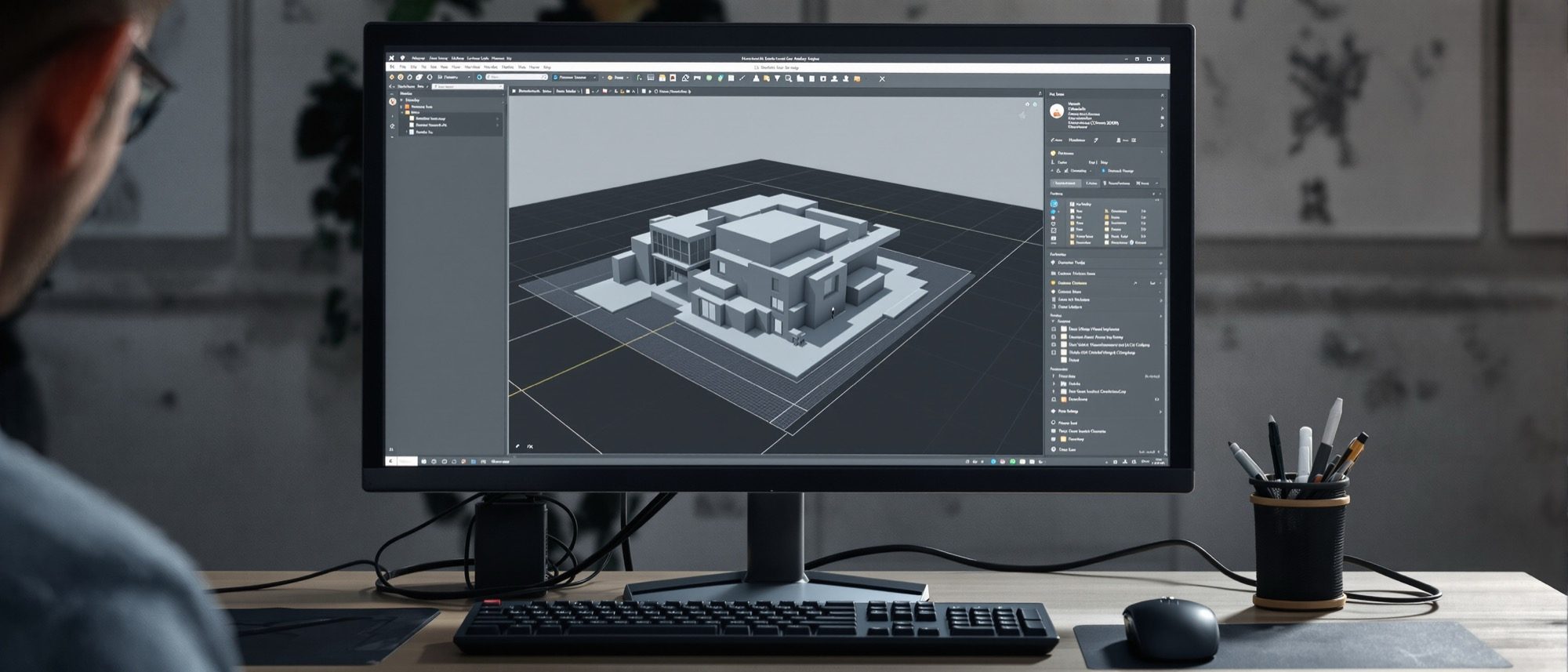
Every 3D program looks intimidating until you see that they all share the same skeleton — a viewport, an outliner, a properties panel and a tool palette — and that you only ever use a handful of moves. Learn to navigate (orbit, pan, zoom and the standard views) and the small set of transforms (move, rotate, scale, push/pull and the booleans), and any package becomes approachable.
Learning objectives
By the end of this lesson, you will be able to — mapped to the course outcomes for Design of Structures I:
Identify the parts of a 3D software interface — viewport, outliner, properties, tool palette.
Navigate a scene with orbit, pan and zoom and switch between the standard views.
Use the core transform tools — move, rotate, scale, push/pull and the booleans.
Organise a model with layers/tags, groups and components.
The window, and how to organise it
The viewport is where you build; the outliner lists your objects; the properties panel edits what a thing is; and groups, components and layers/tags keep a big model workable.[1, 2]
Where you build
The viewport is the 3D drawing area where the model is displayed and navigated; many programs offer a four-view layout (top, front, side, perspective). It is your window onto the scene, and a 3D one — so you must learn to move the camera, not the model.[1]
Navigation and the tools you actually use
Orbit, pan and zoom to look around; switch between orthographic and perspective views; then the everyday transforms — move, rotate, scale, push/pull — and the booleans (union, subtract, intersect) that carve and combine form.[1, 4]
Orbit, pan, zoom
Orbit rotates the camera around a target; pan slides the view; zoom (dolly) moves closer or farther. A ViewCube or navigation gizmo lets you snap to a face. These three moves — plus the standard views — are how you see all sides of your work.[1]
At a glance
| Aspect | One | The other |
|---|---|---|
| Orthographic vs perspective | Ortho: true proportions, no depth distortion | Perspective: depth as the eye sees it |
| Group vs component | Group: one-off isolated geometry | Component: reusable definition — edit one, update all |
| Move the camera vs the model | Navigate (orbit/pan/zoom) to look around | Transform (move/rotate) to change the object |
| Union vs subtract | Union: merge volumes into one | Subtract: cut one volume out of another |
| Type a dimension vs infer | Type an exact number | Snap/infer to existing geometry |
Key terms
The on-screen 3D area where the model is displayed and navigated.
The hierarchical list of all objects, groups and components in a scene.
Rotate the camera around a target / slide the view / move closer or farther (dolly).
A true-proportion view with no perspective (top, front, side).
Turn a 2D face into 3D, or carve a void, by pushing it along a direction.
Combine objects by union (add), subtract (remove) or intersect (overlap only).
A reusable object definition placed many times; editing it updates all copies.
Referencing existing geometry to align or dimension a new edit automatically.
Studio task
In any 3D program, model a simple table: draw the top, push/pull it to thickness, make one leg a component and place four copies, then cut a notch with a boolean subtract. Note where orbiting, the standard views and components each saved you time.
Self-assessment
1. Orbiting in a 3D viewport does what?
2. A boolean SUBTRACT operation —
3. The advantage of a component over a plain group is that —
Recap
References & further reading
- [1]SketchUp Help — interface, navigation and views. Trimble. https://help.sketchup.com/en
- [2]SketchUp Help — Push/Pull, groups and components. https://help.sketchup.com/en/sketchup/pushing-and-pulling-shapes-3d
- [3]Inferring with Push/Pull — referencing existing geometry. InformIT. https://www.informit.com/articles/article.aspx?p=1681061&seqNum=5
- [4]Boolean (solid) operations — union, subtract, intersect. https://www.oreilly.com/library/view/autocad-2016-beyond/9781771374477/video226748.html
Further reading
- SketchUp Help Center — the canonical interface and tool reference (Trimble).
- Blender Manual — navigation, transforms and the editor anatomy.
- Aidan Chopra & Rebecca Huehls, Google SketchUp / SketchUp for Dummies.
Sources gathered and fact-checked June 2026. Published values vary by source, sample and method — treat as indicative and confirm against the cited standard before structural use.
The author
Amogh N P
Architect, interior designer, and creative polymath. Studio Matrx began in his notebooks — his vision of design made honest, useful, and open to everyone. Its Academy is written and taught in his memory, and free, forever.
More about Amogh →