
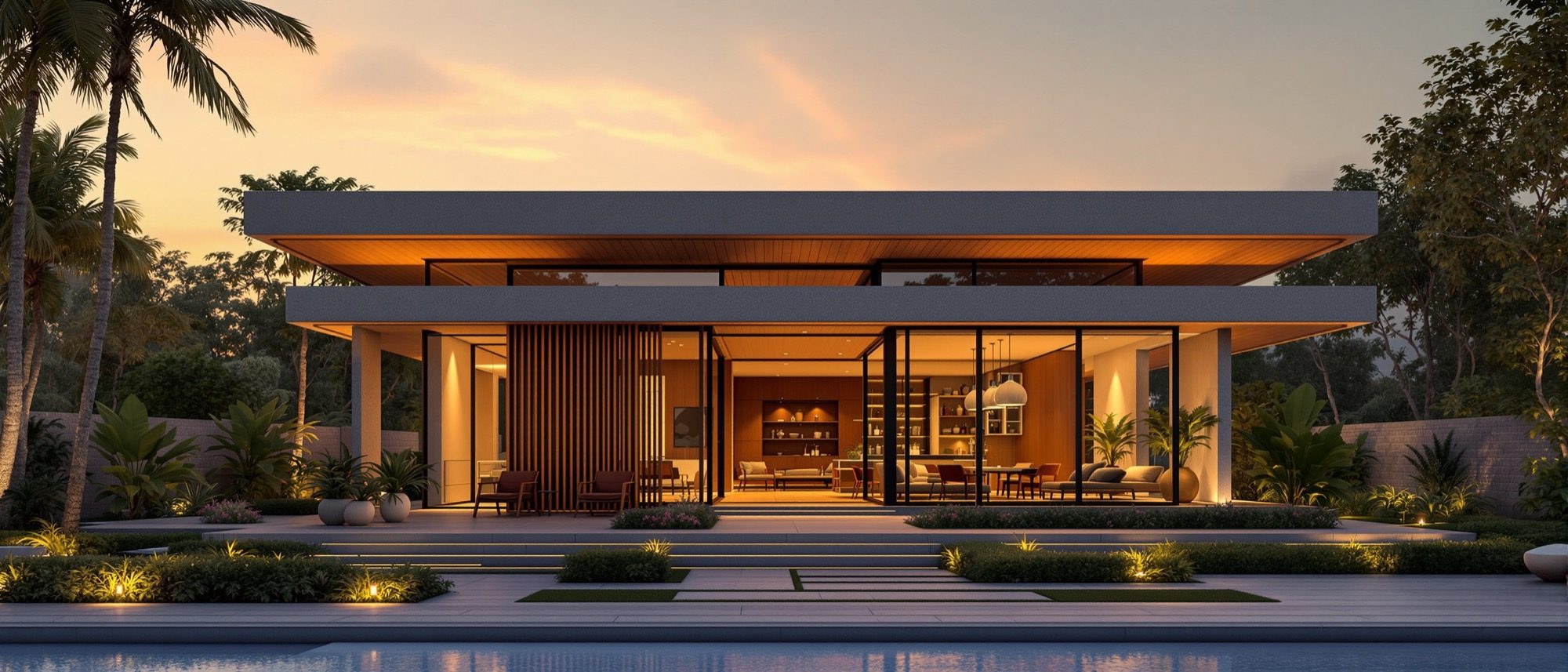
Advanced Rendering
Ray tracing, path tracing and PBR — how a 3D model becomes a photoreal image.
A first render is easy; a believable one is a craft. This unit opens the engine — picking up where Computer Studio II left off. How rasterization, ray tracing and path tracing trade realism for speed; how global illumination and physically-based (PBR) materials make light behave; and why the HDRI, the render passes and the AI denoiser do the heavy lifting. Get the vocabulary right — ray tracing is not the same as path tracing.
Learning objectives
By the end of this lesson, you will be able to — mapped to the course outcomes for Computer Studio III:
Distinguish rasterization, ray tracing and path tracing, and the realism-versus-speed tradeoff.
Explain global illumination, ambient occlusion and physically-based (PBR) materials.
Use HDRI lighting, render passes and AI denoising to produce a high-quality output efficiently.
Choose between offline and real-time render engines for a given task.
How a 3D model becomes an image
Three methods trade realism for speed — rasterization (fast), ray tracing (slower, more real) and path tracing (the Monte-Carlo realism ceiling).[1, 5] Keep the terms apart, and remember the denoiser does what brute-force samples cannot.
Rasterization, ray tracing, path tracing
RASTERIZATION decides, per pixel, which surface is visible and shades it directly — fast, the basis of all real-time/GPU rendering, but it only approximates lighting. RAY TRACING shoots rays from the camera and computes colour from what they hit, tracing reflection, refraction and shadow rays — slower, more realistic. PATH TRACING is a Monte-Carlo form of ray tracing that solves global illumination by randomly sampling many light-bounce paths per pixel — the slowest, and the physically-plausible realism ceiling.[1, 5]
Materials, light & the output
PBR materials (albedo, roughness, metallic, normal) look consistent under any light; an HDRI lights the scene and supplies reflections; render passes and the denoiser make a high-quality output efficient — and you choose offline or real-time for the task.[2, 3]
Surfaces by physical property
Physically-Based Rendering (PBR) defines a surface by physical maps so it looks consistent under any lighting — that consistency is the whole point. The metallic/roughness workflow: ALBEDO (base colour, no baked lighting), ROUGHNESS (sharp glossy → blurred matte reflections), METALLIC (essentially binary: metal vs non-metal), NORMAL map (fakes fine bumps without adding geometry) and HEIGHT/DISPLACEMENT (grayscale depth — displacement physically moves geometry and changes the silhouette; a bump map only perturbs shading).[3]
At a glance
| Aspect | One | The other |
|---|---|---|
| Speed | Rasterization / real-time: fast, interactive | Path tracing / offline: slow, minutes–hours per frame |
| Realism | Real-time: approximate, has closed the gap | Offline path tracing: the realism ceiling |
| GI | Ambient occlusion: contact shadows only, no colour bleed | Global illumination: true indirect light + colour bleed |
| Cleaner image | More samples: diminishing returns (≈1/√N) | AI denoiser: the practical fix from a low-sample render |
| Material model | Ad-hoc colours: inconsistent across lights | PBR maps: consistent under any lighting |
Key terms
Per-pixel visible-surface shading — fast, approximate; the basis of real-time GPU rendering.
Tracing rays from the camera to compute colour, including reflection, refraction and shadow rays.
A Monte-Carlo, GI-solving subtype of ray tracing — the realism ceiling; the slowest.
Indirect light — surfaces bounce light onto each other (colour bleed).
Darkening of corners and contact points — a cheap contact-shadow approximation, not true GI.
Physically-based rendering — surfaces defined by physical maps (albedo, roughness, metallic, normal).
A 360° high-dynamic-range image used to light a scene and supply realistic reflections.
A separable shading component (diffuse, reflection, AO, z-depth) recombined in compositing.
An AI tool (OptiX, Open Image Denoise) that cleans a low-sample render, saving render time.
Studio task
Take one 3D model and render it twice — once with a quick real-time engine and once offline at higher quality. In four lines, compare the two on realism and time, and name where the denoiser and the HDRI made the biggest difference.
Self-assessment
1. Path tracing is —
2. Ambient occlusion differs from global illumination because AO —
3. The practical way to get a clean render from few samples is —
Recap
References & further reading
- [1]Matt Pharr, Wenzel Jakob & Greg Humphreys, Physically Based Rendering: From Theory to Implementation (4th ed.). MIT Press, 2023. https://www.pbr-book.org/
- [2]Blender Manual — Render Layers & Passes (AOVs); EEVEE vs Cycles. Blender Foundation. https://docs.blender.org/manual/en/latest/render/layers/passes.html
- [3]Chaos — 'What Is PBR (Physically Based Rendering)? A Complete Guide.' https://blog.chaos.com/what-is-pbr-physically-based-rendering-a-complete-guide
- [4]NVIDIA OptiX AI Denoiser; and Intel Open Image Denoise (open-source). https://developer.nvidia.com/optix-denoiser
- [5]Wikipedia — 'Path tracing', 'Global illumination', 'Ambient occlusion' (rendering-method distinctions). https://en.wikipedia.org/wiki/Path_tracing
- [6]Epic Games — Twinmotion Documentation (real-time, Unreal-Engine-based arch-viz). https://dev.epicgames.com/documentation/en-us/twinmotion/twinmotion-documentation
Further reading
- Pharr, Jakob & Humphreys, Physically Based Rendering (free online). MIT Press.
- Chaos / Blender / Twinmotion official documentation — the working references.
- Jeremy Birn, Digital Lighting & Rendering. New Riders.
Sources gathered and fact-checked June 2026. Published values vary by source, sample and method — treat as indicative and confirm against the cited standard before structural use.
The author
Amogh N P
Architect, interior designer, and creative polymath. Studio Matrx began in his notebooks — his vision of design made honest, useful, and open to everyone. Its Academy is written and taught in his memory, and free, forever.
More about Amogh →