
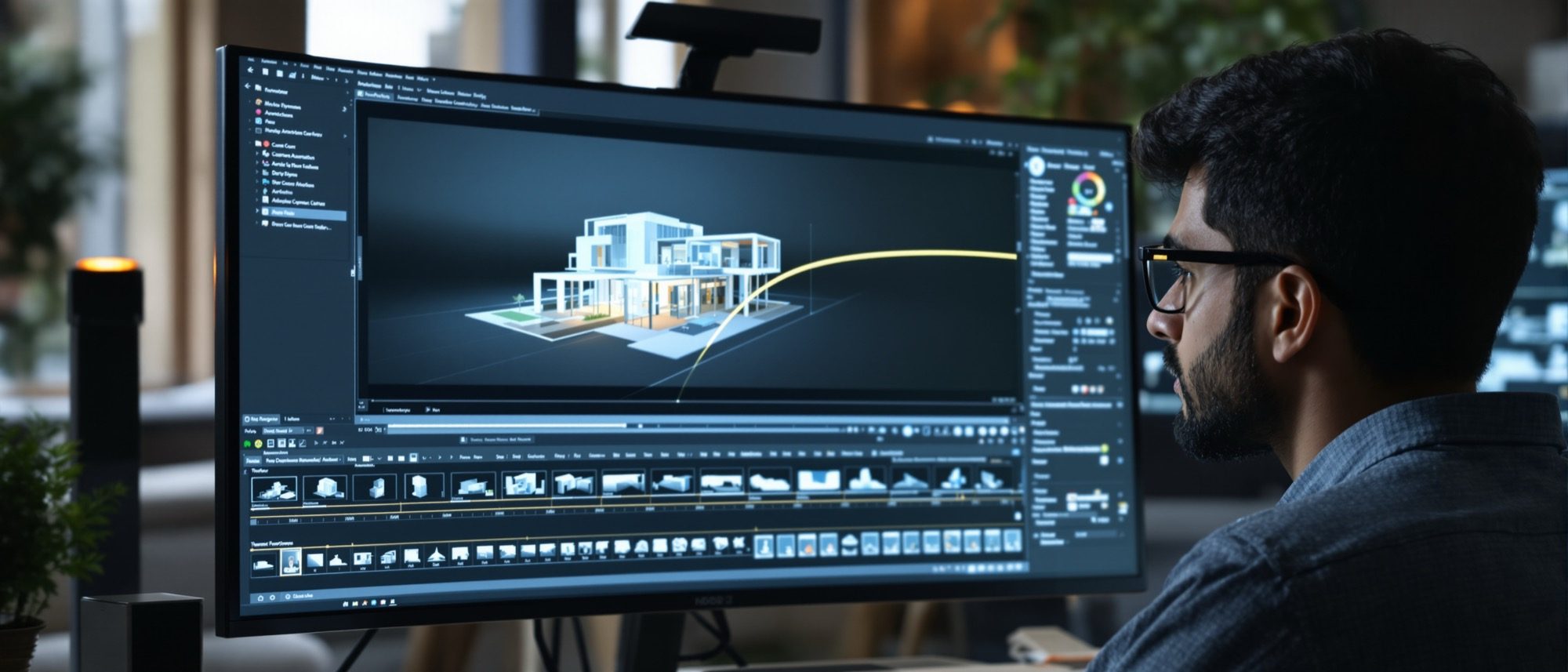
Animations & Walkthroughs
Moving the camera — and the render-time cost most students under-estimate.
A still shows a moment; a walkthrough shows the experience — scale, flow and light in motion. This unit builds the moving camera and teaches the lesson every student learns the hard way: an animation is hundreds or thousands of frames, so its render time is frames × per-frame time. Real-time engines turn days into minutes; then you edit, score and present.
Learning objectives
By the end of this lesson, you will be able to — mapped to the course outcomes for Computer Studio III:
Explain the architectural walkthrough and fly-through and their purpose in communication.
Set camera paths, keyframes and easing using the dolly, pan and orbit moves.
Calculate the render-time cost of an animation (frames × per-frame time) and choose real-time vs offline.
Sequence, edit and score a walkthrough into a finished presentation video.
Moving the camera
A walkthrough (eye-level) or fly-through (aerial) conveys spatial experience a still cannot; build it with keyframes, easing and the dolly-pan-orbit moves — and approve the path before you render.[6, 1]
Moving through the design
A WALKTHROUGH is an eye-level moving-camera animation through an unbuilt design; a FLY-THROUGH is the aerial version, over and around it. Their purpose is communication — conveying the spatial experience (scale, flow, the sequence of spaces, light and material in motion) that a single still cannot show. It is the most persuasive way to present a design to a client who cannot read drawings.[6, 1]
The cost — and the cut
Total frames = seconds × fps (a 90-second clip at 30 fps is 2,700 frames); render time = frames × per-frame time — the cost students under-estimate.[1] Real-time engines export in minutes; then you storyboard, edit and score the clip.
fps and the frame count
FRAME RATE: 24 fps gives the cinematic film look, 30 fps is the arch-viz standard, 60 fps is smoothest (mainly for VR). Clients usually cannot tell 30 from 60 in a walkthrough — and 60 doubles the frame count and render cost. RESOLUTION: 1080p (1920×1080) is standard, 4K (3840×2160) for hero or print. Total frames = duration in seconds × fps.[1]
At a glance
| Aspect | One | The other |
|---|---|---|
| Output | Still: one image | Animation: total frames = seconds × fps (hundreds–thousands) |
| Frame rate | 30 fps: arch-viz standard, half the cost | 60 fps: smoothest, doubles frame count & render time |
| Render approach | Offline: photoreal, huge time cost (render farm) | Real-time: minutes not days, slightly less accurate |
| When to fix the camera | Before rendering (storyboard) | After rendering = re-render every frame (costly) |
| Deliverable | Raw rendered frames | Edited, scored video (cuts, sound, pacing) |
Key terms
An eye-level (walkthrough) or aerial (fly-through) moving-camera animation through a design.
A frame where camera position/target is set; the software interpolates the frames between keys.
Smoothing the acceleration and deceleration of a camera move so motion is not jerky.
Camera moves — dolly (forward/back), pan (rotate in place), orbit (revolve around a subject).
Frames per second — 24 (film), 30 (arch-viz standard), 60 (smoothest, VR).
Duration in seconds × fps — the number of images the animation must render.
Many networked machines rendering an animation's frames in parallel to cut wall-clock time.
A pre-planned map of camera path, viewpoints, transitions and pacing, made before 3D work.
Studio task
Storyboard a 30-second walkthrough of one space — sketch the camera path and three key viewpoints — and calculate its total frame count at 24, 30 and 60 fps. Then estimate the offline render time at 15 minutes per frame, and say why you would render it real-time instead.
Self-assessment
1. A 90-second walkthrough at 30 fps requires rendering —
2. Easing in camera animation refers to —
3. The main advantage of a real-time engine for a walkthrough is —
Recap
References & further reading
- [1]3D Praxis Studio — Architectural Animation Guide (walkthroughs, camera, fps, render-time).
- [2]Blender Manual — Animation & the Video Sequence Editor. Blender Foundation. https://docs.blender.org/manual/en/latest/
- [6]Epic Games — Twinmotion Documentation (real-time animation export). https://dev.epicgames.com/documentation/en-us/twinmotion/twinmotion-documentation
Further reading
- Kit Laybourne, The Animation Book. Three Rivers Press.
- Twinmotion / Lumion / Unreal official documentation — the working references.
- Clark Cory et al., 3D Computer Animated Walkthroughs. McGraw-Hill.
Sources gathered and fact-checked June 2026. Published values vary by source, sample and method — treat as indicative and confirm against the cited standard before structural use.
The author
Amogh N P
Architect, interior designer, and creative polymath. Studio Matrx began in his notebooks — his vision of design made honest, useful, and open to everyone. Its Academy is written and taught in his memory, and free, forever.
More about Amogh →