
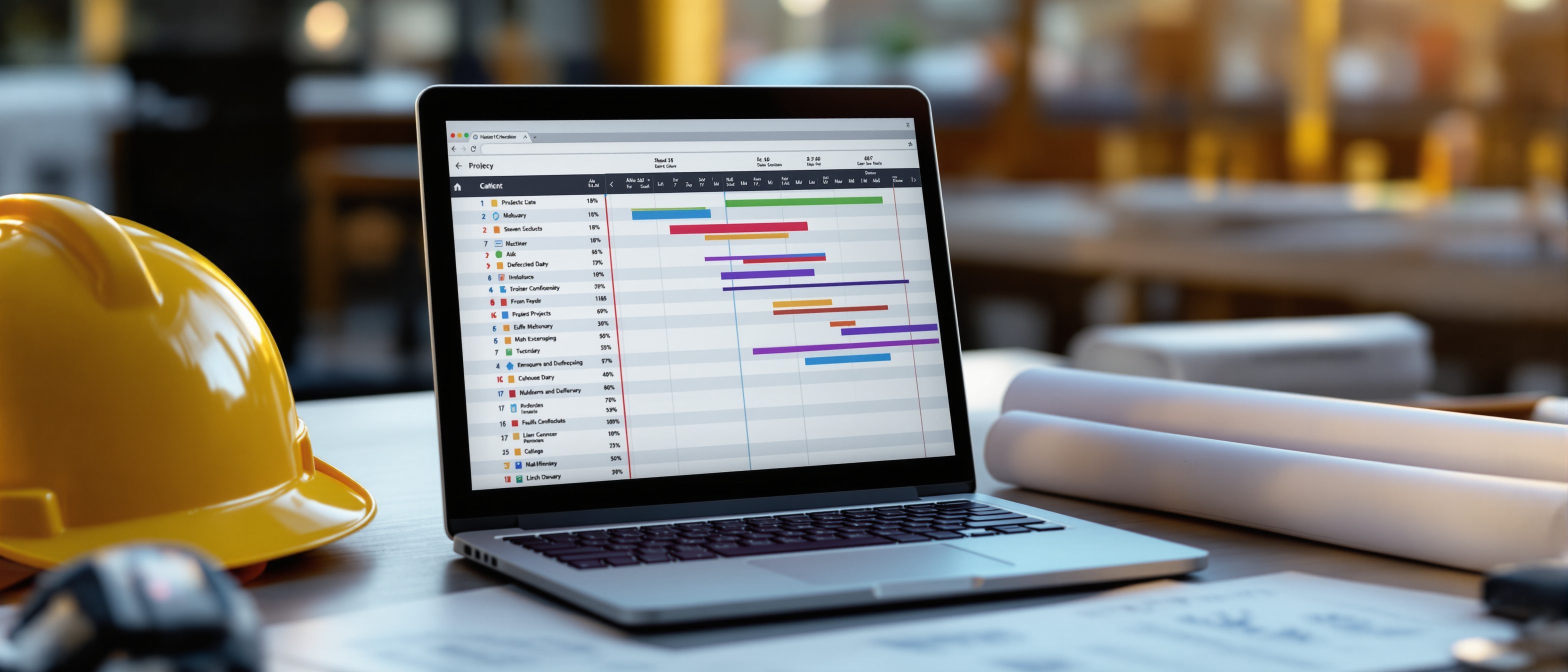
Computerised Project Management
MS Project from task to tracking — and BIM as a process.
Nobody runs the forward and backward pass by hand on a real project — software does it instantly. Learn the MS Project workflow: create the project and its calendar, build tasks and links, cost resources, refine and set a baseline, then track actuals and report progress with Earned Value. Then an introduction to BIM — not a 3D model or one piece of software, but a process managing a data-rich model across the building's life, in 4D (time) and 5D (cost).
Learning objectives
By the end of this lesson, you will be able to — mapped to the course outcomes for Project Management:
Sequence the MS Project workflow from new project to progress reporting.
Build tasks, link dependencies, assign costed resources and set a baseline.
Track actuals and analyse financial progress with Earned Value.
Explain BIM as a lifecycle process and its 4D/5D dimensions.
Running it in software
Create the project, build and link tasks, cost the resources, freeze a baseline, then track actuals and read financial progress through Earned Value — the software's value is the fast feedback loop.[1, 3]
Project, calendar, tasks
Start by CREATING the project — its start date and a WORKING-TIME CALENDAR (which days and hours are workdays). Then BUILD TASKS: enter them, give durations, and LINK them with dependencies (finish-to-start is the default; also start-to-start, finish-to-finish, start-to-finish), add MILESTONES (zero-duration markers) and group work under SUMMARY tasks — which is the WBS outline made live. The software draws the network and the Gantt and finds the critical path for you.[1, 2]
An introduction to BIM
BIM is a lifecycle process managing a data-rich model — its objects know their material, cost and quantity; 4D links the schedule and 5D drives the cost, the meeting point of this whole course.[4]
A process, not a model
BIM (Building Information Modelling) is a PROCESS of creating and managing a shared, data-rich DIGITAL MODEL of a building across its whole life. The model is made of intelligent, parametric OBJECTS that carry data — a wall 'knows' its material, fire rating, cost and quantity. MISCONCEPTION→correct: 'BIM is just 3D modelling' / 'BIM = Revit' — BIM is the methodology and the information; a 3D model is only its geometry, and Revit (or ArchiCAD, Tekla) is one software that does BIM, not BIM itself.[4]
At a glance
| Aspect | A 3D model | BIM |
|---|---|---|
| Holds | 3D model: geometry only | BIM: geometry + data + process |
| Time | — | 4D BIM: links the schedule |
| Cost | — | 5D BIM: drives the estimate |
| Is it software? | 3D model: a file | BIM: a methodology (Revit etc. are tools) |
| Progress read by | Gantt: % complete | EVM: CPI / SPI vs baseline |
Key terms
The definition of workdays/hours that turns durations into calendar dates.
The logical link between tasks; finish-to-start is the default.
A frozen snapshot of the planned schedule and cost to measure actuals against.
Budgeted cost of work actually performed — progress expressed in money.
Cost / schedule performance index (EV÷AC, EV÷PV); above 1 is good.
A lifecycle process managing a data-rich building model; 3D–7D dimensions.
Studio task
In any free project tool (MS Project, ProjectLibre, or even a spreadsheet), enter the seven-activity network from Unit II, link the dependencies and let it compute the critical path. Then set a baseline, mark Activity B as 50% complete two days late, and note what happens to the finish date. In three sentences, explain why a baseline is what makes tracking meaningful — and why CPI = 0.9 is a warning even if the Gantt looks busy.
Self-assessment
1. In MS Project, the BASELINE is —
2. A project reports CPI = 0.9. This means it is —
3. BIM is best described as —
Recap
References & further reading
- [1]Elaine Marmel, Microsoft Project Bible (Wiley) — tasks, dependencies, resources, baseline, tracking, reports.
- [2]B.C. Punmia & K.K. Khandelwal, Project Planning and Control with PERT and CPM — computer-aided network analysis.
- [3]PMI, Practice Standard for Earned Value Management & PMBOK Guide — PV/EV/AC, CPI/SPI.
- [4]Eastman, Teicholz, Sacks & Liston, BIM Handbook (Wiley) — BIM as process, 4D/5D, history.
Further reading
- Elaine Marmel — Microsoft Project Bible.
- Eastman, Teicholz, Sacks & Liston — BIM Handbook.
- B.C. Punmia & K.K. Khandelwal — Project Planning and Control with PERT and CPM.
Sources gathered and fact-checked June 2026. Published values vary by source, sample and method — treat as indicative and confirm against the cited standard before structural use.
The author
Amogh N P
Architect, interior designer, and creative polymath. Studio Matrx began in his notebooks — his vision of design made honest, useful, and open to everyone. Its Academy is written and taught in his memory, and free, forever.
More about Amogh →