
Immersive Technologies
AR, VR and the rest of the alphabet — walking an unbuilt building at full scale.
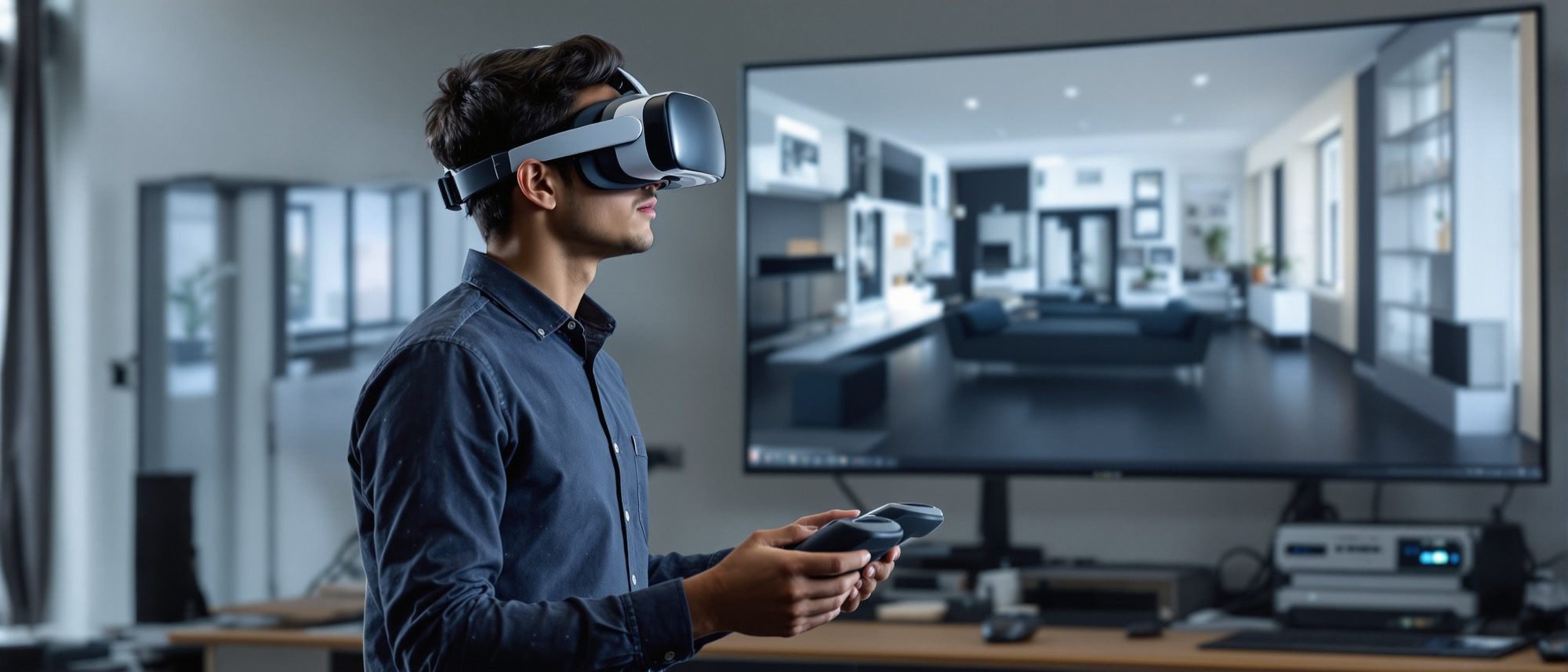
The last step is to step inside. Immersive technology lets you experience an unbuilt design at 1:1 scale: VR replaces your world with the model, AR overlays the model on the real one, MR lets them interact, and XR is the umbrella. Learn the precise differences, how VR review and on-site AR work, why a high frame rate matters, and how a digital twin differs from the BIM model it grows from.
Learning objectives
By the end of this lesson, you will be able to — mapped to the course outcomes for Computer Studio III:
Define VR, AR, MR and XR precisely and distinguish them.
Evaluate VR for immersive walkthroughs and design review, and AR for on-site coordination.
Explain why a high, stable frame rate matters (motion sickness) and what a digital twin is.
Use immersive visualization in client presentation and design development.
VR, AR, MR — the difference
VR replaces your vision, AR overlays the real world, MR lets them interact, XR is the umbrella — AR is not VR.[6, 1] VR gives 1:1 immersive walkthroughs for design review; AR puts the model on the real site for as-built coordination. Try the explorer below.
VR · AR · MR — what changes?
VR — Virtual Reality
A fully computer-generated world that REPLACES your vision. The headset blocks out the real room — you stand inside the unbuilt design at 1:1 scale.
XR is the umbrella over all three. The key line: AR adds to reality, VR replaces it.
The precise definitions
VIRTUAL REALITY (VR) is a fully computer-generated environment that REPLACES your field of vision — the headset blocks out the real world. AUGMENTED REALITY (AR) OVERLAYS digital content on the real world, seen through a phone, tablet or transparent headset — the real world stays visible. MIXED REALITY (MR) lets real and virtual coexist and interact (digital objects anchored to, or occluded by, real surfaces). XR (Extended Reality) is the umbrella term for all of them. FLAG: AR ≠ VR — AR adds to reality, VR replaces it.[6, 1]
Comfort, twins & the value
VR needs a high, stable frame rate (~90 fps) or it causes motion sickness; a digital twin is a live, data-linked replica — distinct from the static BIM model that seeds it.[3, 4] Use immersive tech for practice — design review and coordination — not metaverse hype.
Why 90 fps matters
FLAG: VR needs a HIGH, STABLE frame rate — the widely-cited comfort target is about 90 fps (some standalone content runs 72–90). If the frame rate drops or the head-movement-to-display LATENCY is too high, the mismatch between what you sense and what you see causes motion (simulator) sickness. Mitigations: keep the frame rate up, use teleport locomotion for motion-sensitive viewers, and good depth cues. A beautiful render that stutters in VR is unusable.[3]
At a glance
| Aspect | One | The other |
|---|---|---|
| Relation to reality | VR: replaces the real world (headset blocks it) | AR: overlays digital on the real world (it stays visible) |
| Umbrella | MR: real + virtual interact | XR: the term covering VR + AR + MR |
| Architectural use | VR: 1:1 immersive walkthrough & design review | AR: model on the real site / as-built coordination |
| Comfort | Needs ~90 fps stable (or motion sickness) | Teleport locomotion + depth cues help |
| Twin vs BIM | BIM: static design/construction model | Digital twin: live IoT-data-linked replica |
Key terms
A fully computer-generated environment that replaces your vision — the headset blocks the real world.
Digital content overlaid on the real world (phone/tablet/headset) — the real world stays visible.
Real and virtual coexist and interact — digital objects anchored to or occluded by real surfaces.
Extended Reality — the umbrella term for VR, AR and MR.
Experiencing an unbuilt design at 1:1 scale in VR for design review and client presentation.
Discomfort from low frame rate / high latency in VR — the comfort target is about 90 fps.
A live, IoT-data-linked virtual replica of a real building — distinct from the static BIM model.
Moving in VR by pointing-and-jumping rather than smooth motion — reduces motion sickness.
Studio task
For one design, write three sentences: one use you would put VR to, one for AR, and how a digital twin would serve the finished building. Then explain in a line why a beautiful render that stutters in the headset is unusable.
Self-assessment
1. The key difference between AR and VR is that —
2. VR needs a high, stable frame rate (~90 fps) chiefly to —
3. A digital twin differs from a BIM model because the twin —
Recap
References & further reading
- [1]Meta for Work — 'What's the difference between AR, VR and MR?' (VR/AR/MR/XR definitions). https://forwork.meta.com/blog/difference-between-vr-ar-and-mr/
- [3]Chaos / Enscape — 'Using Virtual Reality for project presentations' (VR in architecture; frame rate & locomotion). https://blog.chaos.com/best-practices-using-virtual-reality-for-project-presentations-with-enscape
- [4]Autodesk — 'What is a digital twin?' (digital twin vs BIM). https://www.autodesk.com/design-make/articles/what-is-a-digital-twin
- [6]Epic Games — Twinmotion / Unreal documentation (real-time and VR for architecture). https://dev.epicgames.com/documentation/en-us/twinmotion/twinmotion-documentation
Further reading
- Enscape / Twinmotion / Unreal official VR documentation.
- Meta / academic AR-VR-in-AEC literature — the working references.
- Sacks et al., BIM Handbook — for the BIM-to-digital-twin lineage.
Sources gathered and fact-checked June 2026. Published values vary by source, sample and method — treat as indicative and confirm against the cited standard before structural use.
The author
Amogh N P
Architect, interior designer, and creative polymath. Studio Matrx began in his notebooks — his vision of design made honest, useful, and open to everyone. Its Academy is written and taught in his memory, and free, forever.
More about Amogh →