
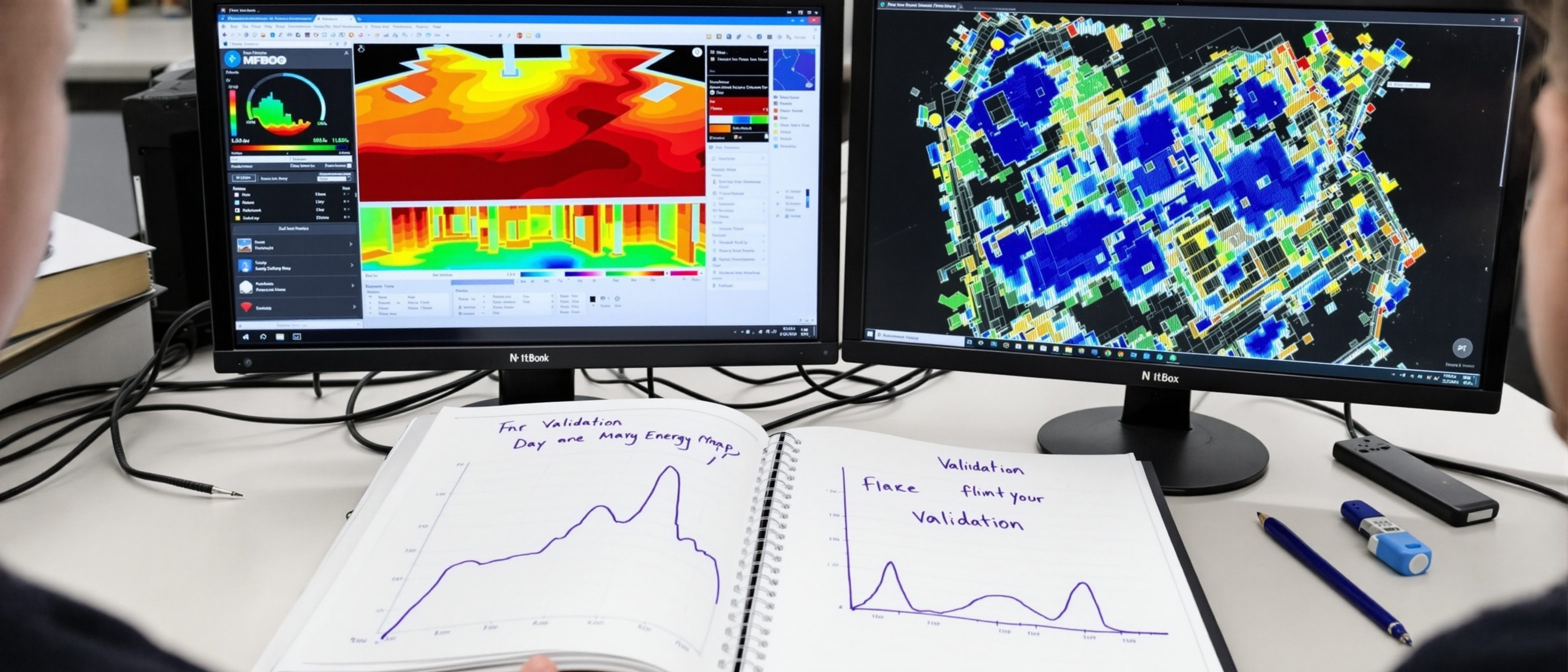
Simulation Tools & Validation
The toolbox — and trusting a result only as far as it is validated.
Finally, the toolbox and the discipline that makes it trustworthy. Learn the family of simulation tools and what each is for — Climate Consultant, OpenStudio/EnergyPlus, Radiance/DAYSIM, Ladybug, Sefaira, IES-VE and CFD. Then the discipline: validation (the engine tested against reality), calibration (tuning a model to measured data), and the honest reckoning with the performance gap. A simulation is a tool for better decisions, not a crystal ball. Try the simulation-tool explorer.
Learning objectives
By the end of this lesson, you will be able to — mapped to the course outcomes for Building Performance Analysis:
Choose the right simulation tool for a given analysis.
Explain validation and calibration of a model.
Reckon honestly with the performance gap.
Judge a simulation as a decision tool, not a crystal ball.
The toolbox
There is no single tool — a toolbox, matched to the job, most sharing a few validated engines; and tools come and go (Ecotect was discontinued) while the physics and engines persist.[1]
A tool for each job
There is no single tool — there is a TOOLBOX, and the skill is matching the tool to the job. CLIMATE CONSULTANT reads the climate from the EPW file. OPENSTUDIO/ENERGYPLUS and IES-VE do energy. RADIANCE/DAYSIM do daylight. LADYBUG TOOLS bring environmental analysis into Rhino/Grasshopper for parametric studies. SEFAIRA gives fast early feedback. CFD does airflow. Most share the same few validated engines underneath (Unit IV). The explorer below sets each tool out with what it does and which engine it uses.[1]
Browse the tools
Pick a simulation tool and read what it does, the engine it uses, and what it is best for — from Climate Consultant to EnergyPlus, Radiance, Ladybug and CFD.
The simulation toolbox · pick a tool
EnergyPlus
the engine itself (US DOE)The US Department of Energy's whole-building energy SIMULATION ENGINE — it solves the heat, mass and air-balance physics behind almost every modern energy tool.
Best for: Whole-building energy use, loads and comfort; the engine other tools wrap.
Most tools share a few validated engines (EnergyPlus, Radiance) — learn the engine, the interface is a skin.
Validation & the performance gap
Validation tests the engine against reality; calibration tunes YOUR model to measured data — and real buildings usually use more energy than predicted, so use simulation to compare options, not to promise a figure.[2, 3]
Tested against reality
Trust in a simulation rests on VALIDATION and CALIBRATION. VALIDATION is the testing of the ENGINE against measured reality and analytical benchmarks (EnergyPlus and Radiance have passed decades of this — ASHRAE Standard 140 for energy). CALIBRATION is tuning YOUR model's inputs until its output matches the REAL building's measured data (energy bills, logged temperatures), so you can trust it for predictions. An uncalibrated model of an existing building is a hypothesis; a calibrated one is evidence. MISCONCEPTION→correct: 'a validated engine means an accurate result' — the engine is validated, but YOUR model still needs calibrating to a real building before you trust its absolute numbers.[2]
At a glance
| Aspect | Detail | Note |
|---|---|---|
| Climate | Climate Consultant | Read the EPW |
| Energy | OpenStudio/EnergyPlus, IES-VE | Whole-building energy |
| Daylight | Radiance/DAYSIM, Ladybug | sDA/ASE, glare |
| Validation | Engine vs reality | Calibration: model vs measured |
| Performance gap | Model < real energy | Use to compare, not to promise |
Key terms
Testing the engine against measured reality and benchmarks (e.g. ASHRAE 140).
Tuning a model's inputs until its output matches the real building's data.
The difference between predicted and actual building performance.
Reads a site's climate from its EPW file with passive strategies.
Fast early-design feedback / a detailed multi-domain professional suite.
A simulation's real use — comparing options, not predicting the meter.
Studio task
Choose the right tool for each of these jobs and justify it: (a) understanding a new site's climate, (b) a detailed daylight study, (c) fast early-design energy feedback, (d) pedestrian wind comfort. Then explain in three sentences what the performance gap is, why it happens, and how an honest practitioner uses simulation despite it.
Self-assessment
1. Calibrating an energy model means —
2. The 'performance gap' is —
3. Because tools like Ecotect get discontinued, you should invest in understanding —
Recap
References & further reading
- [1]Tool documentation — Climate Consultant, OpenStudio, EnergyPlus, Radiance/DAYSIM, Ladybug, Sefaira, IES-VE, CFD.
- [2]ASHRAE Standard 140 (engine validation) + building-energy-model calibration guidance (ASHRAE Guideline 14).
- [3]Studies on the building performance gap (e.g. de Wilde) — predicted vs actual performance.
Further reading
- Hensen & Lamberts (eds.) — Building Performance Simulation for Design and Operation.
- Pieter de Wilde — Building Performance Analysis (Wiley).
- ASHRAE Standard 140 / Guideline 14.
Sources gathered and fact-checked June 2026. Published values vary by source, sample and method — treat as indicative and confirm against the cited standard before structural use.
The author
Amogh N P
Architect, interior designer, and creative polymath. Studio Matrx began in his notebooks — his vision of design made honest, useful, and open to everyone. Its Academy is written and taught in his memory, and free, forever.
More about Amogh →