
Modelling Tools & Techniques
Building the model — and engine vs interface.
A simulation runs on a model — and building it well is a craft. Learn the abstraction a performance model needs — geometry into thermal zones, materials and constructions with real properties, and the schedules and internal loads that drive the result; and the right level of detail for the question. And learn the single most important distinction in the field — between a modelling interface (like Ladybug) and the simulation engine (like EnergyPlus or Radiance) that actually does the physics.
Learning objectives
By the end of this lesson, you will be able to — mapped to the course outcomes for Building Performance Analysis:
Abstract a design into geometry, materials, schedules and loads for a model.
Choose an appropriate level of detail for the analysis.
Distinguish a modelling interface from a simulation engine.
Explain why a model is a deliberate simplification.
The model is a simplification
A performance model is a deliberate abstraction — thermal zones, real materials, schedules and loads — at the level the question needs; over-modelling wastes time and hides the signal.[1]
A model is a simplification
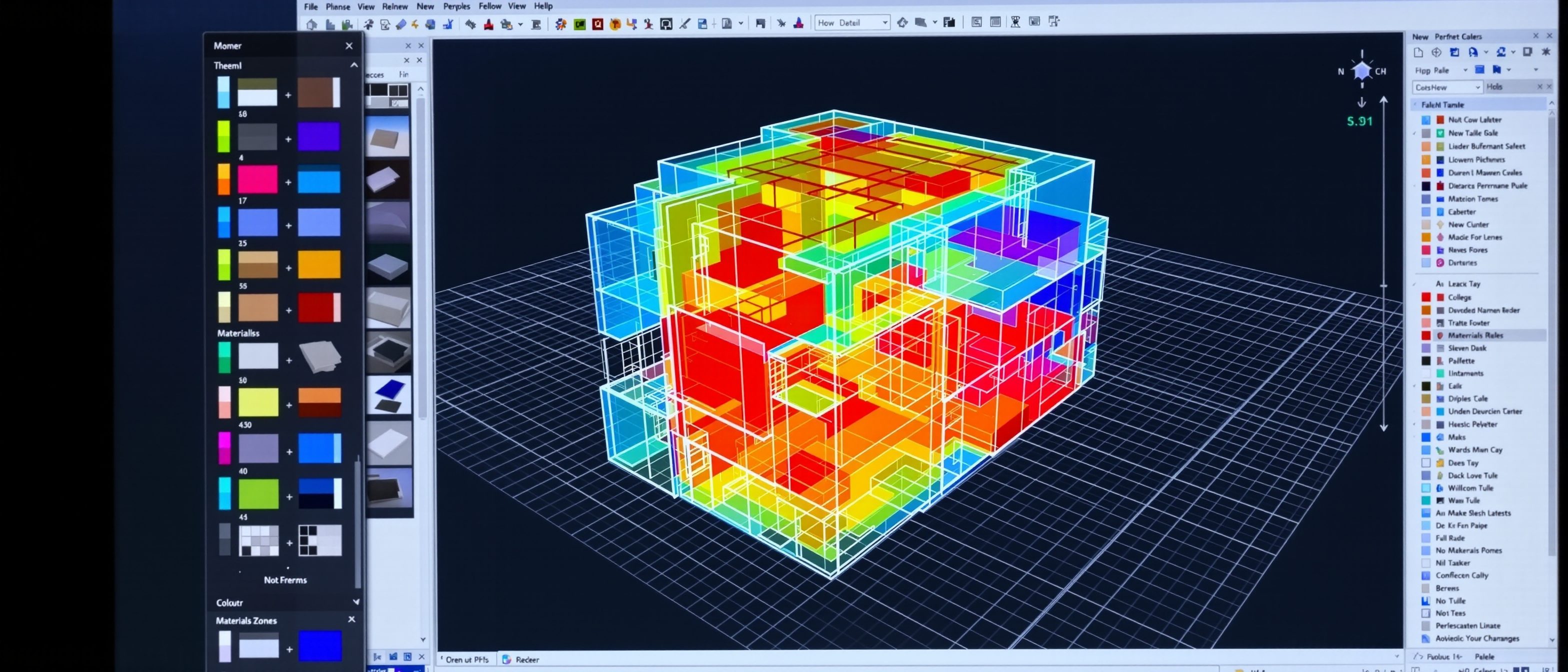
A performance model is NOT the building — it is a deliberate ABSTRACTION of it for a specific question. You simplify geometry into THERMAL ZONES (spaces grouped by similar conditions, not every room), assign MATERIALS and CONSTRUCTIONS with real properties (U-value, SHGC, reflectance), and add SCHEDULES (when the space is occupied, lit, conditioned) and INTERNAL LOADS (people, lights, equipment). MISCONCEPTION→correct: 'model every detail for accuracy' — over-modelling wastes time and hides the signal; the skill is to abstract to the level the QUESTION needs, no finer.[1]
Engine vs interface
The crucial distinction: a simulation ENGINE (EnergyPlus, Radiance) does the validated physics; an INTERFACE (Ladybug, OpenStudio, DIVA) feeds it — Ladybug does not compute daylight, it calls Radiance.[2, 3]
Who does the physics
The single most important distinction in performance analysis: the difference between a SIMULATION ENGINE and a modelling INTERFACE. The ENGINE — EnergyPlus (energy), Radiance (daylight) — is the validated software that actually solves the heat, light and air PHYSICS. An INTERFACE — Ladybug/Honeybee (in Grasshopper), OpenStudio, DIVA — prepares the model, runs the engine, and visualises the results, but does NOT do the physics itself. MISCONCEPTION→correct: 'Ladybug (or DIVA) does the daylight calculation' — it does NOT; it calls RADIANCE, which does. Knowing which engine is under the interface tells you what is validated and what the result really means.[2, 3]
At a glance
| Aspect | Detail | Note |
|---|---|---|
| A model is | An abstraction | Not the building |
| Geometry | Thermal zones | Not every room |
| Detail | Match to the question | Over-modelling hides the signal |
| Engine | EnergyPlus, Radiance | Does the physics (validated) |
| Interface | Ladybug, OpenStudio, DIVA | Feeds the engine; no physics |
Key terms
A deliberate simplification of the building for a specific analysis question.
A group of spaces with similar conditions, modelled as one — not every room.
When and how much a space is occupied, lit, equipped and conditioned.
The model's resolution — matched to the question, no finer.
The validated software that solves the physics (EnergyPlus, Radiance).
A front-end (Ladybug, OpenStudio) that feeds the engine — it doesn't do the physics.
Studio task
Take a small school building and sketch how you would abstract it into thermal zones for an energy model — which rooms group together, and why? Then, for three tools you have heard of (say Ladybug, DIVA and OpenStudio), name the ENGINE each one calls, and explain why two tools wrapping the same engine should give the same answer.
Self-assessment
1. In Ladybug/Honeybee, the daylight physics is actually computed by —
2. A performance model should be —
3. Two different interfaces wrapping the SAME engine should give —
Recap
References & further reading
- [1]ASHRAE / IBPSA modelling guidance — abstraction, thermal zoning, level of detail.
- [2]EnergyPlus and Radiance documentation — the validated simulation engines.
- [3]Ladybug Tools / OpenStudio / DIVA documentation — interfaces that wrap the engines.
Further reading
- Hensen & Lamberts (eds.) — Building Performance Simulation for Design and Operation.
- Reinhart — Daylighting Handbook (Radiance workflow).
- EnergyPlus / Radiance reference manuals.
Sources gathered and fact-checked June 2026. Published values vary by source, sample and method — treat as indicative and confirm against the cited standard before structural use.
The author
Amogh N P
Architect, interior designer, and creative polymath. Studio Matrx began in his notebooks — his vision of design made honest, useful, and open to everyone. Its Academy is written and taught in his memory, and free, forever.
More about Amogh →