
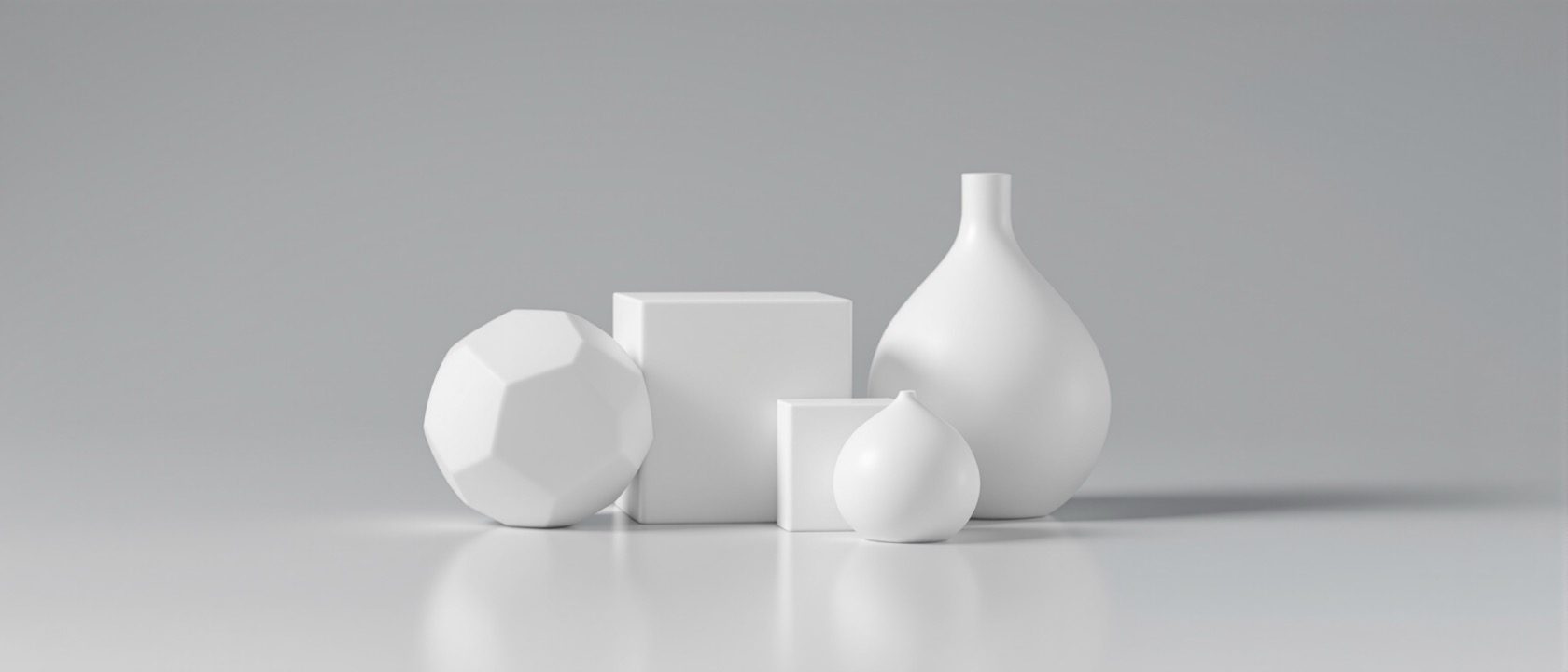
3D Foundations — What a Model Is Made Of
Mesh, solid, NURBS and the distinction that actually bites
Before you open any software, it is worth knowing what a 3D model is actually made of — because the words your syllabus uses, solid and mesh, carry a distinction that feels fundamental and mostly is not. This unit lays out the geometry you will meet, then tells the truth about it: the solid-versus-mesh difference is a manufacturing idea that dissolves the moment you hit Render, and the distinction that will actually cost you an afternoon is a different one entirely — whether your mesh is watertight and whether its normals face the right way.
Learning objectives
By the end of this lesson, you will be able to — mapped to the course outcomes for Interior Computer Studio II:
Name the main kinds of 3D geometry and say in one line what each is best for.
Explain what makes a solid a solid — the topological guarantee of closure — versus a mesh that is a bag of triangles.
Explain why converting a solid to a mesh (tessellation) is lossy and irreversible, and why the reverse so often fails.
Explain why 'solid vs mesh' mostly stops mattering at render time, and name the distinction that actually bites interior work.
Diagnose why a SketchUp model refuses to 3D-print, in terms of watertightness and normals.
Say where a point cloud comes from and why it matters to Indian fit-out and retrofit.
What a model can be made of
Mesh, solid, NURBS, subdivision, point cloud — each is best at something different, and an interior designer meets all of them. Learn to read a file, and know which parts will ever matter to you.[1]
A polygon mesh is always an approximation
A mesh is explicit geometry: a list of vertices, the edges that join them and the faces they bound. It is the universal language of visualization, and it is always an approximation — a sphere in a mesh is a faceted ball, and making it smoother just means more, smaller facets, never a true curve. This matters less than beginners fear, because for rendering everything becomes a mesh anyway. It matters more than they expect for one reason: a mesh can be messy. Holes, flipped faces, duplicate vertices and edges shared by three faces are all possible, and each will break something downstream.[1]
Solid vs mesh — the honest answer
The real difference is a topological guarantee of closure, not a shape — and it comes from mechanical CAD, where it decides whether a part can be machined. For an interior designer it matters in three places and dissolves everywhere else, because renderers tessellate everything to a mesh first.[1, 2]
Where 'solid vs mesh' comes from
The solid-versus-mesh distinction feels fundamental, and it is — but it is inherited from mechanical CAD, where it decides whether you can machine a part. A machinist needs a watertight solid to compute tool paths and material volume. That is the world the idea was born in. Your interior-design syllabus names 'solid and mesh modelling' because the reference books it descends from were written for that world. It is worth understanding, and it is worth knowing that most of it will not touch your renders.[1]
At a glance
| Aspect | One side | The other |
|---|---|---|
| What it fundamentally is | SOLID: a closed surface with a guarantee it encloses a volume | MESH: a bag of triangles that may or may not be closed |
| Curvature | NURBS/solid: exact, resolution-independent — never facets | MESH: an approximation — smoother just means more facets |
| Can report volume/mass | SOLID: yes — that is much of its purpose | MESH: only if it happens to be watertight |
| At render time | Both are tessellated to a mesh before a single ray is traced | So for visualization the distinction has already dissolved |
| Solid → mesh | Lossy and IRREVERSIBLE — curvature and history are gone | Mesh → solid: usually FAILS unless watertight and manifold |
| Where it matters to interiors | CNC/joinery, 3D printing, quantity take-off — three places | Nowhere in the rendered image itself |
| The distinction that actually bites | Watertight vs leaky; correct vs flipped normals | SketchUp's non-manifold output is why models won't print |
Key terms
Explicit vertices, edges and faces. The universal render geometry — and always an approximation of any curve.
A boundary representation carrying a topological guarantee of closure: it knows it encloses a volume. The basis of machinable, measurable models.
Rational B-spline surface — mathematically exact, resolution-independent curvature. Rhino's geometry; right for curved joinery and product form.
Converting a solid or NURBS surface into a mesh of triangles. Lossy and irreversible — and what every renderer does before it traces a single ray.
A mesh with no holes and every edge shared by exactly two faces. Required for 3D printing and for converting a mesh back to a solid.
The outward direction a face points. A flipped normal lights or prints the surface backwards — the commonest quiet defect in an interior model.
Geometry that cannot exist as a real solid surface — an edge shared by three faces, a stray internal face, a gap. SketchUp is prone to it.
Unconnected measured points from a laser scan or photogrammetry. No surface — the ground-truth capture of an existing room for retrofit.
A coarse editable cage plus a smoothing rule that yields a fine limit surface. Favoured for organic shapes; tessellated at render like all else.
Constructive Solid Geometry — a model stored as a Boolean recipe of primitives (union, subtract, intersect) rather than a finished surface.
Study task
Take a curved object you could imagine in a project — a rounded reception desk, a moulded chair, a jaali screen. In a paragraph each, decide how you would model it and why: NURBS for exact curvature, a mesh for pure visualization, a watertight solid if it must be CNC-cut or 3D-printed. Then answer honestly: for the render you actually want to make, does the solid-versus-mesh choice change the final image at all? Explain your answer in terms of what the renderer does at the moment you press Render. That reasoning — not the modelling — is the point of this unit.
Self-assessment
1. What is the PRECISE difference between a solid and a mesh?
2. You render a NURBS model in V-Ray. What geometry does the renderer actually trace?
3. A SketchUp model won't 3D-print. What is the most likely reason, in this unit's terms?
4. Why is a point cloud especially relevant to Indian interior practice?
Recap
References & further reading
- [1]Blender Foundation. Blender 5.2 LTS Manual — Modeling, Meshes and Import/Export. docs.blender.org (pin a versioned path; the manual moves with each release). https://docs.blender.org/manual/en/latest/
- [2]Pharr, M., Jakob, W. & Humphreys, G. (2023). Physically Based Rendering: From Theory to Implementation (4th ed.), Ch. 1 (System Overview) and Ch. 6 (Shapes). MIT Press. Free online — link only; CC BY-NC-ND, do not mirror or adapt. https://pbr-book.org/4ed/Introduction
- [3]Cline, L. S. (2023). SketchUp for Interior Design: 3D Visualizing, Designing, and Space Planning (2nd ed.). Wiley. ISBN 9781119897743. The single most on-target book for this course. https://www.wiley.com/en-us/9781119897743
Further reading
- Cline, Lydia Sloan — SketchUp for Interior Design: 3D Visualizing, Designing, and Space Planning (2nd ed.). Wiley, 2023. The only current interior-design-specific 3D modelling text.
- Ching, F. D. K. — Design Drawing / Building Construction Illustrated. John Wiley & Sons. For the geometry-to-drawing habit of mind.
- Schreyer, A. C. — Architectural Design with SketchUp (3rd ed.). Wiley, 2023. ISBN 9781394161133.
Sources gathered and fact-checked June 2026. Published values vary by source, sample and method — treat as indicative and confirm against the cited standard before structural use.
The author
Amogh N P
Architect, interior designer, and creative polymath. Studio Matrx began in his notebooks — his vision of design made honest, useful, and open to everyone. Its Academy is written and taught in his memory, and free, forever.
More about Amogh →