
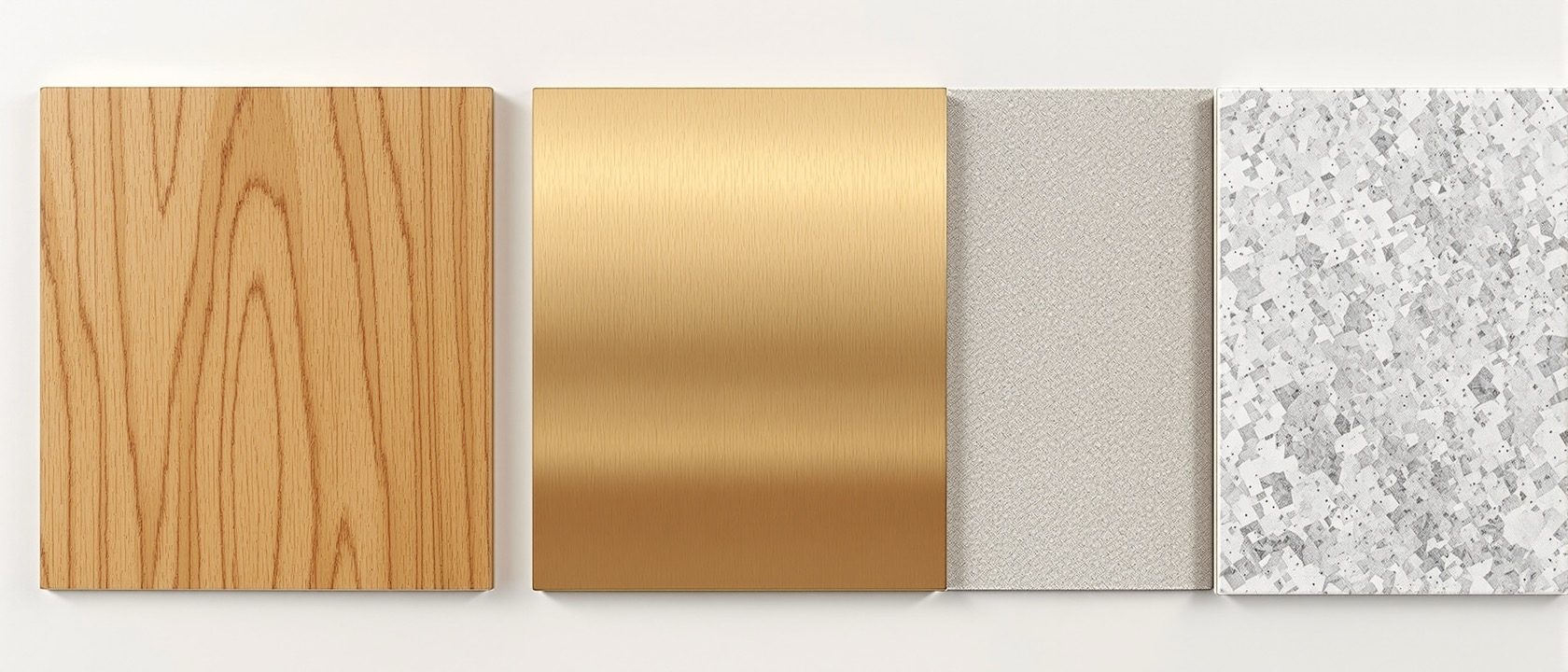
Textures & Materials
A JPEG is not a material — and real-world scale is everything
Two ideas separate a believable render from an amateur one. First, a texture is not a material: a texture is a single bitmap, while a modern material is a physically-based set of maps — colour, roughness, metalness, relief. Second, a texture must be mapped at its true real-world size: a 600 mm tile must read as 600 mm, because wrong scale is the single commonest tell of an inexperienced render. This unit teaches both, and the fixes for tiling and seams.
Learning objectives
By the end of this lesson, you will be able to — mapped to the course outcomes for Computer Graphics:
Distinguish a texture (a bitmap) from a material (a full PBR set of maps), and name the maps.
Map a texture at its true real-world scale, and recognise wrong scale as the commonest amateur tell.
Diagnose tiling and seam failures, and name the fixes (seamless textures, variation, triplanar).
Texture vs material
A texture is one image; a material is a full PBR set of maps — albedo, roughness, metalness, normal, height, ambient occlusion. Miss the roughness and polished marble reads as chalk; the albedo must carry pure colour with no baked-in light.[1]
One is an image, one is a description
A TEXTURE is a single image — a bitmap (JPEG/PNG). A MATERIAL is the complete physical description of a surface: how it reflects, scatters and transmits light. A colour photo of wood is ONE input to a wood material — it is not the material. 'A JPEG of wood is a wood material' is a MYTH: with no roughness it cannot reflect correctly, with no normal/height it has no grain relief, and it reads as a photo glued to a flat plane.[1]
Real-world scale
Map every texture at its true physical size — a 600 mm tile reading as 600 mm. Too big looks cartoonish, too small looks busy and fake. And an obvious repeating grid is a tiling failure with real fixes.[2]
The single commonest amateur tell
A texture has no inherent size — the software must be told how big it is in the scene. A material must be mapped at its TRUE real-world dimension: a 600 mm floor tile must measure 600 mm in the model. Get this wrong and the render screams 'novice'. Too large and it looks cartoonish; too small and it looks busy and fake. This is THE single most common tell of an inexperienced render.[2]
See the scale
Map the same 600 mm tile too small, correct, and too large against a fixed 2000 mm door, and watch the wall read believable or amateur. Only the true real-world scale sits right in the space.
Texture-scale explorer · a 600 mm tile against a 2000 mm door
The door is a fixed 2000 mm · only the tile mapping changes
Correct — true 600 mm
Reads rightThe tile is mapped to its true real-world size: about three tiles to the 2000 mm door height. It sits believably in the space regardless of the camera. This is the only honest setting.
Wrong real-world scale is the single commonest tell of a novice render — too big reads cartoonish, too small reads busy and fake. Map the material to its true size.
At a glance
| Aspect | The fact | The folklore |
|---|---|---|
| A texture | A single bitmap image | The whole material |
| A material | A PBR set of maps (albedo, roughness, metalness, normal, height, AO) | A JPEG of the surface |
| The albedo map | Pure colour with no baked-in light or shadow | A photo with its lighting baked in |
| Texture scale | Mapped at true real-world size (a 600 mm tile reads 600 mm) | Whatever fills the surface |
| Fixing a too-big texture | Correct real-world scale + variation / triplanar | Just crank the tiling number up |
| Any photo as a tile | Only wraps if authored seamless | Tiles seamlessly by default |
Key terms
A single bitmap image (JPEG/PNG) — one input to a material, not the material itself.
A Physically-Based Rendering material: a coordinated set of maps (albedo, roughness, metalness, normal, height, ambient occlusion) that describe how a surface responds to light.
The pure surface colour with NO baked-in light, shadow or highlight — the render supplies the light, not the texture.
Roughness = how sharp or blurred reflections are; normal = fakes fine surface relief (grain, grout) without adding geometry.
Mapping a texture to its true physical size so a 600 mm tile reads as 600 mm — wrong scale is the commonest amateur render tell.
Projecting a texture along the three world axes to kill UV seams and stretching on complex geometry — a fix for tiling failures.
Study task
Take one surface in a model — a tiled floor, a timber wall, a stone bench — and set up its material honestly. Find or note the real-world size of the actual material (a 600 mm tile, a 150 mm plank) and map the texture to that exact size, checking it against a known reference like a 2000 mm door. Then list which PBR maps the material needs beyond the colour photo (roughness, normal, and so on) and what each one fixes. Finally, spot a repeating-grid or seam problem and name the correct fix (seamless texture, variation, or triplanar) rather than just cranking the tiling. Mapping to true scale, every time, is the difference this unit is teaching.
Self-assessment
1. Why is a JPEG of wood not a wood material?
2. What is the single commonest tell of an amateur render?
3. What should the albedo (base colour) map contain?
4. How do you really fix a texture that shows an obvious repeating grid?
Recap
References & further reading
- [1]Chaos, 'What Is PBR? A Complete Guide'; Adobe Substance 3D, 'The PBR Guide'; the metallic/roughness map set. https://blog.chaos.com/what-is-pbr-physically-based-rendering-a-complete-guide
- [2]UV mapping, real-world scale, seamless tiling and triplanar mapping references (garagefarm; V-Ray Triplanar). https://garagefarm.net/blog/understanding-uv-mapping-in-3d-texturing
Further reading
- Adobe Substance 3D, The PBR Guide (Parts 1 & 2).
- Matt Pharr, Wenzel Jakob & Greg Humphreys, Physically Based Rendering: From Theory to Implementation (pbr-book.org).
Sources gathered and fact-checked June 2026. Published values vary by source, sample and method — treat as indicative and confirm against the cited standard before structural use.
The author
Amogh N P
Architect, interior designer, and creative polymath. Studio Matrx began in his notebooks — his vision of design made honest, useful, and open to everyone. Its Academy is written and taught in his memory, and free, forever.
More about Amogh →