
 Lesson 4.1
Lesson 4.1
The fidelity ladder
From napkin sketch to walkthrough — and why you climb slowly
The hookA student spends three weeks on a gorgeous, fully-detailed 3D model. The client looks for thirty seconds: 'the front door can't be there, the municipal drain runs under that spot.' Three weeks gone, because of a single fact a five-minute napkin sketch would have surfaced on day one. The most expensive mistake in prototyping comes from thinking a prototype's job is to look finished.
What a prototype is actually for
A prototype is not a preview of the finished design. It's a question made physical — a deliberately rough, cheap, incomplete thing whose only purpose is to answer a specific question by letting reality react. In architecture the prototype is expensive and sometimes permanent, so the whole skill is lowering the cost of being wrong. Build to learn, not to keep. The organising question: what's the cheapest thing I can make that will answer the question I have right now?
The ladder — fidelity is a choice, not a default
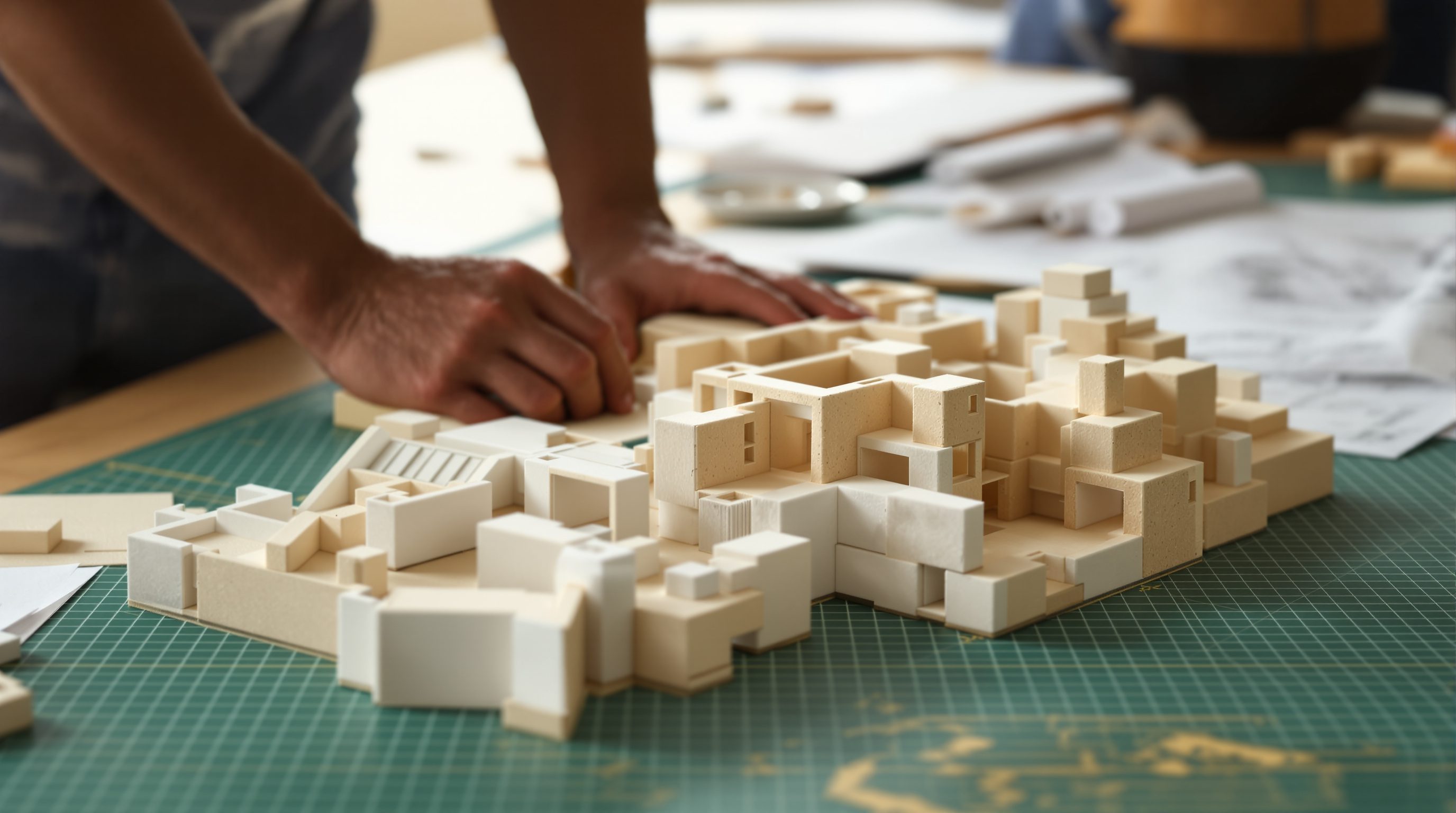
Fidelity is how close to the finished thing a prototype is. A napkin scribble is low-fidelity (fast, rough, cheap); a photorealistic walkthrough is high-fidelity (slow, expensive, precise). Fidelity is a dial you choose, matched to the question — not a default you crank to maximum. The ladder, bottom to top: napkin sketch (tests the concept — is the big idea sound?), block/massing model (rough arrangement — do the zones work?), scaled 1:50 plan (fit — do rooms and furniture work at real dimensions?), scale model (form and proportion — do the volumes feel right?), walkthrough/3D (experience — how does it feel to move through?). Each rung answers a different kind of question.
Climb only as fast as your confidence
Start at the bottom and climb only as each rung passes its test. You don't build the scale model until the scaled plan confirms the rooms fit; you don't build the walkthrough until the model confirms the proportions. The higher you climb, the more it costs to discover you were wrong, and the cost accelerates — a flaw on the napkin costs a fresh napkin; the same flaw on the walkthrough costs three weeks. Flush out the big, cheap-to-find problems first, at the bottom, where being wrong is nearly free. The ladder is a sequence, a strategy for spending effort where it's cheapest to be wrong.
Match the rung to the question
'Is the whole idea sound?' — napkin. 'Do the zones and circulation fit without colliding?' — 1:50 plan. 'Does the sunken/raised platform feel cramped or generous?' — block/scale model. 'How does dawn light fall across the prayer corner?' — walkthrough/daylight study, and only now, because the cheaper rungs already de-risked the rest. The rung follows the question, never the reverse.
AI concept generation is a new, strange rung — it looks top-rung (photorealistic, experiential) at near-bottom-rung cost. Powerful, but dangerous precisely because it looks finished: it can trigger premature attachment and client sign-off on an idea whose fit and feasibility were never tested. Use AI renders to explore desirability and feel fast, but never let their polish substitute for the scaled-plan fit check and feasibility check. The right fidelity is sometimes a deliberate mix — high-fidelity exactly where the question lives, rough everywhere else (build one corner carefully, leave the rest as crude blocks). And don't over-climb to impress the client — a too-finished prototype makes them react to the rendering instead of the idea and locks you in before the design is de-risked; sometimes the most professional thing you can show is a rough model that visibly invites input.
1. List every question your chosen concept still raises. Assign each the cheapest rung that could honestly answer it. Sequence them bottom-rung to top-rung — that's your prototyping plan. Find your riskiest cheap question — the single most fundamental assumption your concept rests on — and confirm it's answerable at the bottom of the ladder, then test it first, today.
Check yourself
3 quick questions — pick an answer to see why.
Q1What is a prototype actually for?
Q2Why climb the fidelity ladder slowly, only as confidence grows?
Q3Which rung best answers 'Do the rooms and furniture fit at real dimensions?'
Key terms
- Fidelity
- How close a prototype is to the finished thing — a dial you deliberately match to the question, not a default you crank to maximum.
- Fidelity ladder
- The bottom-to-top sequence of prototypes (napkin, block model, 1:50 plan, scale model, walkthrough), each answering a different question.
- Cost of being wrong
- The price of discovering a flaw, nearly free at the bottom rung and accelerating sharply as you climb.
The bottom rungs are physical — napkin, block model, paper plan. But there's something a piece of foam-board does that no screen can. What is it about a physical prototype that reveals what the computer hides — and how do you build these cheap, powerful prototypes?
The author
Amogh N P
Architect, interior designer, and creative polymath. Studio Matrx began in his notebooks — his vision of design made honest, useful, and open to everyone. Its Academy is written and taught in his memory, and free, forever.
More about Amogh →