
 Lesson 4.1
Lesson 4.1 · Augmented & Mixed Reality
AR on the Desk & Model
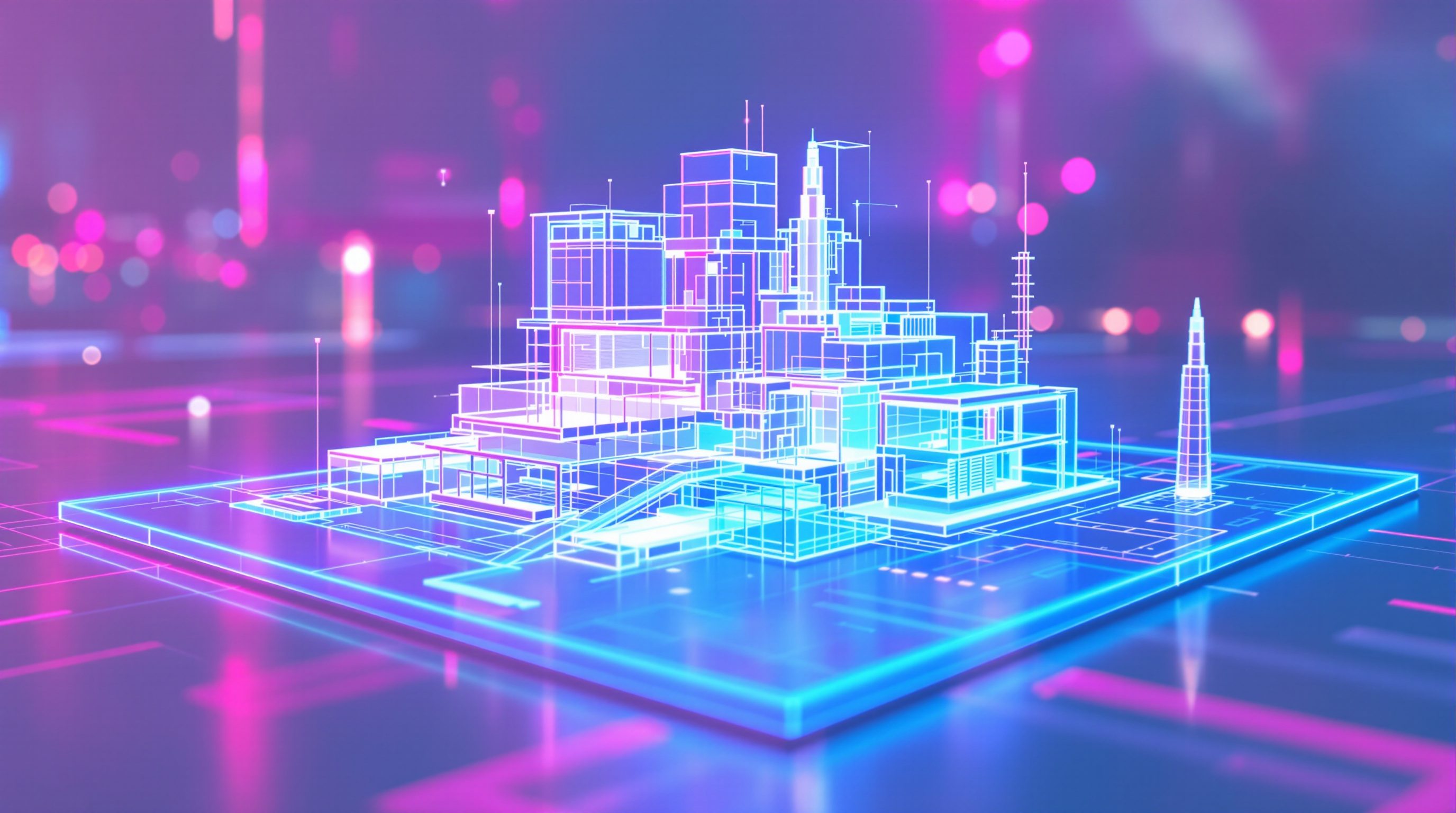
Augmented and mixed reality keep the real world visible and add the design to it - a virtual building sitting on your real desk, or the digital model laid over a real physical maquette, that a whole table of people can gather around, point at and argue over like a shared object
The design does not have to swallow the room. Sometimes the most useful move is to leave the real world exactly where it is and simply set the model down on the table.
Virtual reality takes the room away - you put on the headset and the studio is gone, replaced by the computed world. That is powerful, but it is also isolating, and it is the wrong move for a certain kind of work: the everyday design conversation, the huddle around a table, the moment a client and an architect and an engineer are all pointing at the same thing and talking over each other. For that, you do not want to disappear into a separate world. You want to keep the real room, the real people and the real table, and add just one thing to it - the design, sitting there in the middle, at a size everyone can take in at a glance.
That is what augmented and mixed reality do. AR keeps the real world fully visible and lays computed content over it; MR goes further, letting that content sit in the real space and respond to it - resting on your actual desk, hidden correctly behind your real coffee mug. The signature use for design is the tabletop hologram: a scale model of the building, floating on the real table, that everyone in the room can walk around, lean into and discuss. It is the physical study model reinvented - but changeable in seconds, explorable at any scale, and shareable across a table without anyone losing their place in the conversation. This lesson is about that quiet, sociable, under-hyped corner of spatial computing - and honest about where a screen or a real cardboard model still wins.
Leave the real room where it is. Set the model on the table. Everyone gathers round, points, walks about, changes it live. The sociable study model, reinvented - often just a tablet. Never the measured record.
The tabletop hologram - a model that sits on your real desk
Picture the oldest tool in an architect's studio: the physical scale model, a little building in card and foam that people gather around, turn, and point at. It works because it is a shared three-dimensional object in real space - everyone sees it, everyone can walk round it, and conversation flows naturally over the top of it. Its weaknesses are just as old: it takes days to build, it freezes one design option, and changing it means starting again with a knife and glue.
AR on the desk keeps every strength of the physical model and removes its weaknesses. Through a headset or even a tablet held over the table, a virtual scale model of the building appears to sit on your real desk, at whatever size suits the conversation - a whole masterplan the size of a dinner plate, or one room blown up to fill the table. The real room stays completely visible around it: you still see your colleagues, your coffee, your notes, the daylight from the window. Only the model is added. Because mixed reality understands the real surfaces, a good setup lets the model rest convincingly on the actual table and stay put as you lean in or walk around.
What makes this genuinely useful for design is that it restores the model as a shared object in real space while making it live. You can swap the roof option in a second, peel the facade off to show the structure, slice a section through the massing, or scale the same model up until you are looking at a single stair. Nobody has to imagine the change from a description or wait for a new render - it simply happens on the table in front of everyone. And crucially you have not left the room to get it: the real world, and the human conversation happening in it, carries on uninterrupted. That is the quiet promise of AR on the desk - not a spectacle, but a better version of the humble, sociable study model that architects have always trusted, kept honest by the reminder that what sits on the table is a representation for understanding, not a measured drawing.
Physical study model (shared, 3D, sociable - but slow + frozen) -> virtual model on the real table (same shareable object, but live, rescalable, changeable in seconds). Real room stays visible.
Around the table - why AR helps the design conversation
The real payoff of AR on the desk is social, and it is easy to miss if you only think about graphics. A design conversation is a group of people trying to build one shared mental picture of a space. Around a flat screen this is oddly hard: one person drives the mouse, everyone else cranes at the same rectangle from the wrong angle, and each viewer privately re-inflates the flat image into a different 3D idea in their head. Nobody quite knows if they are all picturing the same thing.
A shared AR model fixes this the way a physical model always did - by putting one common object in the middle of the table that everyone reads together. Each person sees it correctly from their own seat: the client across the table sees the far side, the engineer beside you sees the near corner, and when someone reaches out and says "this overhang here is too deep," everyone is looking at the same overhang from their own natural viewpoint. Pointing works again. Walking round to see the back works again. The conversation stops being mediated through one driver and one screen and becomes what design conversations are supposed to be - people around a thing they can all see.
For client communication this is transformative, and it is often gentler than full VR. A first-time home-builder who cannot read a plan does not have to don an isolating headset and vanish into a virtual world; they can simply look down at the table, where their future house sits at doll's-house scale, and understand it in seconds - then watch you lift the roof off or try a different layout while still making eye contact with you across the table. That social ease, keeping the room and the people while adding the design, is exactly what makes AR on the desk land where a screen struggles. The honest caveat is that the shared illusion depends on everyone being reasonably equipped and the model being prepared - and that the table hologram is for shaping understanding and buy-in, while the binding drawing set remains the record everyone signs off.
Screen: one driver, everyone else off-angle, private mental pictures. AR table: one shared object, each reads it from their own seat, pointing + walking round work again.
Overlaying the digital model onto a real physical model
There is a second, subtler move that mixed reality makes possible: instead of a purely virtual model on an empty table, you can lay the digital model directly over a real physical model or maquette. The card massing model sits on the table as it always did; through the headset, the digital layers register onto it - the facade materials appear on the blank foam, the interior lights up inside the solid block, coloured analysis (sun, wind, circulation) washes across the real surfaces, and design options flick on and off over the same physical base.
Why bother keeping the physical model at all? Because the physical object gives you two things the pure hologram lacks: honest tactility and rock-solid presence. You can touch the real model, feel its real weight and edges, and it never drifts or flickers because it is actually there - a stable anchor the digital content hangs onto. This is a genuinely appealing hybrid for exhibitions, public consultations and civic projects: a beautifully made site model of a neighbourhood that visitors can walk around unaided, which then comes alive with proposed buildings, traffic, flood levels or phasing when viewed through a device. The real model welcomes everyone; the digital overlay adds the changeable, data-rich layer on top.
The technique leans hard on registration - the digital model has to be aligned precisely to the physical one, usually by tracking the physical model's shape or a marker on its base, and the next lesson is entirely about how that alignment is done and why it is never perfect. For now the design point is what matters: mixed reality does not force a choice between the warmth and reliability of a real object and the flexibility of digital content - it can combine them, projecting the live, updatable design onto the trustworthy physical thing. It is one of the most quietly persuasive uses of the whole medium, and in India's exhibition halls, planning offices and college reviews - where a well-built physical model already commands attention - it offers a low-risk way to add digital richness without asking anyone to disappear into a headset alone.
Where AR on the desk earns its place - and where it does not
AR on the desk is one of the least hyped and most genuinely useful corners of spatial computing, precisely because it is modest: it does not promise to replace your studio or your drawings, only to make one recurring situation - the group gathered around a design - work better. It earns its place squarely in the conversation: design reviews where a team needs a shared spatial picture, client meetings where a non-reader must understand a proposal fast, consultations where the public should engage without training, and early massing studies where options must be compared quickly and sociably. In all of these the win is the same - a shared, live, three-dimensional object in the middle of a real, human room.
Equally, it is honest to name where it adds nothing. For precise dimensional work, detailing, documentation and the legal record, a drawing is faster, sharper and shareable to everyone without a device - the tabletop hologram shows you roughly where the beam is, not exactly. For solo deep work at your desk, a screen is quicker than reaching for a headset. And for truly experiencing a space at body scale - standing inside a corridor to feel if it is too tight - the desk hologram is the wrong tool; that is a job for full-scale VR or on-site MR, covered in the next lessons. A doll's-house model on the table, however vivid, is still seen from the outside like a bird.
The cost and access picture is encouraging in the Indian context. The most valuable version of this - a shared model a client can read - runs on an ordinary tablet or phone using AR that many people already carry, no headset required; point the device at the table and the model appears. That makes the desk hologram the single most accessible on-ramp to spatial computing for a small practice: cheap, sociable, low-risk, and aimed straight at the client-communication value that pays for itself first. The discipline is unchanged - use it to help people see and agree, never as the measured source of truth, which stays with the verified model, drawings and survey.
AR vs MR
Which medium sits on the desk
AR keeps the real world visible and overlays computed content; MR lets that content sit in and respond to the real space (rest on the real table, be hidden by real objects). The desk hologram is most convincing in MR. Lesson 0.2 and Module 4.
A shared object, not a source of truth
What the tabletop model is for
The virtual model on the table is for shared understanding, comparison and buy-in. Binding dimensions, detailing and the legal record stay with the verified BIM, drawings and measured survey. Lessons 4.3, 4.4.
Registration to a physical model
Overlaying digital onto a real maquette
Aligning the digital model onto a physical one relies on tracking or a marker and is never perfect; use it to add live, changeable content, not to certify position. Lesson 4.3.
Tablet AR is the cheap on-ramp
Cost and access in India
A shared tabletop model runs on an ordinary phone or tablet - no headset needed - making it the most accessible, sociable first step into spatial computing for a small practice. Devices named are illustrative and fast-moving. Module 8.3.
Workshop - stage a design conversation around a tabletop model
The value of AR on the desk is social, so this workshop is about the conversation, not the graphics. You will plan how a real design review or client meeting would run around a shared tabletop model, and reason honestly about where it beats a screen and where it does not - whether or not you have a headset, since ordinary tablet AR or even a physical model can stand in.
A project and a real meeting to plan; optionally a tablet with any AR model-viewer, or a physical study model as a stand-in. No headset required - this workshop is about the design conversation, and tablet AR or a cardboard model teaches the same lesson.
Goal: a concrete plan for one meeting run around a shared model instead of a screen
Inputs: a real or imagined project + the list of people in the meeting + a tablet (optional) or a physical study model as a stand-in
Time: ~45 minutes
- 1Choose the meeting: name one real design conversation - a client presentation, an internal review, a public consultation - and list who is in the room and the one thing they need to decide or understand.
- 2Map the screen failure: describe how this conversation goes today around a flat screen or drawings - who drives, who is off-angle, what gets misunderstood, where people privately picture different spaces.
- 3Design the table version: decide what the shared model would show (whole massing, one room, options to toggle), at what scale, and what you would change live in front of everyone to answer their questions.
- 4Try the hybrid: if you have a physical study model, use a tablet-AR app (or simply imagine it) to describe what digital layers you would overlay onto it - materials, sun, options - and how that helps.
- 5Judge the boundary: write where the tabletop genuinely helped (shared understanding, buy-in, fast comparison) and where it did not (felt body-scale experience, precise dimensions, the record) - and name what still comes from the verified drawings and survey.
You’ll walk away with
A one-page meeting plan: the conversation you would run around a shared tabletop model, what it shows and what you would change live, why it beats a screen for that meeting, and an honest list of what the hologram cannot do and what must still come from the drawings and survey - framed as reasoning.
Three altitudes on the same idea
Read the band that fits you — or all three.
AR on the desk is your reinvented study model - a shared, live, rescalable building that a whole review can gather around without anyone leaving the room - and it is often the smartest first step into spatial computing for a practice. Reach for it in design reviews and coordination huddles where a team needs one common spatial picture, in client and stakeholder meetings where a shared object beats a passed-around screen, and in public consultations where a physical site model can come alive with your proposals. Learn the hybrid move of overlaying the digital model onto a real maquette for exhibitions and civic work, where the physical object welcomes everyone and stays rock-solid while the digital layer adds the changeable, data-rich content. Keep it honest: the table hologram is for shaping understanding and buy-in, not for dimensions, detailing or the record - those stay with the verified BIM, drawings and survey. Its low cost (often just a tablet) and its sociable, non-isolating nature make it the corner of XR most likely to earn its place in everyday practice.
For interiors, AR on the desk lets a client hold their whole scheme in one glance - a doll's-house of their future home on the meeting table - and then watch you change it live while you are still talking face to face. It is gentler and more sociable than a full headset walkthrough: nobody has to vanish into VR, so the conversation stays warm and human while the model sits between you, swapping a kitchen layout, a colour scheme or a furniture arrangement in seconds. Use it to compare options quickly, to help a first-time client who cannot read plans understand the whole proposal fast, and to build buy-in that heads off expensive late changes. Remember what the tabletop cannot do: it shows the space from the outside like a bird, so for the felt experience of standing inside a room at true scale you still need on-site MR or VR. And it is a communication and understanding tool - materials and light on the little model are approximations, and the binding drawings and specifications remain the record everyone works from.
AR on the desk is the clearest way to feel the difference between VR and MR: VR takes the room away and drops you inside the model; AR and MR keep the real room and add the model to it - here, sitting on your actual table. Learn why that distinction matters for design. A design conversation is a group building one shared mental picture of a space; a flat screen fractures that (one driver, everyone off-angle, private pictures in each head), while a shared AR model restores the old power of the physical study model - one common 3D object in the middle of a real table that everyone reads from their own seat, so pointing and walking round work again. Understand the hybrid of overlaying digital content onto a real physical model, why registration makes that hard, and where the tabletop honestly stops helping - it shows the space from outside like a bird, so it cannot give you body-scale experience, precise dimensions or the record. It is the most accessible, least hyped corner of spatial computing - often just a tablet - and a sharp example of immersion earning its place by staying modest.
“Augmented reality for architecture means putting on an expensive headset and watching a spectacular full-size hologram of the building appear in the room - it is a high-end, futuristic experience, and a little scale model floating on a table is a disappointing, unimpressive use of the technology.”
Do it yourself
No headset needed - reason it through.
- 1Explain why a physical study model has always worked for group design conversations, and which of its weaknesses AR on the desk removes.
- 2Describe how a shared tabletop model fixes what goes wrong when a group tries to review a design around a single flat screen.
- 3What does it mean to overlay a digital model onto a real physical maquette, and why keep the physical object at all?
- 4Give two situations where AR on the desk earns its place, and two where a screen, a drawing or on-site MR is the better tool.
- 5Why is tablet AR the cheapest on-ramp to spatial computing, and why is the tabletop model still not a source of truth?
The one line to carry out
Peer-reviewed journals & authoritative standards
- 01Augmented reality — Wikipedia - Augmented reality, 2026.
- 02Mixed reality — Wikipedia - Mixed reality, 2026.
- 03Architectural model — Wikipedia - Architectural model, 2026.
- 04Design review — Wikipedia - Design review, 2026.
The tabletop model shows the design from the outside like a bird. To experience it from the inside, at body scale, mixed reality has to leave the desk and go to the real space itself - the empty room and the open plot. That is next.
The author
Amogh N P
Architect, interior designer, and creative polymath. Studio Matrx began in his notebooks — his vision of design made honest, useful, and open to everyone. Its Academy is written and taught in his memory, and free, forever.
More about Amogh →